AI drama series: the same actors in every episode - RefVid
Turn your own photos into videos in minutes · Your first video is free, no watermark
First video free, no cardGenerating confirms everyone pictured agreed. Terms
Yes, you can make an AI drama series that keeps the same actors from the first episode to the last. RefVid saves each actor once from 1 to 5 photos and sends those photos with every scene you generate, so the faces in episode ten match episode one.
Write each episode as short scenes with the dialogue in quotes, generate them as vertical clips with sound, and join the scenes in any editor. Below: casting, formats, writing an episode, length, voices and price.
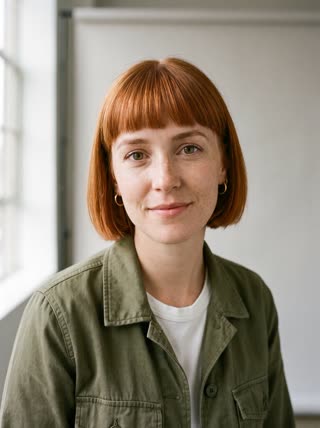
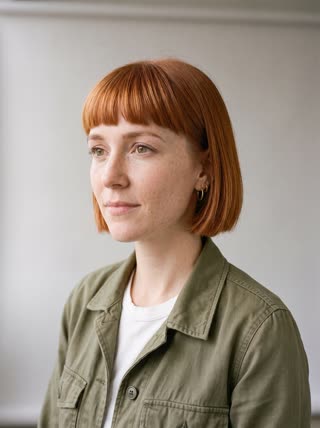
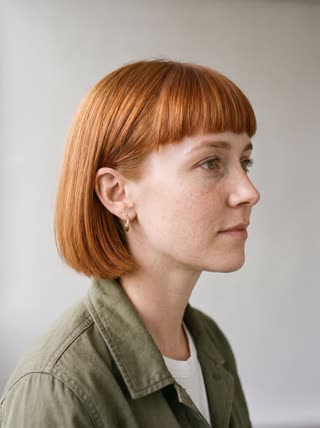
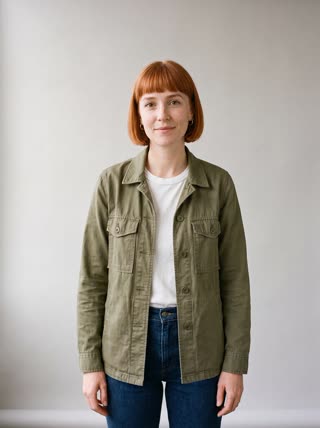
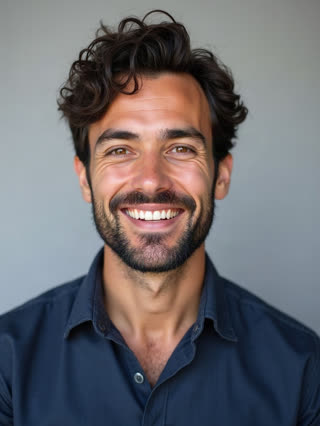
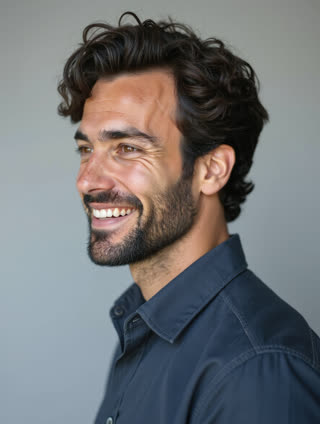
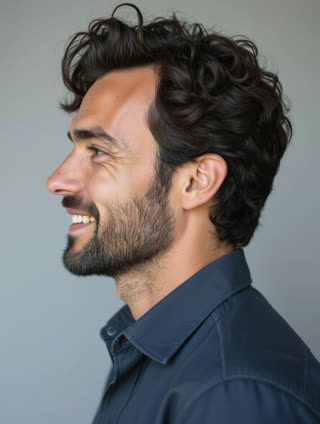
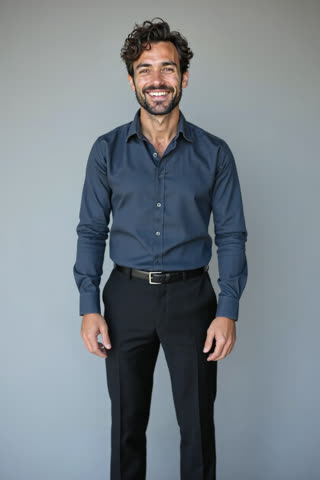
8 photos of Mia and Leo
Three steps. No prompt skills, no 20 photos.
Some tools train a face from 20 or more photos, others want long, careful prompts. RefVid needs a few photos and one line.
- 01
Upload 1–5 photos
A clear front view of the person or product. Add a side view or a close-up of the label if you have one.
- 02
Pick a template or write one line
Start from a ready-made template, or describe the scene in one sentence, such as “she pours coffee in a bright kitchen”.
- 03
Generate
The clip keeps the same face, outfit or label. Make the next scene from the same photos whenever you like.
Why the actors look the same in every episode
- Most AI video tools start each clip from one picture or from words alone, so the lead's face shifts from episode to episode. RefVid keeps a saved set of photos for each actor and attaches it to every scene. The model sees the same faces from several angles each time, which holds a cast together across a season.
- Up to 3 actors can share one shot, each tied to their own photos, so a two-hander, a love triangle or a family dinner keeps every face apart. The cast stays in your account: episode two starts from the same saved actors, not from new uploads.
What to start from: a cast of saved actors
- Start with 3 to 5 clear photos of each actor: a straight-on face, a three-quarter view from each side and one waist-up shot in the costume they wear all season. Invented characters work as well as real people: save a portrait you made elsewhere, or a drawn character sheet, the same way.
- Keep the costume fixed for the season, and save a new version of the actor if it has to change. Use photos of yourself or of people who agreed to act in your series; the studio asks you to confirm this for every adult.
AI video drama series formats that work
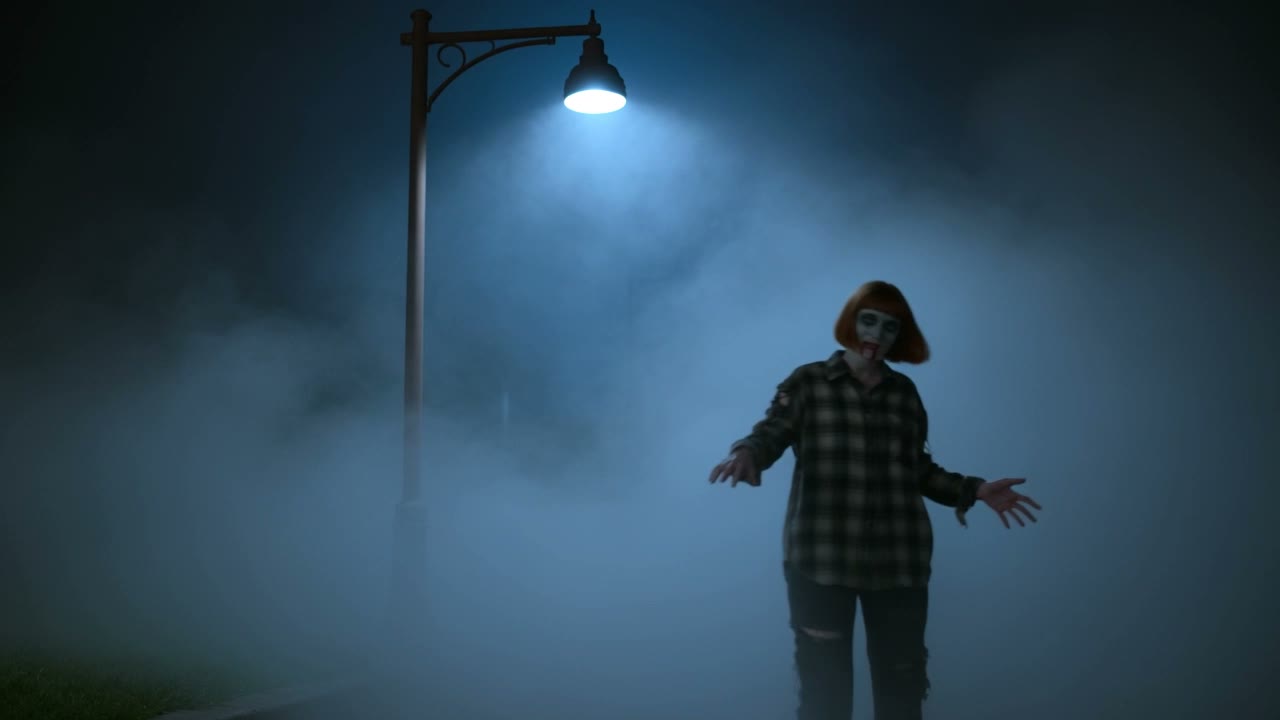
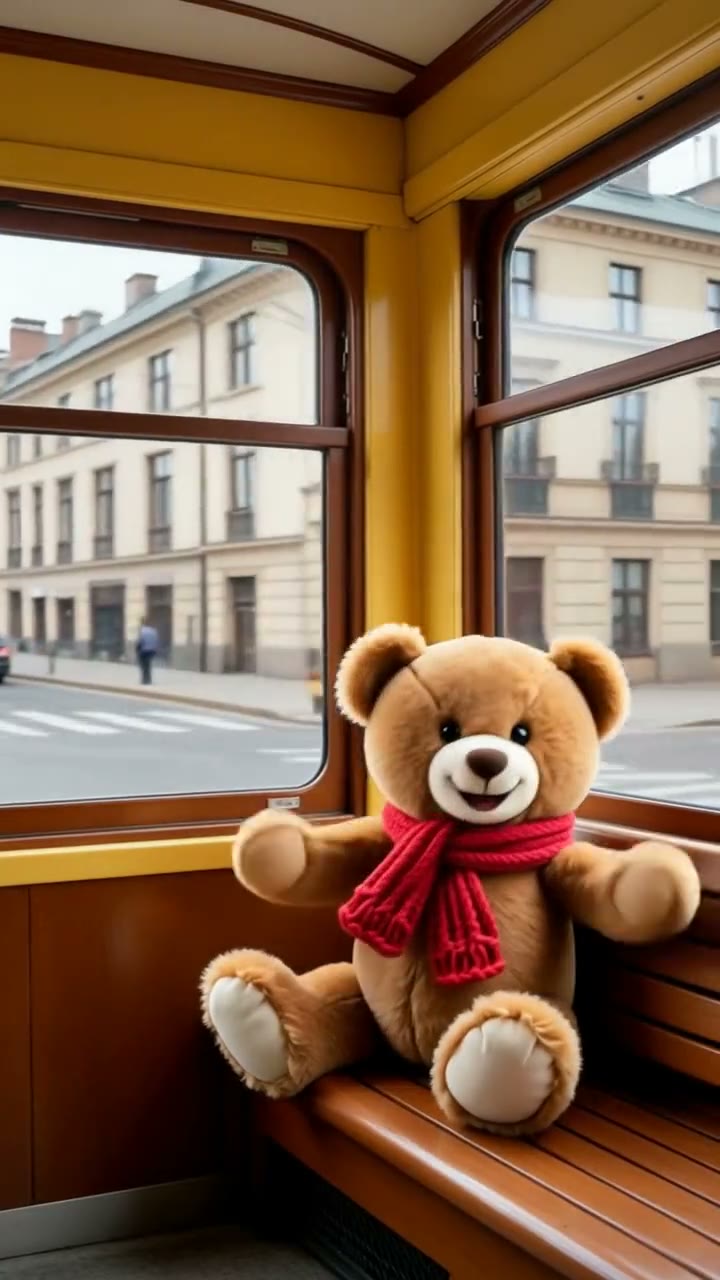
Three formats suit vertical episodes of one to two minutes. The micro-drama: romance, revenge or a family secret, with one cliffhanger per episode. The cartoon series: a small cast in one recurring place, like our own GuaPi. And the brand mini-series: the same presenter or mascot in a short weekly story.
GuaPi is the series we keep making ourselves: a boy, his big sister, a bossy goose and a dog in one village courtyard, four episodes so far, every character drawn from the same fixed character sheets. Each episode has its own page on how it was made, shot by shot.
How to write an episode the model can shoot
- Write each episode as scenes of 10 to 15 seconds, and each scene as two or three shots: a wide shot that sets the place, then close-ups on whoever speaks. Put each line of dialogue in quotes and name who says it; the model speaks quoted lines in the clip, together with the room sound.
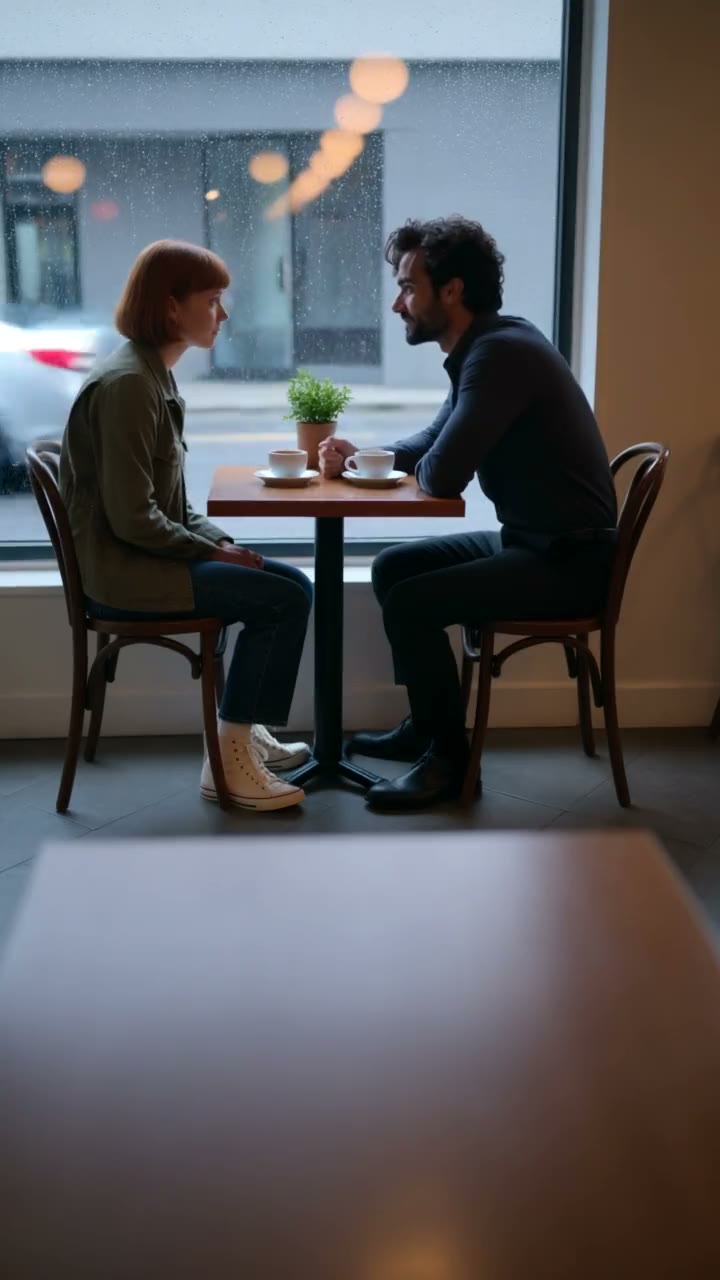
- A scene that works: "Rainy evening in a quiet café: Mia and Leo sit across a small table, untouched coffee between them. Close-up of Mia, eyes steady, saying quietly: 'You knew all along, didn't you?' Close-up of Leo, looking down, then up, and answering: 'I was going to tell you tonight.'" It is the short drama template's own prompt, the one that made the clip at the top of this page.
- End each episode on an open action, such as a phone lighting up on the table or a door opening, so the next one has something to answer. Paste the description of each recurring location word for word into every scene, so the set looks the same from week to week.
Length, voices and joining scenes into episodes
- One scene runs 3 to 30 seconds on Kling 4 and up to 15 on Kling 3.0 Omni, in 9:16, 16:9 or 1:1. An episode is several scenes joined in any editor, such as CapCut. The faces match from scene to scene because every scene is made from the same saved photos.
- Give each actor a fixed voice, one of six preset voices or a 5 to 30 second sample of your own, so they sound the same in every episode. To carry a moment across a cut, start the next scene from the last frame of the one before and describe what happens next.
Price, and checks before you post
- New accounts get one free 5-second Kling 3.0 Omni video, no card needed, enough to test your cast in a first shot. Full scenes with sound are single paid videos with no plan, or use credits from a pack or plan, and RefVid adds no watermark either way. Current prices are on the pricing page.
- Before you post an episode: the same costumes as last week, names spelled the same in every caption, the AI label switched on where TikTok, YouTube or Instagram ask for it, and consent from every real person in the cast.
Start from a template
Each one opens the studio with the shots, shape and length already set. Add your own product and generate.
More character videos
Frequently asked questions
Is there an AI drama series maker that keeps the same actors?
Yes. RefVid saves each actor once from 1 to 5 photos and uses those photos in every scene, so episode ten shows the same faces as episode one. Up to 3 actors can share a shot.
Can an AI drama series generator make a whole episode at once?
Not in one clip. A clip runs up to 30 seconds on Kling 4, so an episode of one to two minutes is four to eight scenes, each generated with the same cast and joined in an editor.
Is it free to start?
Yes. New accounts get one free 5-second Kling 3.0 Omni video, no card needed. Full scenes with sound are paid per video or from credits, and there is no watermark either way.
Can the characters speak their lines?
Yes. Write each line in quotes and name who says it; the line is spoken in the clip with room sound. Kling 4 always makes sound; on Kling 3.0 Omni, switch Sound on.
Can I make a cartoon or anime drama series?
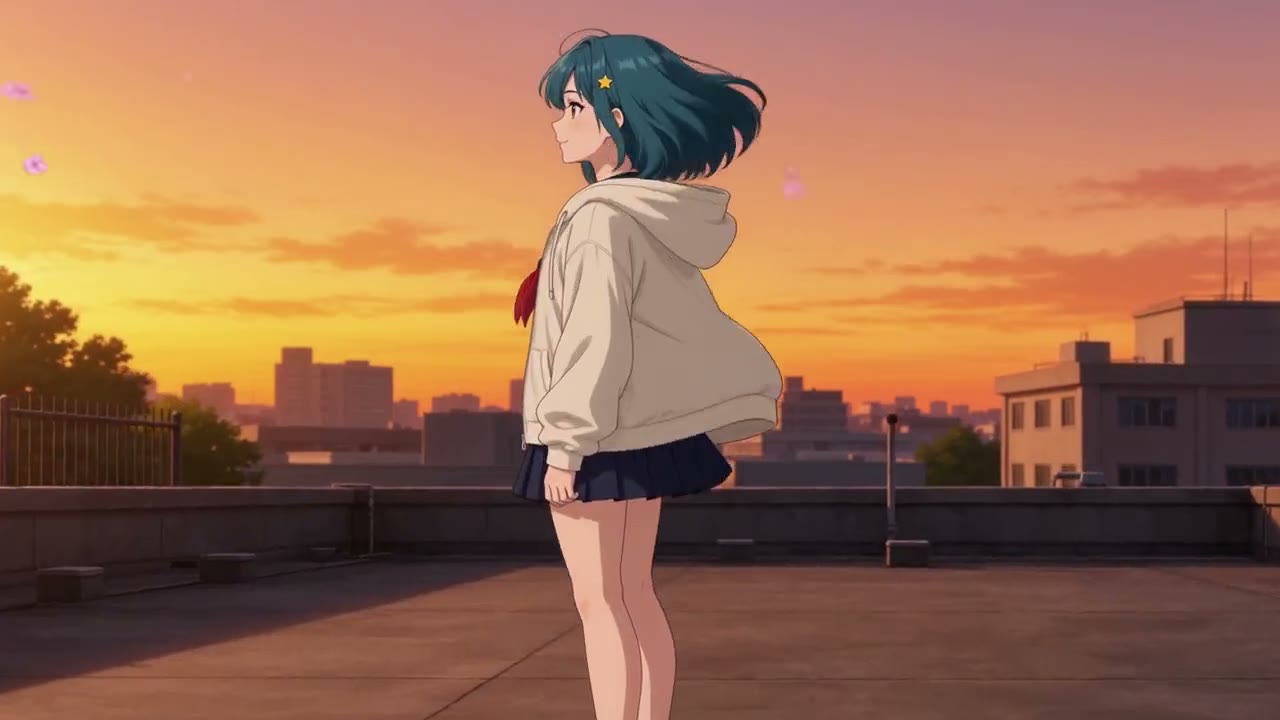
Yes. Save each character from a character sheet or a few drawings in one fixed style, and open every prompt with the same style line. GuaPi, our own cartoon series, is made this way.