Your product on a 3D billboard - RefVid
Turn your own photos into videos in minutes · Your first video is free, no watermark
First video free, no card
What you get
RefVid’s 3D billboard template turns 1–5 photos of your product into a 5-second vertical clip in the style of the forced-perspective ads seen in Tokyo and Seoul: your product fills a curved LED screen on a city corner at dusk, turns, and seems to push out beyond the screen over the street below.
Shape, colours and label come from your photos; the building and city are generated.
- Your real product from 1–5 photos, label and all
- 1 shot, 5 seconds, vertical 9:16
- Curved corner screen, forced perspective, city at dusk
5 s · 9:16 · with sound · Kling 4 · 1–5 photos · Video templates
Made from these photos
Who it’s for
For brands that want the look of a big outdoor campaign without buying one, for launch teasers and social ads that need a surprising first second, and for agencies showing a client an out-of-home idea before it is built.
Photos that work best
Products: 1–5 photos on a plain background — the front with the label readable, then the back and one side. Shoot in soft daylight to avoid glare on glass and gloss; the video keeps the label only as sharp as your best photo.
The prompt
What the studio fills in for you. Your subject takes the place in brackets; you can change any of it.
- A curved 3D LED billboard wraps the corner of a tall city building at dusk, seen from the street below: a giant [your product] fills the screen, turns slowly, then appears to push out beyond the screen’s edge over the street in forced perspective while traffic moves below. Anamorphic CGI ad style, the camera tilting up slowly, city lights.
Make it yours
Pick the city
Change the street to a neon crossing at night, a rainy Tokyo junction or a sunny shopping street in your own city.
Add a moment
Write that something spills out of the screen with the product: coffee beans, petals, water or confetti over the street.
Change the time
Set it at night with neon reflections on wet asphalt, or at noon for a clean, bright daytime look.
How it works
- 01
Sign in and add your product from 1–5 photos. Each subject is saved once, so every later template takes one tap.
- 02
The studio opens with this template filled in: the shot, 5 seconds, 9:16. Change any word you like.
- 03
Press Generate. The clip is ready in a few minutes, without a watermark, and the same subject is there for the next one.
More product videos
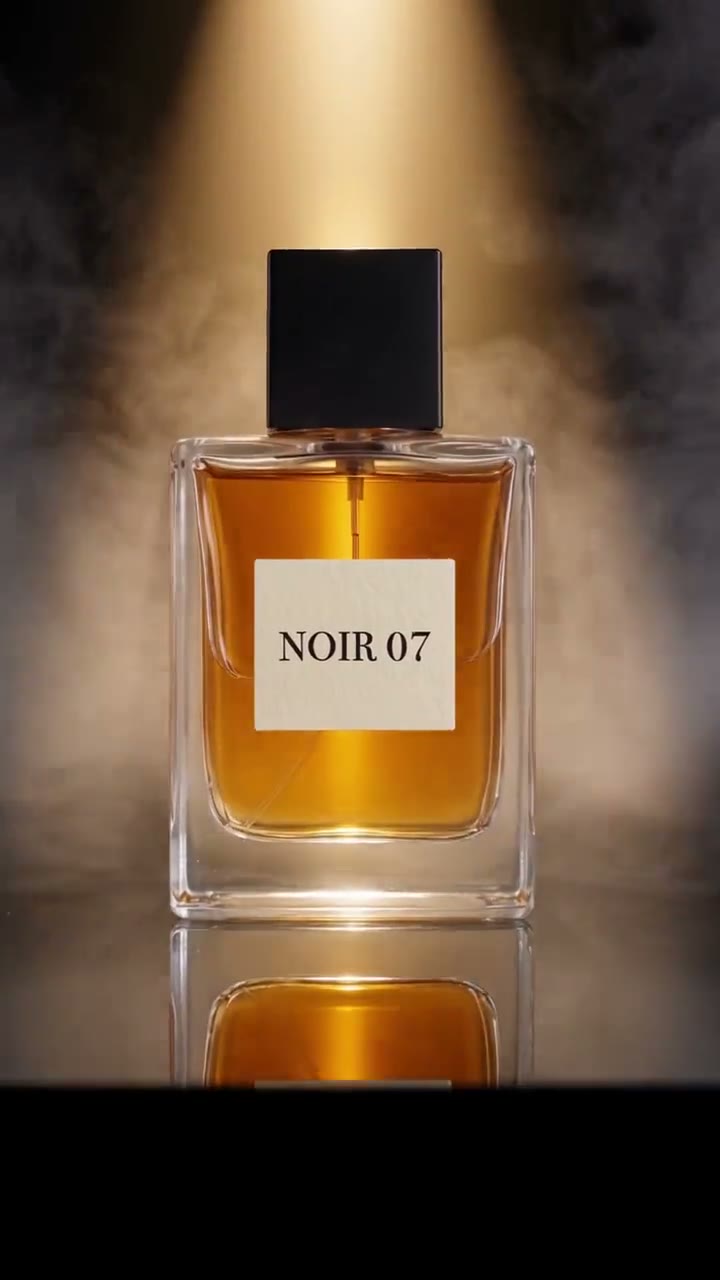
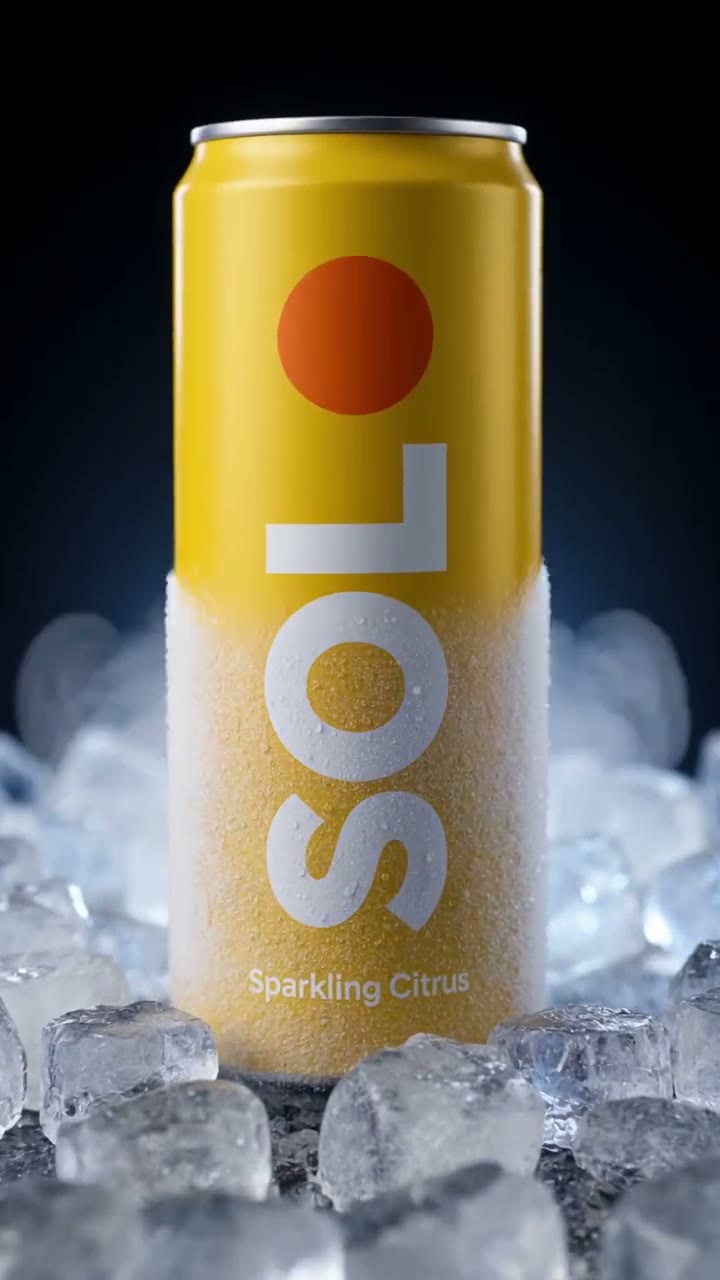
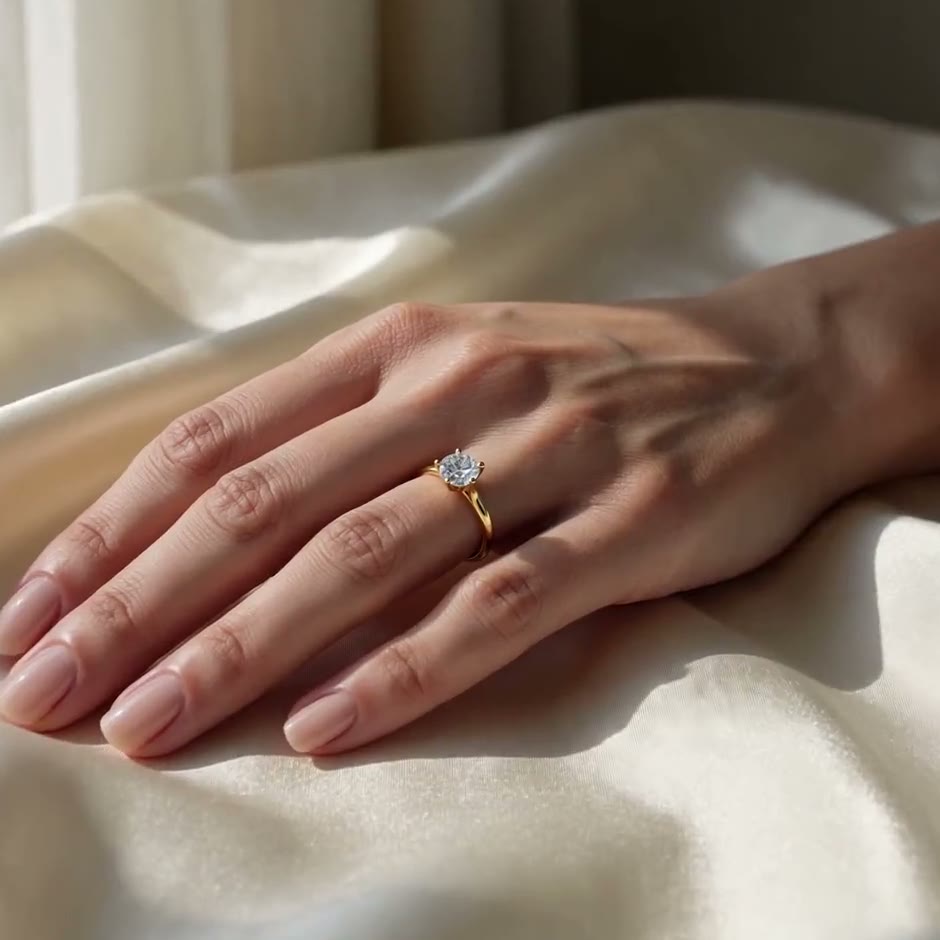
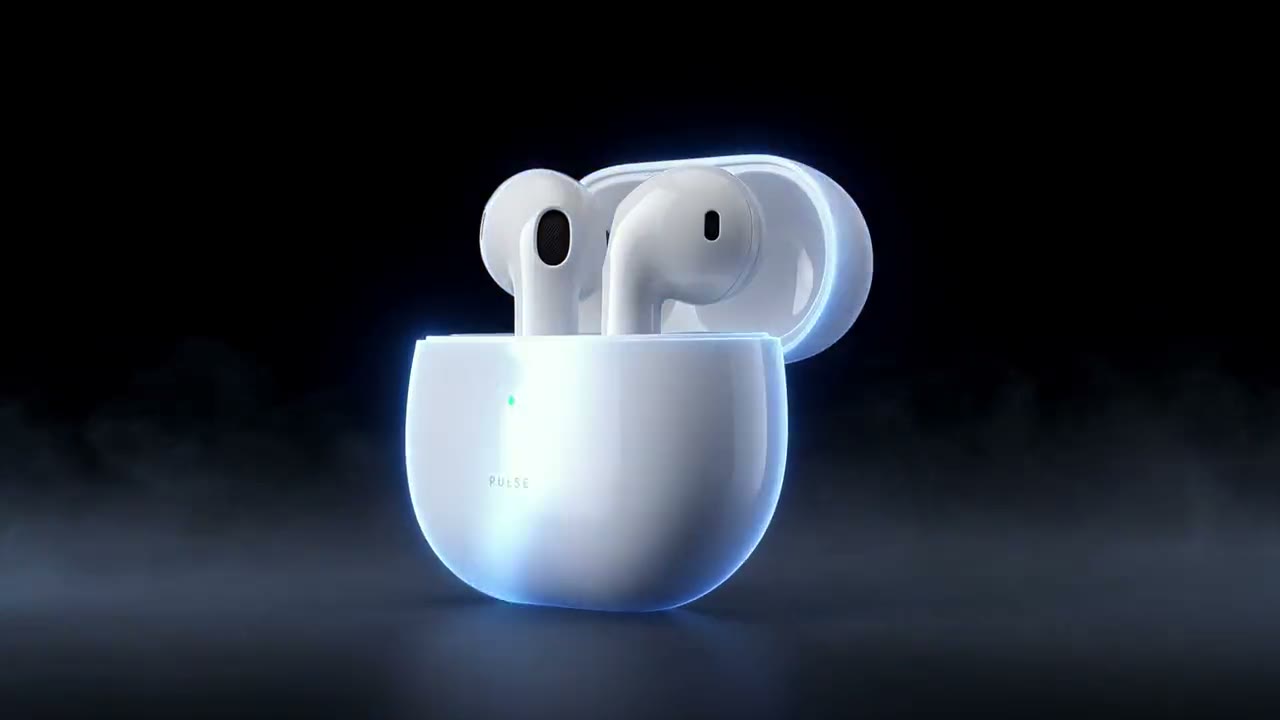
Questions
How do I make a 3D billboard ad from a photo of my product?
Press Use this template, sign in and add your product from 1–5 photos; one sharp photo with the label or logo readable is enough to start. The studio opens with the 3D billboard shot written, and you can change the city and the time of day before you generate. Press Generate and you get a 5-second vertical clip without a watermark.
What are CGI billboard ads?
Ads on curved corner screens drawn in forced perspective, so the product seems to come out of the building. This template makes a clip in that style for your own channels; it is not a booking on a real screen.
Can I use it to pitch a real billboard?
Yes: agencies often mock up an out-of-home idea this way. Say clearly it is a concept, since the street and the screen are generated.
Which products work best on a billboard?
Products with a bold shape and a clear label: cans, bottles, sneakers, boxes and bags. Tiny items lose detail at billboard scale.
How much does this template cost?
New accounts get one free 5-second video, no card to start. That covers this whole template once; after that, buy it as a single video, with no plan, or use credits from a pack or plan. Current prices are on the pricing page.