A lipstick swatch for your shade - RefVid
Turn your own photos into videos in minutes · Your first video is free, no watermark
First video free, no card
What you get
RefVid’s lipstick swatch template turns 1–5 photos of your lipstick into a 5-second vertical beauty clip: in macro, the bullet glides across a smooth cream surface and leaves a single rich swatch, then the camera rises to the lipstick standing upright beside it in soft daylight.
The case, the bullet’s shape and the shade come from your photos.
- Your real lipstick from 1–5 photos, case and shade
- 1 shot, 5 seconds, vertical 9:16
- Macro swatch, soft daylight, beauty-ad style
5 s · 9:16 · with sound · Kling 4 · 1–5 photos · Video templates
Made from these photos
Who it’s for
For beauty brands and makeup sellers showing a shade on product pages, Instagram and TikTok; for launches with several colours, one clip per shade; and for shops that cannot run a swatch shoot for every new colour.
Photos that work best
Products: 1–5 photos on a plain background — the front with the label readable, then the back and one side. Shoot in soft daylight to avoid glare on glass and gloss; the video keeps the label only as sharp as your best photo.
The prompt
What the studio fills in for you. Your subject takes the place in brackets; you can change any of it.
- Macro: the bullet of [your lipstick] glides across a smooth cream surface and leaves a single rich, glossy swatch of its colour, then the camera rises to [your lipstick] standing upright beside the swatch in soft daylight, the colour and the case in sharp focus. Clean beauty-ad style, shallow depth of field.
Make it yours
Swatch on skin
Write the inside of a wrist or the back of a hand instead of the cream surface, for a real-skin swatch.
Show more shades
Add two more strokes in neighbouring shades for a collection, or ask for a glossy finish instead of satin.
Change the set
Swap the cream surface for pink marble, folded satin or a mirror for a more luxurious look.
How it works
- 01
Sign in and add your lipstick from 1–5 photos. Each subject is saved once, so every later template takes one tap.
- 02
The studio opens with this template filled in: the shot, 5 seconds, 9:16. Change any word you like.
- 03
Press Generate. The clip is ready in a few minutes, without a watermark, and the same subject is there for the next one.
More product videos
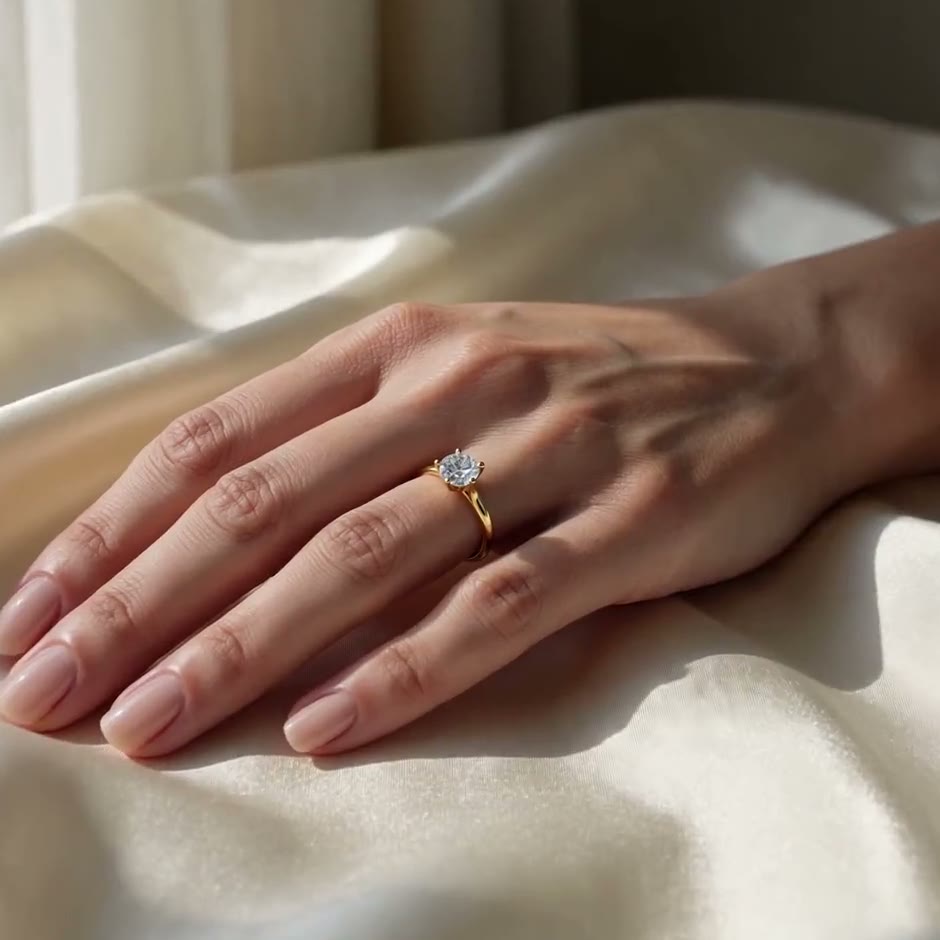
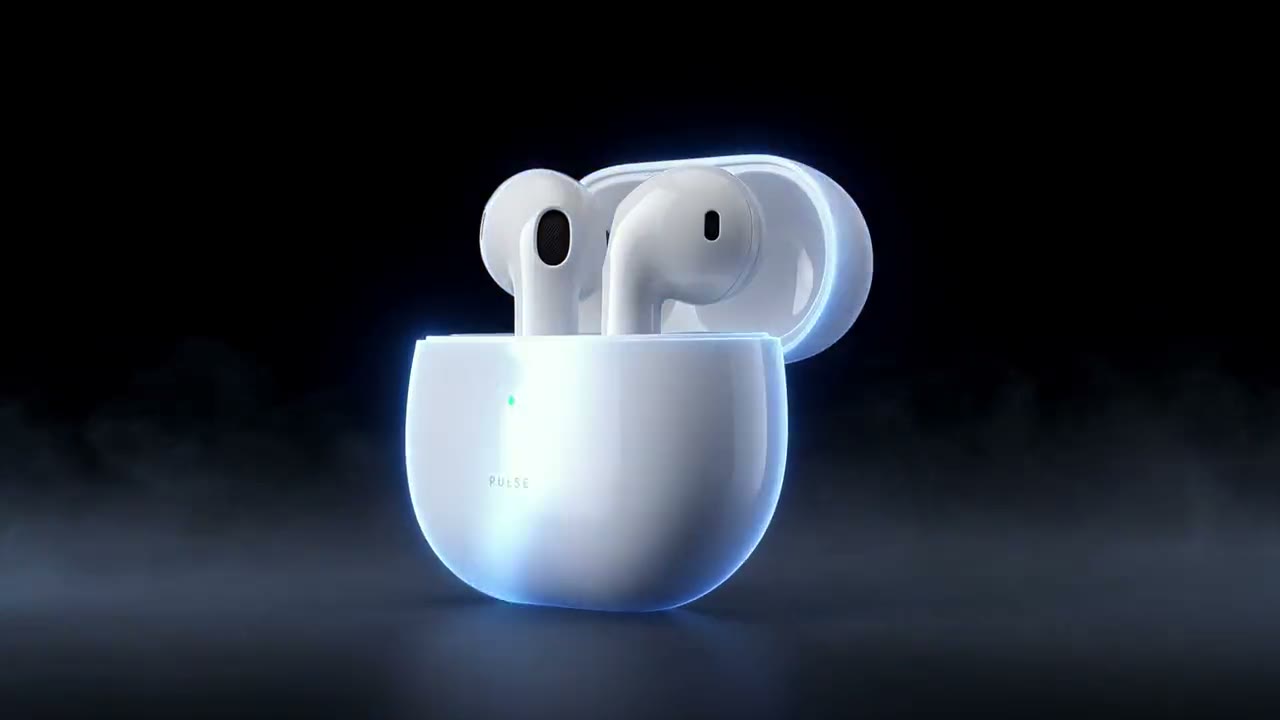
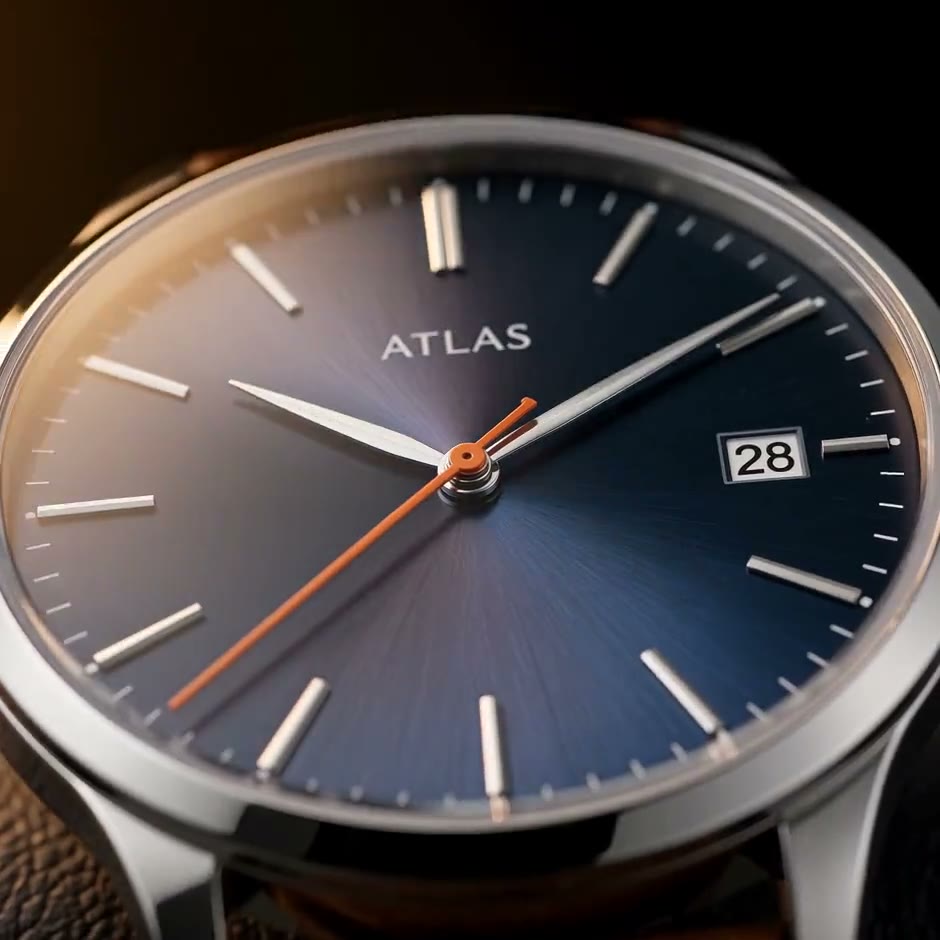
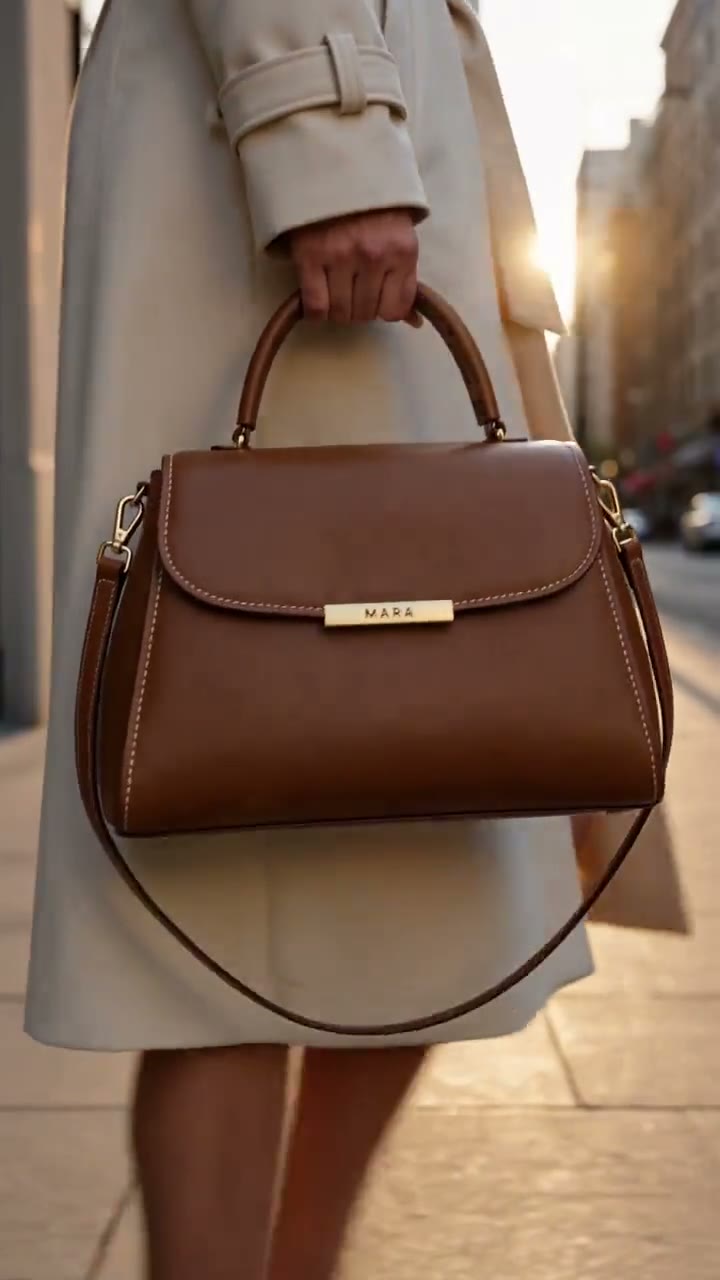
Questions
How do I make a lipstick swatch video from a photo of my lipstick?
Press Use this template, sign in and add your lipstick from 1–5 photos; one sharp photo with the label or logo readable is enough to start. The studio opens with the swatch shot written, and you can change the surface or swatch it on skin before you generate. Press Generate and you get a 5-second vertical clip without a watermark.
Can I make a lipstick commercial without a studio?
Yes: the surface, the light and the swatch are generated, so you only add photos of the lipstick.
Will the colour match my shade?
The swatch follows the colour of the bullet in your photos, so shoot it in daylight without filters. Screens show colour differently, so check the clip on a phone too.
Does it work for other makeup?
Yes: write a foundation, blush or eyeshadow swatch instead; balms, glosses and crayons work like lipstick.
How much does this template cost?
New accounts get one free 5-second video, no card to start. That covers this whole template once; after that, buy it as a single video, with no plan, or use credits from a pack or plan. Current prices are on the pricing page.