Free AI Video Generator - RefVid
Turn your own photos into videos in minutes · Your first video is free, no watermark
First video free, no card
Your first video is free
Yes, you can make an AI video for free on RefVid today. Upload one to five photos of a person, pet, mascot or product, describe the scene, and your first 5-second video is free.
- 720p on Kling 3.0 Omni, sign in with Google or email, no card
- No watermark, and you may use it commercially
- Every clip is made from the same photos of your subject
Three steps. No prompt skills, no 20 photos.
Some tools train a face from 20 or more photos, others want long, careful prompts. RefVid needs a few photos and one line.
- 01
Upload 1–5 photos
A clear front view of the person or product. Add a side view or a close-up of the label if you have one.
- 02
Pick a template or write one line
Start from a ready-made template, or describe the scene in one sentence, such as “she pours coffee in a bright kitchen”.
- 03
Generate
The clip is made from your own photos. Make the next scene from the same photos whenever you like.
Free first video
A new account's first 5-second clip costs nothing, plus five free images.
Your own photos
Save a person, pet, mascot or product once from 1 to 5 photos.
No watermark
You download the clean MP4 the model made, on every plan.
Commercial use
Post it in a shop, an ad or a client's feed, free clip included.
What the free start includes
- The free credits cover your first 5-second video on Kling 3.0 Omni: 720p and silent, or once with sound or at 1080p. Five free images come with it, to preview your subject in a scene.
- It is a start, not a daily allowance. After it, videos use paid credits, as do longer clips and Kling 4; one free start per person.
Free AI video generator, no watermark: what you download
- Every video downloads as the clean MP4 the model made. No watermark, logo or end card, on the free clip or a paid plan.
- Commercial use is allowed on the free clip too. You need the right to every photo you upload: yourself, people who agreed, or what you own.
Why every clip starts from your own photos
Most free tools draw the person or product again for every clip, so faces, logos and outfits drift. RefVid gives the model all 1–5 photos of your subject with every prompt.
The model sees the face, outfit and label from several angles. The same subject is there for the next clip, without uploading again.
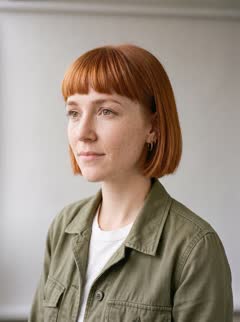
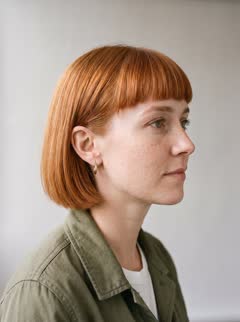
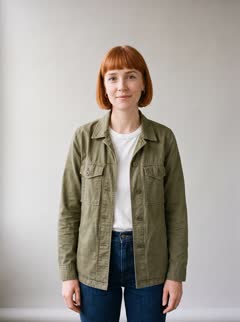
4 photos of a person

Two 5-second clips
Free AI video generator from an image: start with 1–5 photos
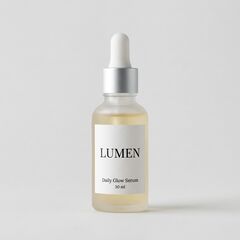
- One sharp, well-lit photo is enough to start. Three to five are better: front, three-quarter and profile, the label readable on a product.
- No photos? A clip from a prompt alone costs the same. The model invents the subject each time, so it suits one-off shots and b-roll.
What to make in five seconds, with prompts that work
Five seconds holds one action and one camera move. The prompt describes the scene; your photos supply the subject.
Trail clip above:
"Mia hikes along a narrow mountain trail through drifting mist and tall pine trees, then stops and turns to look back over her shoulder toward the camera with a slight smile. The camera follows behind her at a steady walking pace. Moody overcast light, cinematic, realistic."
Product clip below:
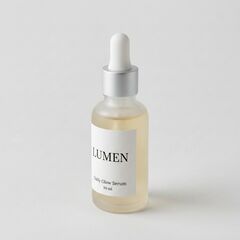
"LUMEN stands on a white marble bathroom shelf next to a small green plant, its frosted glass covered in fine water droplets, morning sunlight falling through a frosted window, a little steam drifting through the light. Slow push-in toward the bottle until the LUMEN label fills the centre of the frame, the label text stays crisp. Clean beauty commercial, soft light, shallow depth of field."
3 photos of a product

After the free clip, and a last check before you post
- For more, buy one clip, a credit pack or a plan. Credits never expire, failed clips are refunded, and paid clips run on Kling 4 with sound up to 30 seconds.
- Before posting, watch at full size: hands, faces, text and labels. Label realistic AI video as AI-generated where the platform asks.
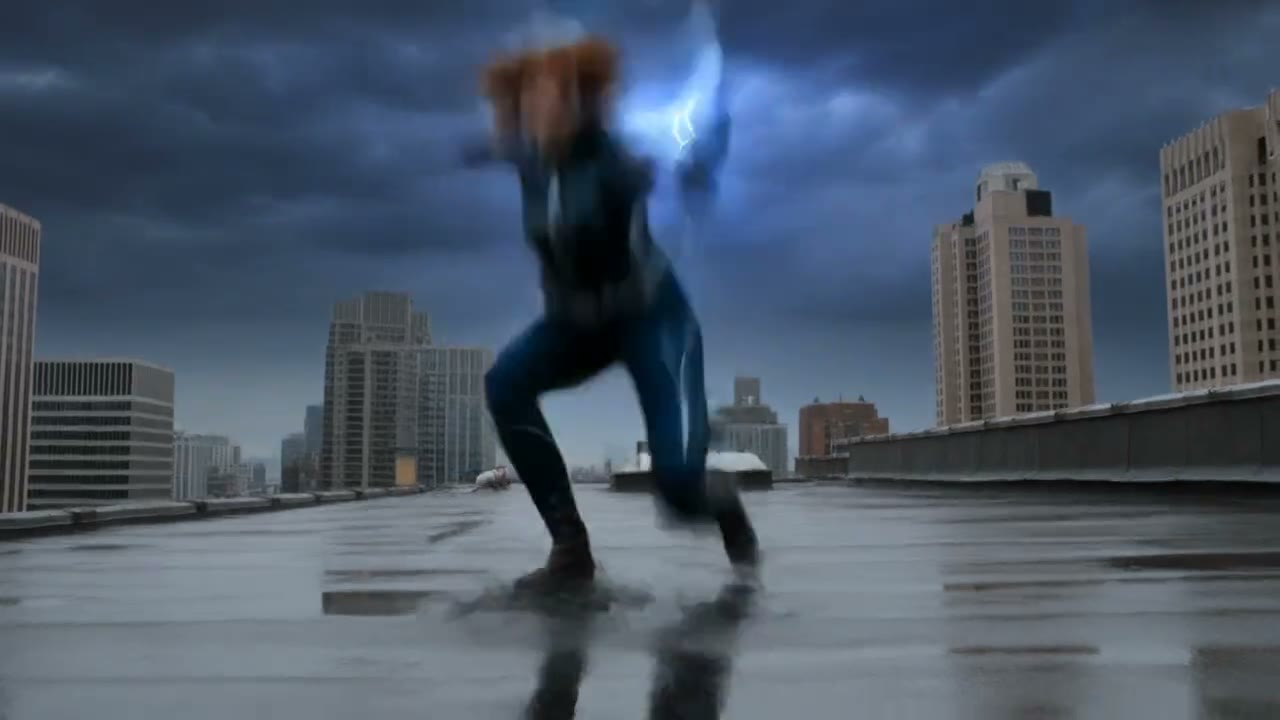
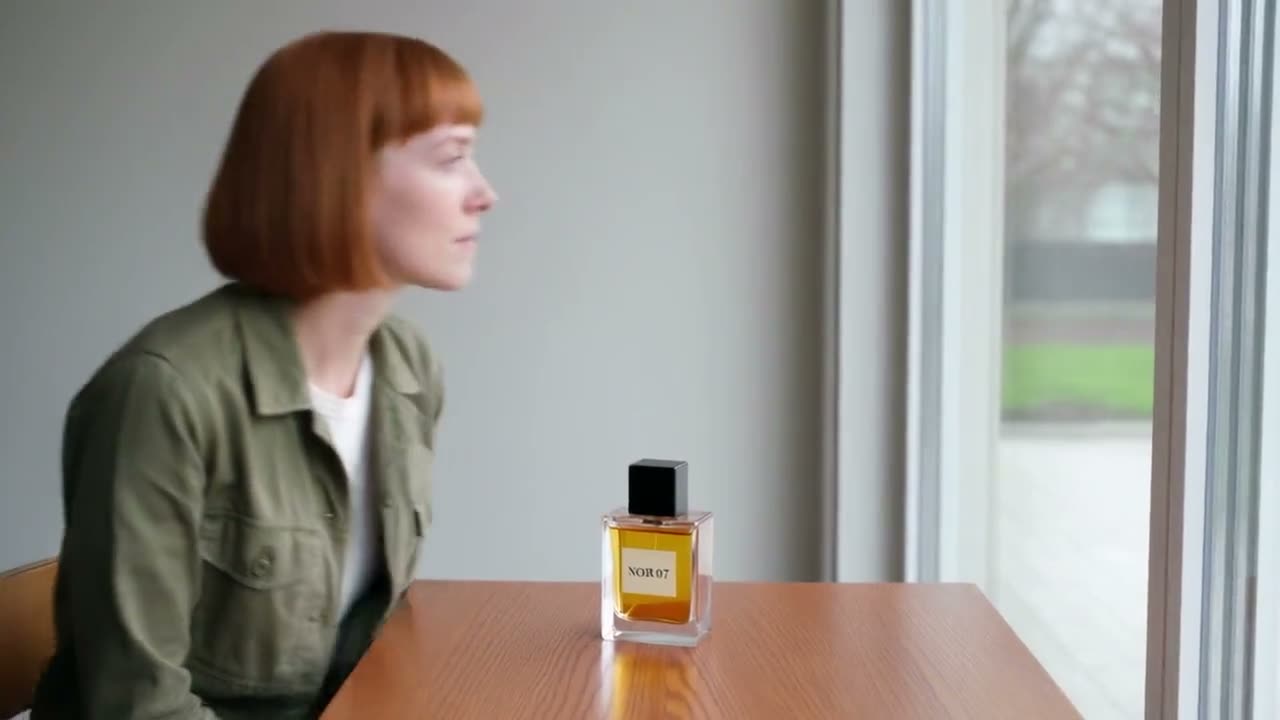
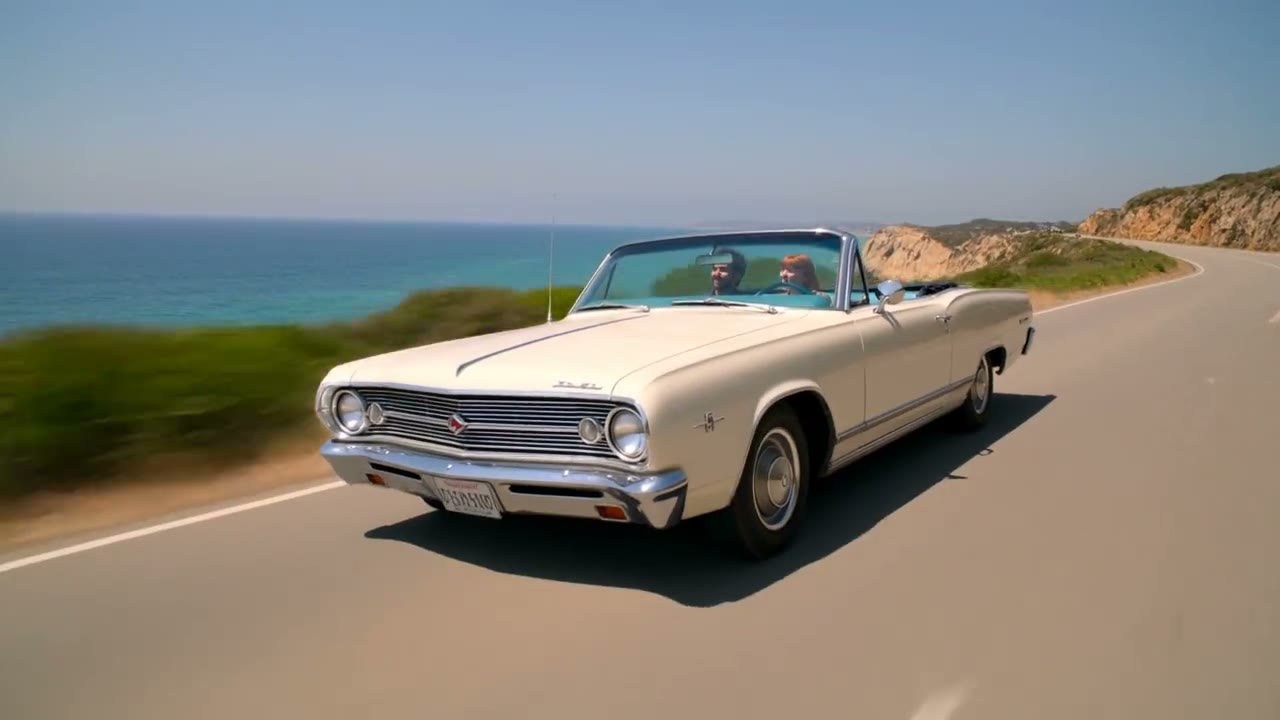
More character videos
Frequently asked questions
Can I use the free video commercially?
Yes, on the same terms as a paid clip. You keep the rights in what you generate and need the right to the photos you upload.
Is there a free AI video generator with no sign-up?
No. You sign in with Google or email so your subject and clips are saved, but no card is asked for.
Can I use the free AI video generator without a credit card?
Yes. Signing in with Google or email is all it needs; a card only comes in if you buy credits later.
Does the free video have a watermark?
No. RefVid never adds a watermark; you download the clean MP4.
How many free videos can I make?
One: your first 5-second clip on Kling 3.0 Omni, plus five free images. After that, videos use paid credits, which never expire.
Does the free clip have sound?
It can. The free clip starts silent at 720p; the free credits also cover it with sound or at 1080p instead.
Can I use a free AI video generator with my own face, character, product or pet?
Yes. Save any subject from 1 to 5 photos: yourself, a character, a pet, a mascot, a toy or a product.
By Louis Chi