A floating product video, zero gravity - RefVid
Turn your own photos into videos in minutes · Your first video is free, no watermark
First video free, no card
What you get
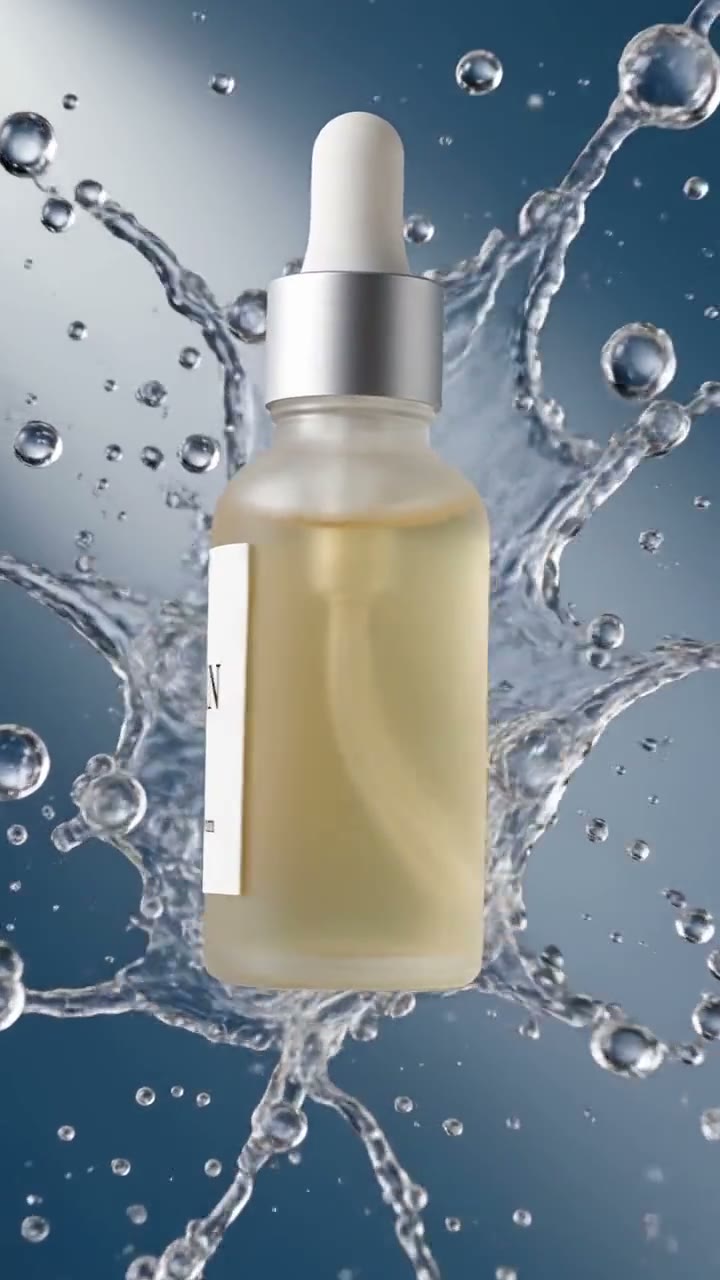
RefVid’s floating product template turns 1–5 photos of your product into a 5-second vertical clip of it hanging weightless in mid-air, turning slowly over a soft gradient while a round shadow waits on the floor below.
It is the zero-gravity shot sneaker, gadget and beauty brands use to show several sides at once, with the shape, colours and label kept from your photos.
- Your real product from 1–5 photos, label and all
- 1 shot, 5 seconds, vertical 9:16
- Zero gravity, soft gradient, studio light
5 s · 9:16 · with sound · Kling 4 · 1–5 photos · Video templates
Made from these photos
Who it’s for
For shops and brands that want a clean, premium ad without a studio rig: sneakers, bottles, gadgets and boxes that look best seen from several sides, product launches, and the first second of a paid social ad.
Photos that work best
Products: 1–5 photos on a plain background — the front with the label readable, then the back and one side. Shoot in soft daylight to avoid glare on glass and gloss; the video keeps the label only as sharp as your best photo.
The prompt
What the studio fills in for you. Your subject takes the place in brackets; you can change any of it.
- [your product] floats weightlessly in mid-air against a soft peach-to-lavender gradient background, turning slowly through half a turn while drifting gently up and down, a soft round shadow on the floor below. Zero gravity, bright soft studio light, locked-off camera, crisp detail on the label.
Make it yours
Pick the gradient
Change the peach-to-lavender gradient to your brand colours, or to a dark background for a night-time launch.
Add floating pieces
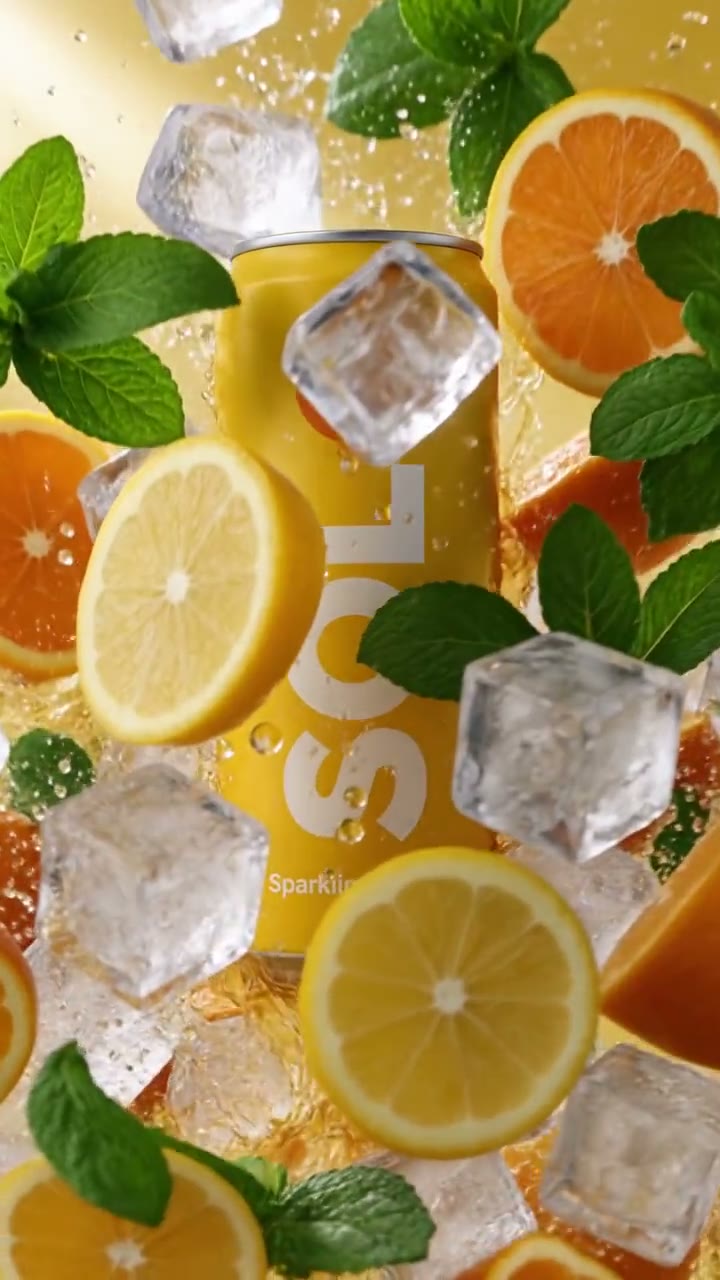
Describe ingredients, small parts or confetti drifting around the product, so the whole frame floats with it.
End on a landing
Add that the product settles gently onto a plinth at the end, so the ad finishes on a still pack shot.
How it works
- 01
Sign in and add your product from 1–5 photos. Each subject is saved once, so every later template takes one tap.
- 02
The studio opens with this template filled in: the shot, 5 seconds, 9:16. Change any word you like.
- 03
Press Generate. The clip is ready in a few minutes, without a watermark, and the same subject is there for the next one.
More product videos
Questions
How do I make a floating product video from a photo of my product?
Press Use this template, sign in and add your product from 1–5 photos; one sharp photo with the label or logo readable is enough to start. The studio opens with the floating shot written, and you can change the gradient to your brand colours before you generate. Press Generate and you get a 5-second vertical clip without a watermark.
Which products look best as a floating product?
Anything with a clear shape: sneakers, bottles, cans, headphones, boxes and jars. Very flat items such as cards read better in the flat lay template.
Does the label stay the same while it turns?
Yes: RefVid draws the product from your photos in every frame, so the label and logo stay the same as it turns. Photos of the sides it shows help the most.
Is a floating product shot the same as a 360 turntable?
No: on the turntable the product spins on a base with the camera still; here it lifts off and hangs in the air, turning partway, which reads more like an ad than a catalogue view.
How much does this template cost?
New accounts get one free 5-second video, no card to start. That covers this whole template once; after that, buy it as a single video, with no plan, or use credits from a pack or plan. Current prices are on the pricing page.