A bullet-time video of your product - RefVid
Turn your own photos into videos in minutes · Your first video is free, no watermark
First video free, no card
What you get
RefVid’s bullet-time template turns 1–5 photos of your product into a 5-second vertical clip in which time stops: your product hangs in mid-air inside a frozen burst of water, every drop still, while the camera glides half a circle around it and ends on the label.
The shape, colours and label come from your photos.
- Your real product from 1–5 photos, label and all
- 1 shot, 5 seconds, vertical 9:16
- Frozen splash, orbiting camera, studio light
5 s · 9:16 · with sound · Kling 4 · 1–5 photos · Video templates
Made from these photos
Who it’s for
For drinks, skincare and fragrance brands that want the frozen-moment shot from big-budget ads, for launch teasers, and for product pages that need one striking clip instead of a slideshow. Works for any product that could believably be splashed.
Photos that work best
Products: 1–5 photos on a plain background — the front with the label readable, then the back and one side. Shoot in soft daylight to avoid glare on glass and gloss; the video keeps the label only as sharp as your best photo.
The prompt
What the studio fills in for you. Your subject takes the place in brackets; you can change any of it.
- Bullet time: [your product] hangs frozen in mid-air inside a burst of crystal-clear water droplets and splashes, every drop suspended and perfectly still, while the camera orbits smoothly half a circle around it and ends with the label facing the lens. Soft blue-white gradient background, bright studio light, crisp macro detail.
Make it yours
Freeze something else
Swap the water drops for milk, coffee, glitter or powder, whatever matches what your product is or holds.
Change the backdrop
Write a dark background with a rim light for a night look, or a warm sunset gradient for a summer launch.
Go further round
Ask for a full circle instead of half, or for the camera to orbit from above, for a more dramatic reveal.
How it works
- 01
Sign in and add your product from 1–5 photos. Each subject is saved once, so every later template takes one tap.
- 02
The studio opens with this template filled in: the shot, 5 seconds, 9:16. Change any word you like.
- 03
Press Generate. The clip is ready in a few minutes, without a watermark, and the same subject is there for the next one.
More product videos
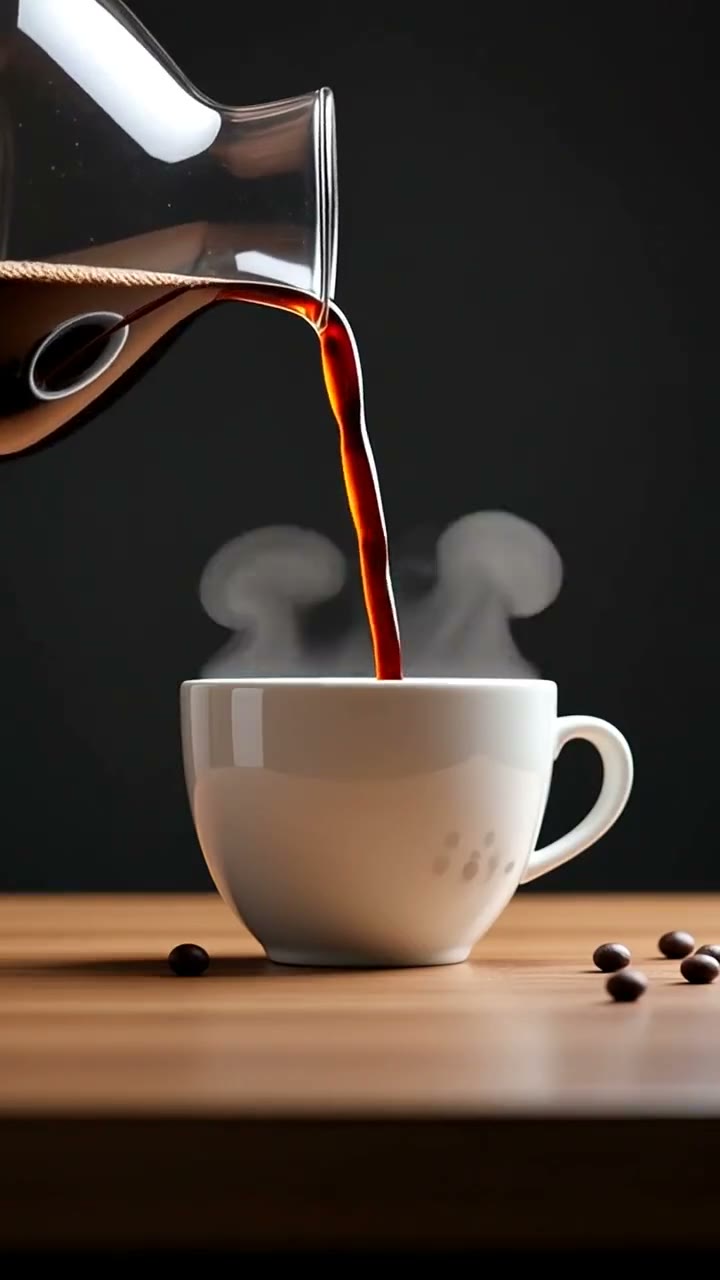
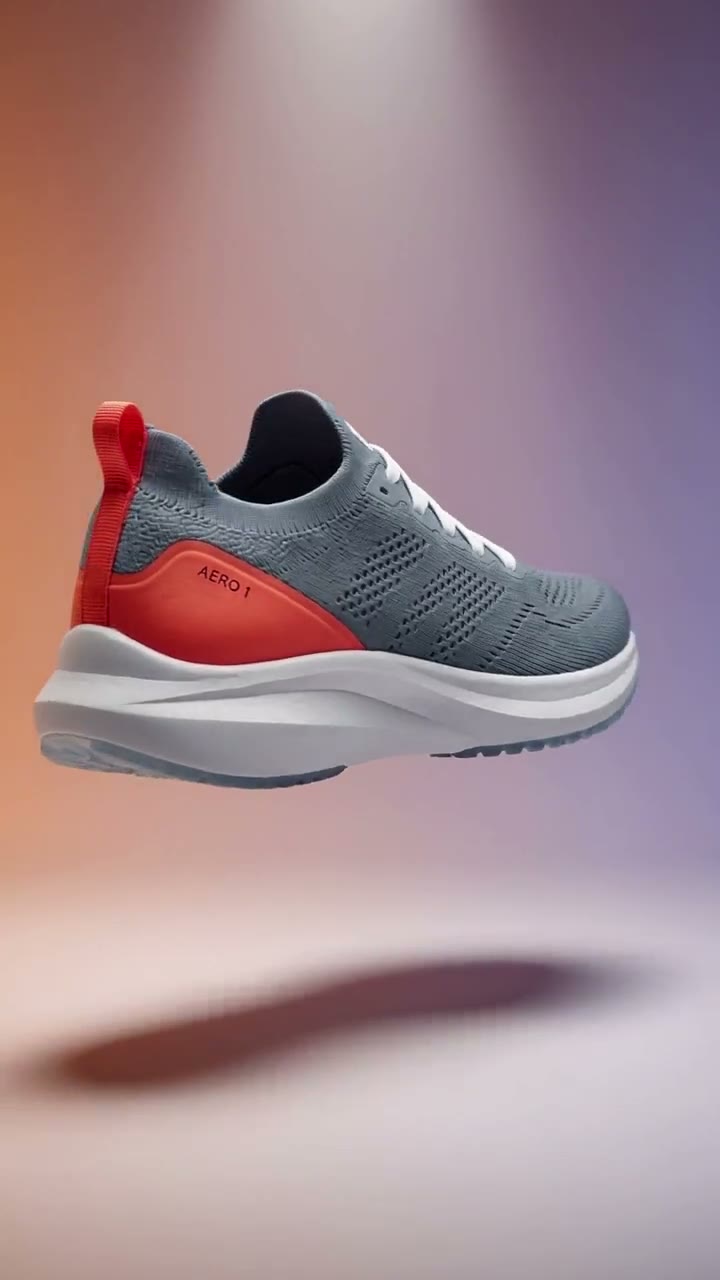
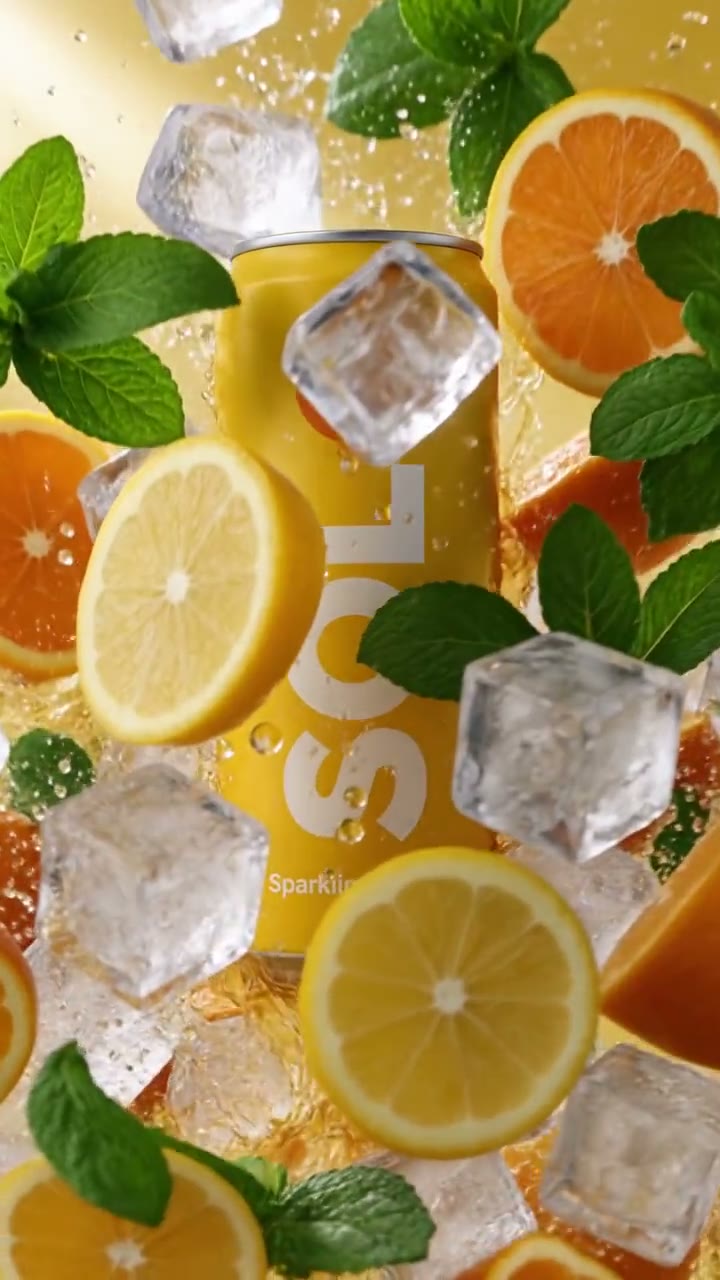
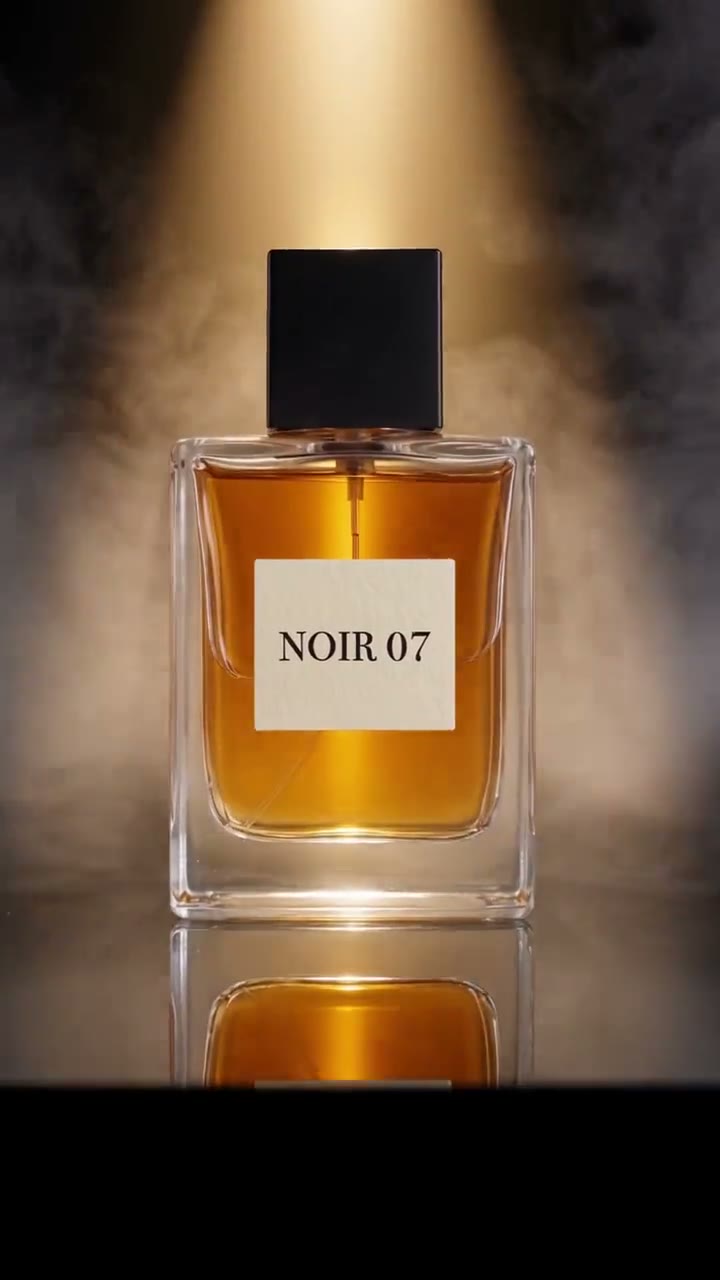
Questions
How do I make a bullet time video with AI from a photo of my product?
Press Use this template, sign in and add your product from 1–5 photos; one sharp photo with the label or logo readable is enough to start. The studio opens with the bullet-time shot written, and you can swap the water for milk or powder before you generate. Press Generate and you get a 5-second vertical clip without a watermark.
What is the bullet time video effect?
Time freezes but the camera keeps moving: the scene stands still while the camera travels around it. Films did it with a ring of cameras; here the whole move is generated from your photos.
Is this the same as the 360 turntable template?
No: on the turntable the product spins and the camera stays still; here the product and the splash are frozen and the camera moves around them.
Which photos work best for bullet time?
A sharp front photo with the label readable, plus a side or back view, since the camera sees the product from several angles as it circles.
How much does this template cost?
New accounts get one free 5-second video, no card to start. That covers this whole template once; after that, buy it as a single video, with no plan, or use credits from a pack or plan. Current prices are on the pricing page.