A short-drama scene with your characters
Vertical short dramas run on recurring faces. Save your two leads once, each from a few photos, and RefVid films a scene: a tense conversation across a café table, shot-reverse-shot close-ups, and a line that lands. The same two faces will be there for episode two.
10 s · 9:16 · with sound
Sign in, add your subject, and the studio opens with this template filled in. Your first 3-second clip is free: this template’s first shot.
Made from these photos
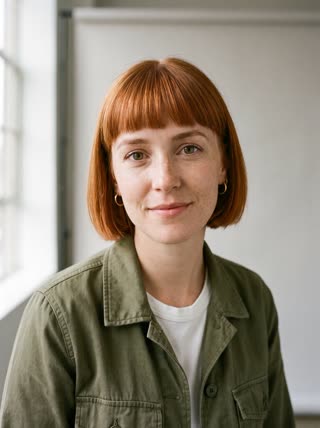
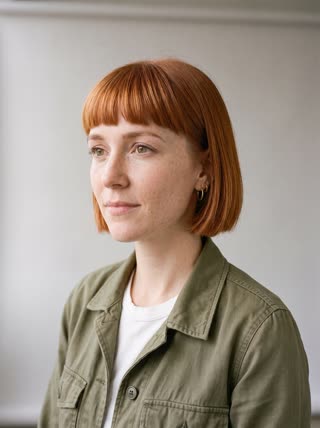
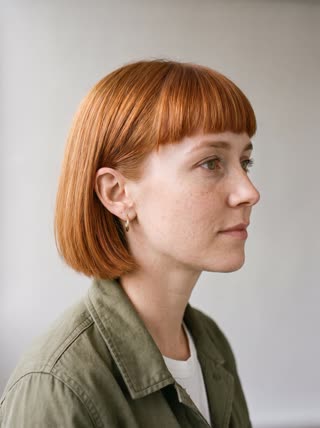
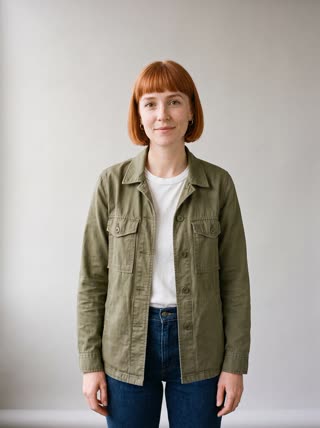
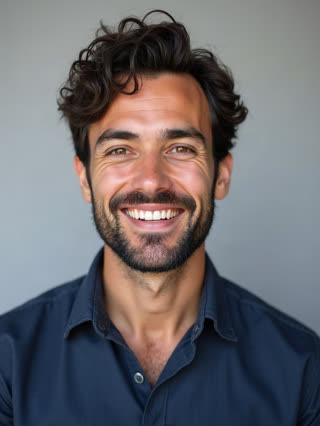
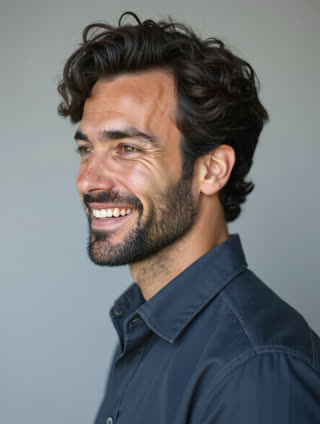
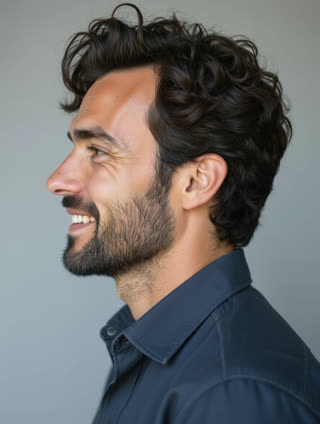
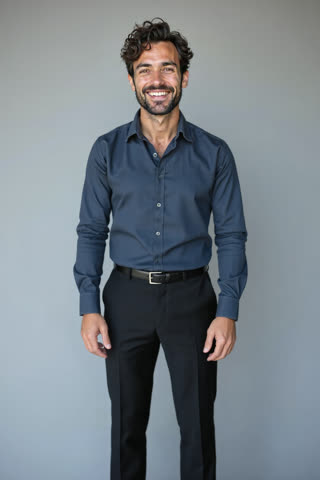
What you get
- Two characters, each from 1–5 photos, the same in every episode
- 3 shots, 10 seconds, vertical 9:16
- Dialogue and room sound generated with the video
- No watermark
Who it’s for
For writers testing a vertical short-drama idea, for creators building a recurring series with the same two leads, and for teachers and students making a scene for class. The same faces stay available for every episode after this one.
The prompt
What the studio fills in for you. Your subject takes the place in brackets; you can change any of it.
- Shot 1Rainy evening in a quiet café: [the first lead] and [the second lead] sit across a small table, untouched coffee between them. Wide shot, moody window light.
- Shot 2Close-up of [the first lead], eyes steady, saying quietly: "You knew all along, didn’t you?"
- Shot 3Close-up of [the second lead], looking down, then up, and answering: "I was going to tell you tonight."
Make it yours
Write the conflict
Replace both quoted lines with your own scene: a breakup, a confession, a business betrayal, each line one short sentence.
Change the setting
Move the scene to a hospital corridor, a rooftop at night, a parked car in the rain, or an office after hours.
Set up episode two
Add a closing action, such as a phone lighting up on the table, so the next scene has something to answer.
Photos that work best
People: 1–5 photos with the face clearly visible and evenly lit — a straight-on portrait first, then a three-quarter angle and a profile. Skip sunglasses, heavy filters and group shots; if a photo shows more than one person, the studio can’t tell who you mean.
How it works
- Sign in and add the first lead and the second lead, each from 1–5 photos. Each subject is saved once, so every later template takes one tap.
- The studio opens with this template filled in: all 3 shots, 10 seconds, 9:16. Change any word you like.
- Press Generate. The clip is ready in a few minutes, without a watermark, and the same subject is there for the next one.
Questions
- Can I write my own dialogue?
- Yes: each line is in quotes in its shot. Keep each line to one short sentence so it fits the shot.
- Can I make a whole series?
- Yes. The characters are saved once; every new scene uses the same faces. Write the next scene in the studio and keep going.
- How much does this template cost?
- A new RefVid account’s free credits cover one 3-second clip. The full template is 10 seconds with sound: buy it as a single video, with no plan, or use credits from a pack or plan. Current prices are on the pricing page.
- Is this an AI drama video generator for full episodes?
- It makes one scene at a time with the same two faces. Make the next scene in the studio and join the clips into an episode.