GuaPi
The goose who runs the yard
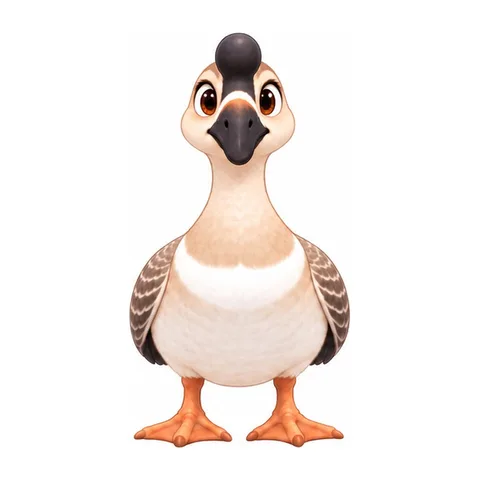
A boy, his big sister, a bossy Chinese goose and a dog who means well share one village courtyard. Every episode is a summer afternoon that goes wrong in under a minute.
Episode 2 · The Shrink Torch
Episodes
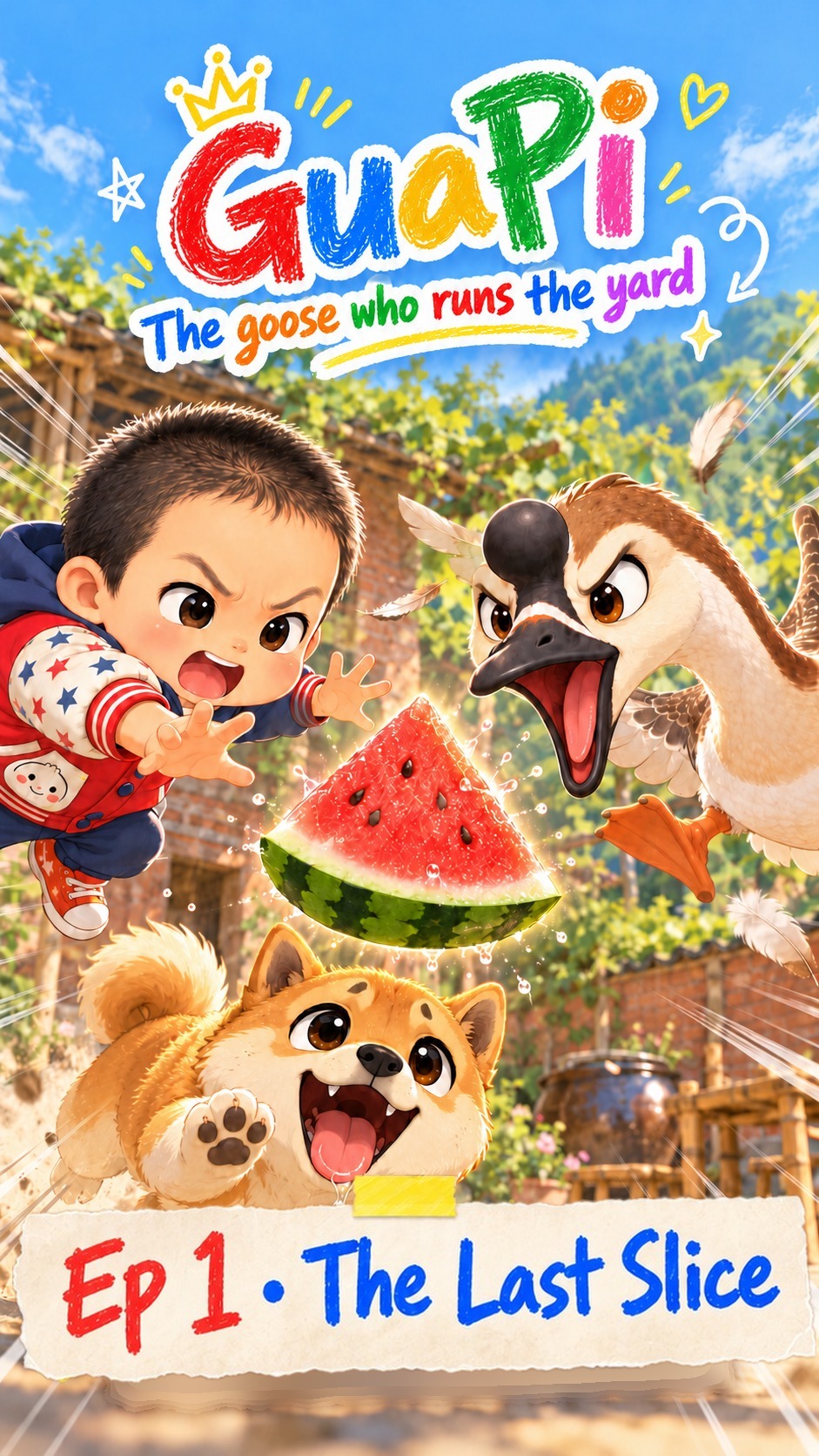 0:40Episode 1The Last Slice
One slice of watermelon, three who want it, and an umbrella with a desk fan taped underneath.
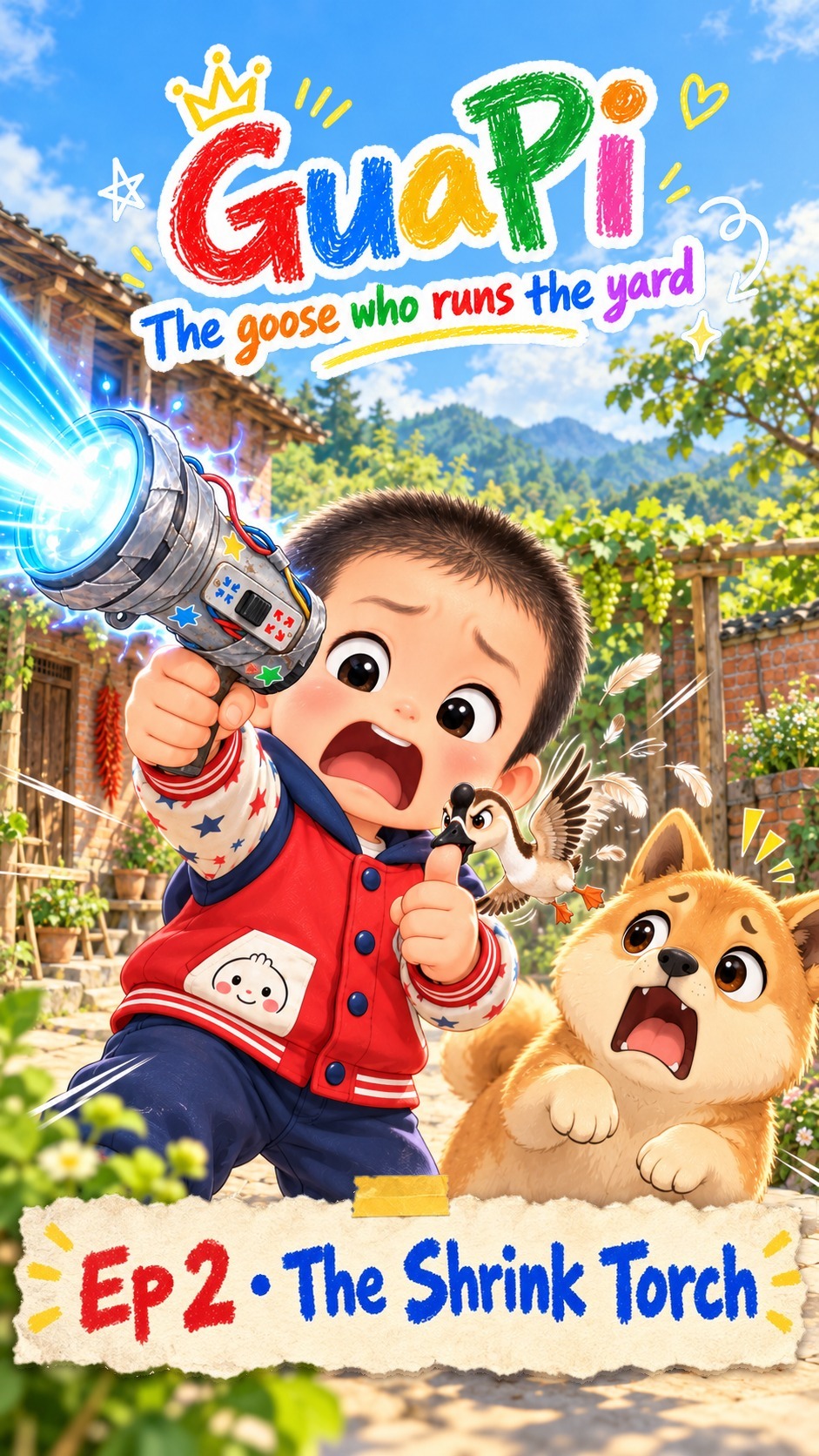 0:36Episode 2The Shrink Torch
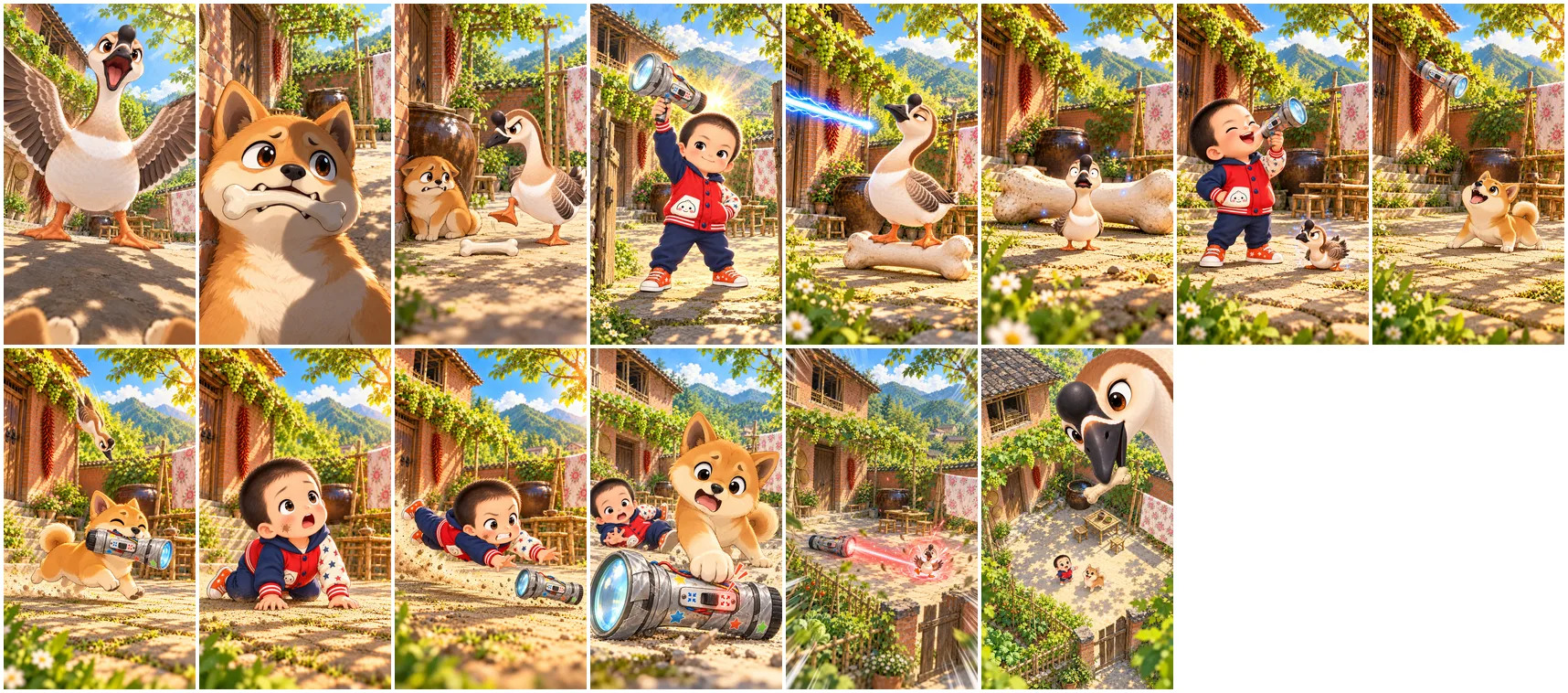
Henry's shrink torch turns GuaPi sparrow-sized. A tiny goose is still a goose, and the torch has a second switch.
 Coming soonEpisode 3Who Ate the Ice Pop?
Someone ate Henry's grape ice pop. He puts a translator collar on Xiaobai and questions every suspect in the yard.
The cast


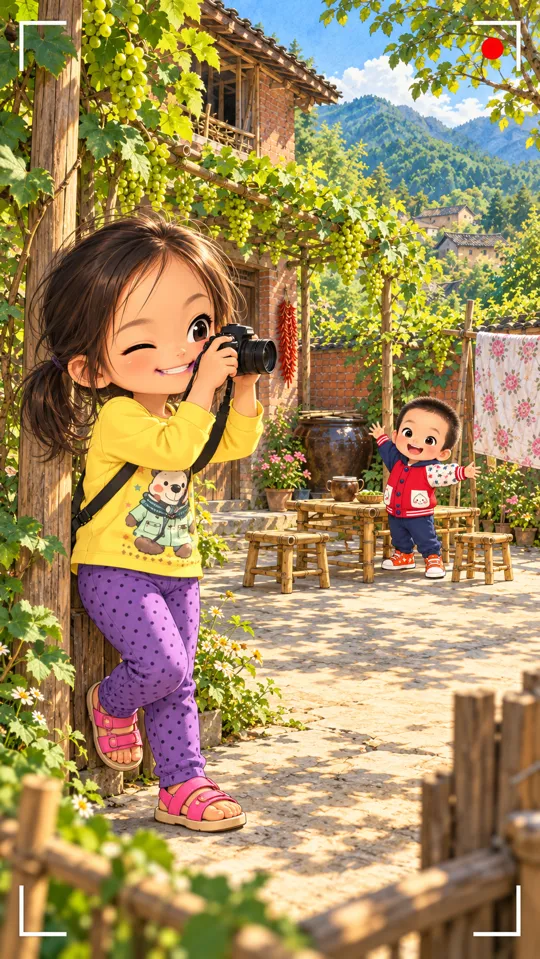
Alice
The sisterSeven, sharp, and always filming. When her brother causes chaos, her first move is to press record.
First in Episode 3
How we made Episode 2
One keyframe per shot, one 3-second generation per shot, every take kept and cut by the action.
- shots
- 16
- clips generated
- 22
- versions
- 6
- of video generation
- ≈ $5.50
Questions
- What is GuaPi?
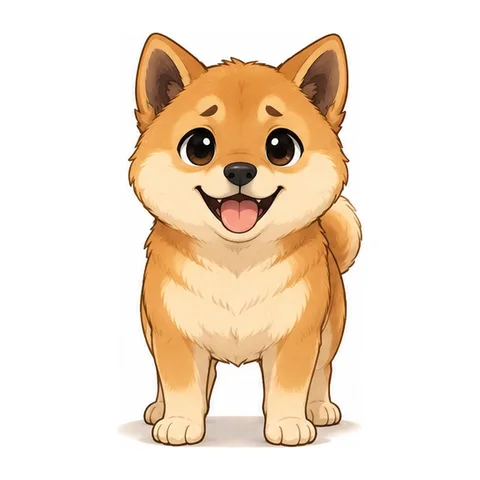
- GuaPi is a short AI cartoon series about a bossy Chinese goose, a boy called Henry, his big sister Alice and a red-tan village dog called Xiaobai. Every episode is under a minute and made shot by shot in the RefVid studio.
- How does GuaPi keep a consistent cartoon character in every episode?
- Each character is saved once in RefVid as a subject, from a few pictures of their design sheet. Every shot uses those saved subjects, so the faces, outfits and colours stay the same from the first shot to the last, in every episode.
- Can I make my own AI cartoon series?
- Yes. Save each character once from a few pictures, draw or pick a first frame for each shot, and generate the shots one by one in the RefVid studio. Our making-of article shows every step we used for Episode 1.