Keeping the same characters in every shot was the easy part. Here is what made GuaPi Episode 1 work.
By Louis Chi · · 7 min read
- shots
- 14
- clips generated
- 24
- versions
- 8
- of video generation
- ≈ $10
Made with
- Studio
- RefVid
- Video model
- Kling 3.0 Omni, 3 s per shot, 9:16, 720p, sound off
- Keyframes and design sheets
- An image model, one picture per shot
- Sound
- Generated audio from an earlier take, CC0 sound effects, a public-domain recording
GuaPi Episode 1 is 40 seconds long and has 14 shots. The boy, the goose and the dog look the same in all of them because each character was saved once in the RefVid studio with four reference pictures, and every shot uses those pictures. That part took an afternoon of design work and nothing else.
Getting a funny, readable episode took eight versions. Two changes made the difference. We drew each keyframe as the moment before the action, and we cut every take by what happens in it, never by the seconds in the script. This article shows both, with the real frames, prompts and costs.
The part RefVid takes care of: the same faces
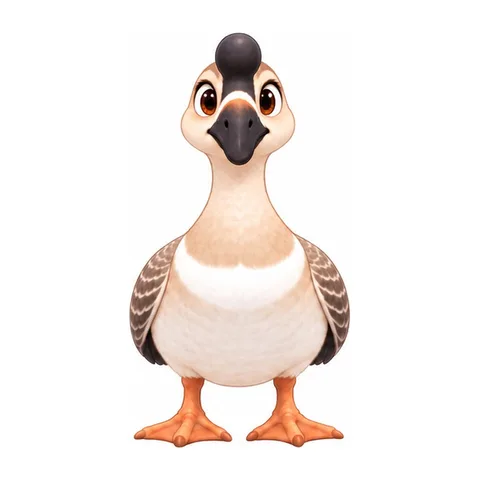
Each character got a design sheet with four angles and four expressions, and every view was checked by eye. The goose's first sheet left the black knob off his bill in the front view, so it was redrawn before anything else happened.
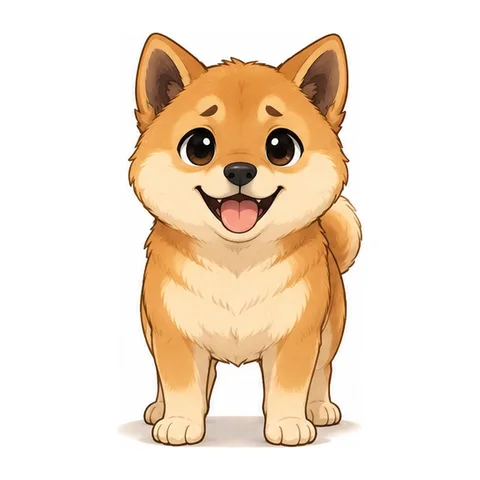
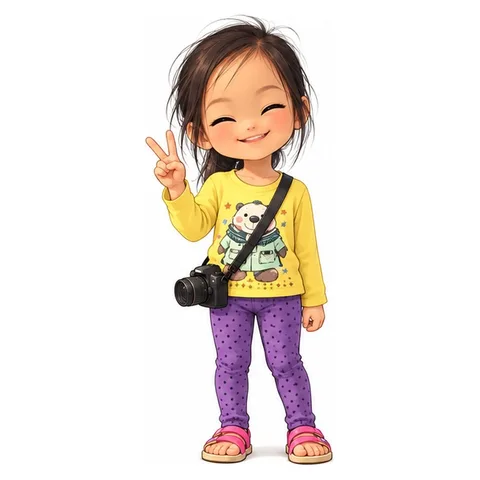
Four square crops from each sheet became that character's reference pictures in the studio. From then on a shot only has to name who is in it. The courtyard got one painting too, so the place stays the same.
- GuaPi · The goose
- Henry · The boy

- Xiaobai · The dog
- Alice · The sister
Draw the moment before the action
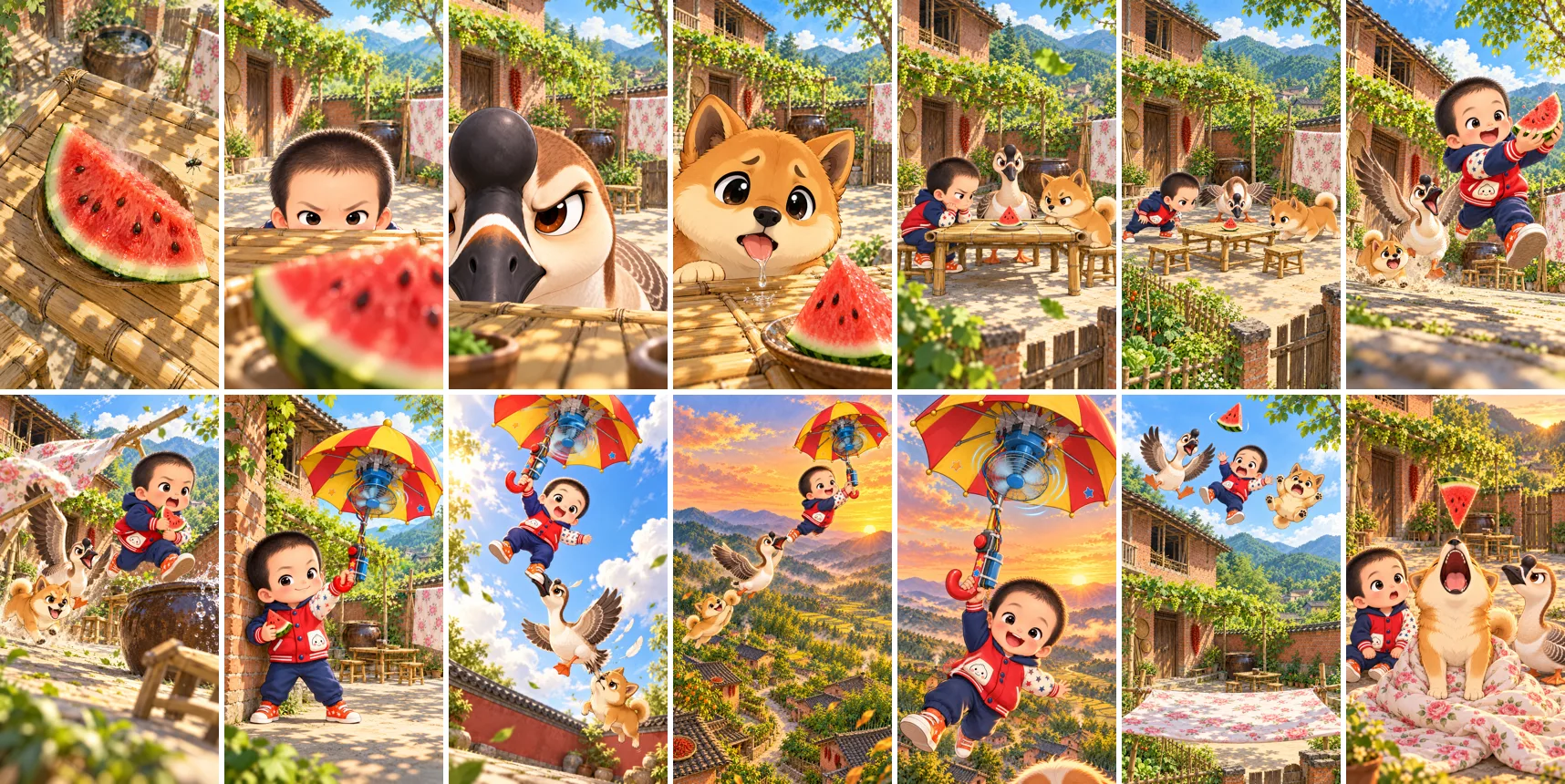
Every shot starts from a keyframe, and the keyframe becomes the clip's first frame. The model can only move forward from it, so the drawing decides what the clip can still do.
Our first keyframes showed the best moment of each shot: the three already landed in the quilt, the fan already smoking, the dust already in the air. Those clips had nothing left to animate and barely moved. Redrawn as the moment just before, the same prompts gave us the fall, the explosion and the scramble.
All 14 keyframes of the final cut, drawn in shot order so each one starts where the last one ends.
One event per shot, and say how hard it happens
Each shot is its own 3-second generation: the keyframe as the first frame, only the characters in that shot, sound off. The prompt describes the one thing that happens in those three seconds, how violently it happens, and how the face changes.
Asking for three things in one shot gave us none of them. A dog catching the slice, the boy turning and the goose walking away was too much for 3 seconds, so it became one event: the slice drops into the dog's mouth.
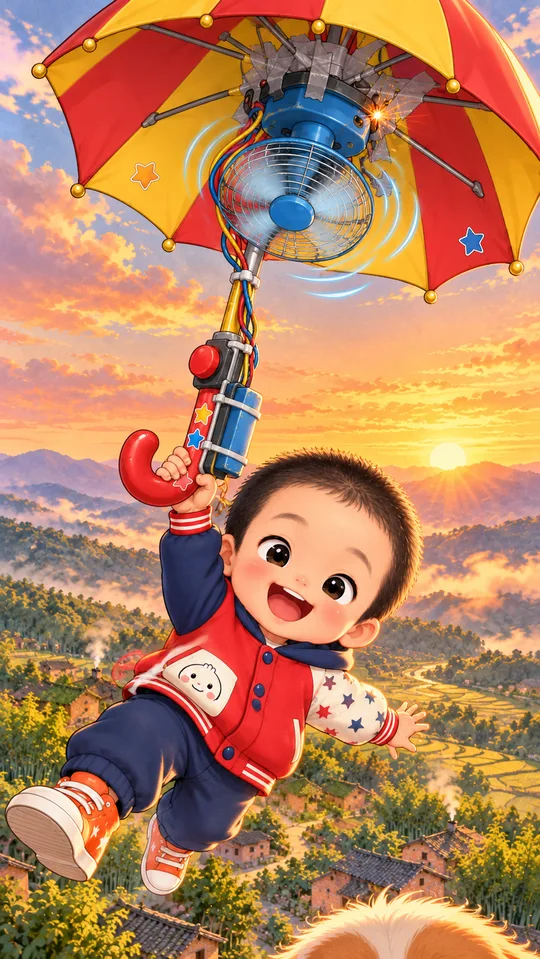
- Shot
- Shot 12, the explosion
- Characters
- Henry
- Settings
- Kling 3.0 Omni · 3 s · 9:16 · 720p · sound off · keyframe as first frame
The little fan sparks and bursts with a pop: a thick cloud of black smoke explodes out of it, the blades jam and stop, the umbrella jolts; Henry's grin turns into wide-eyed panic. Keep the drawn style.
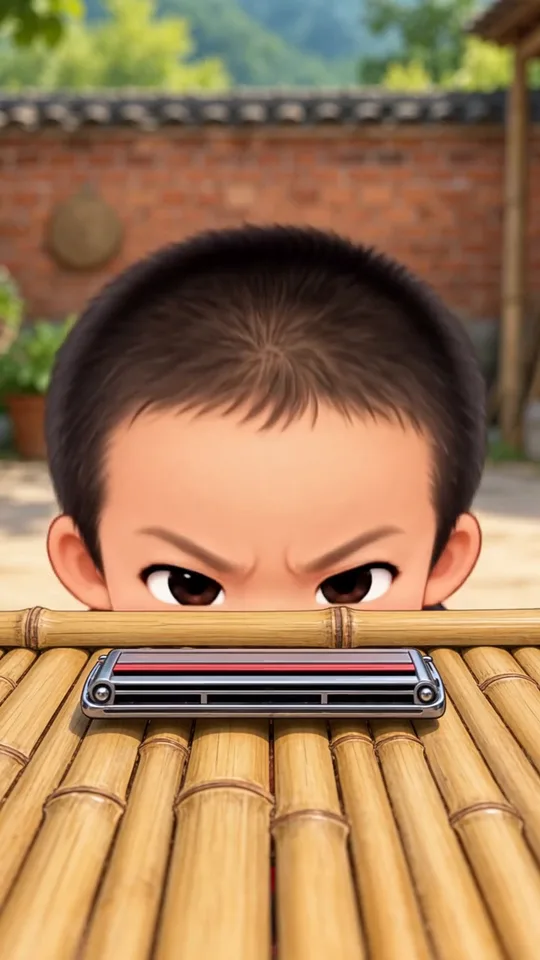
Never write a sound into a video prompt. In our first version we asked for "a single harmonica note" and the model put a harmonica on the table.
Keep every take and cut by the action
Our first edits trimmed each clip to the seconds in the script, counted from the start. That threw away the best parts: Henry's panicked eyes come at the very end of the explosion shot. The final cut keeps each clip whole and only removes real faults, like seven smeared frames in the last shot.
Old takes are material too. The scramble for the watermelon is five fast cuts taken from three different takes, joined with a white flash on each hit and a little camera shake.
Put every sound on its frame
The clips were generated silent, and the sound was built afterwards. The base is the audio from our first version, which was generated with sound, cut shot by shot to fit. Hits come from free CC0 sound libraries, and each one starts on the exact frame where the thing happens. One version had the explosion 0.9 seconds early, and it looked wrong straight away.
The music is a public-domain recording of In the Hall of the Mountain King. It creeps along during the standoff, plays at full orchestra through the fight and the flight, stops dead for the explosion and the fall, and lands its last chord with them.
| Sound | Where it lands |
|---|---|
| Nine punches | Every hit and cut of the fight, 13.8 s to 16.5 s |
| A pop | The spark flash on the fan, 32.3 s |
| An explosion | The burst of black smoke, 33.0 s |
| A thump | The three hitting the quilt, 35.5 s |
| A crunch | Xiaobai's bite, 39.6 s |
Eight versions
Every version taught one rule. Each rule went into the method below before the next version started.
- AnimaticStill keyframes with camera moves. Good for timing, but not a video.
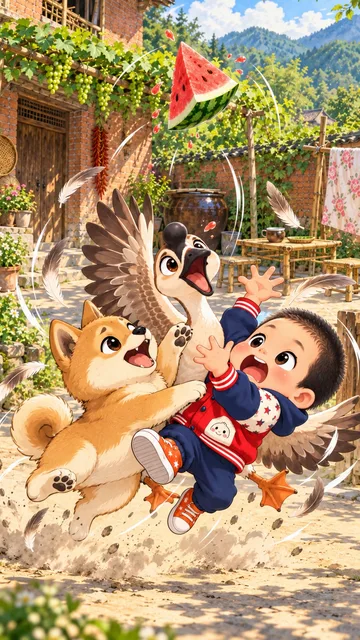
- v1Five longer clips with sound and no keyframes. The shots ignored the drawings.
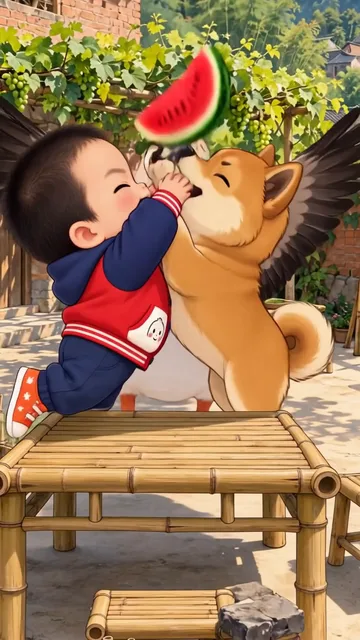
- v2 to v5One 3-second clip per shot from its keyframe. Four shots barely moved.
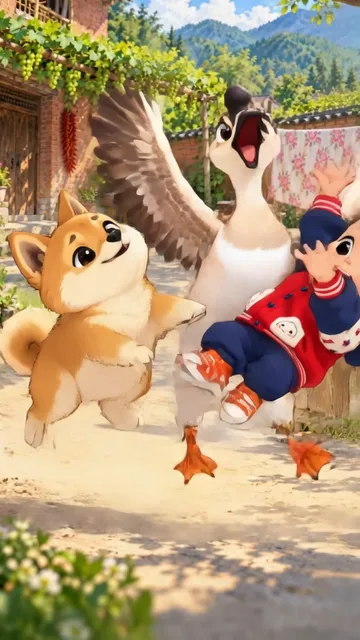
- v6Four keyframes redrawn as the moment before; sounds put on their frames.
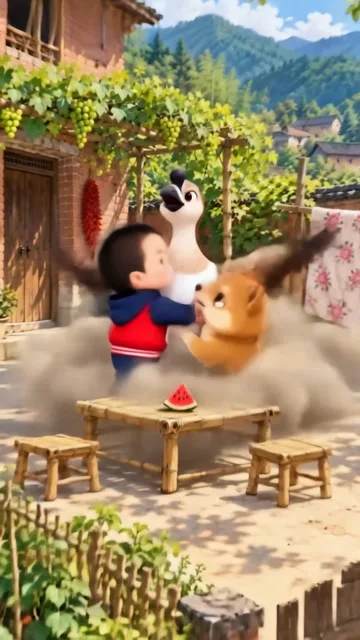
- v7 and v8The fight recut from three takes, then every clip kept whole.
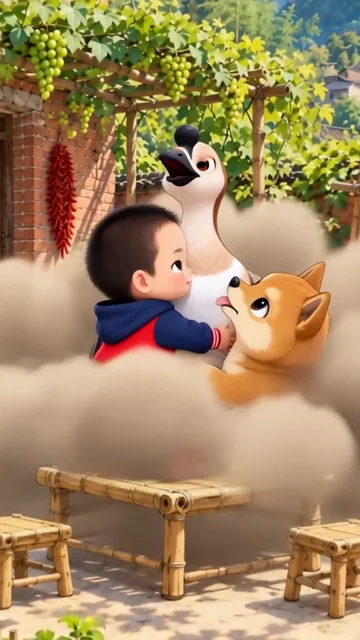
What it cost
About $10 of video generation for the whole episode, most of it spent on the first version, which we made before drawing anything. The design sheets and keyframes cost nothing extra.
| Version | What we generated | Generation cost |
|---|---|---|
| v1 | 6 clips of 5 to 10 seconds with sound | ≈ $5.50 |
| v2 to v5 | 14 clips of 3 seconds, silent | ≈ $3.50 |
| v6 | 4 clips of 3 seconds, silent | ≈ $1.00 |
| v7 and v8 | Nothing new: recut from existing takes | $0 |
How to make an AI cartoon series: the method we use now
- 1Write 12 to 16 shots with one event each, and put a conflict in the first second.
- 2Draw one keyframe per shot, in order, showing the moment before the action, with the faces exaggerated.
- 3Generate a 3-second clip per shot from its keyframe, with only that shot's characters and no sound words in the prompt.
- 4Watch every take frame by frame before cutting, and keep the old takes.
- 5Cut by the action: keep the faces and reactions, and remove only what is broken.
- 6Put each sound on its frame, and add the music as a separate version.
- 7Watch the final cut frame by frame before it goes out.
Questions
- How long does a 40-second episode take to make?
- Episode 1 took one day, including the design sheets and eight versions. With the method fixed, an episode is the script, the keyframes and one generation per shot, then the edit.
- Do you need to draw the keyframes by hand?
- No. The keyframes and design sheets for GuaPi were made with an image model, one picture per shot, from the characters' design sheets.
- What does an episode cost to generate?
- Each 3-second shot at 720p without sound is one generation in the RefVid studio. Episode 1's final cut used 14 of them plus earlier takes, about $10 of generation including the versions we threw away.