AI story video with the same characters in every scene - RefVid
Turn your own photos into videos in minutes · Your first video is free, no watermark

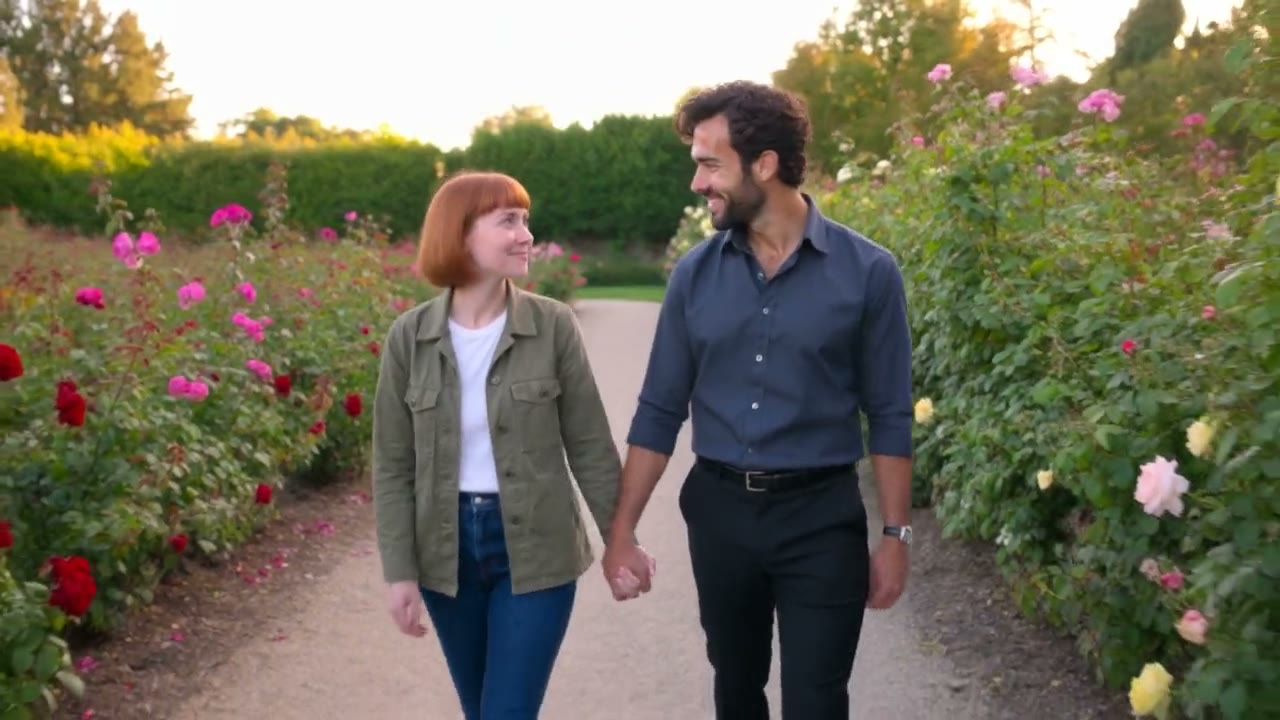


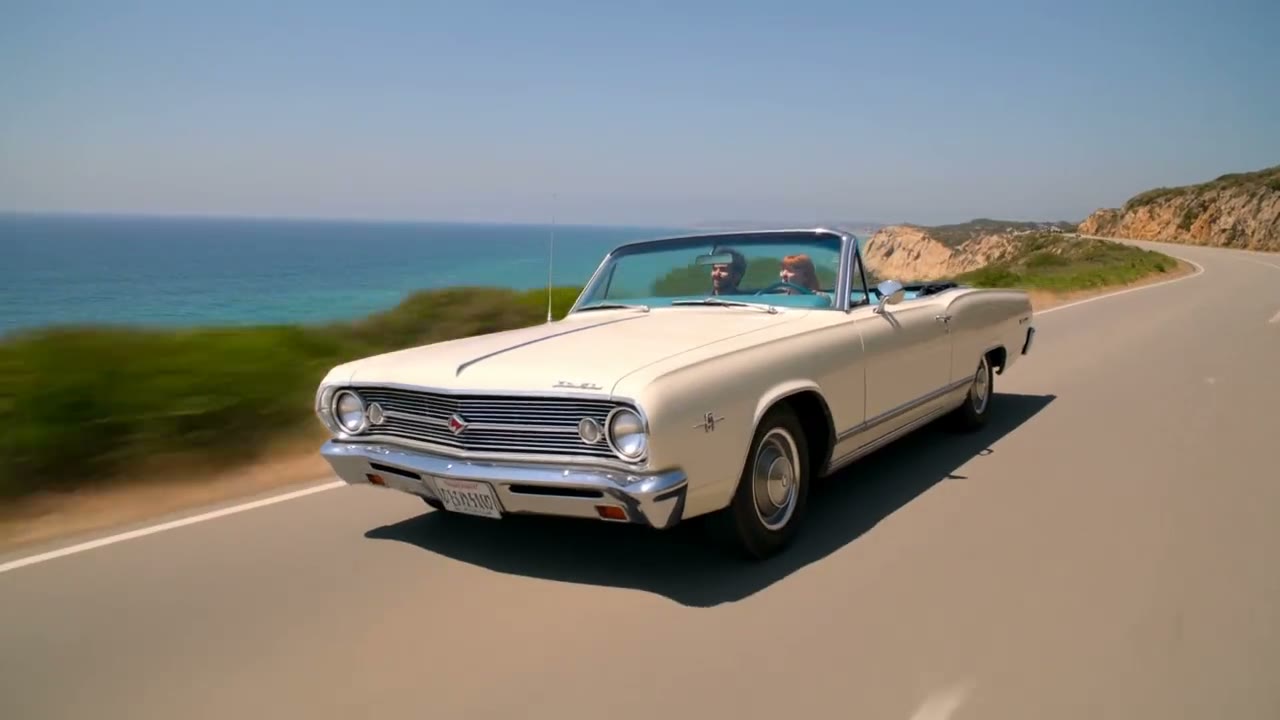

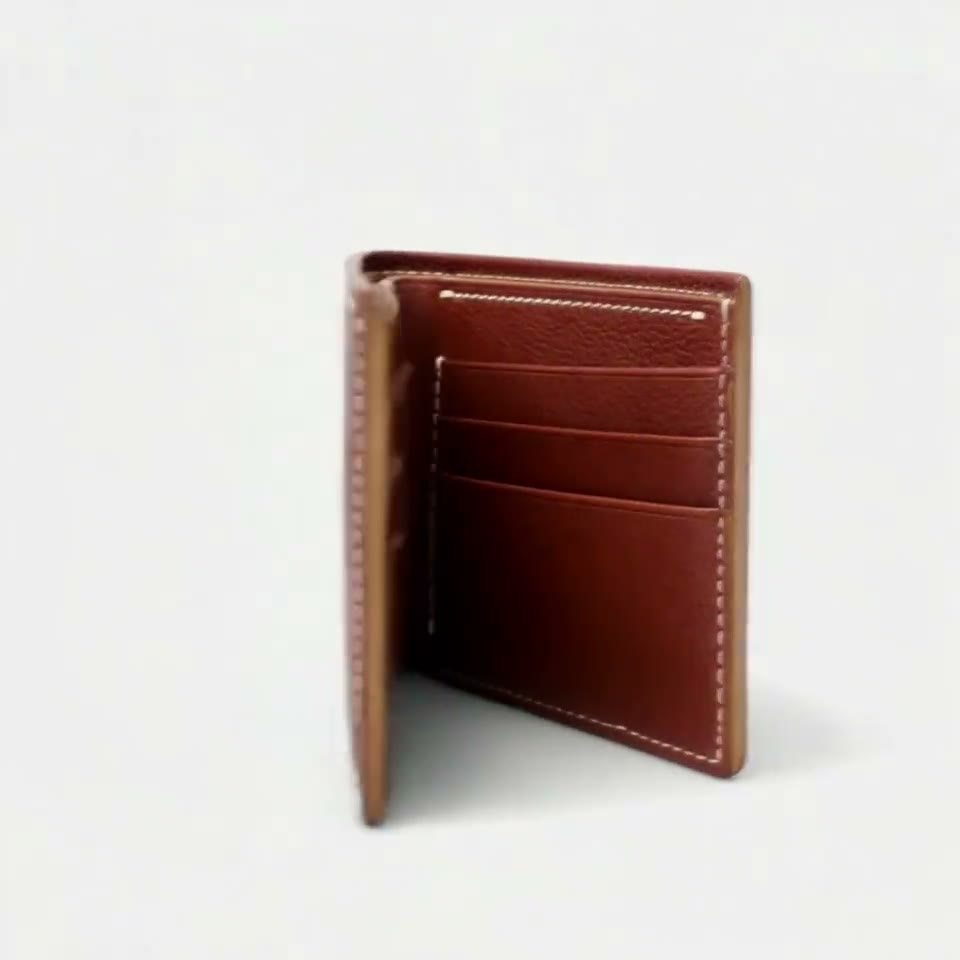
First video free, no cardGenerating confirms everyone pictured agreed. Terms
Make a story video with your own cast: save each character once from a few pictures, write the story as a list of short shots, and generate them one by one. Every scene keeps the same faces, clothes and colours, so the story holds together when you cut it.
Your first 4-second clip on Kling 3.0 Omni is free, with no card and no watermark. The film here is a whole episode of our own cartoon, made this way on RefVid.
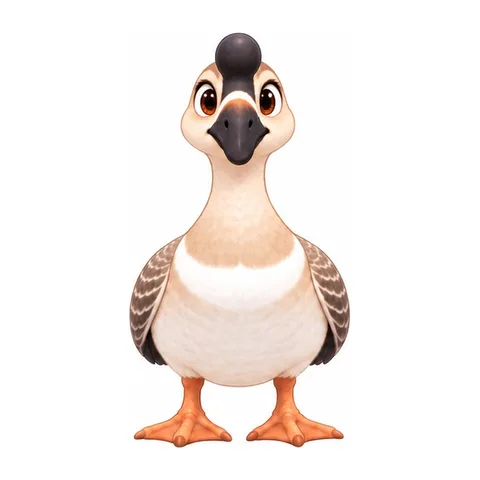
3 characters, each saved once

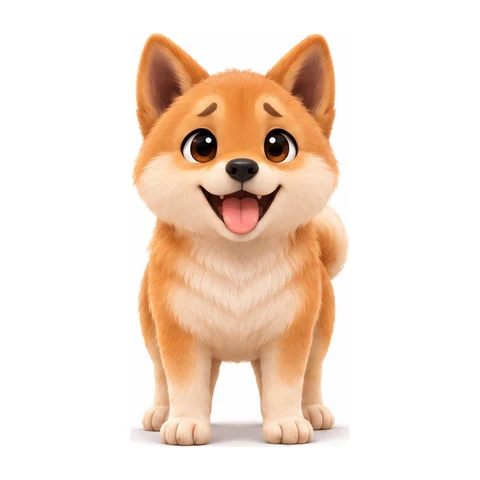
A 37-second story

Three steps. No prompt skills, no 20 photos.
Some tools train a face from 20 or more photos, others want long, careful prompts. RefVid needs a few photos and one line.
- 01
Upload 1–10 photos
A clear front view of the person or product. Add a side view or a close-up of the label if you have one.
- 02
Pick a template or write one line
Start from a ready-made template, or describe the scene in one sentence, such as “she pours coffee in a bright kitchen”.
- 03
Generate
The clip keeps the same face, outfit or label. Make the next scene from the same photos whenever you like.
Start from a template
How an AI story video is made on RefVid
- A story video is a row of short shots that follow one cast. On RefVid you save each character once, from one to ten pictures, and give it a name. Every shot you write names who is in it, and the model draws them from those same pictures, so the boy in the last scene is the boy from the first.
- That is the part a story needs and a single clip cannot give you. One generation makes one moment; a story is twenty of them, and the viewer notices the moment a face, a jacket or a colour changes between two of them. Saving the cast first turns every later shot into one sentence about what happens, not a new description of who is there.
From a story to a shot list
- Write the story as beats first: what each character wants, what goes wrong and how it ends. Then give every beat a shot of 3 to 5 seconds and one event: who is in the frame, the one thing that happens and how the faces change. Make sure each beat has a reason you can see on screen; a reason that lives only in your head does not reach the viewer.
- Episode 4 began as 18 shots and was rewritten into 8 segments of 3 to 10 seconds, because three of its whys were invisible: why the cloud rains only on the goose, why Henry turns on his fan, why the vegetable patch ends up watered. Each became something you can see, such as the cloud's tail tied round the knob on GuaPi's head.
AI story video maker: shots, frames and takes
- Each shot is its own clip. In the studio one clip can hold up to 3 shots with their own lengths, which suits two quick beats in one place. For a shot that has to start or end on an exact picture, set a first frame, and on Kling 4 or Kling 3.0 Omni a last frame too; then the model only has to act out the middle.
- Generate a few shots, watch them frame by frame, and only then make the next ones. Keep every take: the best moment is often at the end of a clip, and an old take can fill a gap in a new scene. Episode 4 kept all six of its new segments on the first take because the first and last frames were drawn before anything was shot.
Story ideas the templates already cover
- A story can star people, pets, toys or drawn characters. Short drama scene puts two of your own characters in a tense café conversation in 3 shots with spoken lines; Plush adventure takes a toy through three places in one 10-second clip; Best friends road trip puts two friends in a car, windows down, singing along, then the view.
- For a cartoon, start from a clean character sheet of each character on a plain background, and the drawn style stays in every shot. For people, a few clear photos of each face from different angles hold best. A story with dialogue needs sound on: Kling 4 always makes sound, Kling 3.0 Omni makes it when you choose it.
Cutting the story together
- Cut by the action, not by the script's seconds. Episode 4 was cut from ten clips into 21 cuts and 880 frames: still moments sped up, moments too quick to read slowed down. A whole episode runs under a minute, so every second has to move the story.
- Add sound last. When we wrote a sound into a prompt, the model drew the instrument into the shot, so effects and music go in the edit: Episode 4 has 28 sound effects, a courtyard ambience and a piece of Beethoven. The making-of shows every frame, prompt and fix.
What a story video costs
- Your first 4-second clip on Kling 3.0 Omni is free, with no card and no watermark, and commercial use is allowed. After that a single video costs from $2.99, a one-time credit pack from $9.90 and a plan from $10 a month; credits never expire, and a clip that fails gives its credits back.
- A story is paid for shot by shot, so a short story with fewer, tighter shots costs less than one long clip redone many times. The six new segments of Episode 4 cost $2.77 together on Kling 3.0 Omni at 720p with sound off.
More templates
Each one opens the studio with the shots, shape and length already set. Add your own product and generate.
More character videos
Reference to video →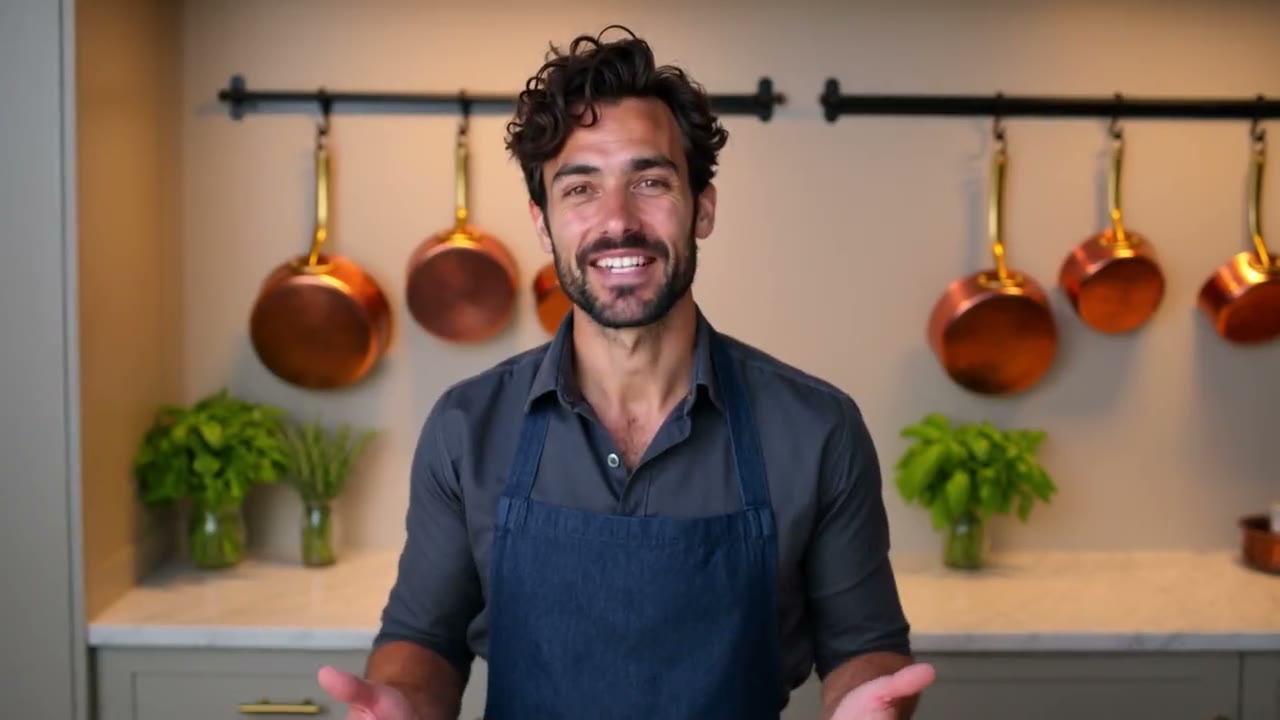

Frequently asked questions
Is there a free AI story video generator?
Yes. On RefVid your first 4-second clip on Kling 3.0 Omni is free after you sign in, with no card and no watermark, and you can use it commercially. Save your characters, write the first shot and press Generate; later clips cost from $2.99.
How do I keep the same characters in every scene?
Save each character once on RefVid from one to ten pictures and name it in every shot. The model draws it from those same pictures each time, so the face, clothes and colours hold from the first scene to the last; GuaPi's four characters were made this way.
How long can a story video be?
One clip runs up to 30 seconds on Kling 4, Wan 3.0 and Seedance 2.5, and up to 10 to 16 seconds on the other models. A story of any length is several clips cut together; each GuaPi episode is under a minute, made from shots of 3 to 10 seconds on RefVid.
Can the characters in a story video talk?
Yes. Put the line in quotes after the verb, give each speaker a shot of their own and turn sound on: Kling 4 always makes sound and Kling 3.0 Omni makes it when you choose it. About 8 to 12 words fit in every 5 seconds on RefVid.
Can I turn a written story into a video?
Yes, shot by shot. Split the story into beats of one event each, save the characters, then write one sentence per shot; on RefVid, Improve turns a one-line idea into a full shot for no credits. Narration, sound effects and music are added in the edit afterwards.