AI video script: write the script, then turn it into the video - RefVid
Turn your own photos into videos in minutes · Your first video is free, no watermark

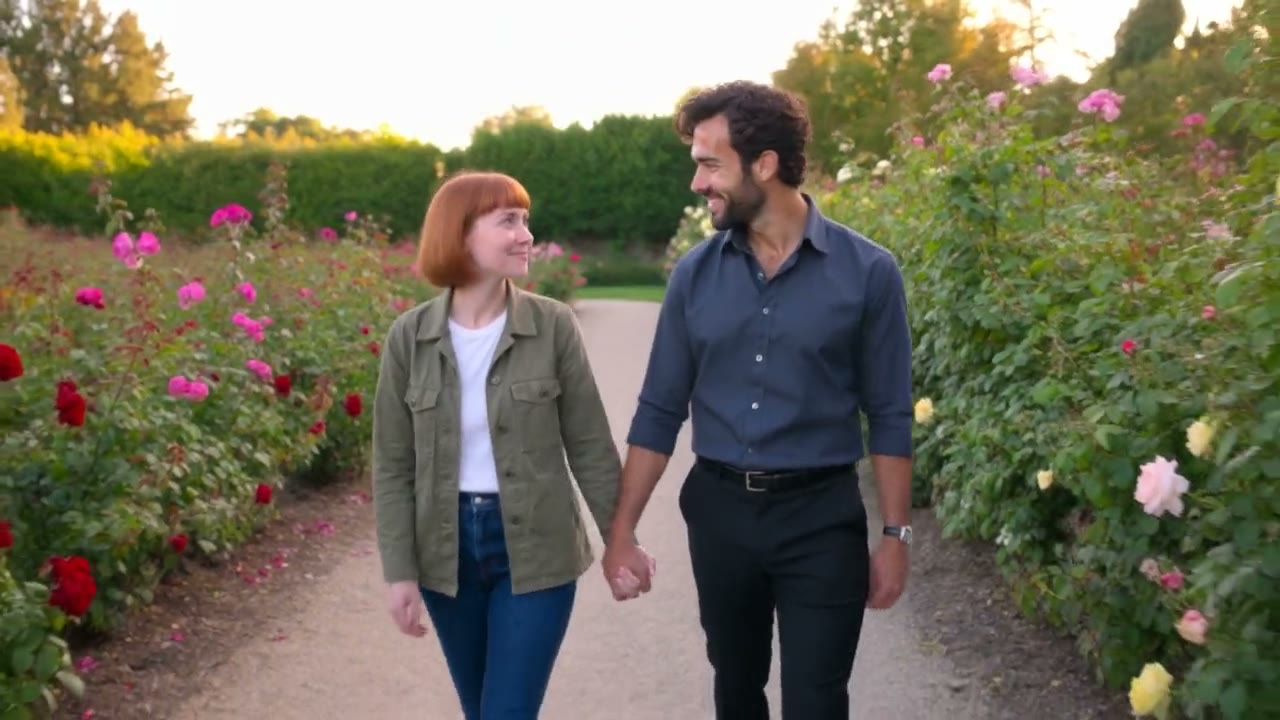


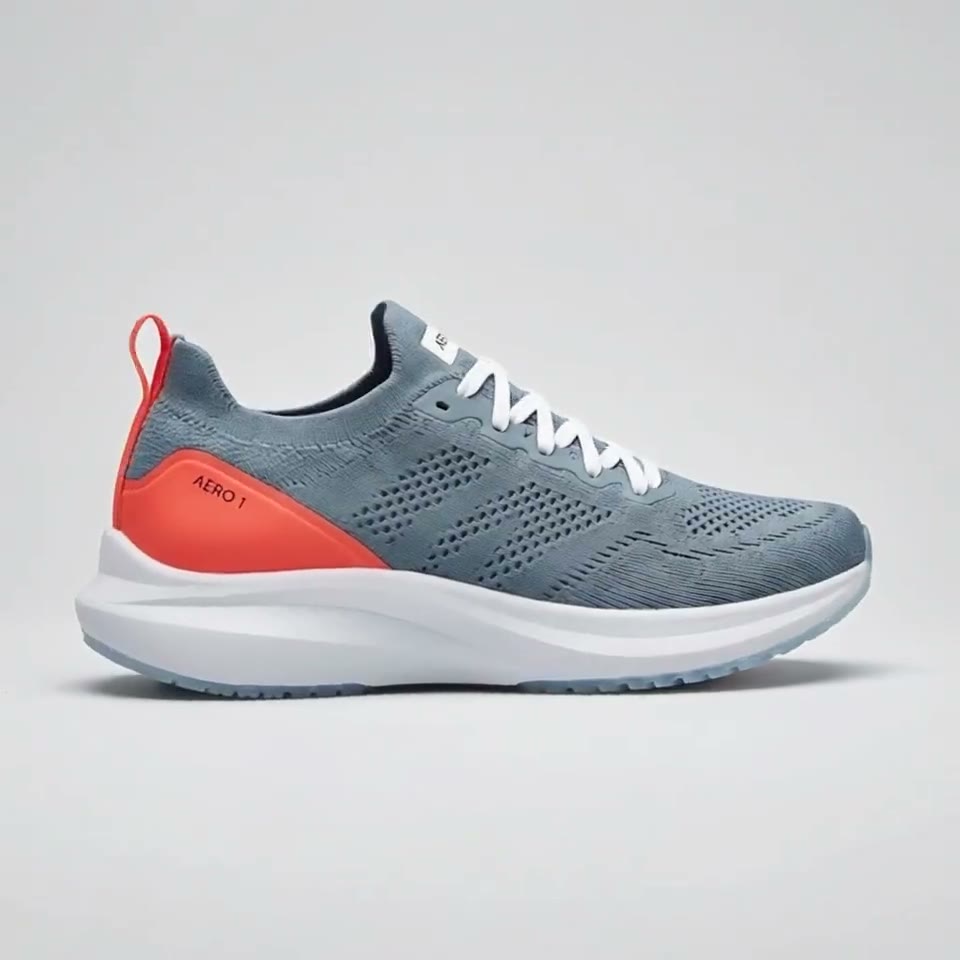
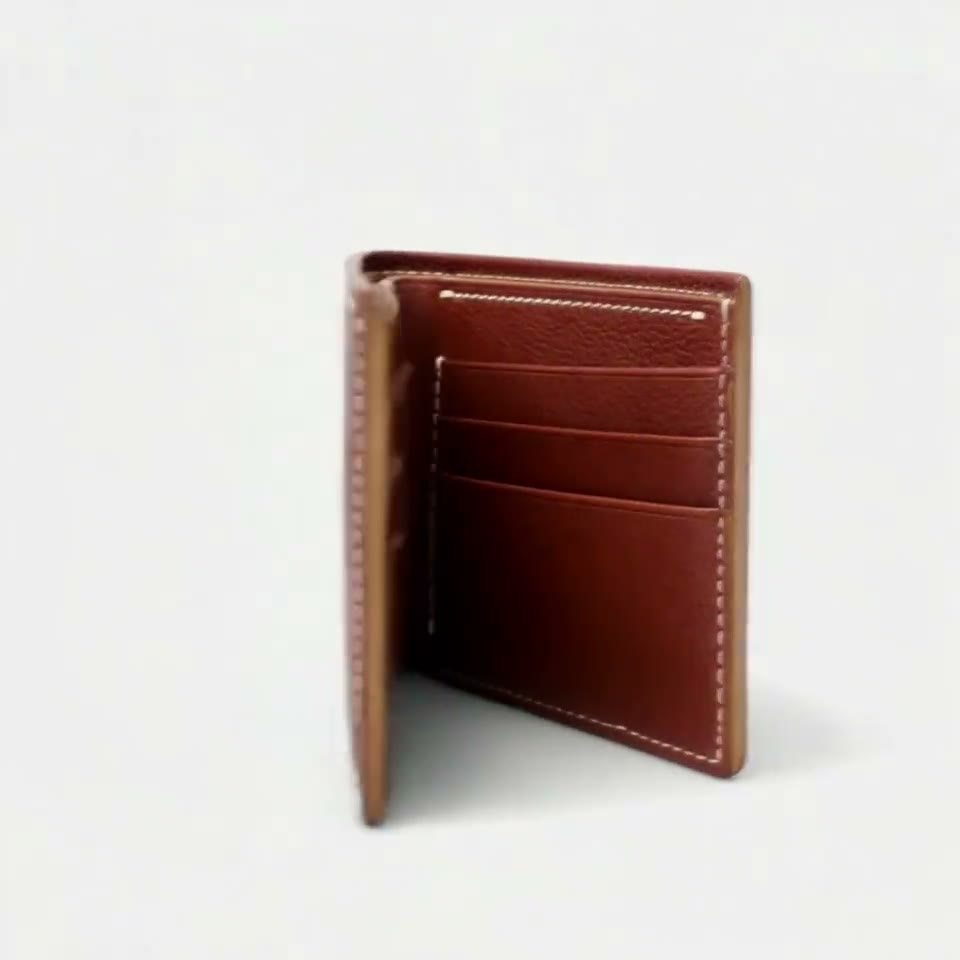


First video free, no card
An AI video script is the words a video model works from: who is in the shot, what they do, what they say and where the camera is. On RefVid you write it in the box above, or type one line and press Improve to have it written for you, then press Generate.
Add photos of your product or of a person and the script keeps them the same in every shot. The examples below are real scripts, each next to the clip it made.

What an AI video script is
- A script for a video model is not a screenplay. It is a short list of beats: who is in the frame, the one thing they do, the line they say if they speak, where the camera is and how the light falls. A 5-second clip holds one or two beats; a 10-second clip holds two or three.
- Each beat is one or two sentences. Name the subject the same way every time, give the action a verb you could film (lifts, turns, pours, walks), and say where the camera is: close-up, top-down, handheld selfie. Leave out what the photos already show, such as the face, the label or the colour of the bottle.
Script format: the clip above, written out shot by shot
This is the whole script of the clip at the top of the page, as we ran it: two shots of about 30 words each, 8 of them spoken. Each row is one shot; the columns are what a script for a video model needs and nothing more: where the camera is, what happens, and the line if someone speaks.
We wrote two shots and no timings. Kling 3.0 Omni placed the cut itself, at 5.1 seconds of the 10. The script never says what Mia or the bottle look like: the 7 photos carry her face and the label. Made today on RefVid, the same clip costs 410 credits: 10 seconds of Kling 3.0 Omni with sound.
Mia, 4 photos


LUMEN serum, 3 photos


| Shot | Camera | What happens | Spoken line |
|---|---|---|---|
| 1 · 0–5.1 s | Handheld selfie, phone camera, bright bathroom | Mia holds the LUMEN bottle up next to her face and smiles at the camera | "Okay, this is the one I keep finishing." |
| 2 · 5.1–10 s | Close-up of the bottle in her hand, natural daylight | A drop of the serum is pressed onto the back of her hand; she looks back at the camera and nods | (none) |
Script to video AI on RefVid: from words to a clip in three steps
- Add one to ten photos of what has to stay the same, write the script in the box, and press Generate. The clip usually takes 2 to 10 minutes and downloads without a watermark. A script with no product or person in it can run from words alone on the text to video page.
- The examples further down have a Use this script button: it puts every line of that script into the box at the top of this page, ready for your photos. In the studio, each line can be its own shot, up to 3 shots in one clip, each with its own length.
AI video script generator: Improve writes it from one line
- Stuck on the words? Type the idea in one line, such as "she shows the serum to her friends", and press Improve in the box. It rewrites the line into a full shot with the action, the place, the camera and the light, in the language you wrote it in, and keeps the name of your product or person.
- Improve costs no credits, and Undo puts your own words back for two seconds after it. Read what it wrote before you generate: change the spoken line, cut a detail you don't want, or press Improve again for another version. It writes the shot; your photos still carry the face and the label.
From a script generator to shots: what to keep and what to cut
- Scripts from a script generator or a chatbot are written for people to film: scene headings, voiceover, on-screen text, timings and transitions. A video model reads none of that as stage directions. It draws what the words describe, so each part either becomes words in a shot, moves to the edit, or goes.
- Keep one shot per scene. If a scene is only a heading, type it as one line and press Improve. A 60-second script becomes two or more clips, each made from the same photos, since one clip runs 30 seconds at most.
| In a written script | In the shot on RefVid |
|---|---|
| Scene heading: INT. KITCHEN – DAY | The first words of the shot: "A bright kitchen in daylight" |
| Character description | Your saved photos; the shot only names the person or product |
| Voiceover (VO) | A line in quotes after "says" if someone on screen speaks it; a narrator's voiceover goes on in the edit |
| Timing: 0:00–0:03 | The shot's length in the studio, not words in the prompt |
| CUT TO | A new shot, up to 3 in one clip |
| On-screen text and captions | Added in the edit: written into the prompt, letters come out garbled |
| Music cue | Added in the edit, where you choose the track |
AI video script prompt examples, each with the clip it made
- Below are three scripts we ran ourselves, word for word, each next to the clip it made, with the model and the number of reference photos. The words in brackets are where your own product or person goes: the photos fill that place, so the script only sets the scene, the action and the line.
- An unboxing in three beats, a one-line talking head and a two-person scene with dialogue cover most short scripts. Use this script fills the box above with every line; replace the spoken words with your own and keep the rest.
Unboxing
Kling 3.0 Omni · 3 reference photos · 10 s · 9:16 · with sound
- Shot 1Top-down shot of a plain kraft box on a light wooden table in soft daylight; two hands lift the lid and fold back white tissue paper. Paper rustle.
- Shot 2Close-up as the hands lift [your product] out of the box and hold it up, turning it slowly so the label faces the camera.
- Shot 3[your product] stands on the table next to the open box, the camera gently pushing in. Clean, bright, shallow depth of field.
Talking Head Ad
Kling 3.0 Omni · 4 reference photos · 5 s · 9:16 · with sound
- Medium close-up of [the presenter] sitting in a bright home office, looking straight into the camera, who says with a warm smile: "Here is the one thing I wish I had known sooner." Soft window light, shallow depth of field.
Mini Drama
Kling 3.0 Omni · 8 reference photos · 10 s · 9:16 · with sound
- Shot 1Rainy evening in a quiet café: [the first lead] and [the second lead] sit across a small table, untouched coffee between them. Wide shot, moody window light.
- Shot 2Close-up of [the first lead], eyes steady, saying quietly: "You knew all along, didn’t you?"
- Shot 3Close-up of [the second lead], looking down, then up, and answering: "I was going to tell you tonight."
Writing lines a character says out loud
- Put the spoken line in quotes right after the verb: says: "Here is the one thing I wish I had known sooner." Keep it to about 8 to 12 words for every 5 seconds, give each speaker a shot of their own, and say how they say it, such as quietly or with a warm smile.
- Turn sound on for any script with a line in it. Kling 4 always makes sound; Kling 3.0 Omni makes it when you choose it. The model reads the line and moves the lips to it, so a short, plain sentence comes out more clearly than a long one with names or numbers.
Script length, clip length and credits
- Write the script to the length of the clip, not the other way round. About 8 to 12 spoken words fit in every 5 seconds, and one clip holds up to 3 shots. The credits below are what each length costs on RefVid today.
| Clip length | Shots | Spoken words, at most | Kling 4, 720p, sound | Kling 3.0 Omni, silent / with sound |
|---|---|---|---|---|
| 5 s | 1–2 | about 12 | 290 credits | 155 / 205 credits |
| 10 s | 2–3 | about 25 | 580 credits | 310 / 410 credits |
| 15 s | 3 | about 35 | 870 credits | 465 / 615 credits |
| 30 s | 3 | about 70 | 1,740 credits | not available (15 s at most) |
How long a script can be, and what it costs
- One clip runs 3 to 30 seconds on Kling 4 and up to 15 seconds on Kling 3.0 Omni. A longer story works best as several clips of 5 to 10 seconds, each with its own short script, made from the same photos so the subject stays the same.
- New accounts get one free 4-second Kling 3.0 Omni video, no card needed. After that, a single video starts at $2.99, a one-time credit pack at $9.90 and a monthly plan at $10; credits never expire. The clip has no watermark and you can use it in ads.
More how-to guides
Reference to video →
Frequently asked questions
Is there a free AI video script generator that also makes the video?
Yes. On RefVid, Improve turns a one-line idea into a full shot script and costs no credits, and Generate makes the clip from it. New accounts get one free 4-second video with no card, and clips never carry a watermark.
Can AI turn my own script into a video?
Yes. Paste or write the script in the box and press Generate. Write it as beats: who is in the shot, one action, the spoken line and the camera. Add photos of your product or person so they look the same in every shot.
What format should a script for an AI video be in?
One row per shot: where the camera is, what happens in one or two sentences, and the spoken line in quotes. Leave out scene headings, timings, on-screen text and music; set the length in the studio and add text and music in the edit. On RefVid one clip holds up to 3 shots.
How long should a script be for a 10-second AI video?
Two or three beats of one or two sentences each, and no more than about 25 spoken words. More than that and the model rushes or drops part of it; split a longer script into several clips.
Can the people in my script talk?
Yes. Put the line in quotes after "says" and turn sound on; Kling 4 always makes sound. Give each speaker their own shot and keep each line short.
Can I use my own product or face in a script to video AI clip?
Yes. Add one to ten photos before you generate. The photos carry the face, the outfit, the logo and the label, so the script only describes the scene, and the same photos work for every script you write.