Make an AI drama with the same cast in every episode - RefVid
Turn your own photos into videos in minutes · Your first video is free, no watermark






First video free, no cardGenerating confirms everyone pictured agreed. Terms
Yes, you can make your own drama series with AI and keep the same faces from the first episode to the last. In RefVid you save each character once from 1 to 10 photos, and every scene you generate starts from those photos.
You plan the episode, RefVid makes each scene as a vertical clip with sound, and you join the scenes in any editor. Below: how the cast stays the same, what to start from, the kinds of story that work, a step-by-step method with real prompts, price and checks before you post.
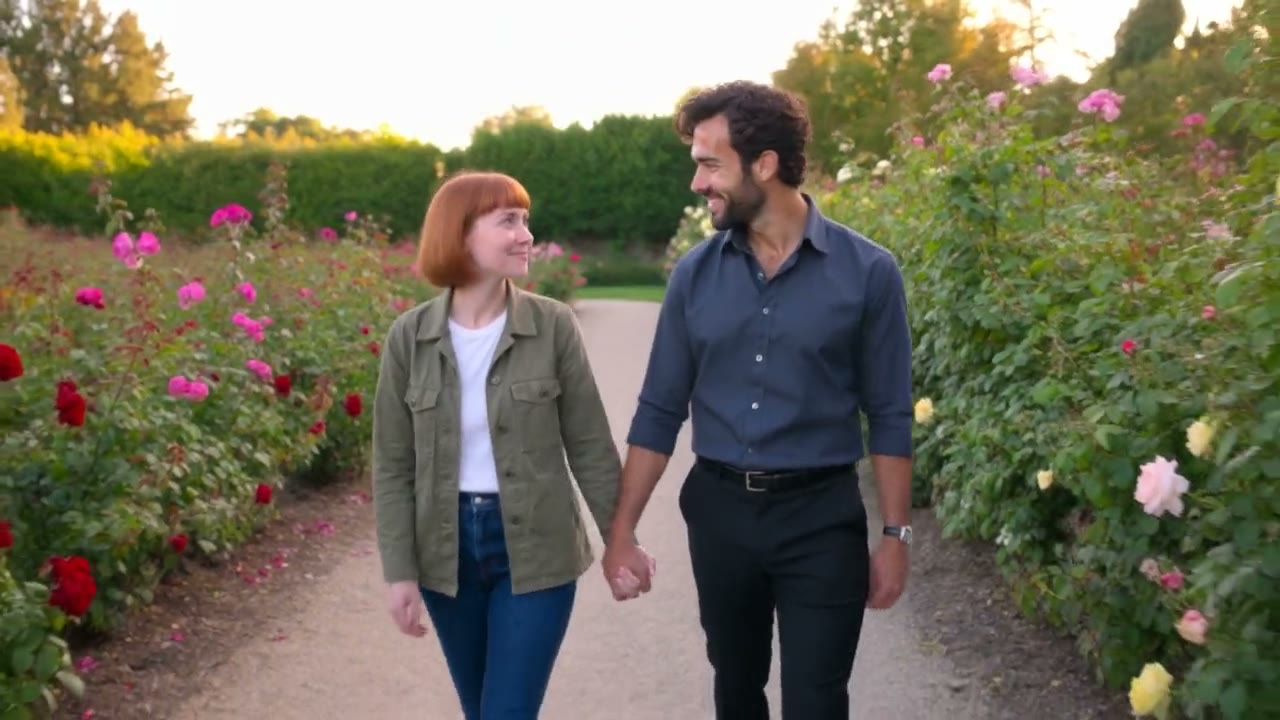
8 photos of Mia and Leo


Three steps. No prompt skills, no 20 photos.
Some tools train a face from 20 or more photos, others want long, careful prompts. RefVid needs a few photos and one line.
- 01
Upload 1–10 photos
A clear front view of the person or product. Add a side view or a close-up of the label if you have one.
- 02
Pick a template or write one line
Start from a ready-made template, or describe the scene in one sentence, such as “she pours coffee in a bright kitchen”.
- 03
Generate
The clip keeps the same face, outfit or label. Make the next scene from the same photos whenever you like.
How the same cast stays the same in every episode
- A drama only works if viewers recognise the lead in episode ten. Most AI video tools start each clip from one picture or from words alone, so a face drifts a little every time. RefVid keeps a saved set of photos for each character and sends it with every scene, so the model sees the same faces, from several angles, in each new clip.
- Up to 3 characters can share one shot, each tied to their own photos, so a couple, a rival and a boss keep their faces apart. The cast stays in your account: the next episode starts from the same saved characters, not from new uploads.
What to start from: one portrait per character
One clear portrait per character is enough to start; 3 to 5 photos hold a face better: straight on, three-quarter from each side, and one waist-up in the costume they wear all season. Invented characters work the same way: save a portrait you made in an image tool, or a drawn character sheet.
Keep each costume fixed for the season, and save a new version of the character when it has to change. Use photos of yourself or of people who agreed to appear; the studio asks you to confirm this for every adult you upload.
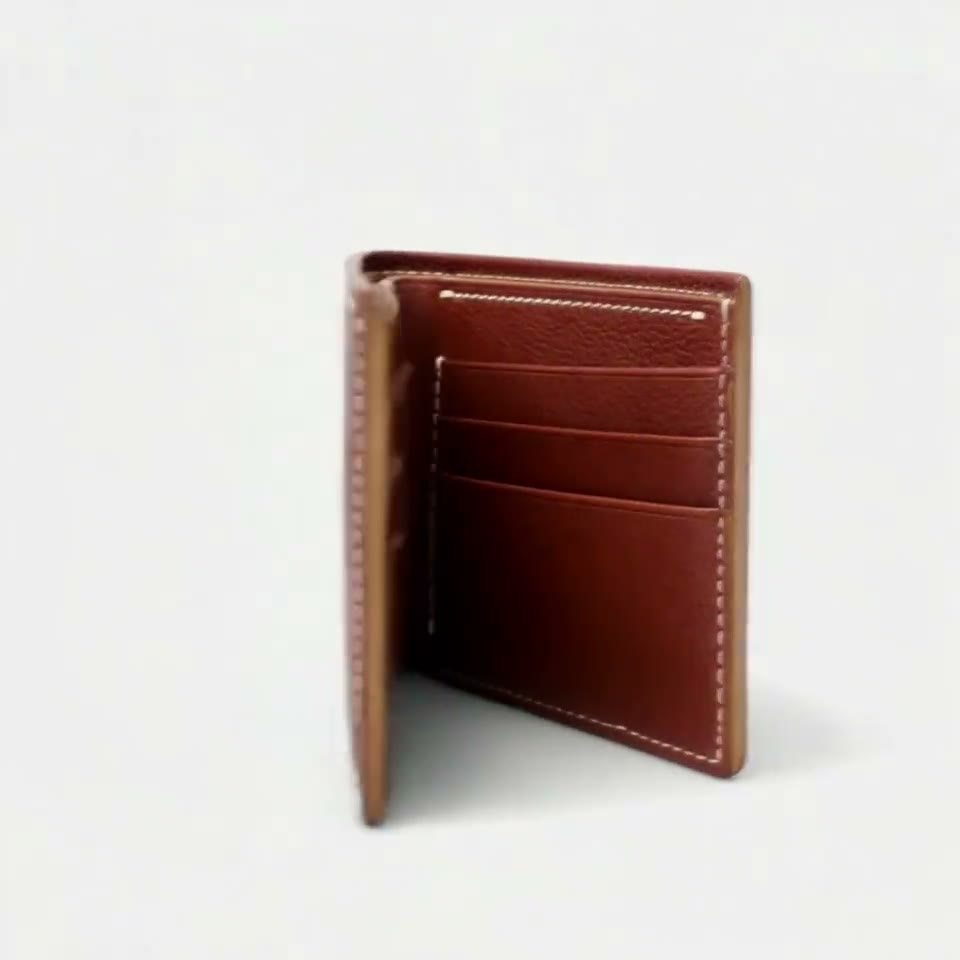
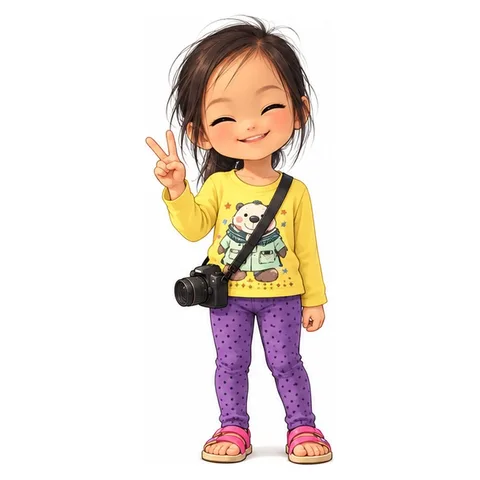
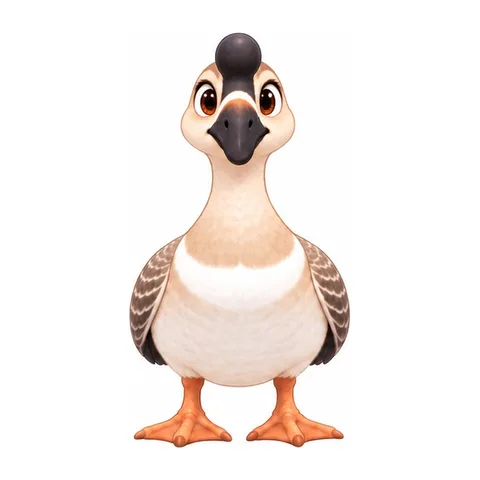
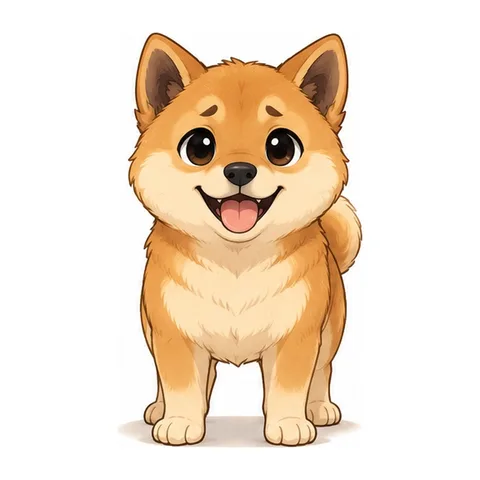
4 characters, each saved once

What kinds of AI drama you can make
- The stories that travel best are short and built on faces: romance (a confession, a breakup, a rival at the door), revenge (the quiet one finally answers back), fantasy (a hidden power, a second world), and comedy with a small recurring cast, like our own GuaPi. Each fits episodes of one to two minutes.
- Make them vertical, 9:16, so they fill a phone screen on TikTok, YouTube Shorts or Instagram Reels; 16:9 and 1:1 are there for other places. Live-action looks, anime and drawn cartoon styles all work, as long as every prompt in the season opens with the same style line.
How to make AI drama, step by step
- RefVid makes the scenes; the story is yours. Write the episode's beats yourself, or with any chatbot, as four to eight scenes of 10 to 15 seconds. Save the cast once. Generate each scene in 9:16 with the saved characters, then join the scenes in any editor, such as CapCut, and add captions.
- A scene prompt that works, from the short drama template that made the café clip above: "Rainy evening in a quiet café: Mia and Leo sit across a small table, untouched coffee between them. Wide shot, moody window light. Close-up of Mia, eyes steady, saying quietly: 'You knew all along, didn't you?' Close-up of Leo, looking down, then up, and answering: 'I was going to tell you tonight.'" Lines in quotes are spoken in the clip, with room sound.
- A second, from GuaPi Episode 1, for a beat with no dialogue: "The little fan sparks and bursts with a pop: a thick cloud of black smoke explodes out of it, the blades jam and stop, the umbrella jolts; Henry's grin turns into wide-eyed panic. Keep the drawn style." End every episode on an open action, such as a phone lighting up or a door opening, and start the next one from it.
| Step | What to do |
|---|---|
| 1. Plan | Write the episode as four to eight scenes, dialogue in quotes, a cliffhanger at the end. |
| 2. Cast | Save each character once, from one portrait or 3 to 5 photos. |
| 3. Shoot | Generate each scene in 9:16 with the saved cast; a clip runs 3 to 30 seconds on Kling 4. |
| 4. Cut | Join the scenes in an editor, add captions and music, post. |
What it costs
- New accounts get one free 3-second Kling 3.0 Omni video, no card needed, enough to test your cast in a first shot. After that, a single video costs from $2.99, a one-time credit pack from $9.90 and a monthly plan from $10. Credits never expire, and RefVid adds no watermark.
Checks before you post an episode
- Before an episode goes up: the same costumes as last time, names spelled the same in every caption, and the faces checked side by side with episode one. Switch on the AI label where the platform asks for it: TikTok, YouTube and Instagram all ask creators to label realistic AI-made video.
- Get consent from every real person in the cast, and do not use the face of a celebrity or of anyone who has not agreed. Keep your scene prompts and the saved cast together, so a scene that needs a redo can be made again with the same characters.
Start from a template
Each one opens the studio with the shots, shape and length already set. Add your own product and generate.
More character videos
Reference to video →

Frequently asked questions
How do I make an AI drama for free?
Sign up on RefVid and use the free 3-second Kling 3.0 Omni video to test your cast in one shot, with no card and no watermark. Write the story yourself or with any free chatbot, and join scenes in a free editor such as CapCut. Full scenes with sound are paid per video or from credits.
What is the best AI drama generator for keeping the same characters?
Pick one that takes several reference photos per character and reuses them in every scene, rather than one that starts each clip from a single picture. RefVid does this for up to 3 characters per shot and runs several video models, so you can switch models without re-making the cast.
Can I keep the same characters across episodes?
Yes. In RefVid each character is saved once in your account, and every scene of every episode uses the same photos, so episode 10 shows the faces of episode 1. Keep costumes and the style line the same for the whole season.
Is there an AI drama app?
RefVid runs in the browser on a phone or a computer, with no app to install. Most apps with "drama" in the name are for watching series; to make one, you need a video generator that keeps your cast, plus any editor to join the scenes.
Can RefVid write the script or storyboard for me?
No. RefVid makes the scenes. Write the beats yourself or with any chatbot, then make each scene in RefVid with the saved cast. The template prompts on this page show the shape a scene prompt needs.
Where can I publish my episodes?
RefVid downloads each scene as an MP4 with no watermark, in 9:16 for phones. Most creators post episodes on TikTok, YouTube Shorts and Instagram Reels, with the AI label switched on. Some drama apps have started to take series from outside creators, each with its own rules on AI content; read them before you upload.