Best AI product video generators in 2026: 10 tools compared on price and photos - RefVid
Turn your own photos into videos in minutes · Your first video is free, no watermark



First video free, no card
The best AI product video generator depends on what the video is for: a short clip of the product itself for a listing, or a full ad with an actor and a voiceover.
This page compares ten tools that make product videos, RefVid, the site you are on, first, then Photoroom, Creatify, Topview, Pippit, PixVerse, Higgsfield, Kling AI, Runway and Google Flow. Every price was read on the vendor's own pages on November 3, 2026.
3 product photos


Two product templates, the same bottle

The short answer
- If you sell a product and want short clips made from your own product photos, with its shape and label kept, RefVid, the site you are on, is built for that: you save the product once from 1 to 10 photos, pick one of 26 product templates, and the first 5-second clip is free, with no watermark. After that a single video costs from $2.99.
- For a finished ad with an AI actor, a voiceover and captions made from a product link, look at Creatify, Topview, Pippit or PixVerse's Ad Master. If you already edit product photos in Photoroom, its Max plan adds a video generator for 1 to 4 photos. For the cheapest paid start, Google AI Plus is $4.99 a month in the US and Kling's Standard plan $6.99 for the first month; for the most free video, Google Flow gives 50 credits a day.
Best AI product video generators compared: price, free use and photos
- Each price below is the cheapest paid plan on monthly billing, as the vendor's own page showed it on November 3, 2026, before tax. Credits are not a shared unit, so the section on what one clip costs compares clips where a vendor publishes the number. The input column is what each tool's product video feature asks you for.
| Tool | Best for | Free use | Cheapest paid plan, monthly | What you give it | Commercial use |
|---|---|---|---|---|---|
| RefVid | Short clips of your own product, label and shape kept | One 5-second 720p clip for a new account, no card, no watermark | A single video from $2.99, a credit pack from $9.90 or a plan from $10 a month; credits never expire | 1 to 10 product photos, saved once and reused in every clip | Yes, the free clip too |
| Photoroom | Product page and ad clips inside a photo editor | A free trial of Max; its length is not stated | Max: $34.99 a month ($20.99 a month billed yearly), up to 50 video generations | 1 to 4 product photos plus one of 300+ templates or a prompt; 5, 8 or 10 seconds | Not stated on its video or pricing page |
| Creatify | Ads with AI actors and a script, from a product link | 10 credits a month, up to 2 video ads, watermarked | Standard: $15 a month ($10 billed yearly), 55 credits | A product URL, images or a script | Yes; its FAQ says you own your creatives |
| Topview | Marketing videos planned by an AI agent | Not stated on the pricing page | Basic: $8 a month (shown against $18), 50 credits, about 33 seconds of Seedance 2.5 at 720p | A product URL, a brief, a script or a reference video | A commercial licence and watermark-free exports are listed on paid plans |
| Pippit | Many social videos from product links | A free plan with daily credits; amount not stated | Starter: €8 a month (shown against €13), 1,575 credits | A product link, images or other media | Watermark removal is a paid feature; licence not stated per plan |
| PixVerse | A whole commercial from one product image (Ad Master) | 60 credits once, then 30 a day | Standard: $10 a month, 1,200 credits | One product image, the product name and its selling points | Depends on the plan and its terms |
| Higgsfield | Many video models under one subscription | A free plan for limited use, 0 credits | Starter: €19 a month, 270 credits | A product photo, a store link or a prompt | Paid plans only |
| Kling AI | Long, cinematic shots from reference images | Not stated on the plan page | Standard: $6.99 the first month, then $8.80; 660 credits | Up to 10 reference images on Kling 4.0 | Paid plans |
| Runway | Directed shots and edits | 125 credits once | Standard: $15 a month ($12 billed yearly), 625 credits | One first-frame image on Gen-4.5 | Its terms do not restrict commercial use |
| Google Flow | The cheapest paid start and daily free credits | 50 Flow credits a day | Google AI Plus: $4.99 a month (US), 200 more Flow credits | A start frame, start and end frames, or ingredient images | Not stated on the pricing page |
Best AI product video maker for each job
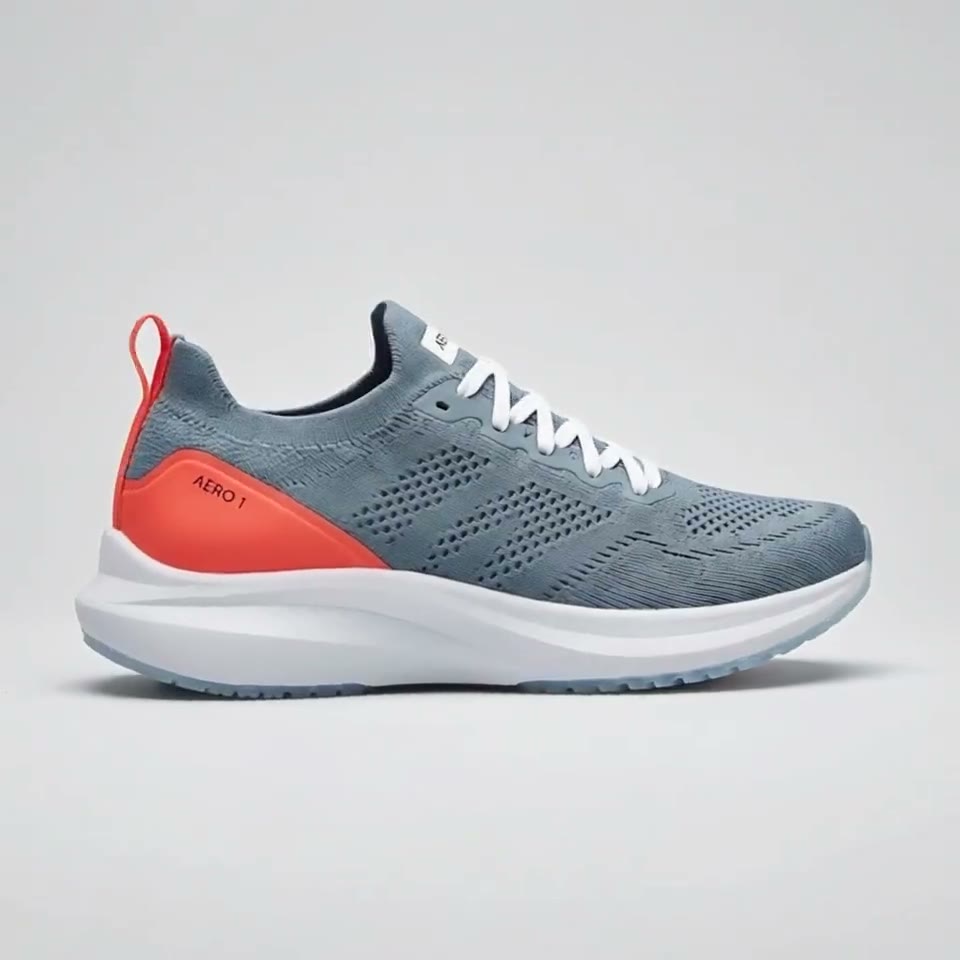
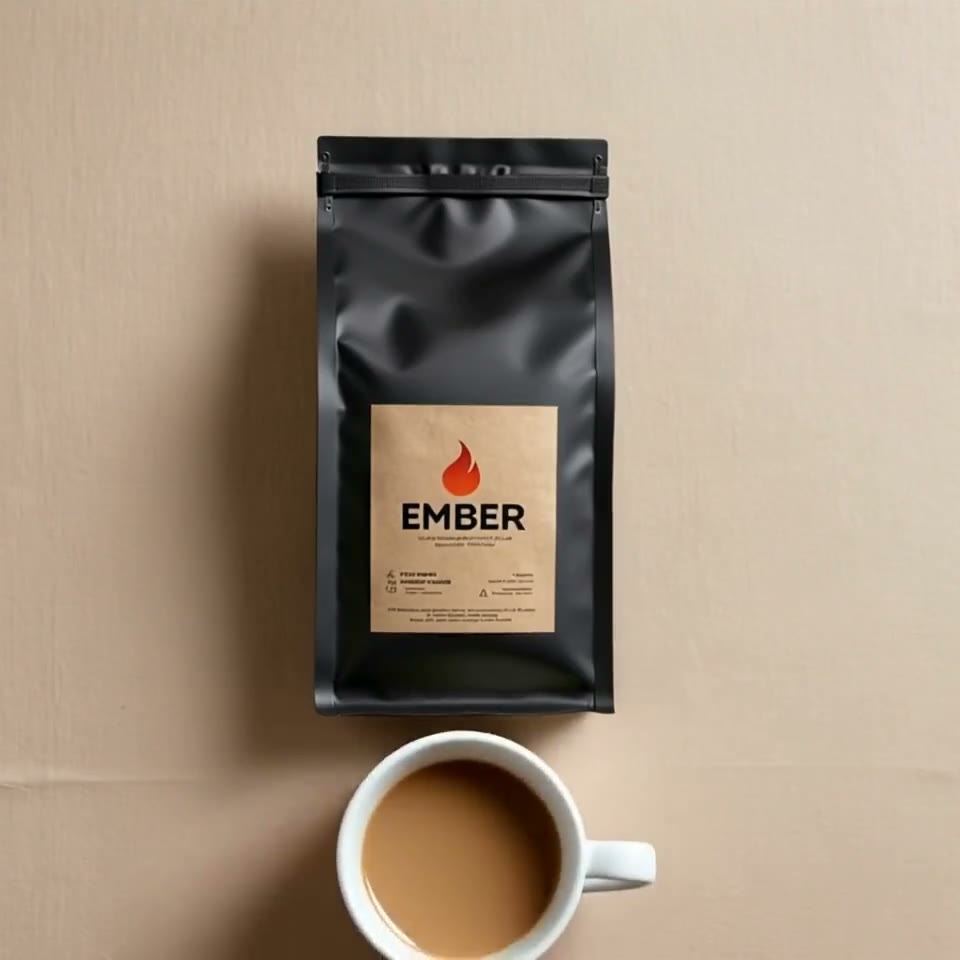
Pick by what the video is for. For a product page or a marketplace listing you want the item itself turning, floating or being unboxed, with the label readable. RefVid and Photoroom start from your product photos and a template, and RefVid keeps the photos as references for the whole clip, not only the first frame, so the label holds while the camera moves.
For a paid social ad, the tools that write the script are faster: Creatify, Topview and Pippit start from a product link and add AI actors, a voiceover and captions, and PixVerse's Ad Master makes a commercial from one image, the product name and its selling points. For a single cinematic shot you direct yourself, the model makers' apps (Kling AI, Runway, Google Flow) or a model hub such as Higgsfield give the most control, but you write every prompt.
3 product photos


Best AI video ad generator for e-commerce: strengths and limits
No tool here does everything. The ones that write a full ad from a link invent the scenes and can drift from your product; the ones that keep your product exact make short clips you put together yourself. This table gives each tool's main strength and the limit to check before you pay, from the same vendor pages as the price table.
3 product photos


| Tool | Strong at | Check before you pay |
|---|---|---|
| RefVid | Your product saved once and reused in every clip; 8 models in one studio, including Kling 4 and Seedance 2.5; product templates for a 360° turn, an unboxing, a splash | Short clips, not a finished ad with an AI actor reading a script |
| Photoroom | Background removal, product photos and video in one app; 300+ video templates | Video only on Max and Ultra; clips of 5 to 10 seconds; up to 50 generations a month on Max |
| Creatify | AI actors, scripts and ad templates; a free plan to try | Free exports carry a watermark; Standard has 55 credits a month |
| Topview | An AI agent plans the scenes and picks the models from a link or a brief | No free allowance on the pricing page; Basic's price is a starter deal |
| Pippit | Many social videos from product links, with a publishing calendar | Prices vary by market; removing the watermark needs a paid plan |
| PixVerse | A whole commercial with a voiceover, captions and music from one image | One image as input, so the sides it does not show are invented |
| Higgsfield | Kling, Seedance, Wan, Veo and more under one subscription; a product can come from a store link | No commercial use on the free plan; what a clip costs depends on the model |
| Kling AI | Kling 4.0: up to 30 seconds from images, up to 10 reference images | Runs Kling models only; the first-month price rises to $8.80 |
| Runway | Gen-4.5 shots, editing tools and Runway Ads | One first-frame image, so other sides of the product are invented |
| Google Flow | 50 free credits a day; Veo 3.1 and Gemini Omni Flash | No product templates; free generation is limited by credits |
What one product clip costs
- On RefVid a single video costs from $2.99, a one-time credit pack from $9.90 and a plan from $10 a month. Credits never expire, and the pricing page shows what each clip costs by model, length and sound before you pay. The first 5-second clip is free, and every clip may be used commercially.
- Elsewhere only some vendors say what a clip costs. Runway's Standard plan makes 52 seconds of Gen-4.5 a month from its 625 credits. Topview's Basic plan covers about 33 seconds of Seedance 2.5 at 720p a month. Higgsfield lists about 5 credits for a 5-second Kling Omni 3 image-reference clip at 720p, against 270 credits on Starter. Photoroom's Max allows up to 50 video generations a month if all its credits go to video, and Google Flow's help page puts a Veo 3.1 Fast clip at 20 credits.
How we compared
- We read every price on the vendor's own site on November 3, 2026: pricing pages, product pages, help centres and the vendors' own blogs. Kling 4.0's limits and Runway's terms come from their own pages as we read them on November 1, 2026. We did not use review sites or price trackers; where a vendor publishes no number, the tables say so.
- We compared what a shop owner asks first: what the tool is for, what it gives free, the cheapest monthly price, what you give it (photos, a link or a prompt), whether clips may be used commercially, and how a product's shape and label can hold. We have not run the same product through every tool, so this page compares published features and prices, not measured quality. The clips on this page are RefVid's own output.
- Two caveats from that day. Higgsfield and Pippit showed prices in euros when we checked from Ireland, so visitors elsewhere may see other amounts. PixVerse's pricing page returned "Page not found", so its figures come from PixVerse's own AI info page, updated October 19, 2026, and its Ad Master description from PixVerse's blog.
- Sources: photoroom.com/pricing and photoroom.com/tools/video-generator; creatify.ai/pricing; topview.ai/pricing and topview.ai; pippit.ai/pricing; pixverse.ai/en/ai-info-page and pixverse.ai/en/blog/best-ai-video-generator-for-ads; higgsfield.ai/pricing and higgsfield.ai/ai-product-video-generator; kling.ai/app/membership/membership-plan and kling.ai/quickstart/kling-4-model-user-guide; runwayml.com/pricing and runway.com/terms-of-use; gemini.google/us/subscriptions and support.google.com/flow/answer/16526234.
How to test a product video generator with your own photos
Run one small test on each tool you shortlist: the same product photos, the same one-sentence prompt and the same length. Then check the label, the logo and the product's edges frame by frame at full size, because small print is where AI product videos go wrong first.
A prompt to start from: "The bottle stands on a stone plinth while pink petals fall slowly around it, soft warm light from the left, and the camera pushes in slowly." Describe the place, the motion and the camera, never the product itself; the photos do that. Use photos with the label large and sharp, from two or three angles.
Start from a template
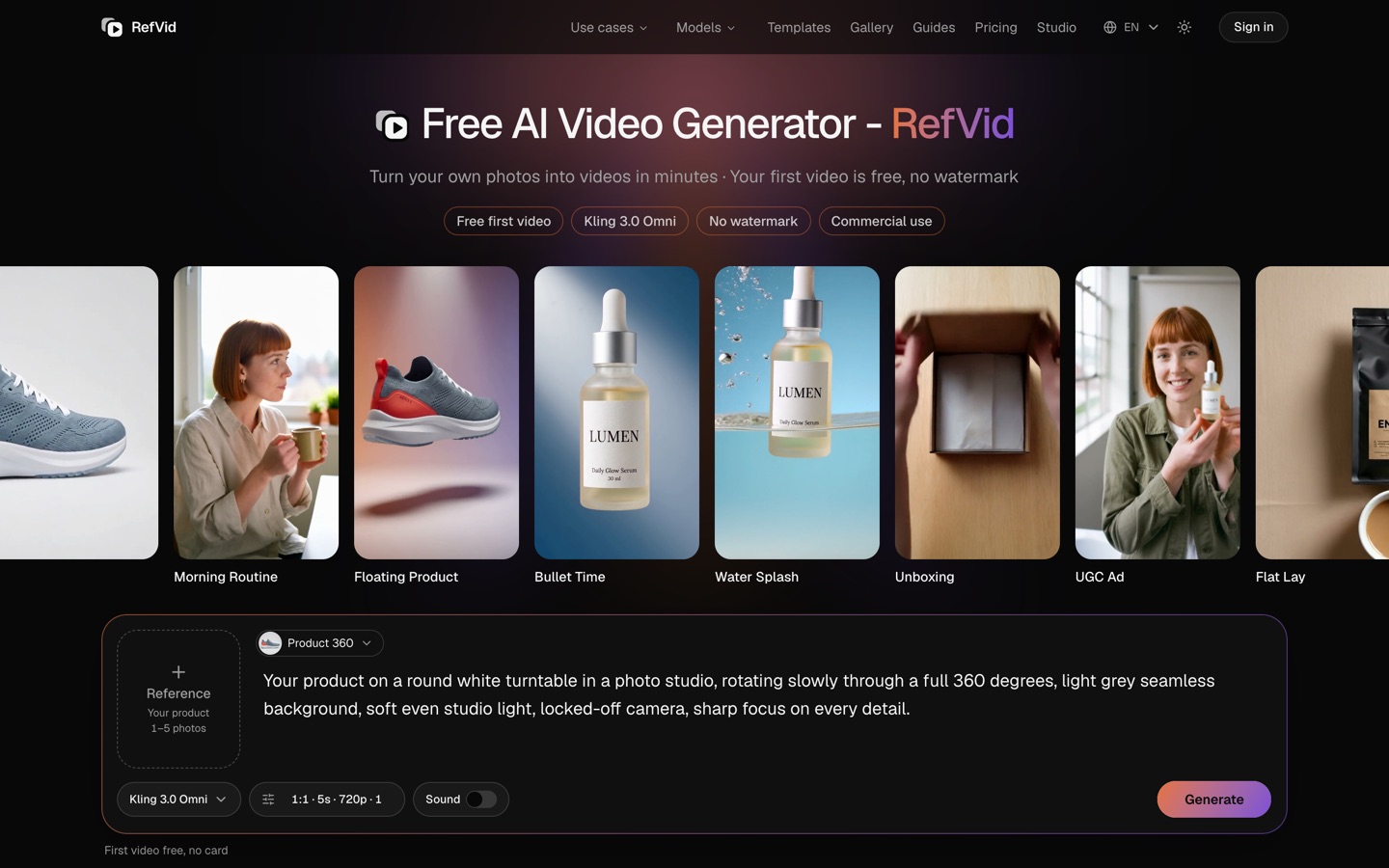
Each one opens the studio with the shots, shape and length already set. Add your own product and generate.
More on AI video models
Product videos →

Frequently asked questions
What is the best AI product video generator in 2026?
It depends on the video. For short clips of your own product from your photos, with the label kept, RefVid saves the product once from 1 to 10 photos and makes the first 5-second clip free. For a full ad with an AI actor and a voiceover from a product link, Creatify, Topview, Pippit and PixVerse's Ad Master are built for that. Prices were read on November 3, 2026.
What is the best AI for product video ads?
For a scripted ad with an AI presenter, Creatify (from $15 a month, 10 free credits a month) and Topview (Basic $8 a month that day) start from a product link. For the product itself in motion, a splash, a 360° turn or an unboxing to cut into an ad, RefVid starts from your photos with product templates. Check the label at full size whichever you pick.
Is there a free AI product video generator?
Yes, with limits. RefVid gives a new account one 5-second 720p clip from your own photos, with no watermark and commercial use allowed. Creatify gives 10 credits a month with watermarked exports, PixVerse 60 credits once and 30 a day, Runway 125 credits once and Google Flow 50 credits a day. Photoroom's video generator needs its Max plan.
How much does RefVid cost after the free video?
A single video costs from $2.99, a one-time credit pack from $9.90 and a plan from $10 a month. Credits never expire, no clip carries a watermark and every clip may be used commercially.
Which AI turns a product link into a video ad?
Creatify, Topview and Pippit take a product URL and build an ad from the page's photos and text, and Higgsfield's Marketing Studio can pull a product from a store link. RefVid starts from photos instead: save the product's photos once and every clip starts from the same pictures.
Will an AI product video change my label or logo?
It can. Small print and logos blur or change when a model only sees one start frame and has to invent the other sides. Tools that keep your photos as reference images for the whole clip hold labels better, and extra angles help. Use sharp photos with the label large in frame, and check every clip at full size before you post it.
Can I use AI product videos commercially?
On paid plans, yes, on every tool here that states it; Higgsfield's free plan excludes it, and Creatify's free exports carry a watermark. RefVid allows commercial use on the free clip too. Read the terms of the tool you choose and only upload product photos you have the right to use.
How current are these prices?
They were read on November 3, 2026 on each vendor's own pages, except PixVerse, whose own AI info page was last updated on October 19, 2026. AI video prices, free credits and introductory offers change often, so check the vendor's page before you subscribe.