Manga panel to video AI that keeps the character's face from panel to panel - RefVid
Turn your own photos into videos in minutes · Your first video is free, no watermark





First video free, no cardGenerating confirms everyone pictured agreed. Terms
Manga panel to video AI turns one panel into a short animated clip. The catch is the face: from a panel alone, the model guesses what the character looks like from other angles, and the guess changes from clip to clip.
Save the character once from 1 to 10 clean pictures, then use each panel as the first frame and write what moves. Every clip starts from the same saved character, in 9:16 for Shorts and recap channels or 16:9. Your first 3-second clip on Kling 3.0 Omni is free.
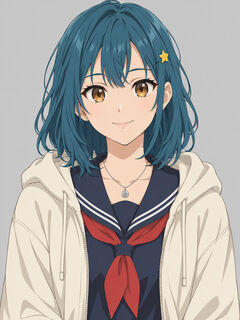
Hana: 2 pictures
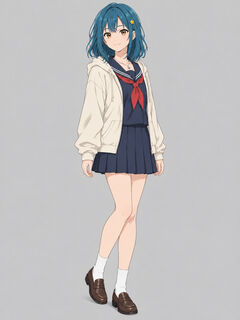
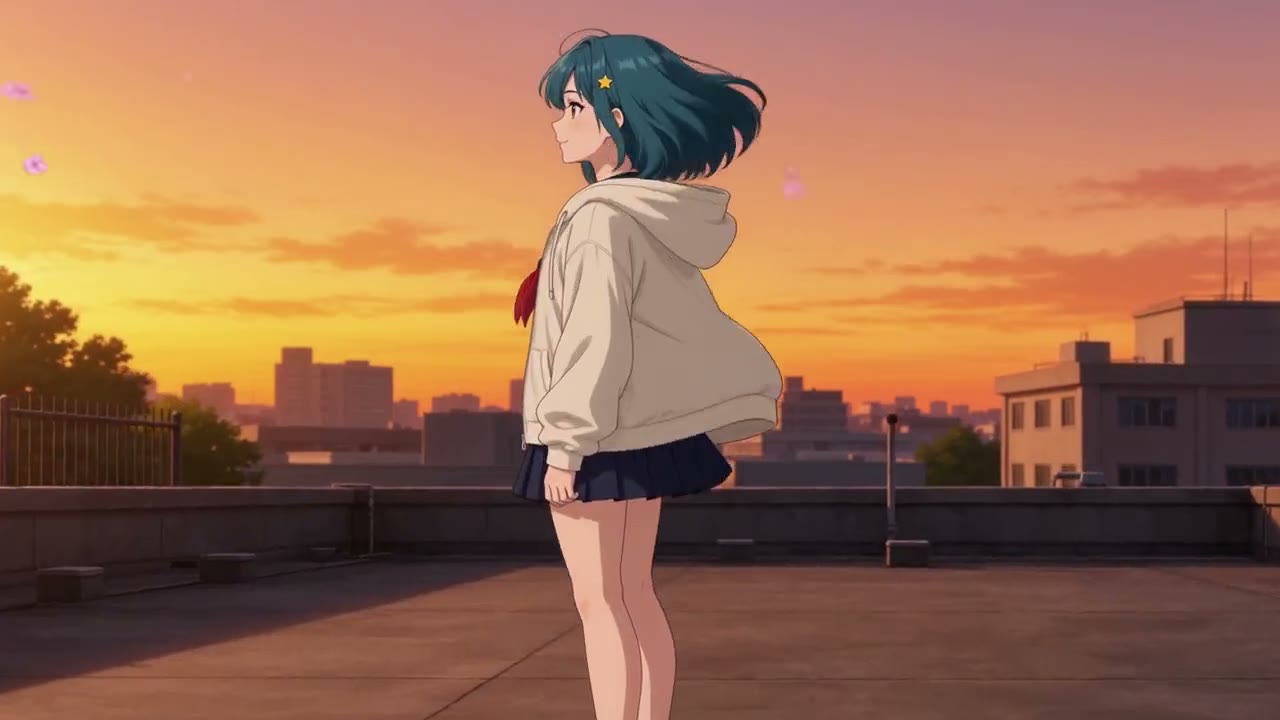
Why a panel alone changes the face
- A panel shows the character from one angle, often cropped, often in a dramatic pose. When the model animates it, it has to invent everything the panel does not show, and it invents it again for the next panel. That is why the eyes, the hair shape or the outfit drift between clips.
- A saved character fixes this. In RefVid you save the character once, from clean pictures of it, and every clip is drawn from that same set. The panel then only decides the composition of one shot, not who the character is.
Manga panel to video AI in 3 steps
- 1. Save the character: crop 3 to 5 clean pictures of it from the art (a front face, a three-quarter view, a full body), with no speech bubbles, sound effects or other characters in them. A character sheet cut into its views is ideal.
- 2. Use the panel as the first frame, with the balloons and lettering removed, so the clip opens on that exact drawing. Pick a panel that shows the moment before the action; the model can only move forward from the first frame.
- 3. Write one or two sentences, style first: "Black and white manga style, ink lines, screentone shading. Kaito turns his head toward the camera as the wind lifts his hair, slow push-in." Then generate, and do the next panel with the same saved character.
Manhwa to video AI: vertical 9:16 for recap channels
Manhwa and webtoons are read as a vertical scroll, so set the shape to 9:16 and take one panel per clip. Short, readable actions work best: a head turn, a step forward, hair and clothes in the wind, a slow camera push. Clips run 3 to 30 seconds depending on the model; join them on your voice-over in any video editor.
Full-colour manhwa needs only a style line such as "Korean webtoon style, clean line art, soft cel shading" repeated word for word in every prompt. Changing those words between clips is the most common reason a series stops looking like one show.
Comic to video AI and motion comics
- The same method works for western comics and comic strips. For a motion comic, ask for little movement: "the camera drifts slowly across the panel, only the hair, the cape and the smoke move". Small motion keeps the drawing close to the original art.
- Black-and-white art: put the style first ("black and white manga style, ink lines, screentone shading") and save the character from black-and-white pictures, so the model has no colour version to drift toward. Our examples on this page are in colour, so test your style on one short clip before doing a whole chapter.
Rights, limits and price
- Animate only art you drew, own or have permission to use. Posting clips made from someone else's manga can break their copyright and the platform's rules.
- Text does not animate well: video models garble lettering, so remove balloons and sound effects before you start and add dialogue as captions or voice-over afterwards. Up to 3 saved characters can share one clip.
- Your first 3-second clip on Kling 3.0 Omni is free, with no card and no watermark. After it, a single video costs from $2.99, a credit pack from $9.90 and a monthly plan from $10; credits never expire.
Start from a template
Each one opens the studio with the shots, shape and length already set. Add your own product and generate.
More character videos
Reference to video →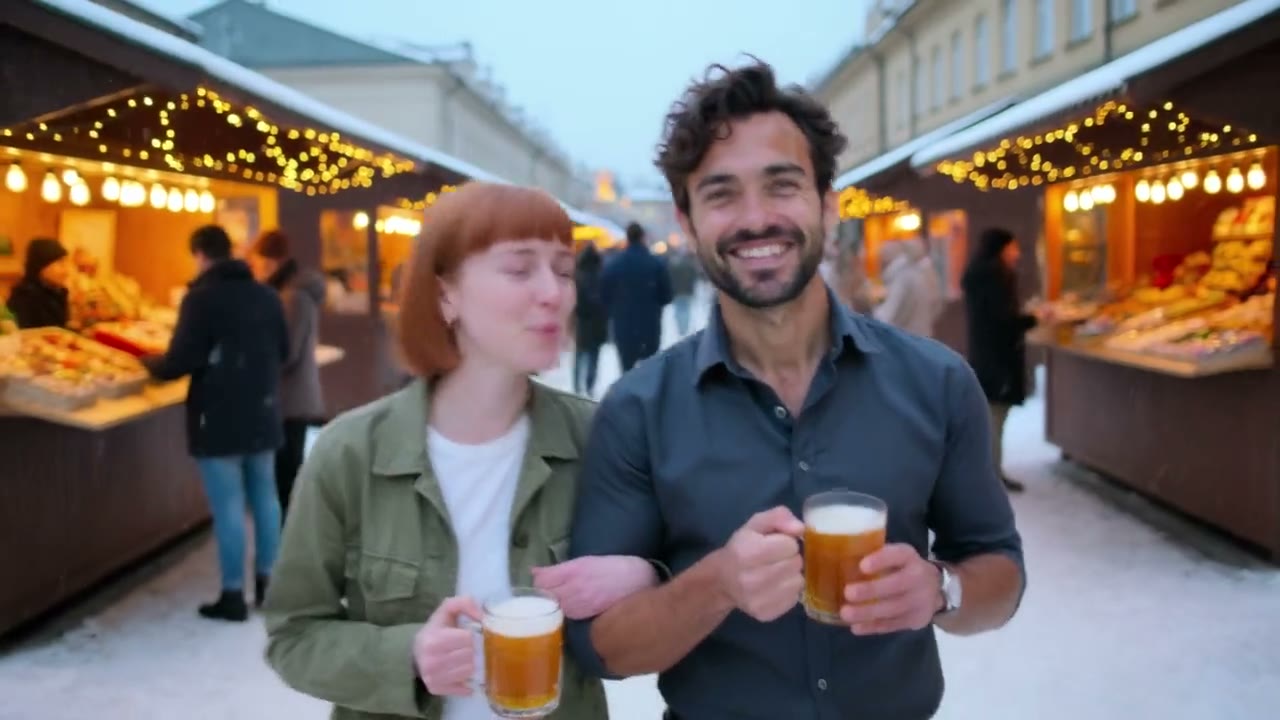

Frequently asked questions
Can I turn a manga panel into a video for free?
Your first 3-second clip on Kling 3.0 Omni is free, with no card and no watermark. After it, a single video costs from $2.99, a credit pack from $9.90 and a plan from $10 a month.
Does manga to video AI keep the character's face?
Not from the panel alone: the model guesses the angles the panel does not show. Save the character once from 3 to 5 clean pictures and make every clip from that saved character, so each panel is drawn from the same face.
Can I make manhwa to video AI clips in 9:16?
Yes. Set the shape to 9:16, take one panel per clip as the first frame and keep the same style line in every prompt. Join the clips on your voice-over in a video editor.
What happens to speech bubbles and sound effects?
Remove them before you use a panel. Video models garble lettering and may animate the balloons as objects; in RefVid a panel used as the first frame is where the clip starts, balloons included. Add the dialogue back as captions or voice-over.
Can I use comic to video AI on a comic I don't own?
Only with the rights holder's permission. Animate your own art, art you commissioned with the rights, or work whose licence allows it; RefVid's terms require you to have the right to every picture you upload.