Christmas AI video: five ready scenes starring your own face, pet or product - RefVid
Turn your own photos into videos in minutes · Your first video is free, no watermark





First video free, no card
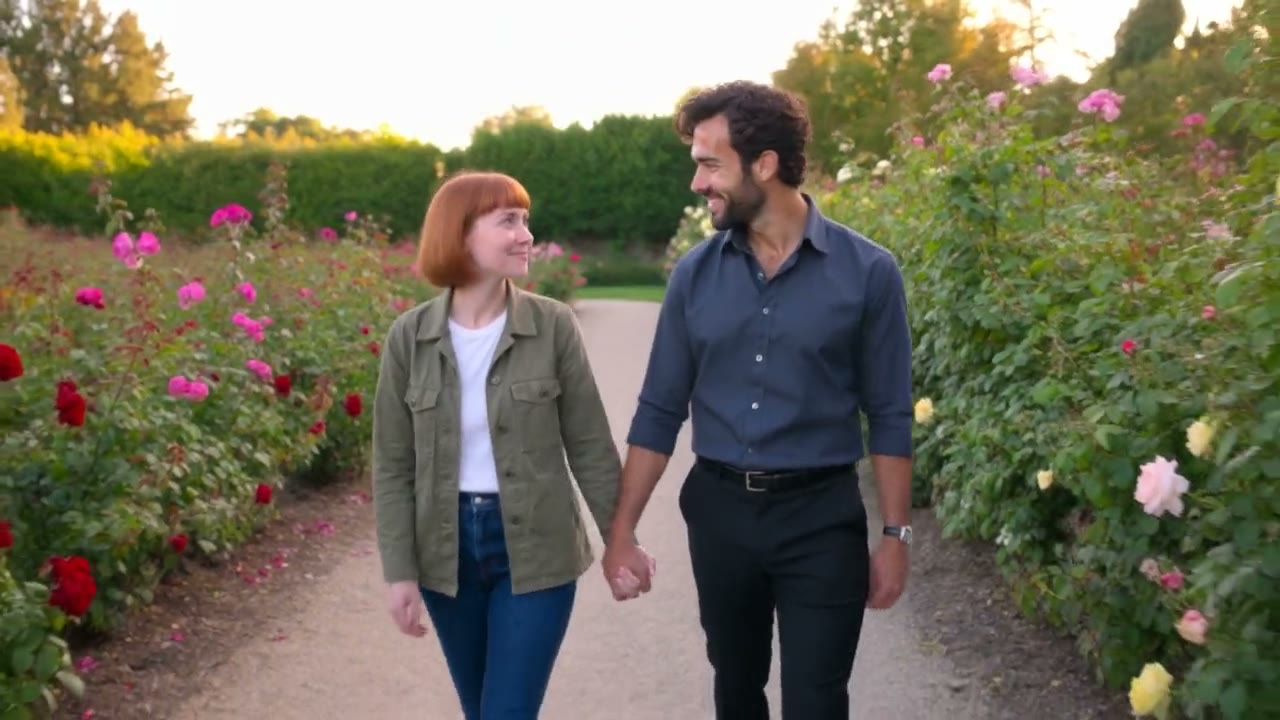
RefVid makes a Christmas AI video from one to ten photos of you, your partner, your pet or your product: pick one of five ready scenes, add the photos and press Generate. Each scene below is a real clip made from its template's prompt, and the prompt is shown word for word.
Clips are 5 seconds, vertical or wide, with no watermark, and the first one is free.

The five Christmas scenes, and who each one is for
- There is one scene for each kind of Christmas video people send: a greeting from you, a couple at a Christmas market, your pet opening a present, your product as the gift, and a New Year countdown. Each takes photos of whoever is in it, so the face, the fur or the label is yours.
- All five run on Kling 3.0 Omni for 5 seconds. The table shows the shape and the sound of each; you can change both before you press Generate.
| Scene | Who is in it | Shape | Sound |
|---|---|---|---|
| Christmas greeting | You | 9:16 | Yes, a spoken greeting |
| Christmas market | You and your partner | 16:9 | No |
| Pet Christmas | Your pet | 9:16 | No |
| Christmas gift | Your product | 9:16 | No |
| New Year countdown | You | 16:9 | Yes, a countdown and a cheer |
Christmas video AI prompt examples
- These are the exact prompts behind three of the scenes, word for word, each next to the clip it made. The words in brackets are where your photos go: the photos carry the face, the pet or the product, so the prompt only sets the tree, the lights, the snow and what happens.
- Use this prompt opens that scene, ready for your photos. Change the wrapping paper, the scarf colour or the drink in the cup, and leave the rest; small changes to the scene keep the look of the clip you see here.
Christmas Gift
Kling 3.0 Omni · 3 reference photos · 5 s · 9:16 · silent
- Shot 1A white gift box with a red satin ribbon sits under a glowing Christmas tree, warm fairy-light bokeh; a pair of hands pulls the ribbon loose and lifts the lid.
- Shot 2Looking into the open box: [your product] rests on crisp white tissue paper, the label sharp and facing the camera, golden lights twinkling around it as the camera pushes in slowly.
Pet Christmas
Kling 3.0 Omni · 4 reference photos · 5 s · 9:16 · silent
- Shot 1Christmas morning in a cosy living room: [your pet] wearing a small red knitted scarf sits beside a glowing Christmas tree, curiously sniffing a present wrapped in red paper with a gold ribbon. Warm fairy lights, soft morning light.
- Shot 2Close-up in the same living room, the lit Christmas tree glowing behind: [your pet], still in its red scarf, grabs the gold ribbon and pulls the wrapping paper open, scraps of red paper flying, then looks up at the camera.
Christmas Market
Kling 3.0 Omni · 8 reference photos · 5 s · 16:9 · silent
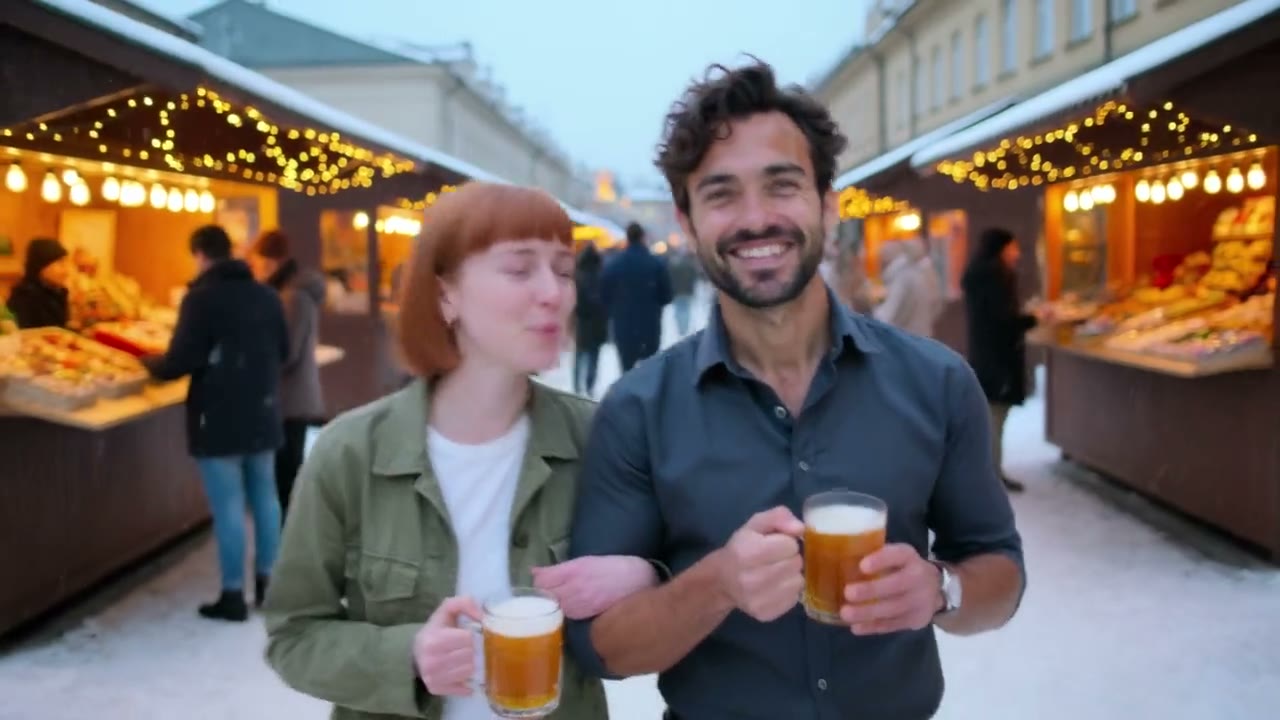
- Shot 1Dusk at a snowy Christmas market with wooden stalls and strings of warm lights: [your name] and [your partner] walk arm in arm toward the camera, each holding a steaming cup of mulled wine, laughing. Light snow falling.
- Shot 2Close two-shot: [your partner] brushes a snowflake from [your name]’s hair and they share a quiet smile, market lights glowing softly behind them.
A Christmas AI video generator for shops
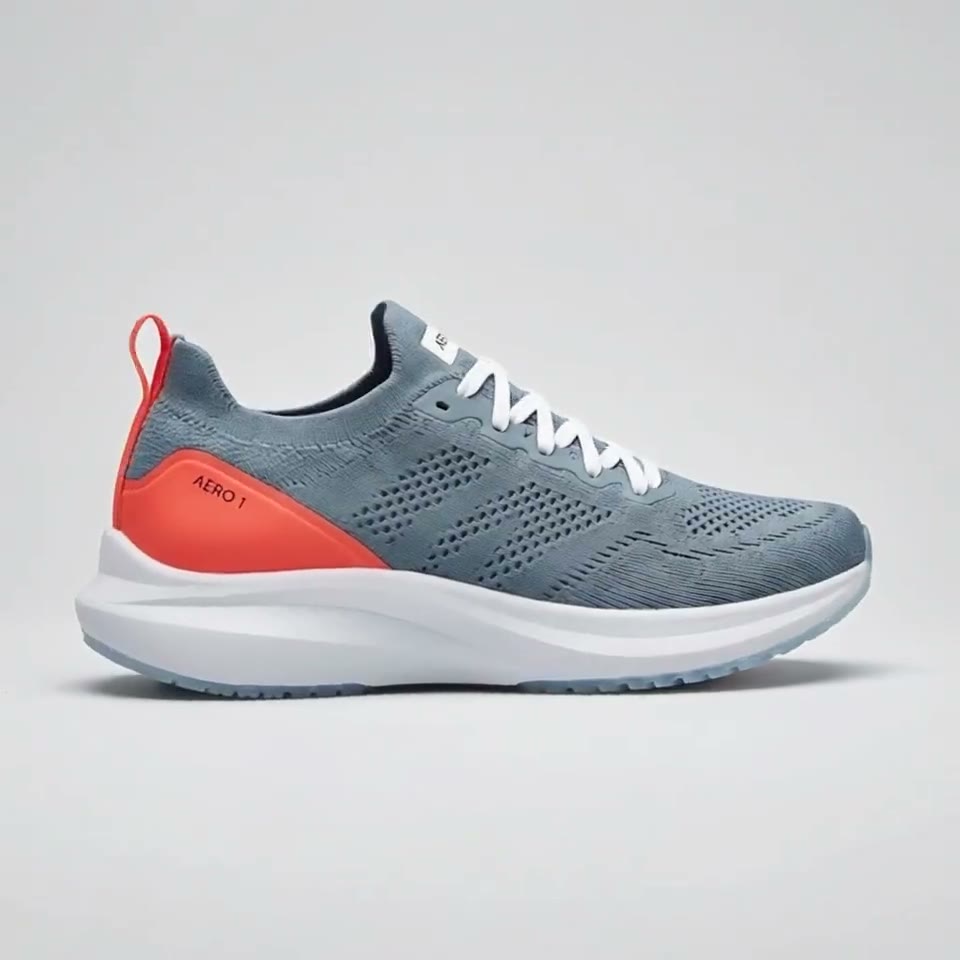
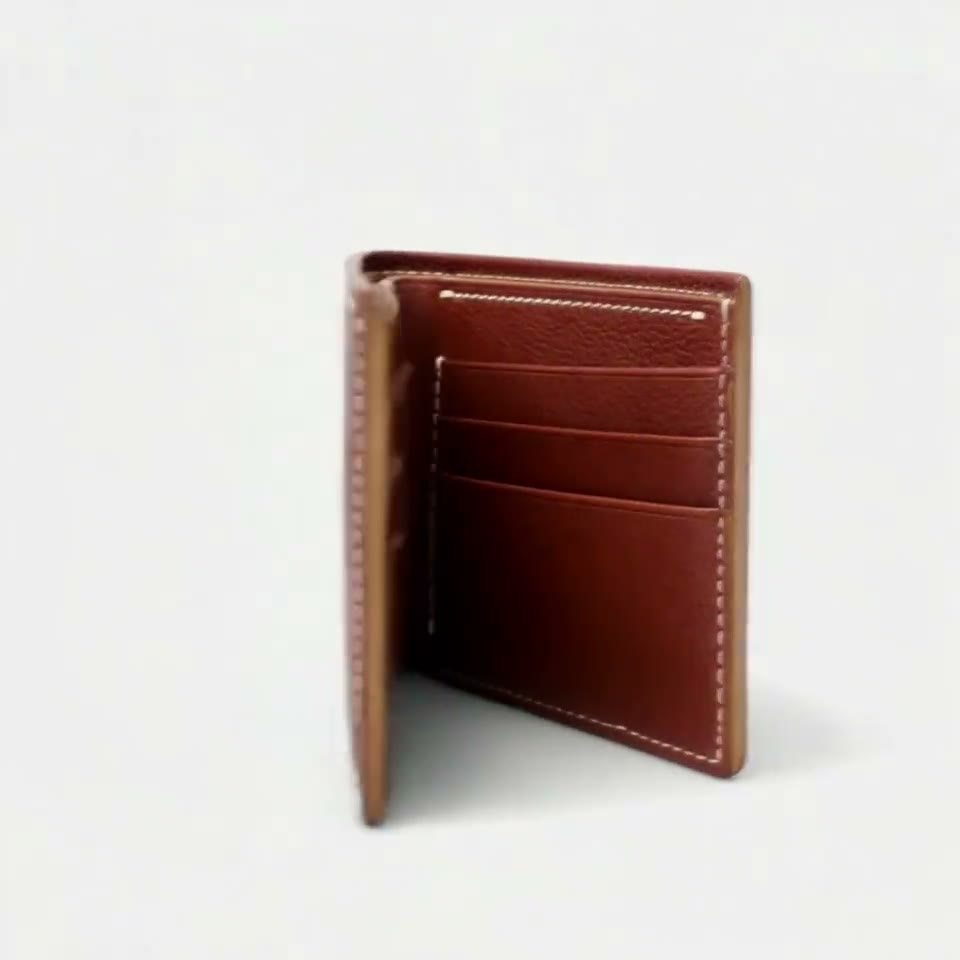
- For a shop, the gift scene is the one to start with: a box under the tree, hands lift the lid, and your product sits on white tissue paper with its real label facing the camera. Save each product once from a few photos and make the same scene for every product you sell.
- Video models often misspell text in the frame, so the scene leaves your offer out. Add the discount, the price or the shipping cut-off as a text layer in TikTok, Instagram or CapCut when you post. Post the clip before your last shipping day, not on Christmas Eve.
Make it yours: change the scene, keep the photos
- The photos decide who is in the clip; the words decide everything else. Swap the red sweater for a green one, the mulled wine for hot chocolate, the living room for a cabin with snow outside the window, and the same face, pet or product comes back in the new scene.
- Change one thing at a time and keep the camera and the light words as they are. If a take comes out wrong, generate again with the same words before you rewrite them: a single bad take is often chance, not the prompt.
When to post a Christmas video
- Searches for Christmas videos made with AI start rising in mid-November and peak in the week before Christmas, then stop almost at once. Make your clips in early December, post product videos before your shipping cut-off, and keep the greeting and the New Year countdown for the last days.
- Vertical 9:16 clips fit Reels, TikTok, Shorts and WhatsApp status; the wide 16:9 scenes fit YouTube, email and a family group chat on a laptop. Every clip downloads as the file the model made, with no watermark.
What a Christmas clip costs
- New accounts get one free 3-second Kling 3.0 Omni video, no card needed, which covers one whole Christmas scene. After that, a single video starts at $2.99, a one-time credit pack at $9.90 and a monthly plan at $10. Credits never expire, so a pack bought for Christmas still works for Valentine's Day.
- On Kling 3.0 Omni a clip with sound costs more credits than a silent one, so the scenes without a spoken line are silent by default. Add music in your editor or pick a sound when you post.
Start from a template
Each one opens the studio with the shots, shape and length already set. Add your own product and generate.
More character videos
Reference to video →

Frequently asked questions
How do I make a Christmas AI video with my own photo?
Pick a scene on this page, press Use this template and add one to ten photos of yourself, your pet or your product. The prompt is already written; press Generate and the 5-second clip arrives in a few minutes, with no watermark.
Which AI Christmas video maker keeps my face, pet or product the same?
One that works from reference photos. RefVid sends your photos to the video model with the prompt, so the person, pet or label in the clip is the one in your photos, not a look-alike drawn from words.
Can a Christmas AI video say "Merry Christmas" out loud?
Yes. The Christmas greeting scene has a spoken line and sound on; change the words in quotes to your own short greeting. Keep it under about 12 words for a 5-second clip.
Can I make a Christmas AI video for free?
Yes, once. New accounts get one free 3-second video with no card, enough for one whole scene. More clips use credits from a single video, a pack or a plan.
Can I put my shop's discount or a greeting card text in the video?
Add it after, as a text layer in TikTok, Instagram or CapCut. Video models often misspell words in the picture, so the scenes leave text out on purpose.