AI animation video from your own drawing or character - RefVid
Turn your own photos into videos in minutes · Your first video is free, no watermark




First video free, no card
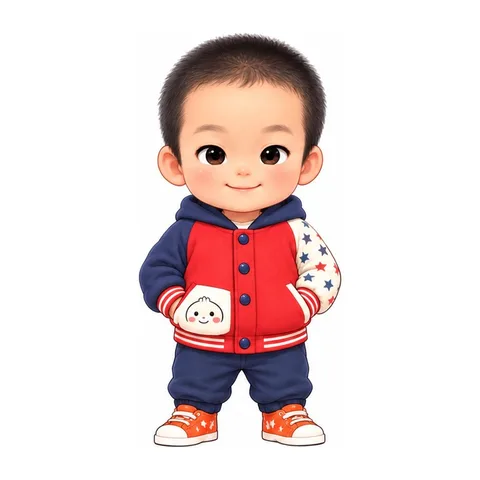
Make an AI animation video with a character you already have: upload a drawing, a character sheet, a mascot or a photo of a toy, write what happens in one sentence, and press Generate. The model animates that character and keeps its face, colours and outfit in every shot.
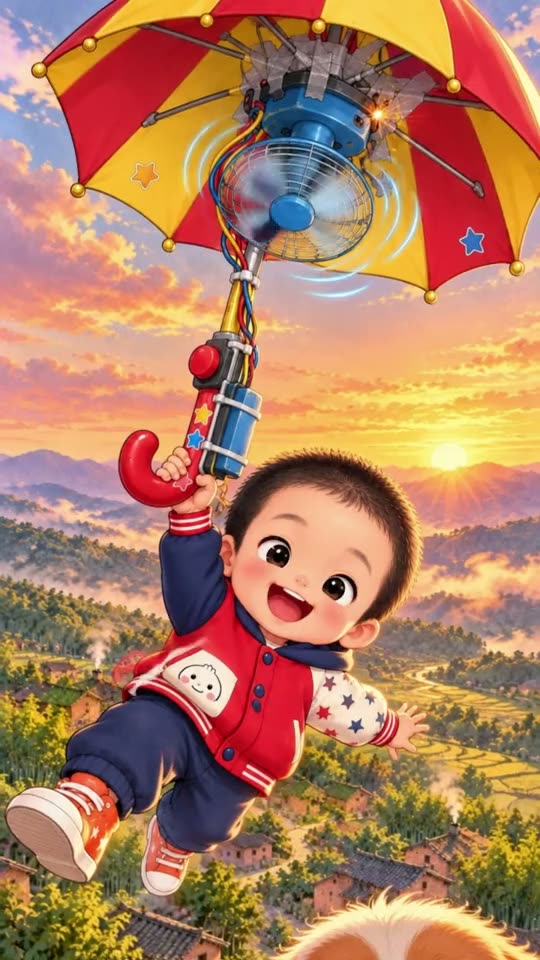
Your first 4-second clip on Kling 3.0 Omni is free, with no card and no watermark. The clip here is one shot of our own cartoon, made on RefVid.
1 character drawing
One 3-second animated shot
Three steps. No prompt skills, no 20 photos.
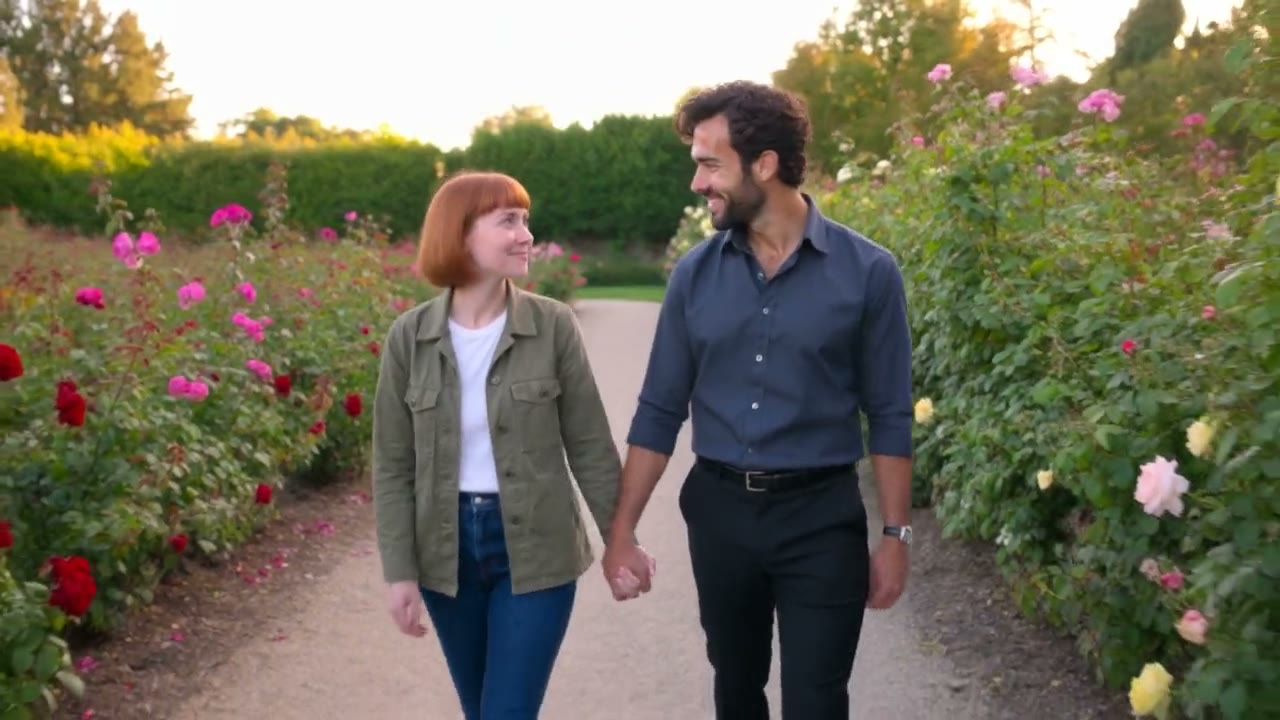
Some tools train a face from 20 or more photos, others want long, careful prompts. RefVid needs a few photos and one line.
- 01
Upload 1–10 photos
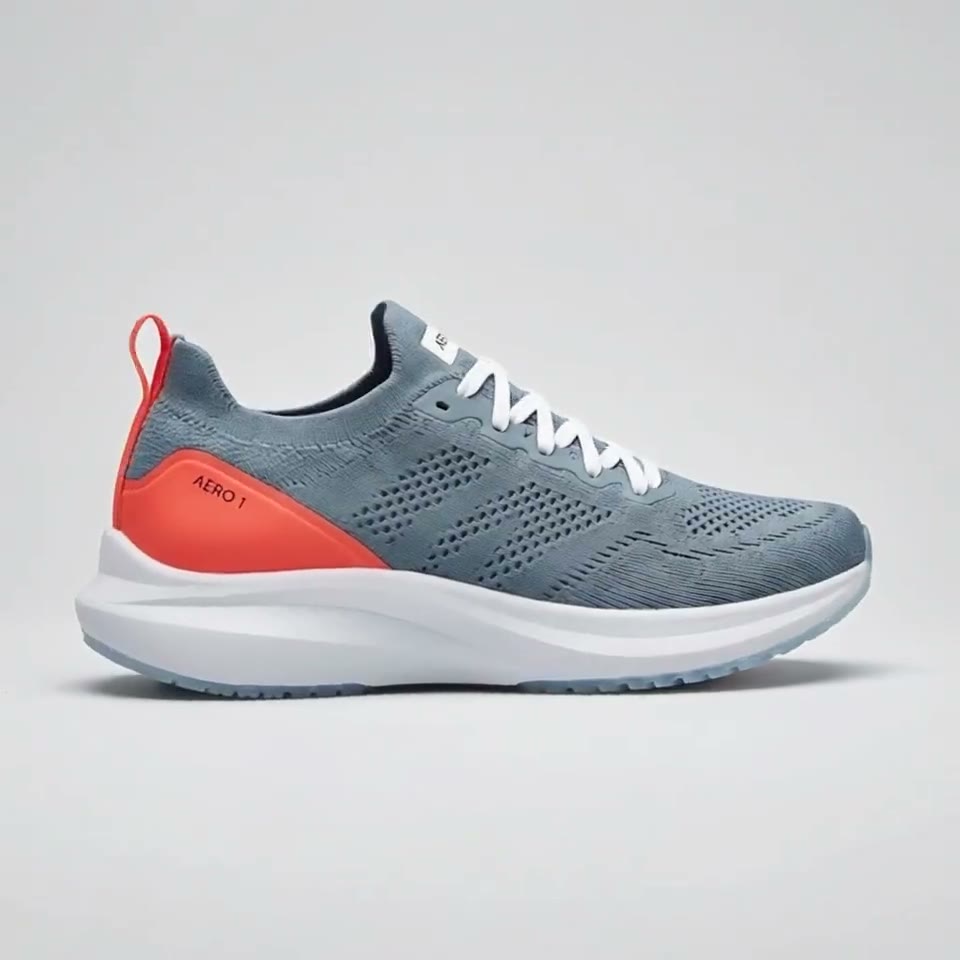
A clear front view of the person or product. Add a side view or a close-up of the label if you have one.
- 02
Pick a template or write one line
Start from a ready-made template, or describe the scene in one sentence, such as “she pours coffee in a bright kitchen”.
- 03
Generate
The clip keeps the same face, outfit or label. Make the next scene from the same photos whenever you like.
Start from a template
How an AI animation video is made on RefVid
- You save your character once, from one to ten pictures, and every clip you make is drawn from that same set. The model animates the character from the pictures and your sentence: it moves, the camera moves, the light changes. It does not move a rigged puppet, so you need no skeleton, no keyframes and no animation software.
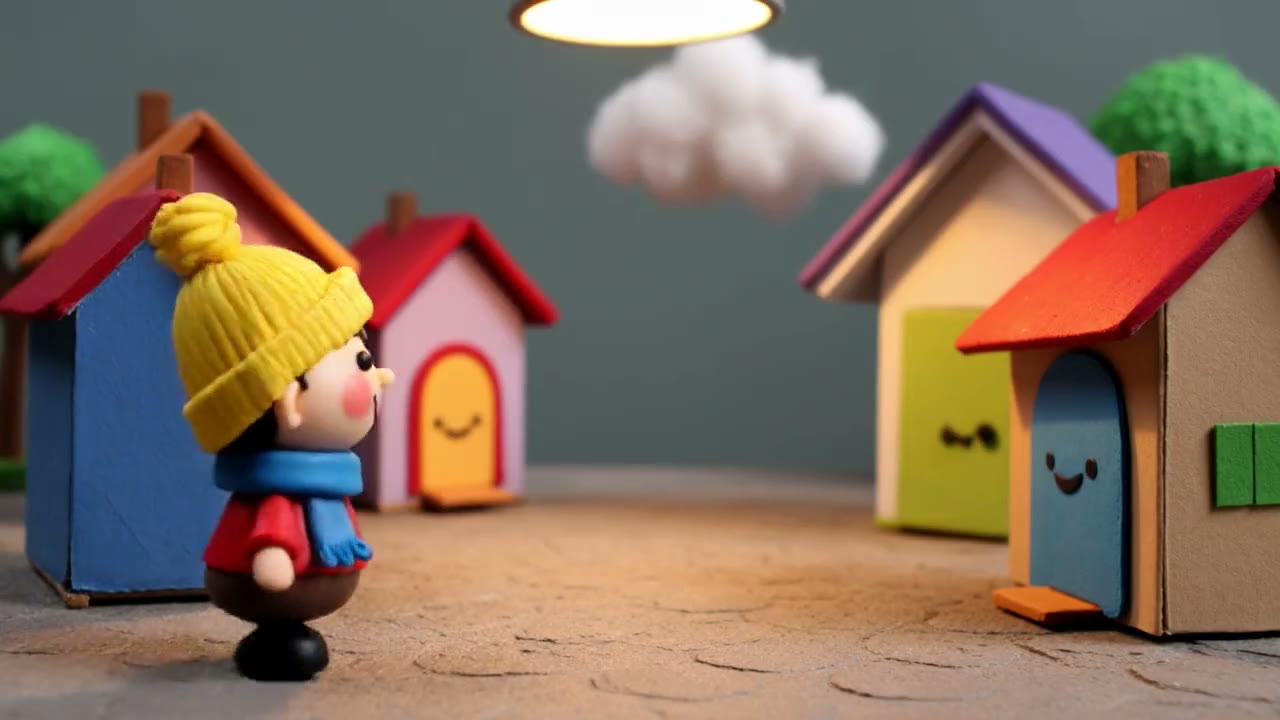
- The style comes from your pictures. A crayon drawing stays a crayon drawing, a 3D toy stays a toy and a clay figure keeps its fingerprints, as long as the prompt does not ask for another look; adding "Keep the drawn style" to the prompt helps the model hold a flat 2D look. Every clip from the same saved character keeps the same face and outfit, so the tenth shot of a short still matches the first.
AI animation generator from image: a drawing, a sheet or a keyframe
- An AI animation generator from an image needs only one clear picture of your character, and uses it in one of three ways. As a subject, the picture is saved under the character's name and goes into every later clip. As a first frame, the clip opens on your exact drawing. As a picture, it sets the place or the look.
- For a cartoon with more than one shot, use both: save each character from a clean character sheet (front, side and back on a plain background), then draw or generate a keyframe for each shot and set it as the first frame. That is how every shot of GuaPi was made. Kling 4 and Kling 3.0 Omni start on the keyframe and can also end on a second one, which is how one shot hands over to the next.
AI cartoon video generator styles: 2D, anime, 3D toy, clay and plush
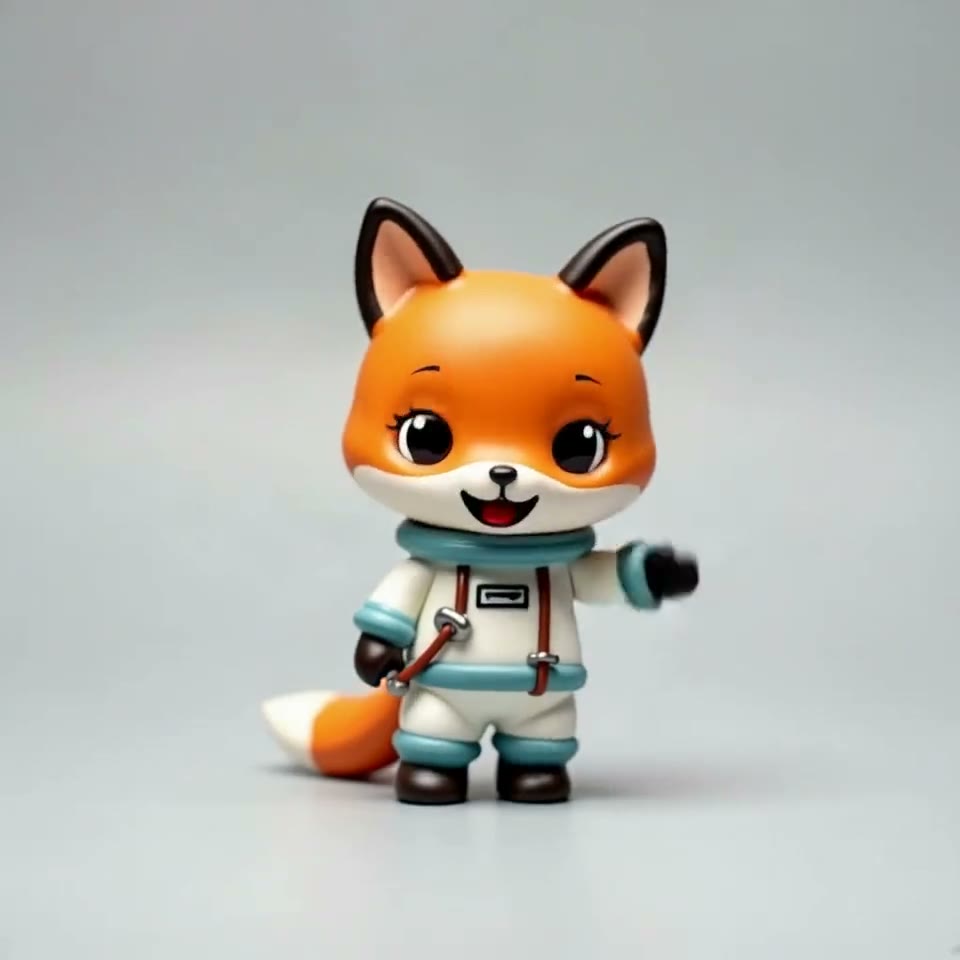
- Any character with a shape the model can keep can be animated: a flat 2D cartoon, an anime character, a 3D figure or vinyl toy, a clay figure, a plush, a brand mascot. The most reliable start is a clean picture on a plain background, with the whole character in view and one pose, so the model sees its proportions.
- Several templates already write the shot for a character like yours. Mascot says hello has your mascot wave at the camera and greet the viewer; Claymation turns a clay figure into stop-motion with a slightly jerky frame rate; Toy comes to life has a figure blink, stretch and wake up on a shelf. For an anime cast with several episodes, plan the art style and the model sheets first.
Prompts for AI animation: one event per shot
- Write one thing that happens per shot, how hard it happens and how the face changes. A 3-second shot asked to do three things usually does none of them; asked for one, it does it fully. Name the character by its saved name, say what the camera does, and keep sound out of the prompt.
- Two prompts that made real clips: "The little fan sparks and bursts with a pop: a thick cloud of black smoke explodes out of it, the blades jam and stop, the umbrella jolts; Henry's grin turns into wide-eyed panic. Keep the drawn style." (the shot at the top of this page) and "Pip stands on a bright clean desk in front of a soft pastel backdrop, looks at the camera, waves one arm and says in a cheerful little voice: “Hi there, welcome in!” Gentle push-in." (the mascot template). When we wrote a sound into a prompt, the model drew the instrument into the shot instead, so add music and effects after.
From one shot to an animated short
- An animated short is a row of short shots cut together, not one long generation. Write the story as a shot list, make each shot its own clip of 3 to 5 seconds, then cut them in order. Kling 4 makes clips of up to 30 seconds, but short shots keep the action fast and let you redo one without losing the rest.
- Keep every take: the best moment is often at the end of a clip, and old takes can be cut into a new scene. Our GuaPi episodes were made this way, each under a minute long; the making-of shows every shot, the prompts and what we changed after each mistake.
What an AI animation video costs, and a check before you post
- Your first 4-second clip on Kling 3.0 Omni is free, with no card and no watermark, and commercial use is allowed. After that a single video costs from $2.99, a one-time credit pack from $9.90 and a plan from $10 a month; credits never expire, and a clip that fails gives its credits back.
- Before you post, watch each shot frame by frame: the face from the front and the side, hands and fingers, small details such as a logo on a jacket, and the first and last frames where two shots meet. A shot that drifts is cheaper to redo with a cleaner picture or a simpler sentence than to fix in editing.
More templates
Each one opens the studio with the shots, shape and length already set. Add your own product and generate.
More character videos
Reference to video →

Frequently asked questions
Is there a free AI animation generator?
Yes. On RefVid your first 4-second clip on Kling 3.0 Omni is free after you sign in, with no card and no watermark, and you can use it commercially. Upload a drawing or a photo of your character, write one sentence and press Generate; later clips cost from $2.99.
Can AI animate my own drawing or character?
Yes. Save the character from one to ten pictures of it, ideally a clean drawing or character sheet on a plain background, and every clip keeps its face, colours and outfit. You can also set a drawing as the first frame so the clip opens on it exactly, on Kling 4 or Kling 3.0 Omni.
Is RefVid an AI cartoon video generator?
It works as one: it animates the cartoon character you give it, in its own style, on 9 models. Our series GuaPi, a 2D cartoon about a goose, a boy, his sister and a dog, was made shot by shot in the RefVid studio from four saved characters.
Can I make anime-style videos with AI?
Yes, if you start from an anime-style picture of your character: the model keeps the style of the pictures you save. Fix the art style and the model sheets first, then write one event per shot; an anime series with a stable cast is made the same way as GuaPi. On RefVid each shot is a clip of 3 to 5 seconds.
How long can an AI animation video be?
One clip runs up to 30 seconds on Kling 4, Wan 3.0 and Seedance 2.5, and up to 10 to 16 seconds on the other models. For a longer cartoon, make short shots of 3 to 5 seconds and cut them together; that keeps the action fast and lets you redo one shot without losing the others.