Faceless YouTube channel with AI: a host who looks the same in every video - RefVid
Turn your own photos into videos in minutes · Your first video is free, no watermark

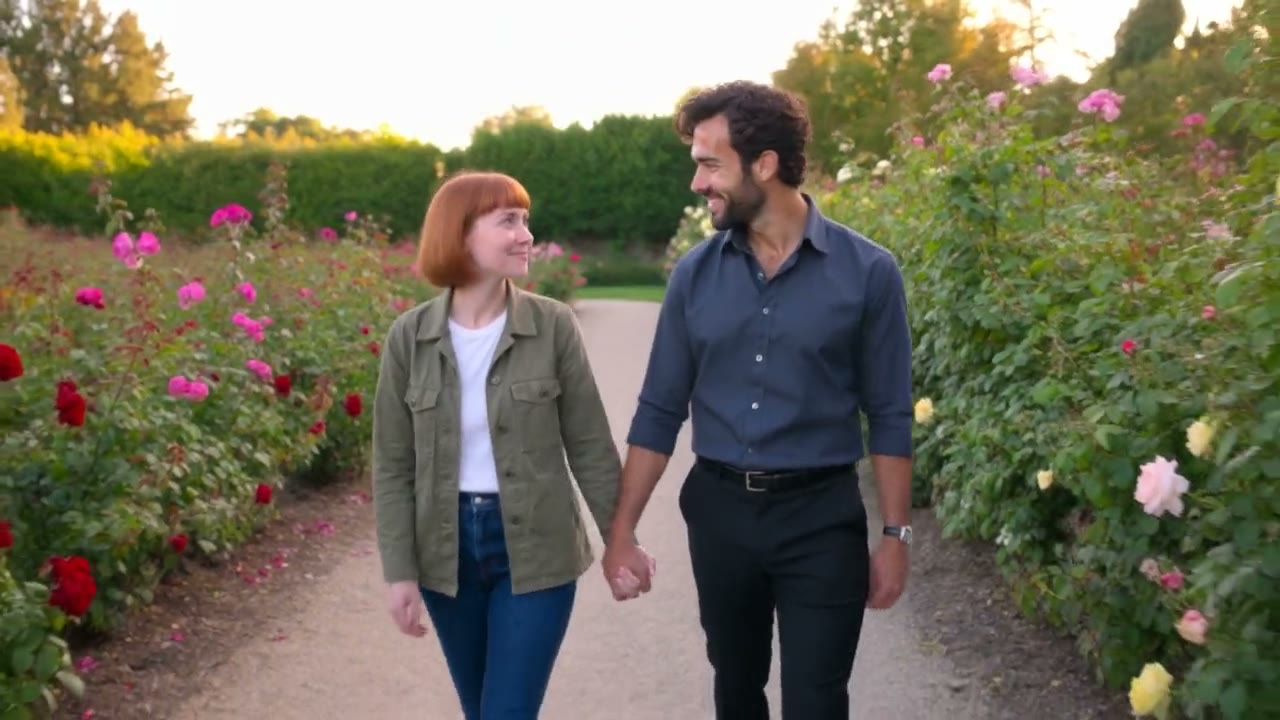


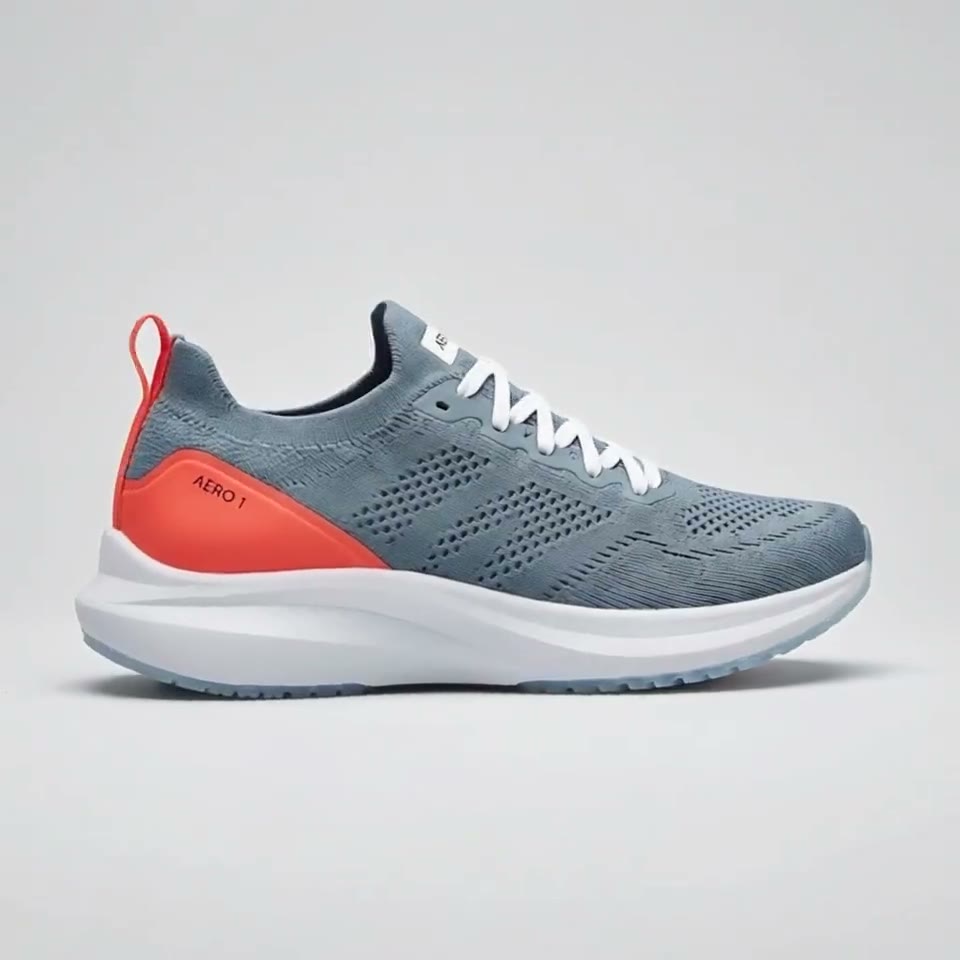
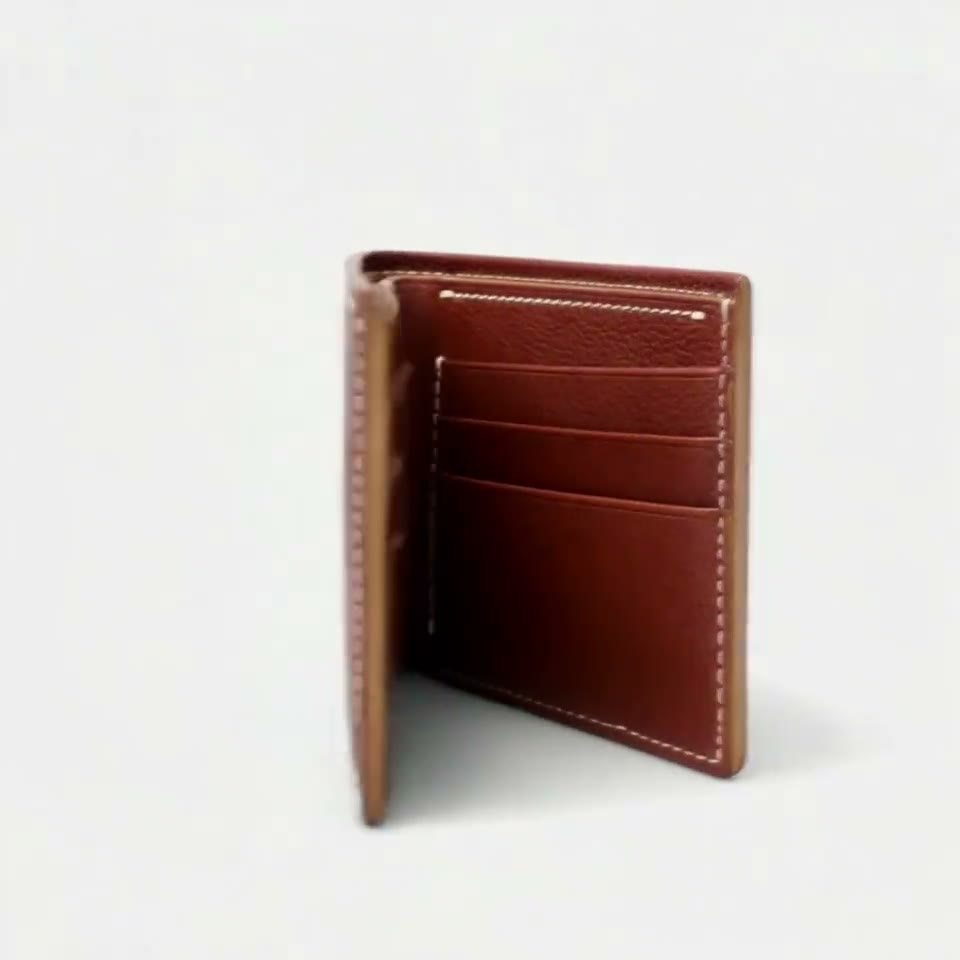


First video free, no card
A faceless YouTube channel with AI is a channel where nobody shows their own face: a character, a mascot, a pet or a cartoon fronts every video instead. What makes viewers subscribe is that the host is recognizable from one upload to the next.
On RefVid you save that character once from 1 to 10 pictures, and every clip is made from those same pictures, so video 40 shows the same host as video 1. Your first 4-second clip on Kling 3.0 Omni is free, with no card and no watermark.
Pip: 4 pictures



Three steps. No prompt skills, no 20 photos.
Some tools train a face from 20 or more photos, others want long, careful prompts. RefVid needs a few photos and one line.
- 01
Upload 1–10 photos
A clear front view of the person or product. Add a side view or a close-up of the label if you have one.
- 02
Pick a template or write one line
Start from a ready-made template, or describe the scene in one sentence, such as “she pours coffee in a bright kitchen”.
- 03
Generate
The clip keeps the same face, outfit or label. Make the next scene from the same photos whenever you like.
What a faceless channel looks like
Most faceless channels fall into a few formats: narrated stories over generated scenes, explainers with a cartoon presenter, a pet or mascot who reads the news, a recurring animated series, and product or tech videos with a character host. In each one the host stands in for the creator, so the host carries the channel's brand.
The weak point of AI-made faceless videos is drift. A video model draws every shot fresh, and a character described only in words changes its face, colors and clothes between shots and between uploads. Viewers notice that before they notice anything else, and a channel whose host changes every week reads as a pile of unrelated clips.
Start a faceless YouTube channel with AI, step by step
- 1. Design the host once. Draw it, generate it with an image model, or photograph a toy or your pet, then pick 4 to 6 pictures that show the same character from the front, the side and full body on a plain background. 2. Save those pictures as one subject in RefVid. Every later clip starts from them.
- 3. Write the video as a shot list: one action per shot, who does what, where, and how the camera sees it. 4. Generate the shots, 16:9 for long videos or 9:16 for Shorts. A clip runs 3 to 30 seconds on Kling 4 and can hold up to 3 shots. 5. Edit the clips with your voiceover or narration, add captions, and upload.
Faceless YouTube video generator: what RefVid makes and what it does not
- RefVid makes the picture: short clips of your saved host, from 3 to 30 seconds each, with the model's own sound and any line written in quotes spoken in the clip. Up to 3 saved subjects can share a shot, so a host and a sidekick stay apart.
- It does not write scripts, read a long narration or upload to YouTube for you. A typical faceless workflow keeps those steps in other tools: a script you write or draft with a chatbot, a voiceover you record or generate, and an editor such as CapCut or Premiere to put the clips, the voice and captions together.
YouTube automation with AI: what YouTube pays for
- YouTube automation with AI means running a channel as a production system: scripts, voice, visuals and editing made with tools or helpers instead of by one person on camera. YouTube allows AI-made videos. What its monetization policies exclude is inauthentic content: mass-produced or repetitive videos made from a template with little variation, which is how most fully automated channels lose monetization.
- So keep a person in charge of every video: an original script, a point of view, and a host whose personality carries from episode to episode. When you upload, YouTube asks whether the video has altered or synthetic content; answer yes for anything realistic that AI made, such as a lifelike person or event. A cartoon or clearly animated host does not need the label.
Faceless YouTube channel AI prompts for a recurring host
- Name the host the same way in every prompt and describe the action, not the look, since the look comes from the saved pictures. An intro that works: "{host} stands at a small desk in a cozy studio, waves at the camera and says: 'Welcome back, today we test three weird gadgets.' Slow push-in, warm light."
- Keep one home set as a saved picture too, the same desk or room in every episode, so the channel looks like one place. The two prompts below made real clips with a toy and a clay figure as the host; swap in your own host to reuse them.
Toy Comes Alive
Kling 3.0 Omni · 4 reference photos · 5 s · 9:16 · silent
- Shot 1[your figure] stands perfectly still on a wooden desk next to a pencil cup and a notebook in soft morning light, like a toy on display. Close-up at the toy’s eye level.
- Shot 2[your figure] comes to life: it blinks, looks around curiously, then takes a few small wobbly steps toward the camera and waves. It is still the same small painted toy, same material and colours. Shallow depth of field.
Claymation
Kling 3.0 Omni · 4 reference photos · 5 s · 16:9 · silent
- Shot 1Stop-motion claymation style, slightly stepped movement: [your clay character] walks across a small handmade set of a paper-and-felt village street with tiny houses and a cotton-wool cloud, its clay texture and fingerprints visible. Warm tabletop light.
- Shot 2[your clay character] stops, turns to the camera and waves with one clay hand, then gives a little hop. Stop-motion feel, shallow depth of field.
What a faceless channel costs on RefVid
- A new RefVid account gets one free 4-second video on Kling 3.0 Omni, with no card and no watermark, which is enough to test whether your host holds. After that, single videos start at $2.99, one-time credit packs at $9.90 and monthly plans at $10. Credits do not expire.
- A channel that posts several videos a week usually fits a monthly plan. Test each new shot idea at 720p and 5 seconds, then spend on 1080p only for the shots that make the final cut.
Start from a template
Each one opens the studio with the shots, shape and length already set. Add your own product and generate.
More on AI video models
Text to video AI →


Frequently asked questions
How do I start a faceless YouTube channel with AI?
Pick a format and a niche, design one host character, save 4 to 6 pictures of it in RefVid, and make every video from that saved host. Write the script yourself, add a voiceover in your editor, and upload on a steady schedule so viewers know what to expect.
Can a faceless channel made with AI be monetized?
Yes, if it meets the YouTube Partner Program rules. AI-made videos are allowed; mass-produced, repetitive videos made from a template with little variation are not monetized. Original scripts and a host with a personality keep a channel on the right side of that rule, and RefVid clips carry no watermark, so the videos are yours to post and monetize.
What is the best faceless YouTube video generator for a consistent character?
One that generates every clip from saved pictures of the character, not from a text description. RefVid saves your host once from 1 to 10 pictures and runs 9 video models, so the same host can appear in every video whichever model you pick.
Do I need to label AI videos on a faceless channel?
Only for realistic content. YouTube asks you to mark a video as altered or synthetic when AI made something that looks real, such as a lifelike person or event. A cartoon, mascot or clearly animated host does not need the label, and RefVid adds no watermark or AI mark of its own, so the choice is yours when you upload.
Can I use YouTube automation with AI for free?
You can start free: a new RefVid account gets one 4-second video on Kling 3.0 Omni, with no card and no watermark. Regular uploads need paid clips; single videos start at $2.99.