AI music video generator: a music video that stars you - RefVid
Turn your own photos into videos in minutes · Your first video is free, no watermark





First video free, no cardGenerating confirms everyone pictured agreed. Terms
An AI music video generator turns a song into a string of short shots, and the hard part is keeping the singer the same in all of them.
On RefVid you save yourself, your band or your character once from 1 to 10 photos, write one shot per prompt, and every clip comes back with the same face and outfit. You then cut the clips on your song in any editor. Your first 4-second clip on Kling 3.0 Omni is free, with no card and no watermark.
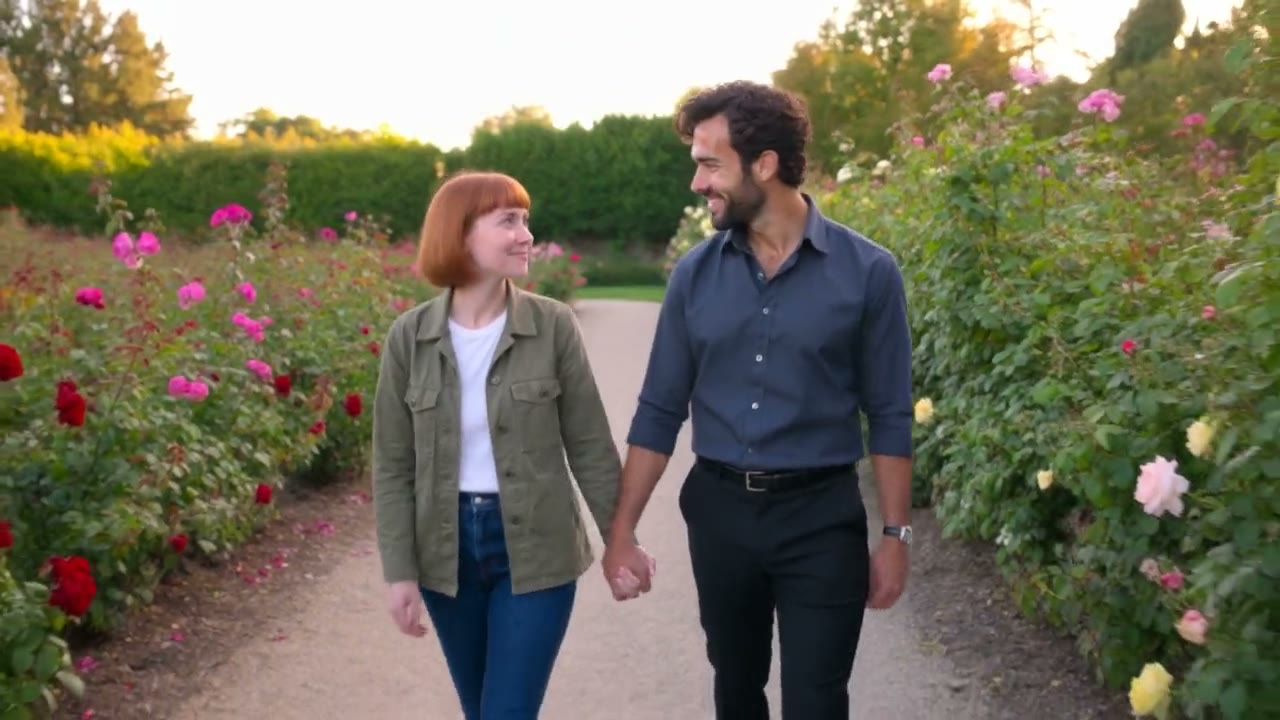
Mia and Leo: 8 photos


Three steps. No prompt skills, no 20 photos.
Some tools train a face from 20 or more photos, others want long, careful prompts. RefVid needs a few photos and one line.
- 01
Upload 1–10 photos
A clear front view of the person or product. Add a side view or a close-up of the label if you have one.
- 02
Pick a template or write one line
Start from a ready-made template, or describe the scene in one sentence, such as “she pours coffee in a bright kitchen”.
- 03
Generate
The clip keeps the same face, outfit or label. Make the next scene from the same photos whenever you like.
How the singer stays the same in every shot
- A music video is 20 to 60 shots, and a video model draws each one fresh. Typed descriptions of a face drift between shots: the hair changes, the jacket changes, by the chorus it is someone else. RefVid fixes that at the source. You save the performer once from photos, and every shot is generated from those same photos, so shot 30 matches shot 1.
- Up to 3 saved subjects can share one shot, so a duet, a full band or a singer with a dog works the same way: each one is saved from their own photos and named in the prompt, and the model keeps them apart.
Make an AI music video of yourself, step by step
1. Save yourself. Upload 3 to 6 clear photos: straight on, three-quarter, one full body, in the outfit you want on screen. Good light and no sunglasses help the face hold. 2. Split the song into sections (intro, verse, chorus, bridge) and give each section two or three shot ideas: a performance shot, a story shot, a scenery shot.
3. Generate one shot per prompt, 9:16 for Shorts, Reels and TikTok or 16:9 for a YouTube video. A clip runs 3 to 30 seconds on Kling 4, and a clip can hold up to 3 shots that the model cuts between. 4. Put the clips on your song's timeline in CapCut, Premiere or any editor, cut on the beat, and export. RefVid does not take an audio file, so the song itself is added in the editor.
AI music video with my face: photos that work
- Your face holds best when the photos agree with each other. Use photos from the same few months, with the same hair, and include at least one photo where the face fills most of the frame. Leave out heavy filters, group photos and pictures where a hand or a microphone covers the mouth.
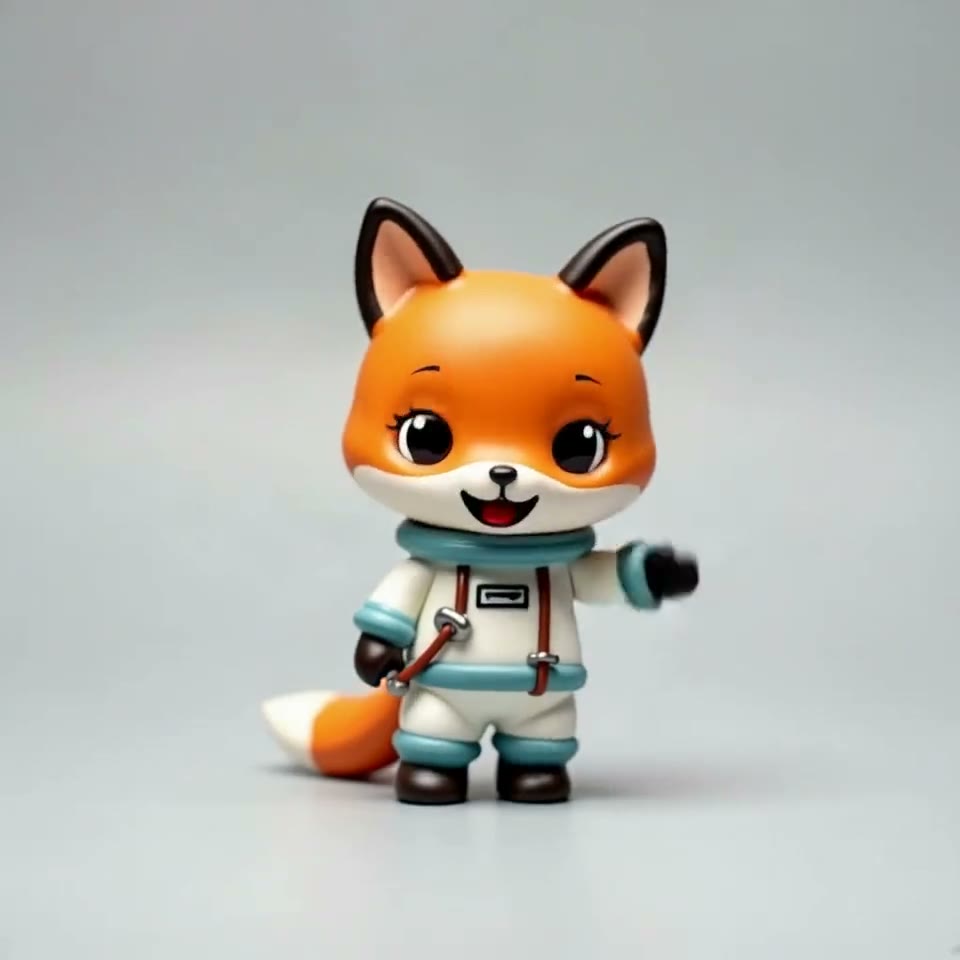
- Only use your own face, or the face of someone who agreed to it. For a band, save each member as a separate subject. For an artist persona or a cartoon mascot, save the character art the same way: a clean drawing or a character sheet on a plain background.
Prompts for music video shots
- Write each shot as who, does what, where, and how the camera sees it, plus the light. One action per shot reads better on the beat than three. A performance shot that works: "Night rooftop with city lights behind: {you} sings into a vintage microphone, eyes closed on the long note, slow push-in, purple and orange stage light."
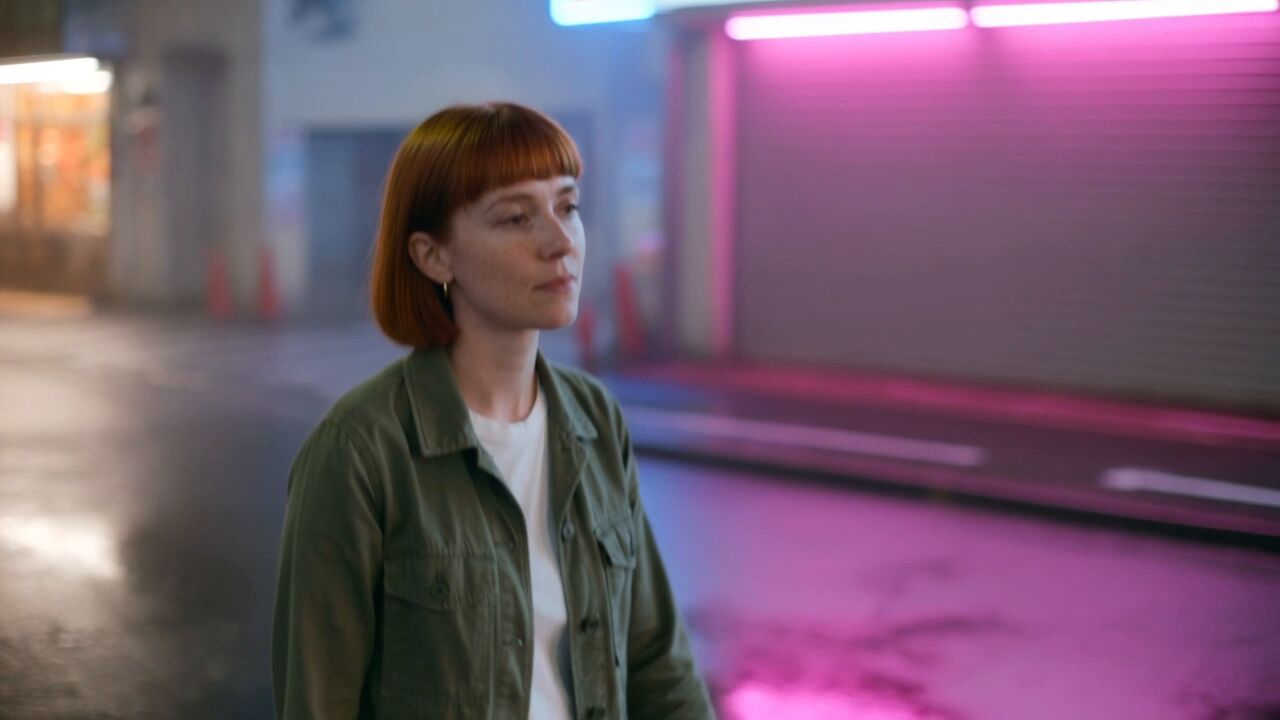
- A story shot for a verse: "{you} walks alone down a rainy neon street with hands in pockets, looks back over the shoulder, handheld tracking shot from behind, reflections on the wet pavement." Keep the same light words in every prompt of a section, so the cuts feel like one video. The two prompts below made real clips; swap in your own character to reuse them.
Road Trip
Kling 3.0 Omni · 8 reference photos · 10 s · 16:9 · with sound
- Shot 1A vintage convertible drives along a sunny coastal road; [your name] at the wheel and [your friend] in the passenger seat laugh, hair blowing in the wind. Wide tracking shot.
- Shot 2Close two-shot inside the car: [your friend] sings along loudly while [your name] laughs and shakes their head. Wind noise, warm light.
- Shot 3The car parked at a cliff-top viewpoint at sunset, [your name] and [your friend] sitting on the bonnet seen from behind, looking at the sea.
Dog Rap
Kling 3.0 Omni · 8 reference photos · 10 s · 9:16 · with sound
- Inside a small recording studio booth with dark acoustic foam walls and warm orange light, a vocal microphone on a stand between them. [your name], in headphones and a hoodie, stands next to [your dog] the dog, who sits on a tall stool wearing a tiny gold chain and bobs its head to a hard hip-hop beat. [your name] raps to the camera: "Me and my dog, yeah we run this block." Then [your dog] the dog leans into the microphone and raps back in a gruff cartoon voice, its mouth moving with the words: "Treats on the table and we never stop." [your name] laughs. Static vertical medium shot.
Sound, lip sync and music rights
- Clips on Kling 4 come with their own sound, and lines in quotes are sung or rapped as written, so a short hook or a rap verse can be generated with the voice in the clip. The model does not sing your recorded song: there is no lip sync to an uploaded track. For your own song, generate the shots silent or mute them, and lay the master track over the cut in your editor.
- Post only music you own or have a license for. YouTube's Content ID and Instagram's music checks match the audio, not the picture, so a generated video over a song you do not have rights to can still be blocked or muted.
What a music video costs on RefVid
- A new RefVid account gets one free 4-second video on Kling 3.0 Omni, with no card and no watermark, which is enough to test whether your face holds. After that, single videos start at $2.99, one-time credit packs at $9.90 and monthly plans at $10. Credits do not expire.
- A 2-minute music video is 15 to 25 clips, so plan for some redos: hands on instruments and fast dance moves are the shots that most often need a second take. Test each idea at 720p and 5 seconds, then spend on 1080p only for the shots you keep.
Start from a template
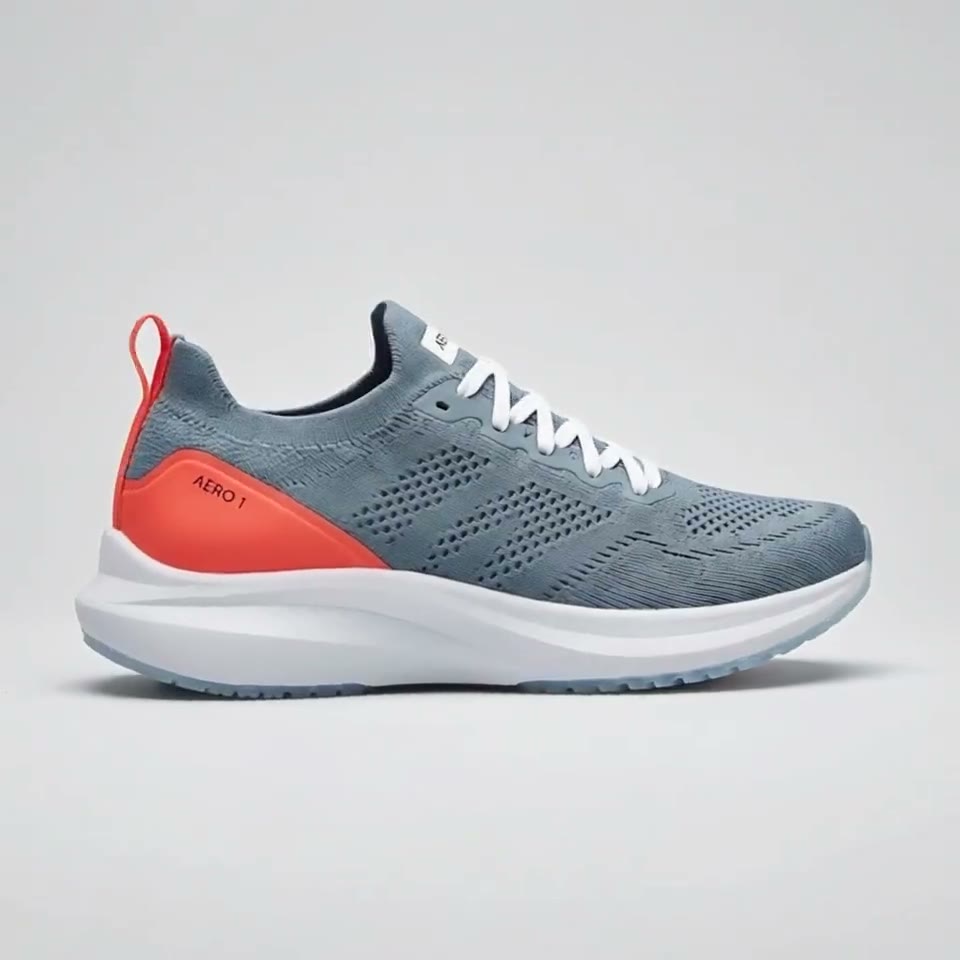
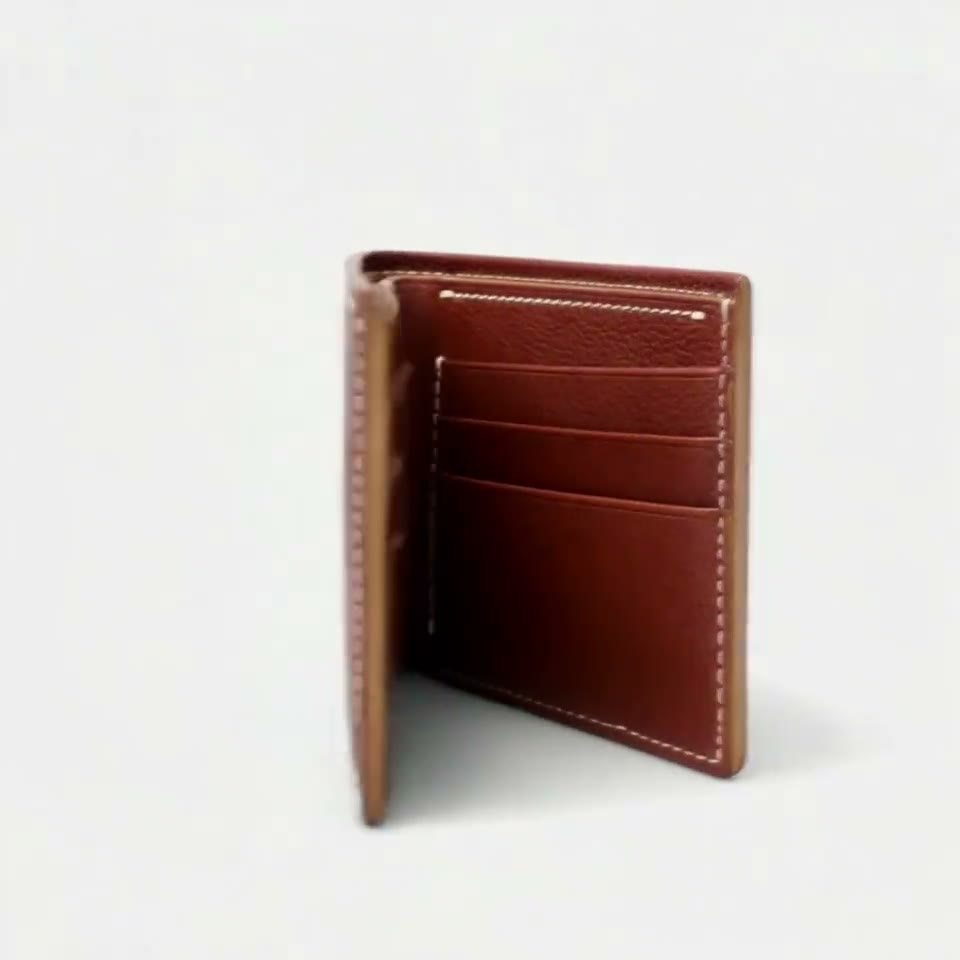
Each one opens the studio with the shots, shape and length already set. Add your own product and generate.
More on AI video models
Text to video AI →
Frequently asked questions
How do I make a music video of myself with AI?
Save yourself once in RefVid from 3 to 6 clear photos, then generate the video shot by shot, one prompt per shot. Every clip is made from the same photos, so your face and outfit match from the intro to the last chorus. Put the clips on your song in any editor and export.
Can I make a music video with my face for free?
You can make the first shot free: a new account gets one 4-second video on Kling 3.0 Omni, with no card and no watermark. A full music video needs more clips than that; single videos start at $2.99.
Can the AI sync my face to my own song?
No. RefVid does not take an audio file, so it cannot lip-sync to a recorded song. It can generate a short sung or rapped line written in the prompt. For your own track, use performance shots without close lip movement, or cut on the beat in your editor.
Which aspect ratio should a music video use?
Vertical 9:16 for TikTok, Instagram Reels and YouTube Shorts, wide 16:9 for a full YouTube video. RefVid makes both, plus square 1:1; pick one before you start, since every clip of the video should use the same ratio.
Is an AI-made music video allowed on YouTube and Spotify Canvas?
Yes, as long as you own the music and the faces in it. YouTube asks you to mark realistic AI-made content as altered or synthetic when you upload. A vertical 9:16 clip of 3 to 8 seconds also works as a Spotify Canvas loop.