Multi Character AI Video Generator - RefVid
Turn your own photos into videos in minutes · Your first video is free, no watermark







First video free, no cardGenerating confirms everyone pictured agreed. Terms
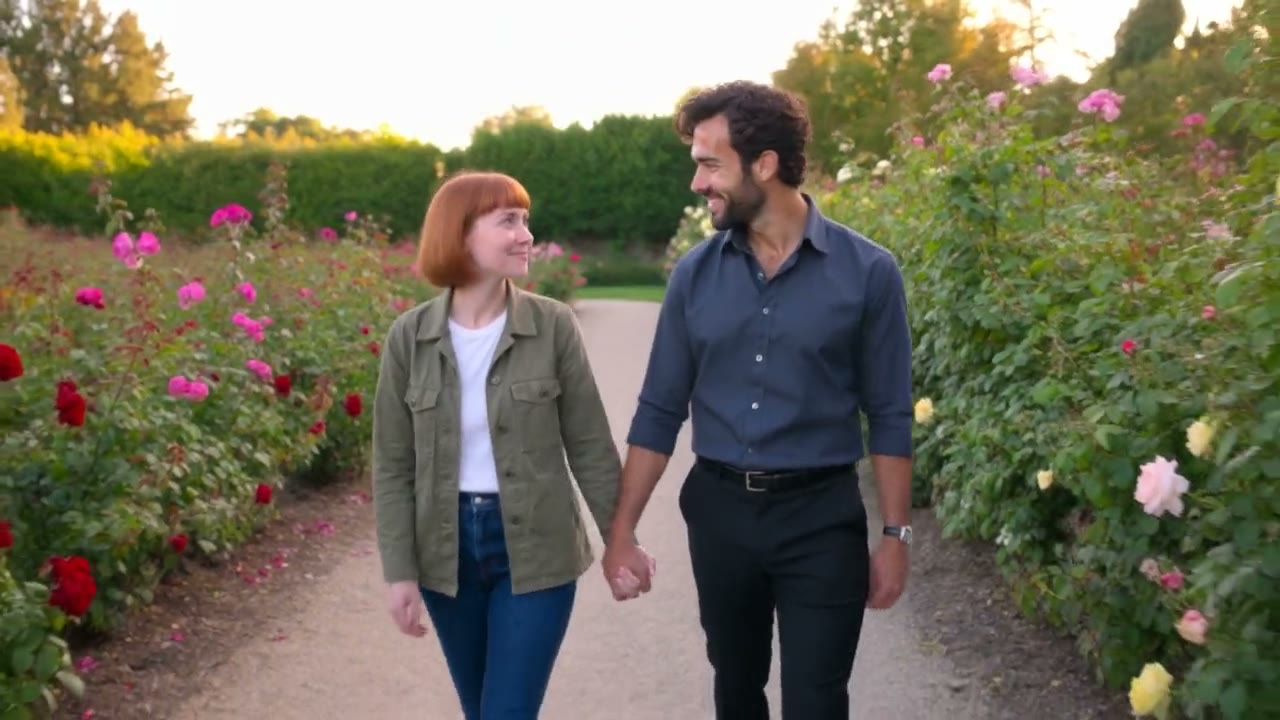
A multi character AI video puts two or more of your own characters in the same shot, each drawn from its own photos, so neither turns into the other. Save each character from 1 to 10 photos, add up to 3 of them to the box above, name them in the scene, and press Generate.
They can talk to each other, walk together or hand each other things. Your first 3-second clip on Kling 3.0 Omni is free, with no card and no watermark.
Mia and Leo: 8 photos


Why characters blend, and how to stop it
- When one prompt describes two people, a video model often mixes them: the same hair on both, swapped outfits, one face drawn twice. It happens because the model has one description to share between two figures.
- Saving each character from its own photos fixes the cause. On Kling 4 and Kling 3.0 Omni, RefVid sends each character to the model as a separate reference, matched to its name in the prompt, so the prompt can say who does what and the model knows which photos belong to whom.
Make a multi character video in 3 steps
- 1. Save each character from 1 to 10 photos: a person, a cartoon, a pet, a mascot. In the box above, add up to 3 saved characters to one clip.
- 2. Write the scene and call each character by its name: "@Mia and @Leo sit on a park bench; @Mia hands @Leo a coffee and laughs." For dialogue, put each line in quotes after the name of the one who says it, and turn sound on.
- 3. Press Generate. If you are not signed in, you sign in first and the clip starts right after. A clip usually takes 2 to 10 minutes, and we email you when it is ready.
AI video with multiple characters: what works
- Two or three characters in a medium shot hold best; every extra character gets fewer pixels for its face. Give each one a clear place in the frame ("left", "right", "behind the counter") and one action, rather than a crowd moving at once.
- Close contact is still the hardest part for every current model: hugs, dancing as a pair, one character carrying another. Plan those as short shots, and keep the same saved characters for every shot of a story so they look the same from scene to scene.
Which models it runs on
- All 9 models RefVid runs take references. Kling 4 and Kling 3.0 Omni take a separate reference per character and can give each its own fixed voice; Kling 4 makes clips up to 30 seconds with sound. Seedance 2.5 refuses photos of real-looking people, so use it for cartoons, pets and products.
- Your first clip is free: 3 seconds on Kling 3.0 Omni, silent, no card. After it, a single video costs from $2.99, a one-time credit pack from $9.90 and a monthly plan from $10; credits never expire.
More character videos
Reference to video →


Frequently asked questions
Which AI video generator can put multiple characters in one video?
One that takes a separate reference for each character. On RefVid each character is saved from its own photos, and one clip takes up to 3 of them, on Kling 4, Kling 3.0 Omni and the other reference models.
How do I keep two characters from looking the same?
Save them as two characters, each from photos that show only that character, and name both in the prompt. A photo with both of them in it makes it harder for the model to tell them apart. On RefVid each saved character keeps its own 1 to 10 photos.
Can my characters talk to each other?
Yes. Turn sound on and write each line in quotes after the name of the character who says it, as in the clip above. Each character can keep its own fixed voice on Kling 4 and Kling 3.0 Omni.
Can I mix a real person, a cartoon and a pet?
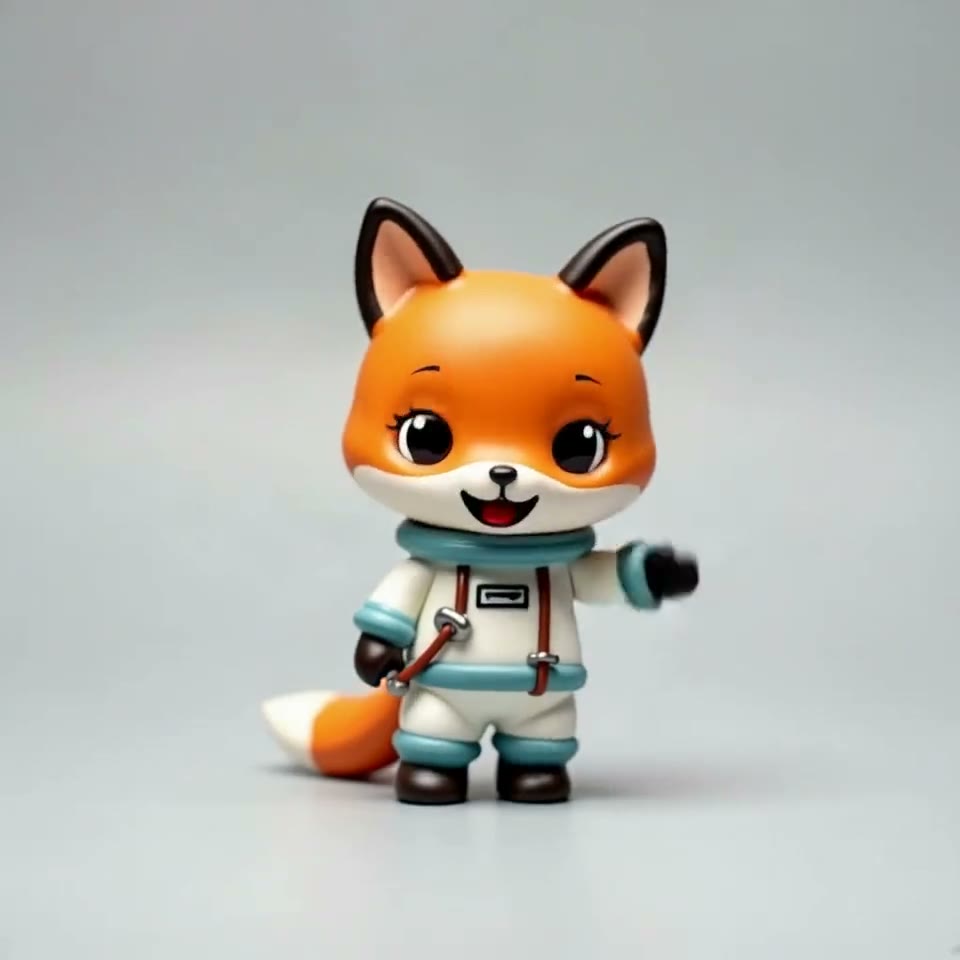
Yes, each is just another saved subject. Say the style in the prompt so the model knows whether the scene is realistic or drawn. One RefVid clip takes up to 3 saved subjects.
Is a multi character AI video free?
Your first 3-second clip on Kling 3.0 Omni is free, silent and without a watermark, with as many characters as one clip takes. After it, a single video costs from $2.99, sound included.