Multi Reference Video AI - RefVid
Turn your own photos into videos in minutes · Your first video is free, no watermark

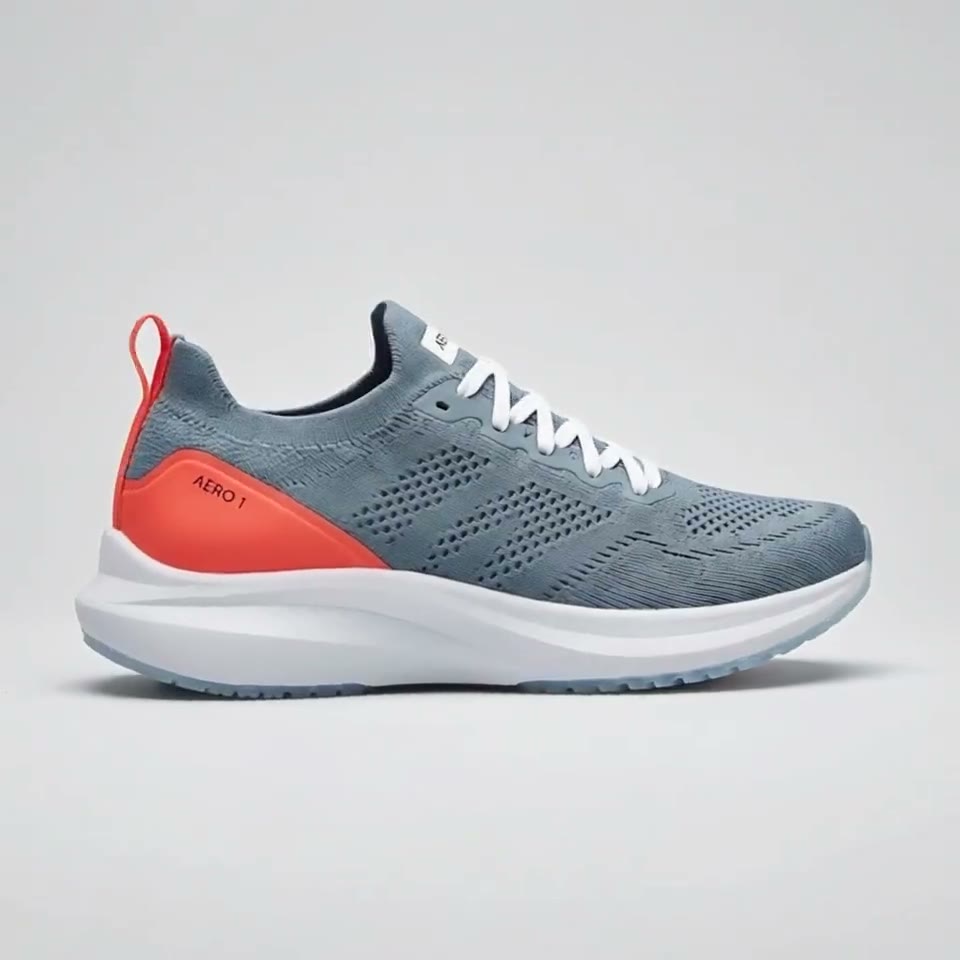
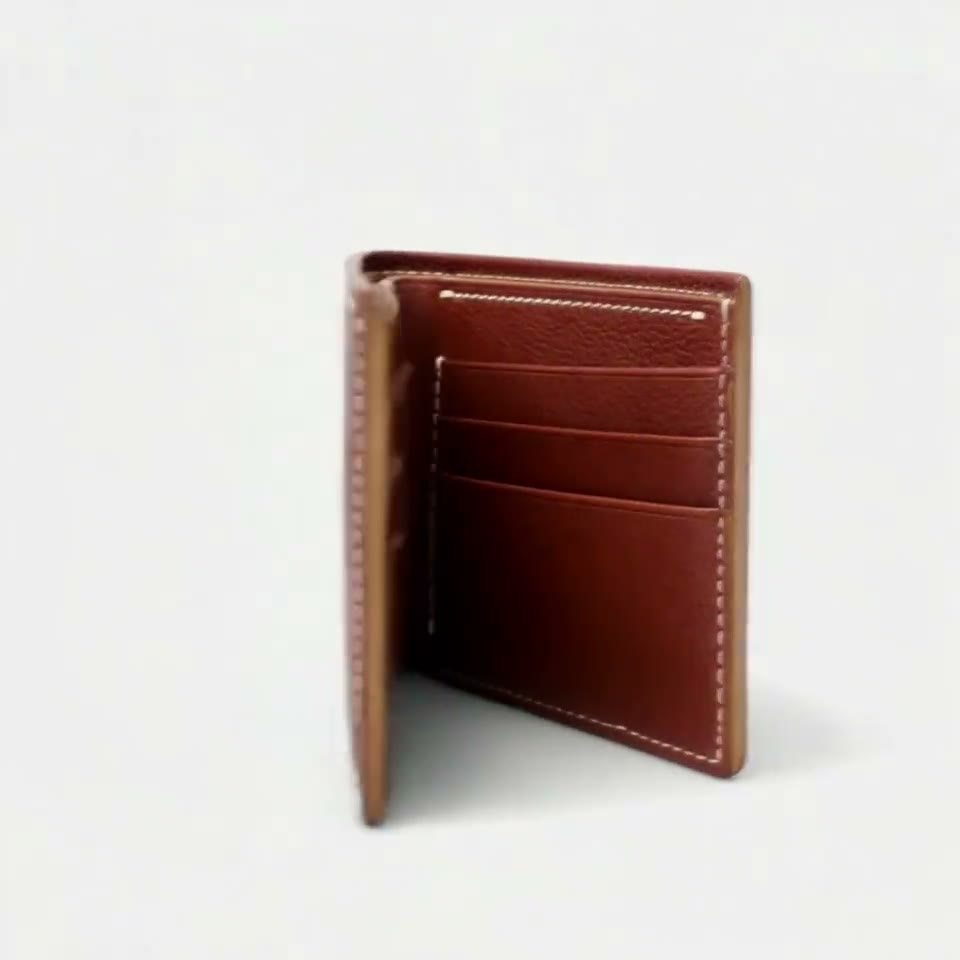


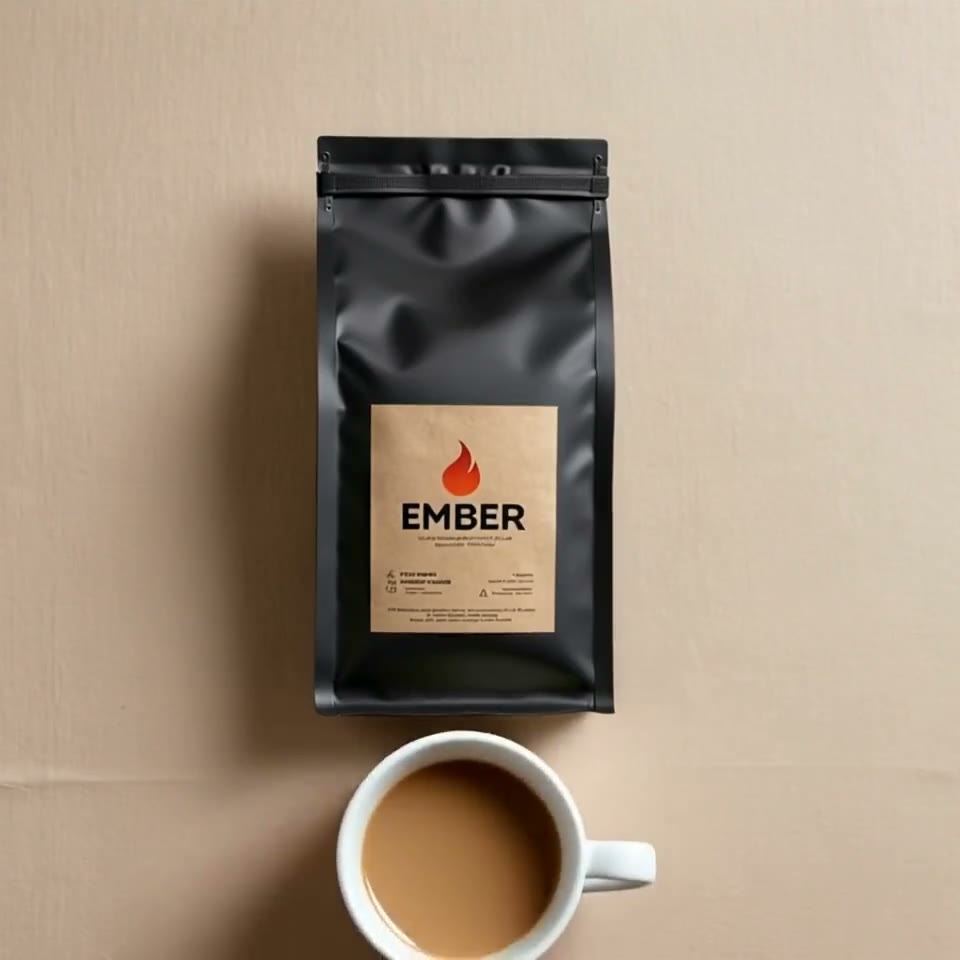
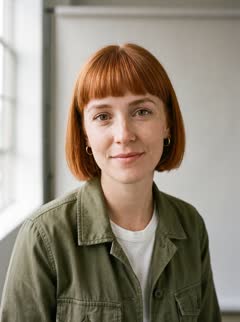
First video free, no card
Multi reference video AI makes one clip from several reference images: a character, a product and a background, each from its own photos, all in the same shot.
Save each person or product once from 1 to 10 photos, add up to 3 of them to the box above with up to 7 pictures of places or styles, write what happens, and press Generate. Your first 5-second clip on Kling 3.0 Omni is free, with no watermark.
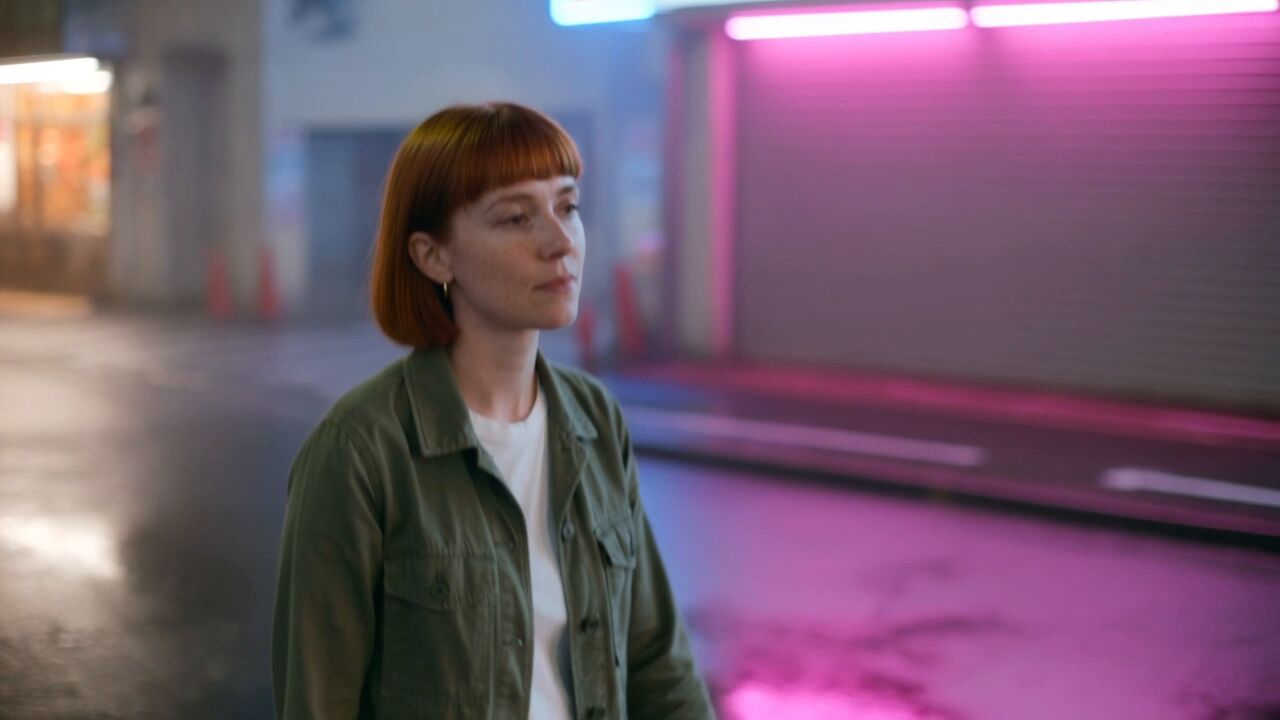
Mia: 4 photos
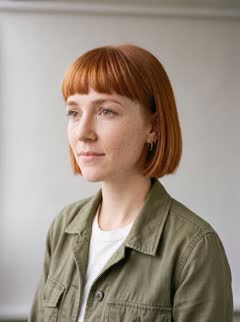
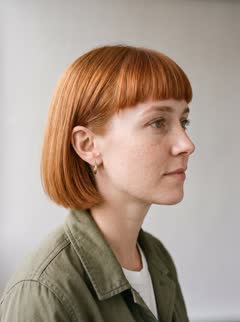
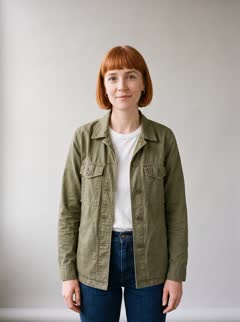
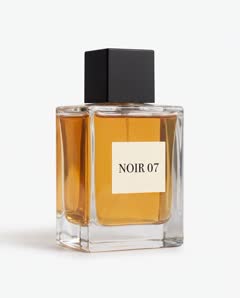
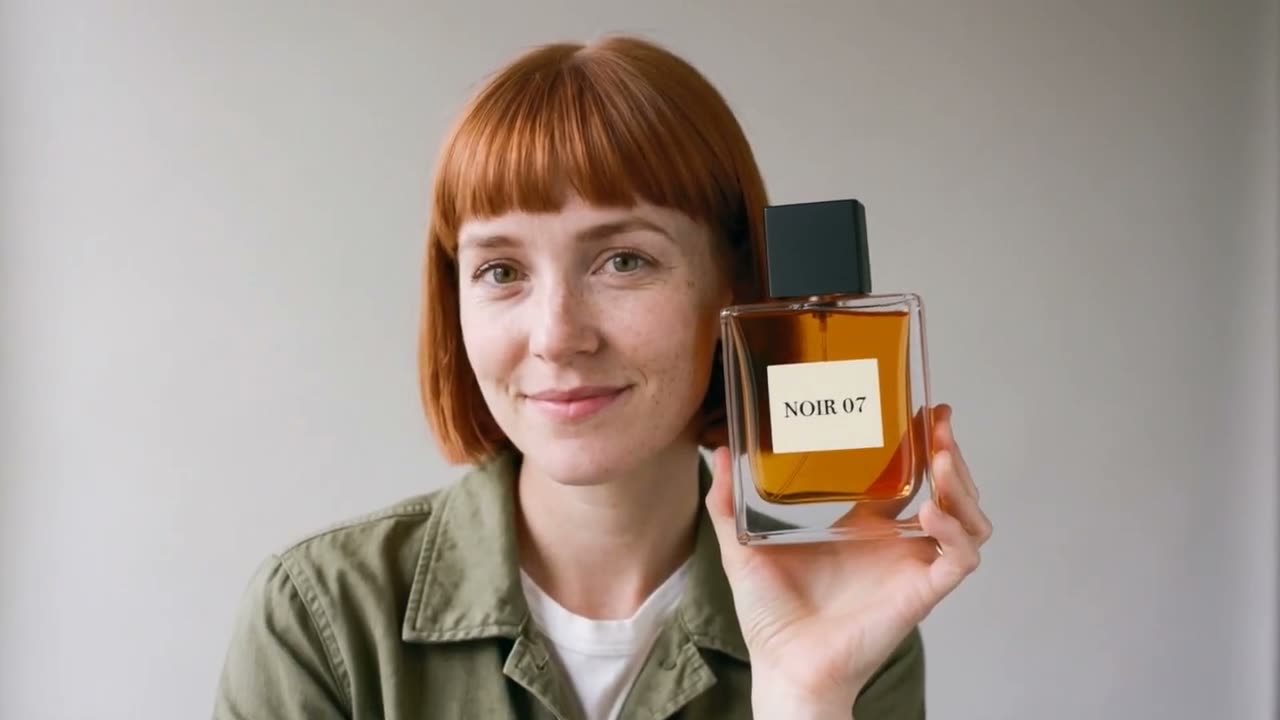
NOIR 07: 3 photos
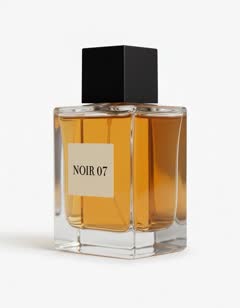
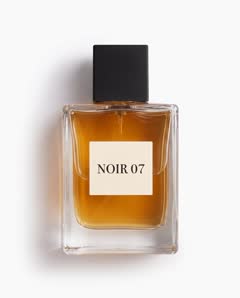
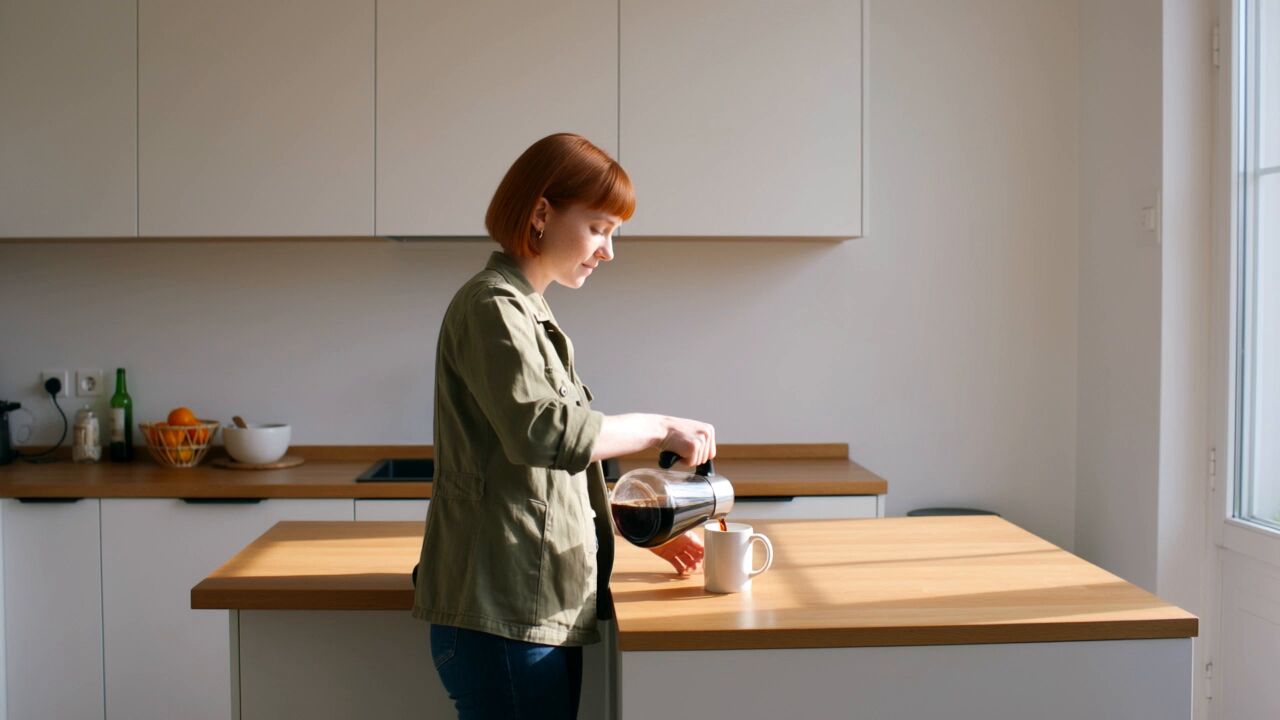
Background: 1 café photo

What it does
- A multi reference model takes reference images of several things at once, the people, the products and the place, and generates one new scene that keeps all of them. Each subject keeps its own photos, so a person can hold your product and both stay as they are.
- It is different from image to video, which animates one picture as the first frame, and from start and end frames, which pin exact moments. References describe who and what must appear; the prompt decides what happens.
Make one in 3 steps
- 1. Save each subject from 1 to 10 photos: the person, the product, the pet. In the box above, add up to 3 saved subjects and up to 7 pictures of a place, a look or a style.
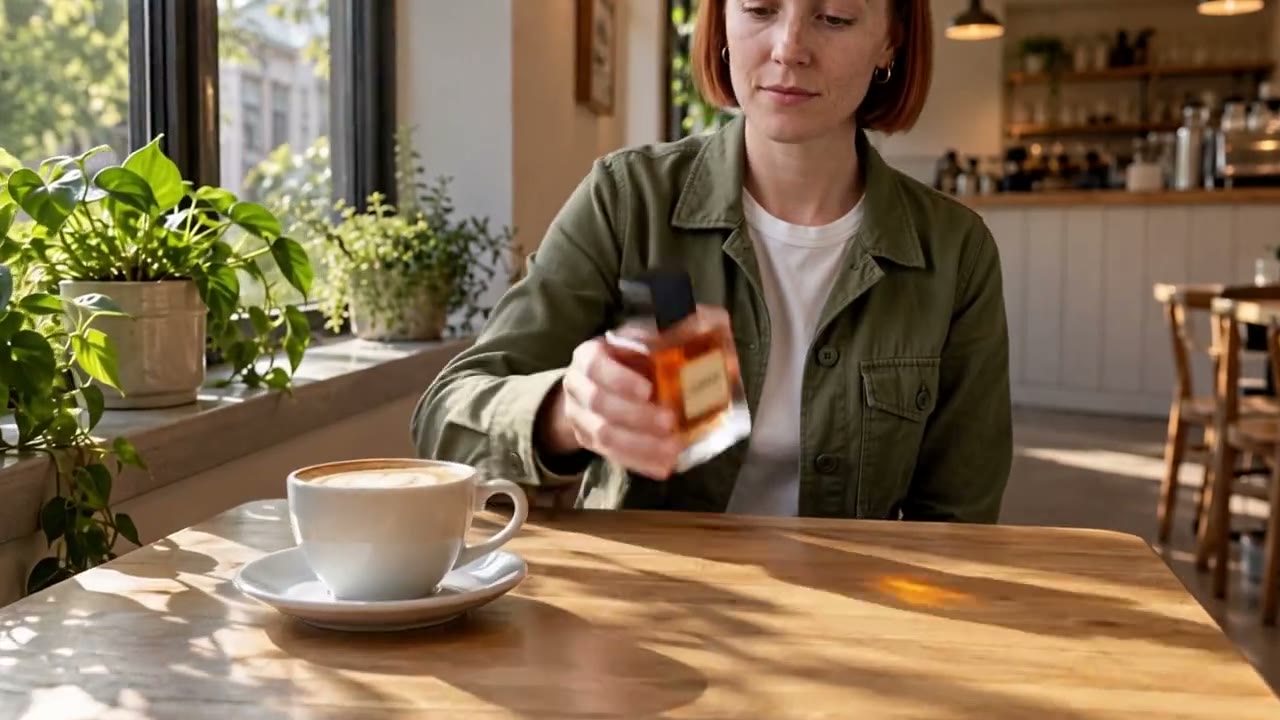
- 2. Write the scene and call each reference by its name, such as @Mia picks up @NOIR07 from the café table and turns the label to the camera. RefVid tells the model which photos belong to which subject, so you write only the scene.
- 3. Press Generate. If you are not signed in, you sign in first and the clip starts right after. A clip usually takes 2 to 10 minutes, and we email you when it is ready.
Multiple images to video AI: one subject, many photos
- Several photos of the same subject are also multi reference: the front, the side and the back of one product, or three angles of one face. The model reads them together as one subject, so it can turn the product or the person without inventing the side it never saw.
- Three to five sharp photos per subject are usually enough. Photos that disagree, such as two outfits or two lighting setups, make results worse, not better.
Which models it runs on
- Every model RefVid runs is a reference model, 9 in all, through fal.ai. Kling 4, the default, takes up to 10 photos and makes clips of 3 to 30 seconds with sound. Kling 3.0 Omni costs less per second for clips up to 15 seconds. Wan 3.0 and Seedance 2.5 also reach 30 seconds; Seedance 2.5 refuses photos of real-looking people, so it suits products, pets and illustrated characters.
- Your first clip is free: 5 seconds on Kling 3.0 Omni, no card. After it, a single video costs from $2.99, a one-time credit pack from $9.90 and a monthly plan from $10; credits never expire.
More on AI video models
Reference to video →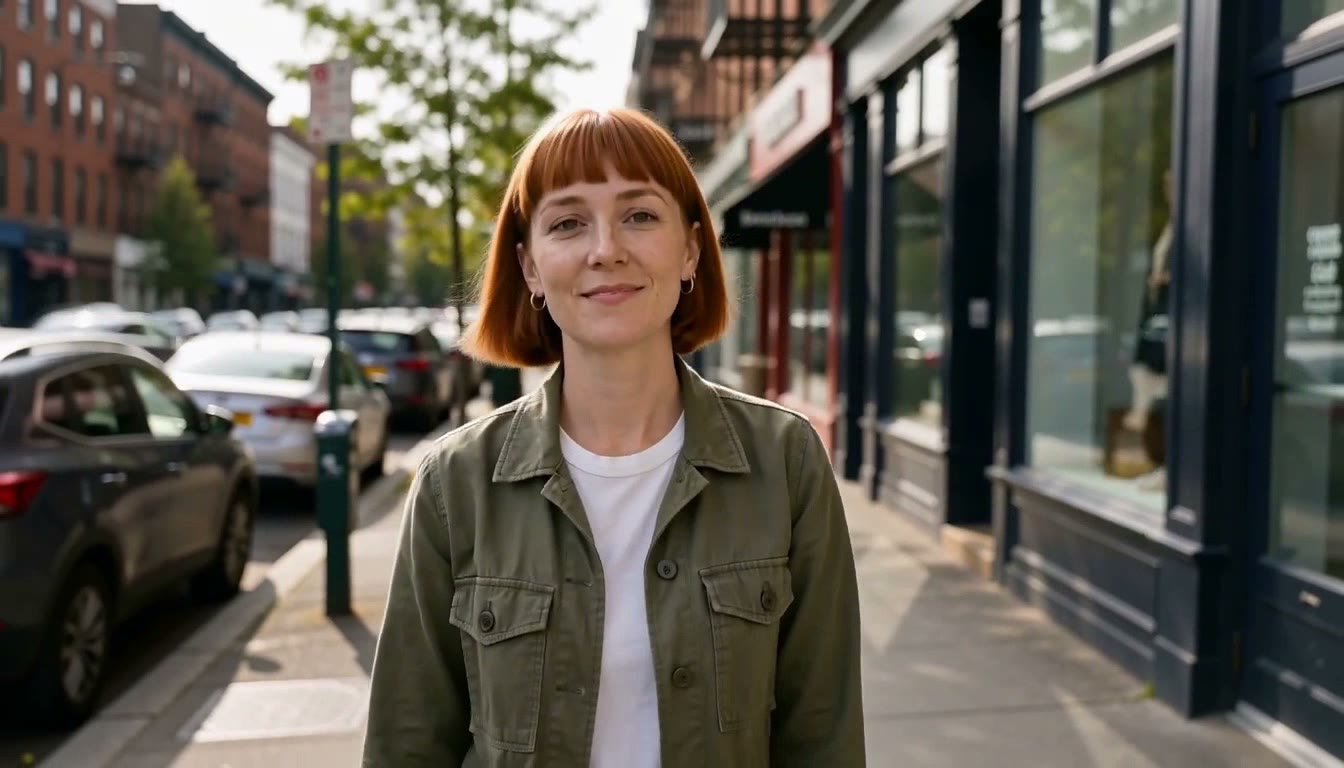
Frequently asked questions
Is there a free multi reference video AI?
On RefVid your first clip is free: 5 seconds on Kling 3.0 Omni, with no card and no watermark, from your own saved subjects. After it, a single video costs from $2.99, a credit pack from $9.90 and a plan from $10 a month.
How many references can one clip use?
On RefVid one clip takes up to 3 saved subjects, each from up to 10 photos, plus up to 7 pictures of places or styles. The model's own limit applies on top: Kling 4 takes up to 10 images in one request.
Can I put a person and a product in the same video?
Yes. Save each as its own subject, add both to the box and name both in the prompt, as in the clip at the top of this page, where Mia holds NOIR 07 in a café.
Is multiple images to video AI the same as a slideshow?
No. A slideshow plays your photos one after another. A multi reference model reads them as a description of the subject and generates new footage: new angles, motion and a scene the photos never showed.
Which model should I pick?
Start on Kling 4 for people and mixed scenes: up to 10 photos, 3 to 30 seconds, sound included. For a product alone, Seedance 2.5 and Wan 3.0 also make clips up to 30 seconds. Your saved subjects work on every model, so you can try the same photos on two.