AI Character Video Generator - RefVid
Turn your own photos into videos in minutes · Your first video is free, no watermark
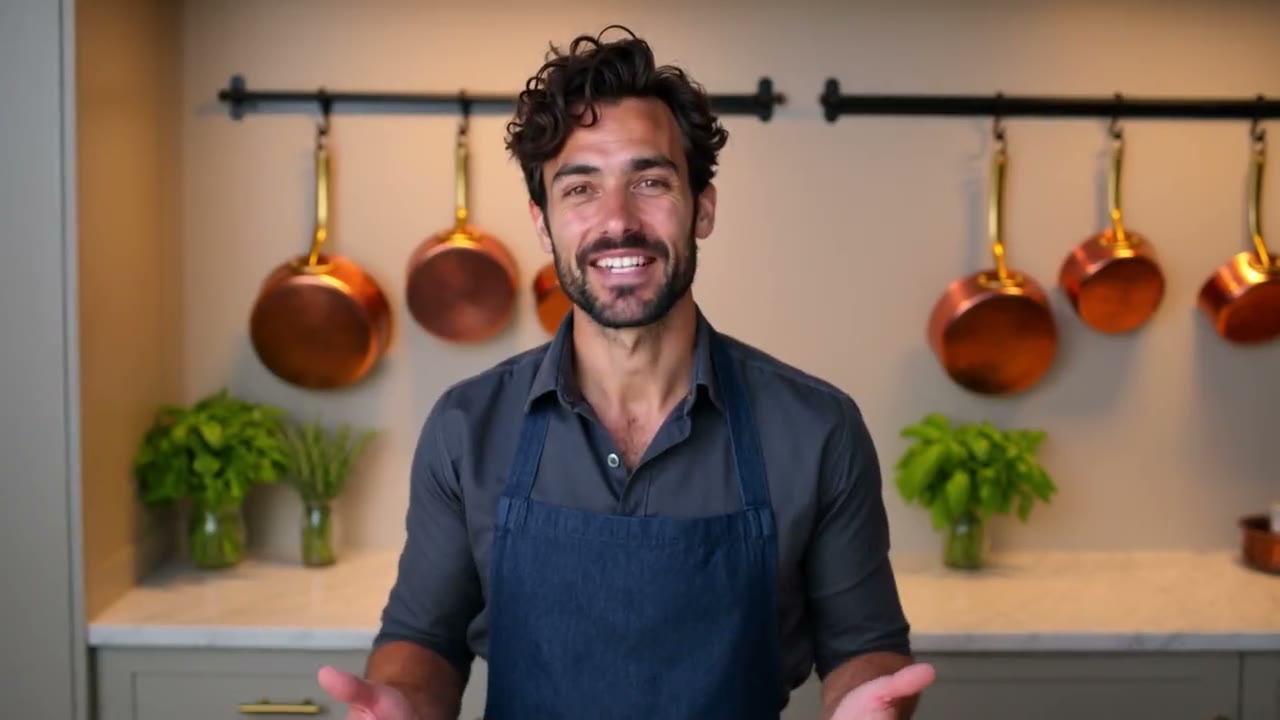
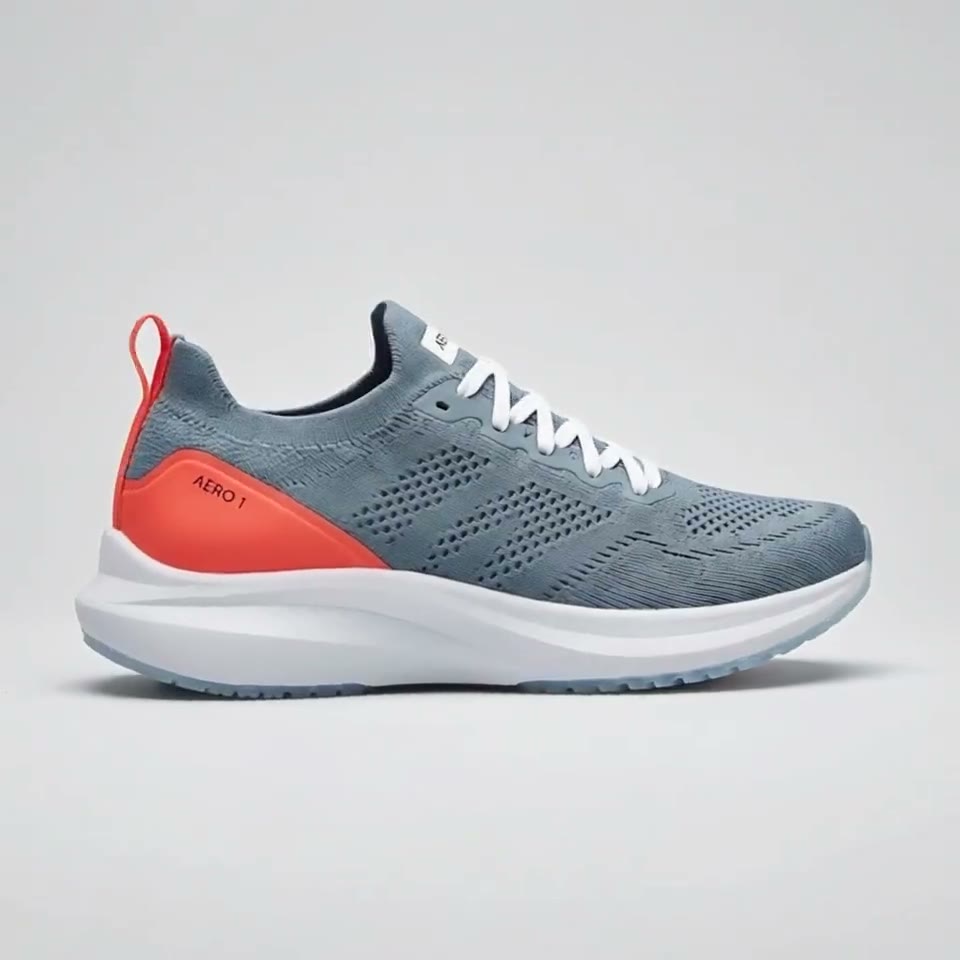
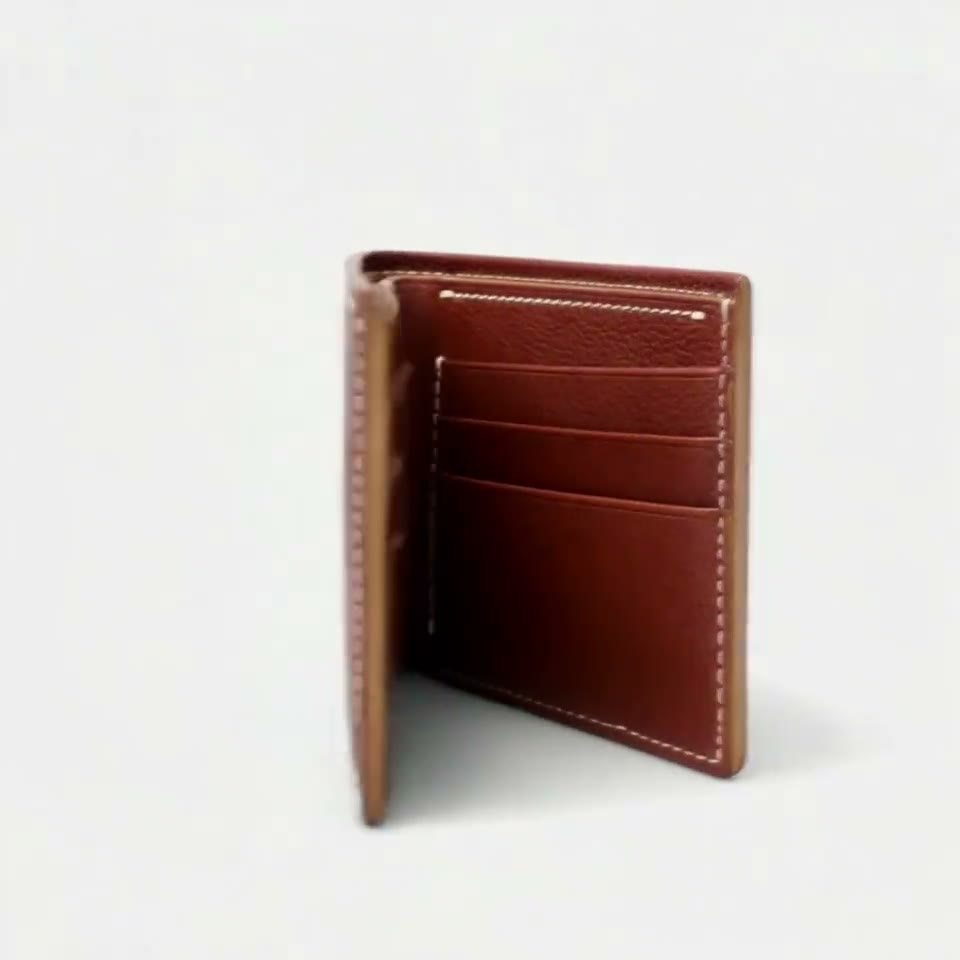


First video free, no cardGenerating confirms everyone pictured agreed. Terms
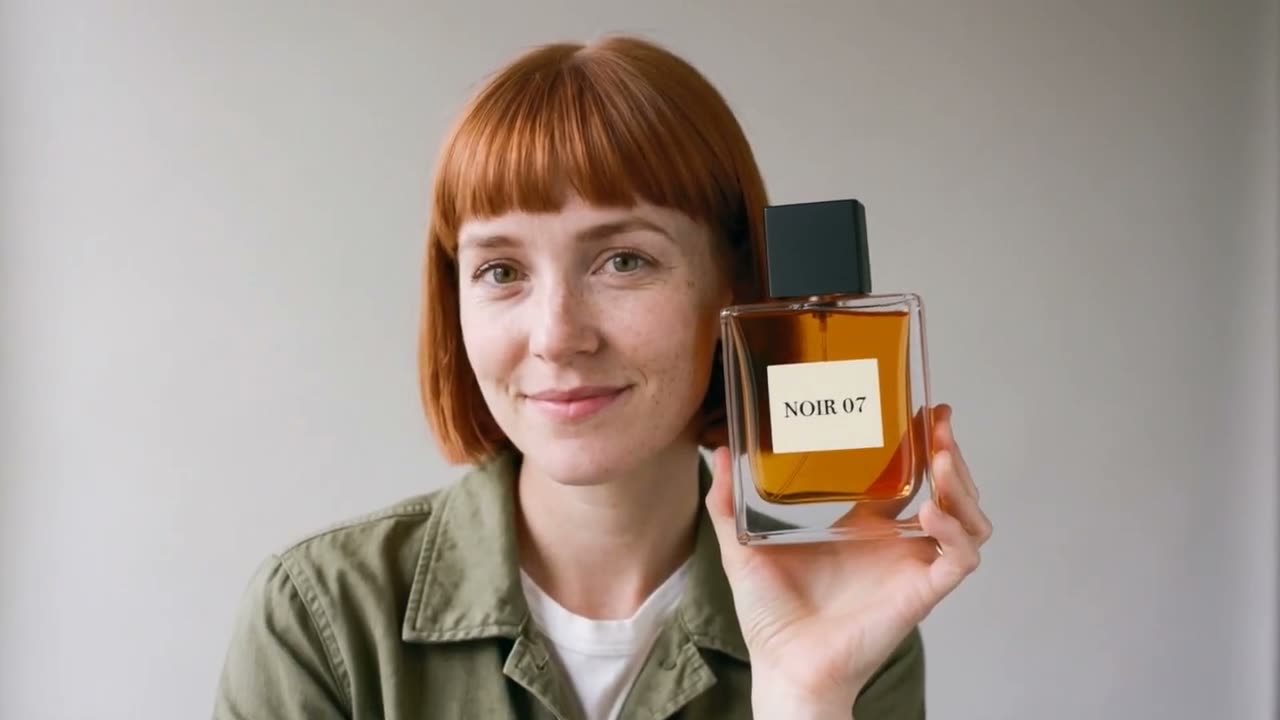
This AI character video generator turns photos of your character into video clips where the face, hair and outfit stay the same from one clip to the next.
Save the character once from 1 to 10 photos, a real person, an invented one, a mascot or an illustrated hero, then write a scene in the box above and press Generate. Your first 5-second clip on Kling 3.0 Omni is free, with no card and no watermark.
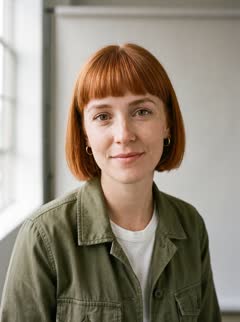
Mia: 4 photos
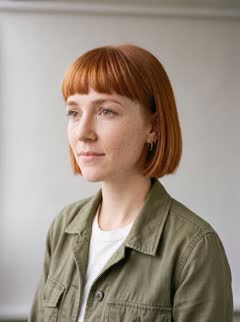
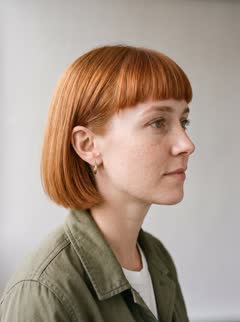
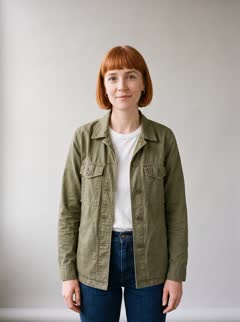
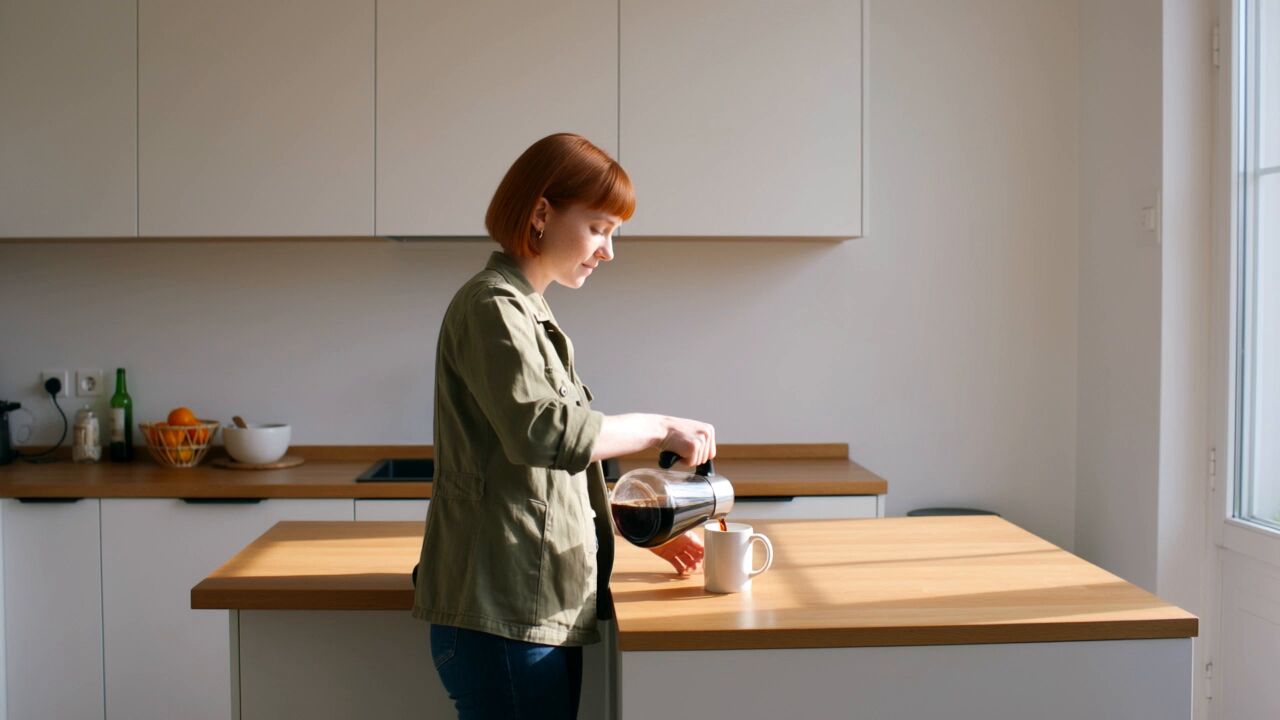
How an AI character video generator keeps the same face
- It reads several photos of the character as references and sends the same set with every prompt. A text description matches many possible people, so a prompt alone draws a different face each time; the photos are what pin it down.
- On RefVid the photos are saved once as a character. Every clip after that, on whichever model you pick, starts from the same set, so the character in clip ten matches clip one.
AI character generator from photo to video in 3 steps
- 1. Add 1 to 10 photos of your character in the box at the top of this page: front, three-quarter and profile, in even light, the same outfit in all of them. One photo is enough to start.
- 2. Write the scene: where the character is, what they do and how the camera moves, for example "She pours coffee in a sunlit kitchen, then smiles at the camera. Medium shot." Put a spoken line in quotes on a model with sound.
- 3. Press Generate. If you are not signed in, you sign in first and the clip starts right after. A clip usually takes 2 to 10 minutes, and we email you when it is ready.
Which characters it works for
- Invented people, real people, brand mascots, pets, toys, and anime or cartoon characters. A character can also share a clip with a second character or a product: save each one and name both in the prompt.
- For a person, use Kling 4, Kling 3.0 Omni, Wan 3.0 or Gemini Omni Flash. Seedance 2.5 refuses photos of real-looking people, so keep it for mascots, toys and illustrated characters.
Which models it runs on, and the price
- RefVid runs 9 reference models through fal.ai, and Settings in the box switches between them; Kling 4 takes up to 10 photos and makes 3 to 30 seconds with sound. Your character works on every model, so you can try the same photos on two of them.
- Your first clip is free: 5 seconds on Kling 3.0 Omni. After it, a single video costs from $2.99, a one-time credit pack from $9.90 and a monthly plan from $10; credits never expire, and a failed clip gives its credits back.
More on AI video models
Reference to video →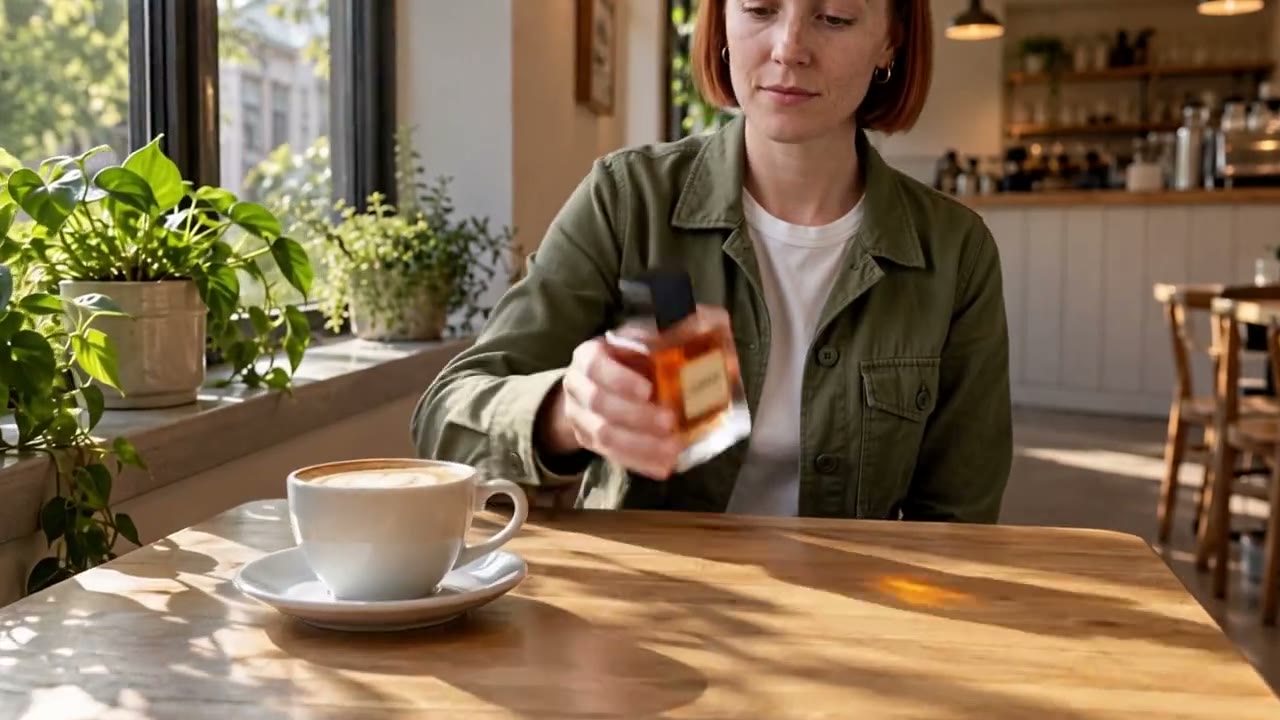

Frequently asked questions
Is there a free AI character video generator?
On RefVid your first clip is free: 5 seconds on Kling 3.0 Omni, with no card and no watermark. After it, a single video costs from $2.99, a credit pack from $9.90 and a plan from $10 a month.
Can I make an AI character video from one photo?
Yes. One photo is enough to save a character. Three to five photos from different angles hold the face better when the character turns.
How do I keep the same character in every video?
Use the same reference photos for every clip and keep descriptions of the face out of the prompt. On RefVid the saved character does this for you: every clip starts from the same photos.
Can I make an anime or cartoon character video?
Yes. Save the drawn character from 1 to 10 images, ideally several angles in the same style, and write the scene. Every model takes illustrated characters.
Can two characters be in one video?
Yes. Save each character on its own, add up to 3 subjects to the box and call each by name in the prompt.