What Is Multi Reference? - RefVid
Turn your own photos into videos in minutes · Your first video is free, no watermark

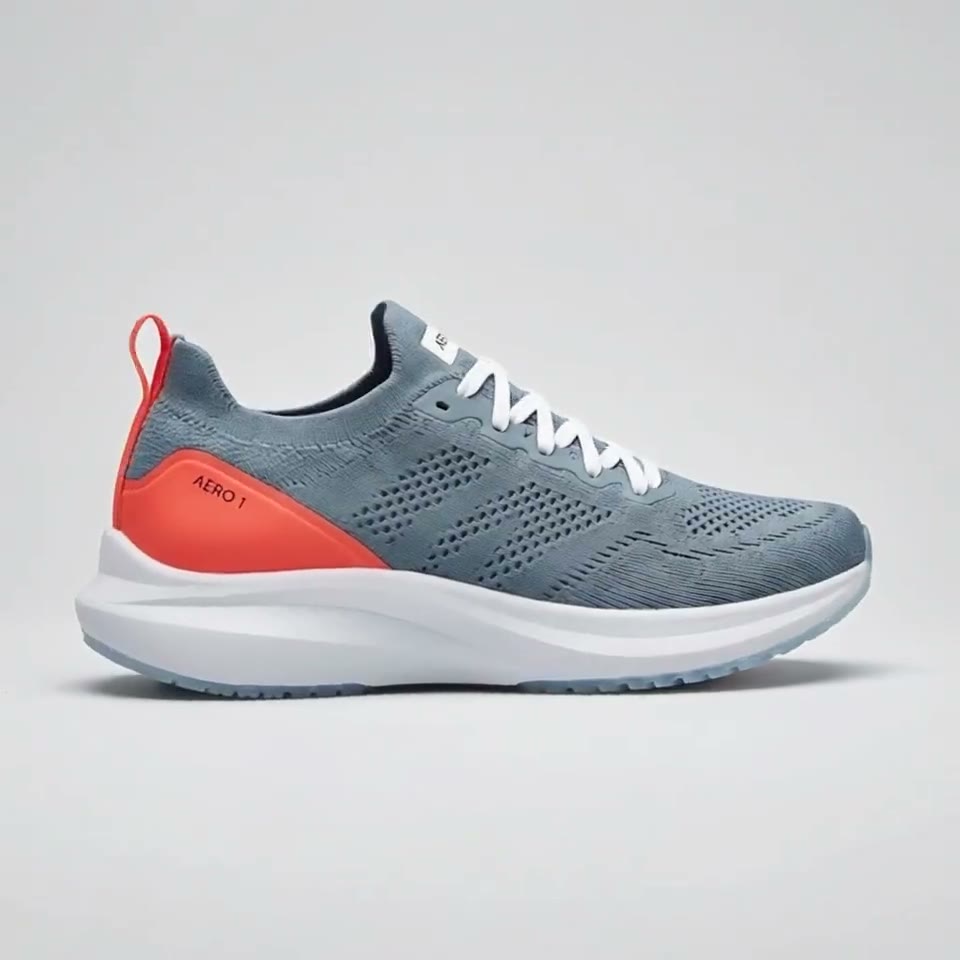
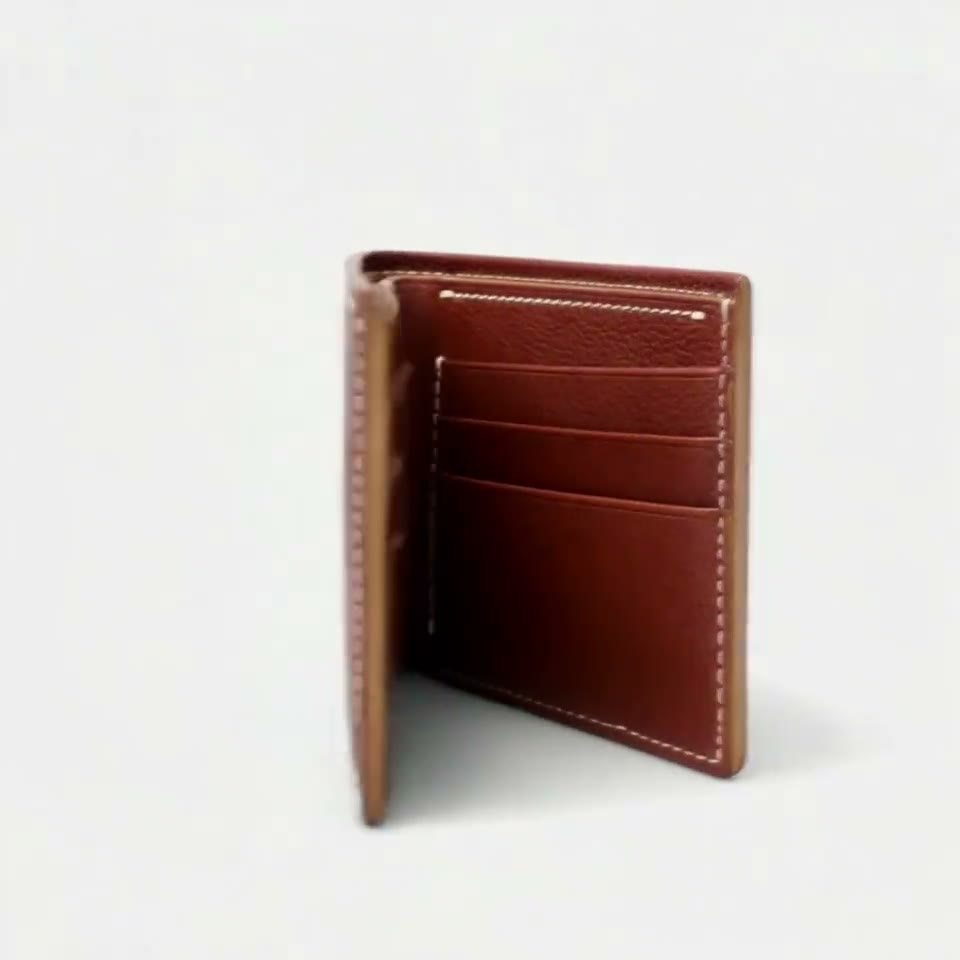


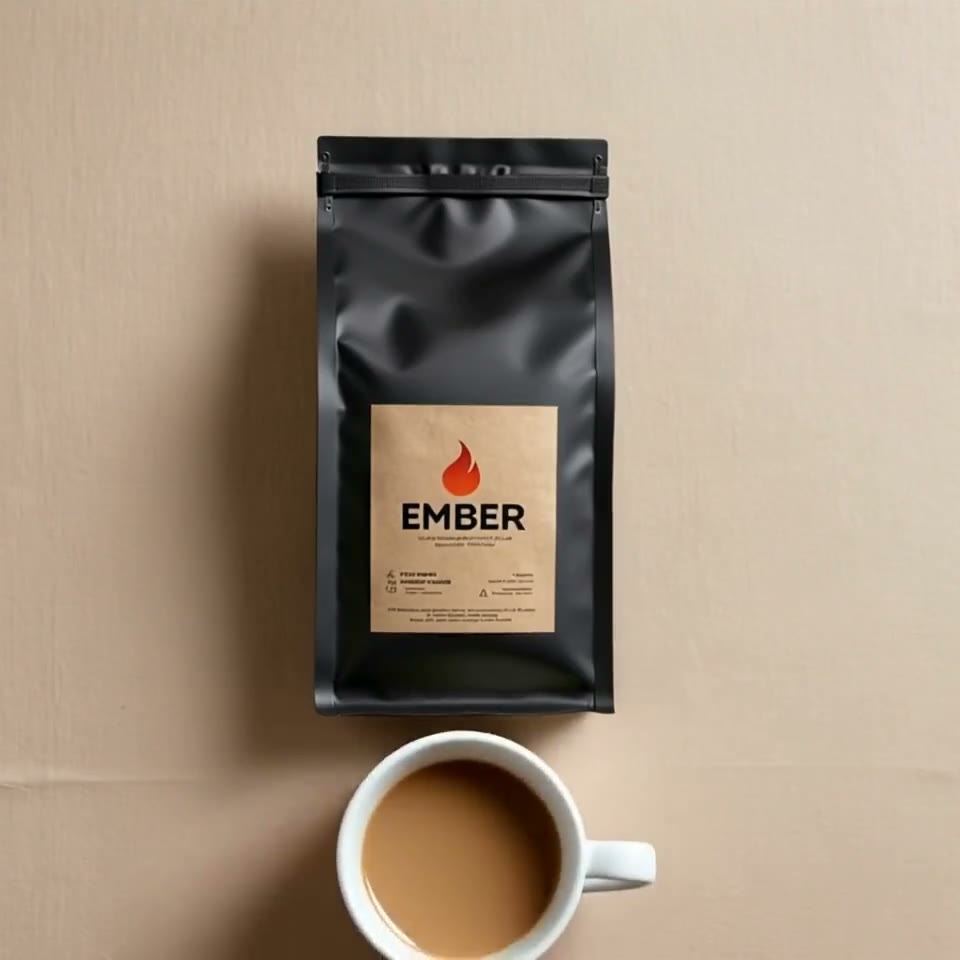
First video free, no card
What is multi reference? In AI video, multi reference means giving the model several reference images, and sometimes video or audio clips, of the people, products and places that must appear, so it generates a new scene that keeps all of them.
The images say who and what is on screen; the prompt says what happens. You can try it in the box above: add photos of a person and a product, write the scene and press Generate. The first 5-second clip on Kling 3.0 Omni is free.
Mia: 4 photos

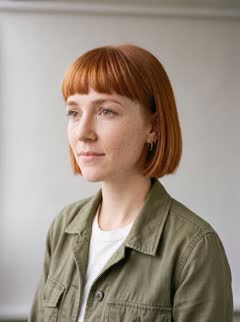
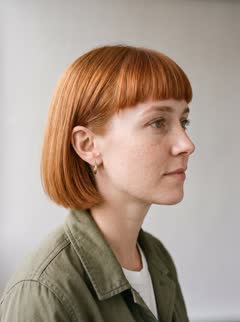
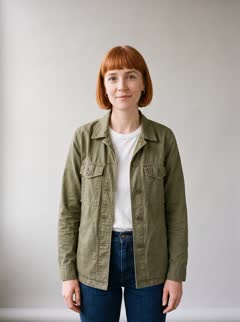
NOIR 07: 3 photos
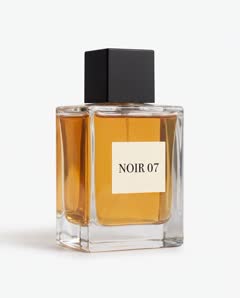
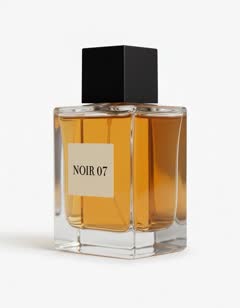
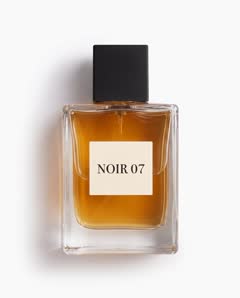
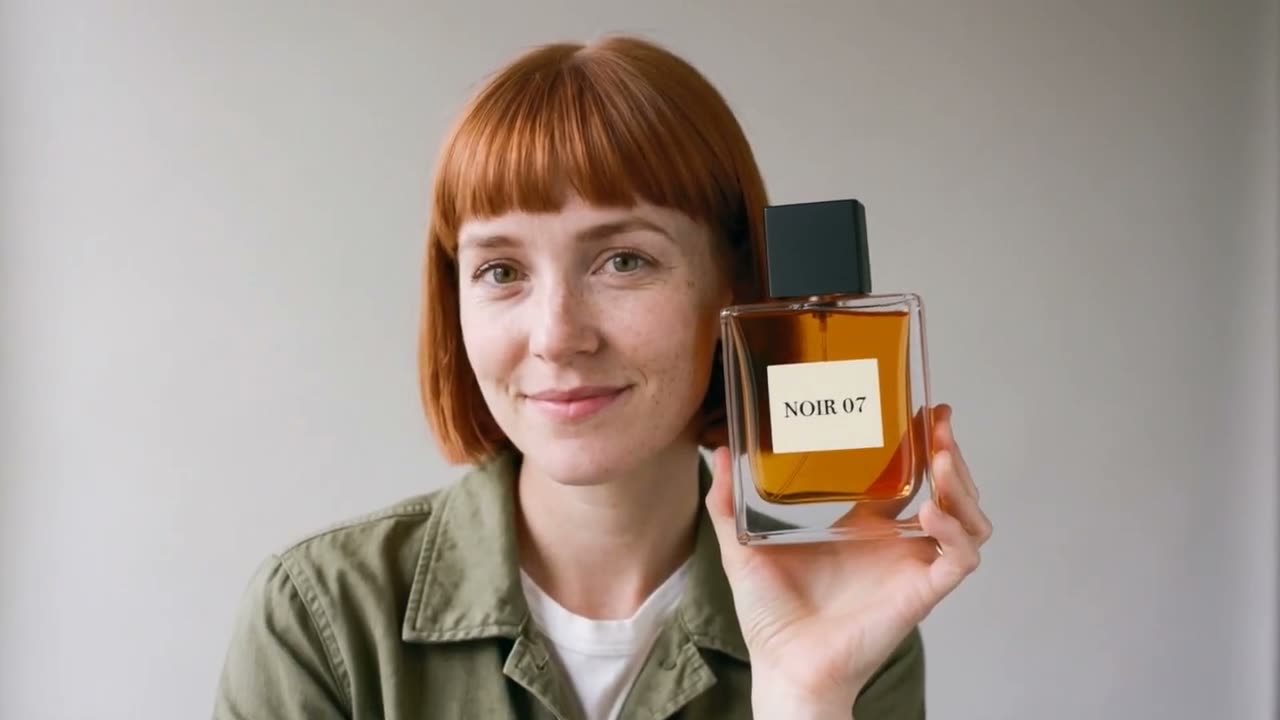
Multi reference meaning, in two sentences
- Multi reference is a way of prompting an AI image or video model with several reference files at once, each showing something that must appear in the result. The model treats them as a description of the subjects, not as frames to animate, and builds a new scene around them.
- Single reference uses one image of one subject. Multi reference adds more: several angles of the same face, a second person, a product, a background, a style, and on some models a motion clip or a voice.
How it differs from image to video and start frames
- Image to video animates one picture, which stays the first frame. Start and end frames pin exact moments of the clip. Multi reference fixes neither: it tells the model who and what to keep, so the subject can appear at new angles and in places the photos never showed.
- That is why multi reference keeps a character or a product the same across many clips: every clip starts from the same set of references.
Which video models support multi reference
- Kling 4 takes up to 10 reference images, and Kling's Omni Reference groups them into elements so the model knows which photos are the same character. MiniMax H3 takes up to 9 images, 3 video clips and 3 audio clips. Wan 3.0 takes up to 10 images, 5 videos and 5 audio clips, according to Alibaba Cloud. Seedance 2.5 takes up to 30 images, according to ByteDance and fal.ai.
- RefVid runs these and the other reference models, 9 in all, through fal.ai, and sends each one your saved photos in the form it expects.
How to try multi reference in 3 steps
- 1. Save each subject from 1 to 10 photos: a person, a product, a pet. Add up to 3 of them in the box above, plus up to 7 pictures of places or styles.
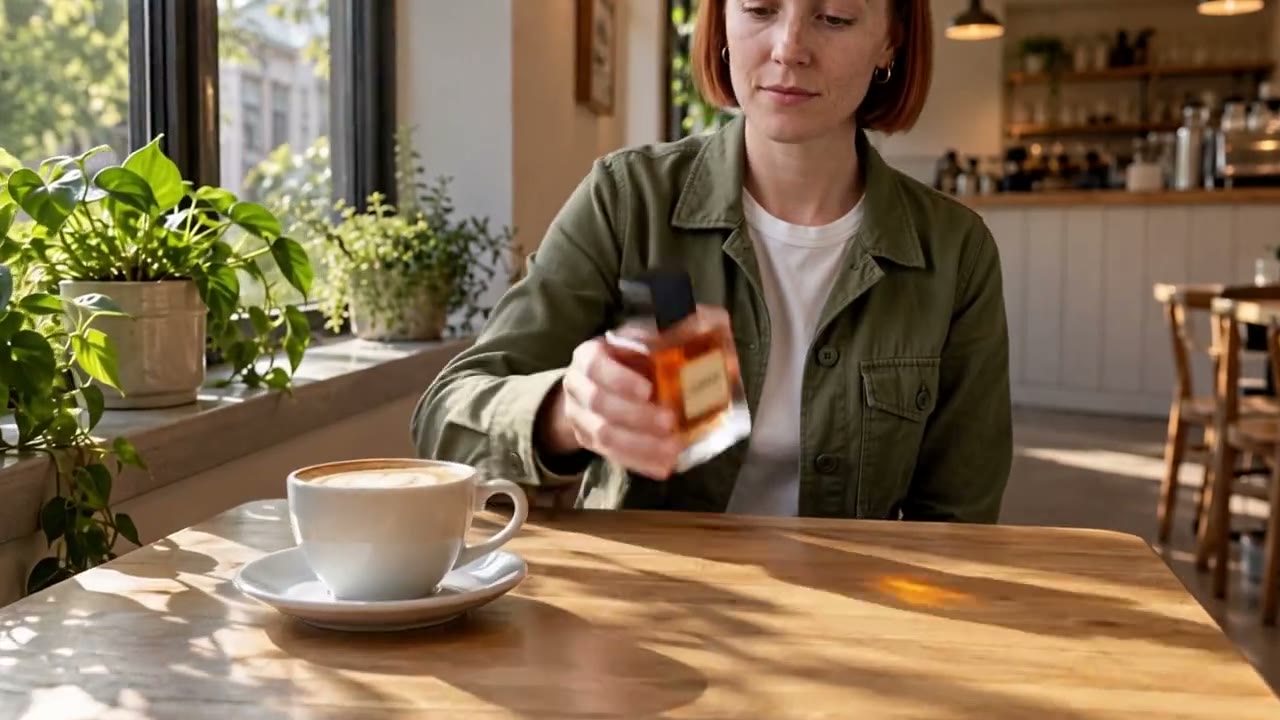
- 2. Write the scene and name each subject, for example: @Mia picks up @NOIR07 from a café table and turns the label to the camera.
- 3. Press Generate. Your first 5-second clip on Kling 3.0 Omni is free; after it, a single video costs from $2.99, a credit pack from $9.90 and a plan from $10 a month.
More on AI video models
Reference to video →

Frequently asked questions
What is multi reference in AI video?
Giving the video model several reference images, and on some models video or audio clips, of the people, products and places to keep. The model reads them as a description of the subjects and generates a new scene around them.
Is multi reference the same as a reference sheet?
No. A reference sheet is one image that shows a character from several sides. It can be one of the references in a multi reference request, next to photos of a product or a place.
How many reference images should I use?
Three to five sharp images per subject that cover the main angles. Extra images that differ in outfit or lighting make results worse, not better.
Can I try multi reference for free?
Yes. On RefVid the first 5-second clip on Kling 3.0 Omni is free, with no card and no watermark. After it, a single video costs from $2.99, a credit pack from $9.90 and a plan from $10 a month.
Does multi reference work for products?
Yes. Save the product from the hero angle, the back and a close-up of the logo, then put it in a scene alone or with a person. Small printed text is still the weakest point of current models.