Shopee product video: AI clips of your item from the photos you have - RefVid
Turn your own photos into videos in minutes · Your first video is free, no watermark
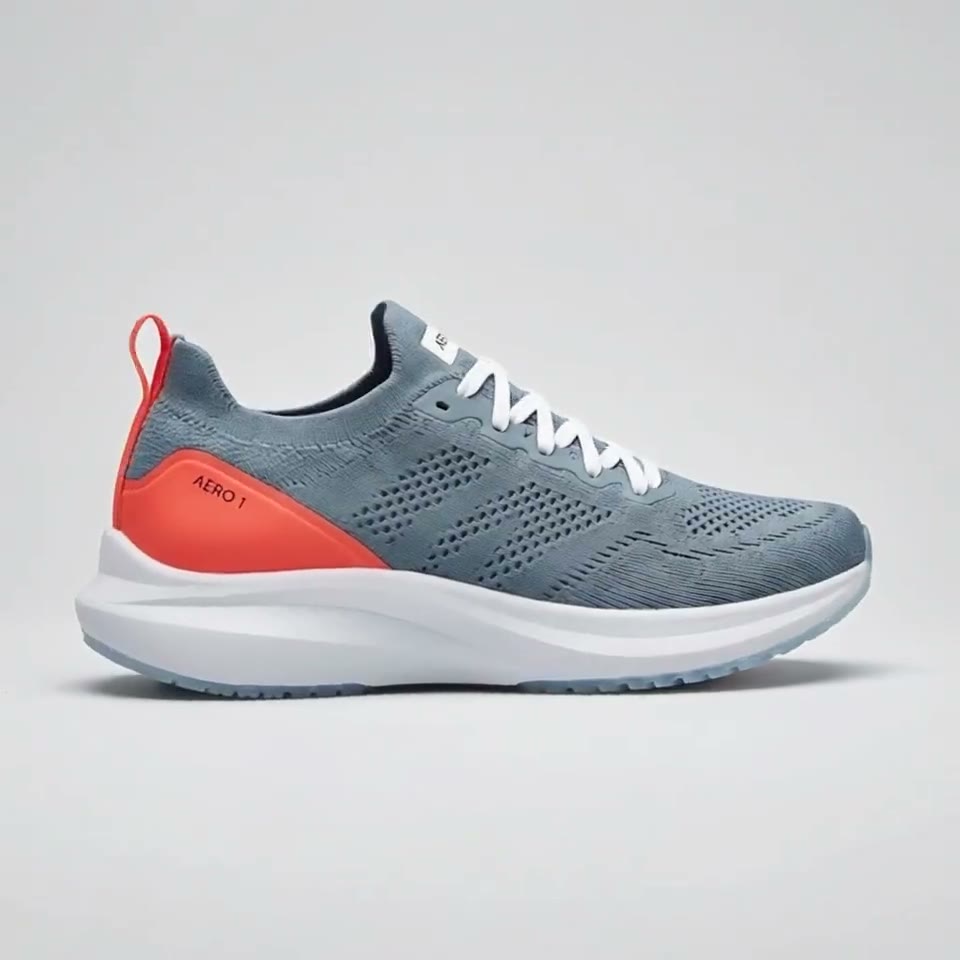
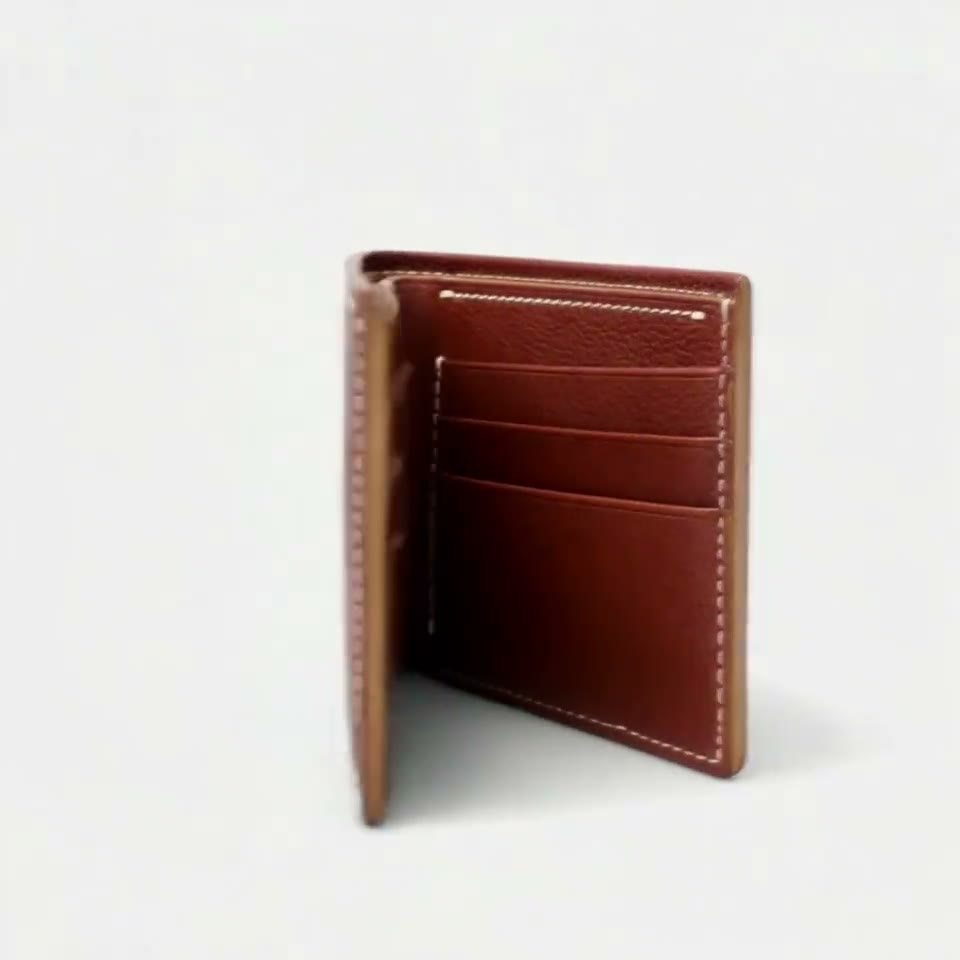


First video free, no card
Yes, you can make a Shopee product video with AI from the photos on your listing. Upload one to ten photos of the item, pick a clip such as a square turntable, a water splash or a flat lay, and press Generate.
The product in the clip is the one in your photos, label included, with no watermark, so it can go into the listing's video slot or onto Shopee Video.
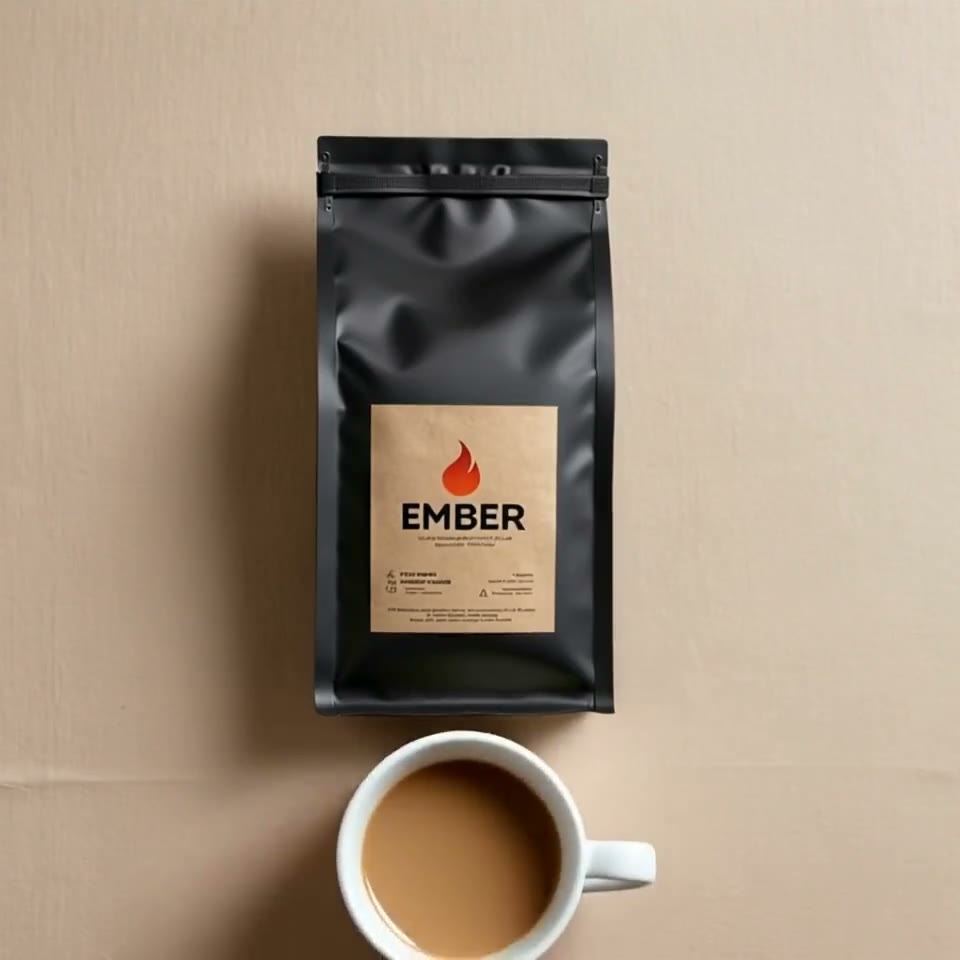
Three steps. No prompt skills, no 20 photos.
Some tools train a face from 20 or more photos, others want long, careful prompts. RefVid needs a few photos and one line.
- 01
Upload 1–10 photos
A clear front view of the person or product. Add a side view or a close-up of the label if you have one.
- 02
Pick a template or write one line
Start from a ready-made template, or describe the scene in one sentence, such as “she pours coffee in a bright kitchen”.
- 03
Generate
The clip keeps the same face, outfit or label. Make the next scene from the same photos whenever you like.
What a Shopee listing video has to do
- On Shopee the listing video usually plays first in the gallery, before your photos, and buyers compare many near-identical listings in a few seconds. A short clip that turns the item round or shows it in use answers what a still cannot, and it only helps if the item in it is exactly the one that ships.
- That is why the product has to come from your photos rather than from a description. RefVid treats your listing photos as the product itself and builds every frame around them, so the label, colour and shape stay the same throughout. Shopee's current video limits are in Seller Centre for your market.
Shopee AI video product clips: three to start with
Each clip is a template that opens the studio with its shots, shape and length set; add your product and generate. Square suits the listing gallery, vertical suits Shopee Video and other short-video feeds.
1. A flat lay: your product from above on linen while a few everyday things its buyers use slide in around it, square, 5 seconds.
2. A water splash: your product drops into clear water in slow motion and settles with the label to the front, vertical, 5 seconds.
3. A 360° turntable: a full turn on a white turntable against light grey, square, 5 seconds, so buyers see the back and sides.
Square and vertical
Start from the photos on your Shopee listing
- The photos on your listing are the references to start from: the main photo on a plain background, the side and back, a close-up of the label. Upload one to ten of them; one sharp front photo is enough to start, and more angles help when the clip turns the item round.
- Leave out photos with price tags, sale banners, text overlays or other products, since the model treats whatever is in the references as part of the item. Variants such as colours are separate products: save each one and make its own clip, so a buyer never sees the wrong colour.
The same clip for Mercado Livre, Lazada and your store
- The clips are plain MP4 files with no watermark, so the same flat lay or turntable can go on Mercado Livre, Lazada, TikTok Shop or your own store, as long as each marketplace's limits allow it. Because the product is saved once, a square gallery version and a vertical feed version are two generations from the same photos, and they match.
- Write the prompt in plain words, whatever language your shop uses for its listing; describe the set, the motion and the last frame, and let the photos carry the product.
What a Shopee clip costs
- Your first clip is free with no card. After that, a single video costs from $2.99, a one-time credit pack from $9.90 and a plan from $10 a month; credits never expire. Every clip has no watermark and may be used commercially.
Check the clip before it goes on Shopee
- Watch every clip at full size before you upload it. The label, logo and colours must match the real item, and nothing may appear that is not in the parcel: no extra pieces, no other sizes or features. Small print is the part most likely to change, so keep the takes where it holds.
- Shopee reviews listings and videos; check its current rules on video content, including AI-made media on Shopee Video, in Seller Centre for your market before you upload.
Start from a template
Each one opens the studio with the shots, shape and length already set. Add your own product and generate.
More product videos
Product videos →

Frequently asked questions
How do I make a Shopee product video with AI?
Upload one to ten photos of the item, pick a template such as the flat lay or the turntable, and press Generate. The clip keeps the item from your photos, label included, and has no watermark.
Can I use a Shopee video AI clip on Shopee Video too?
Yes, make a vertical 9:16 version from the same photos for Shopee Video and a square one for the listing gallery. Check Shopee's current rules on AI-made content for your market before you post.
Can I make a Shopee product video from one photo?
Yes. One sharp front photo with the label readable is enough to start. Add side and back photos if the clip turns the item round.
Will the colours of my product stay right?
They follow your photos, so use photos with true colours and no strong filters. Save each colour variant as its own product and make its own clip.
Can I use the same clip on Mercado Livre or Lazada?
Yes. Clips are MP4 files with no watermark and may be used commercially on any marketplace, within that marketplace's own limits on length and file size.