TikTok Shop video AI: vertical clips of your product from photos - RefVid
Turn your own photos into videos in minutes · Your first video is free, no watermark


First video free, no card
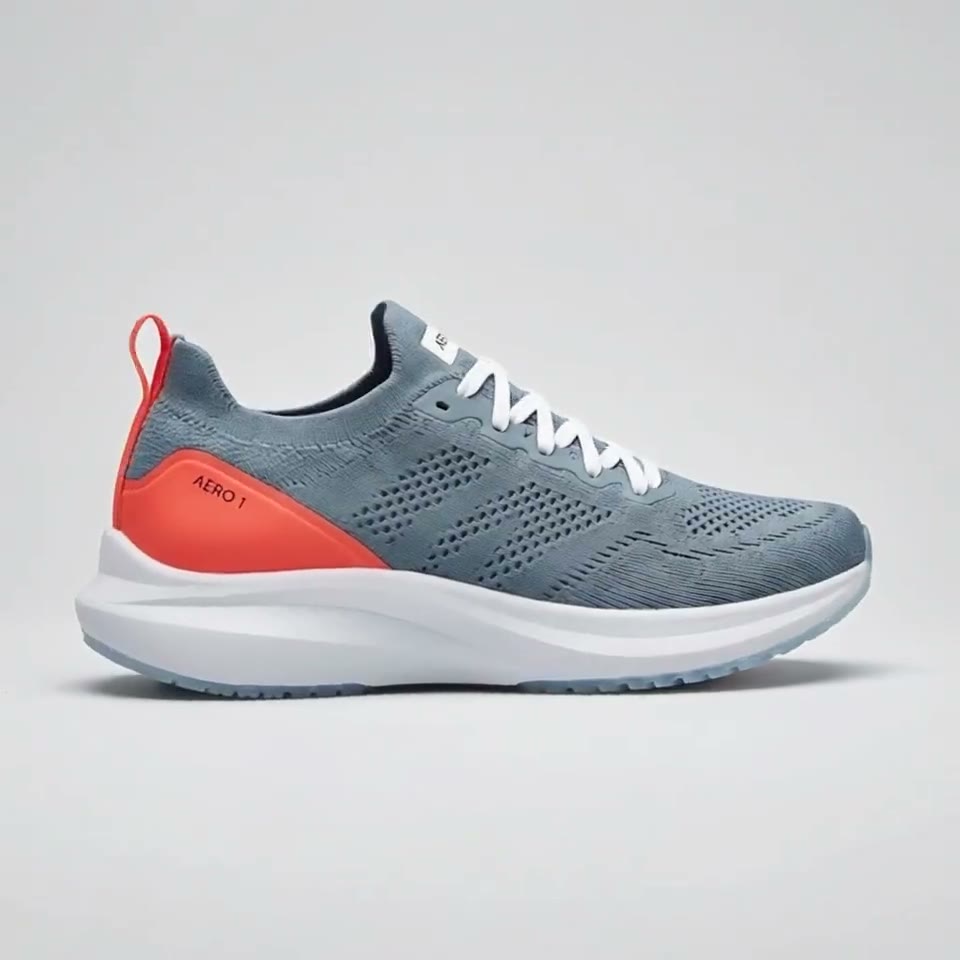
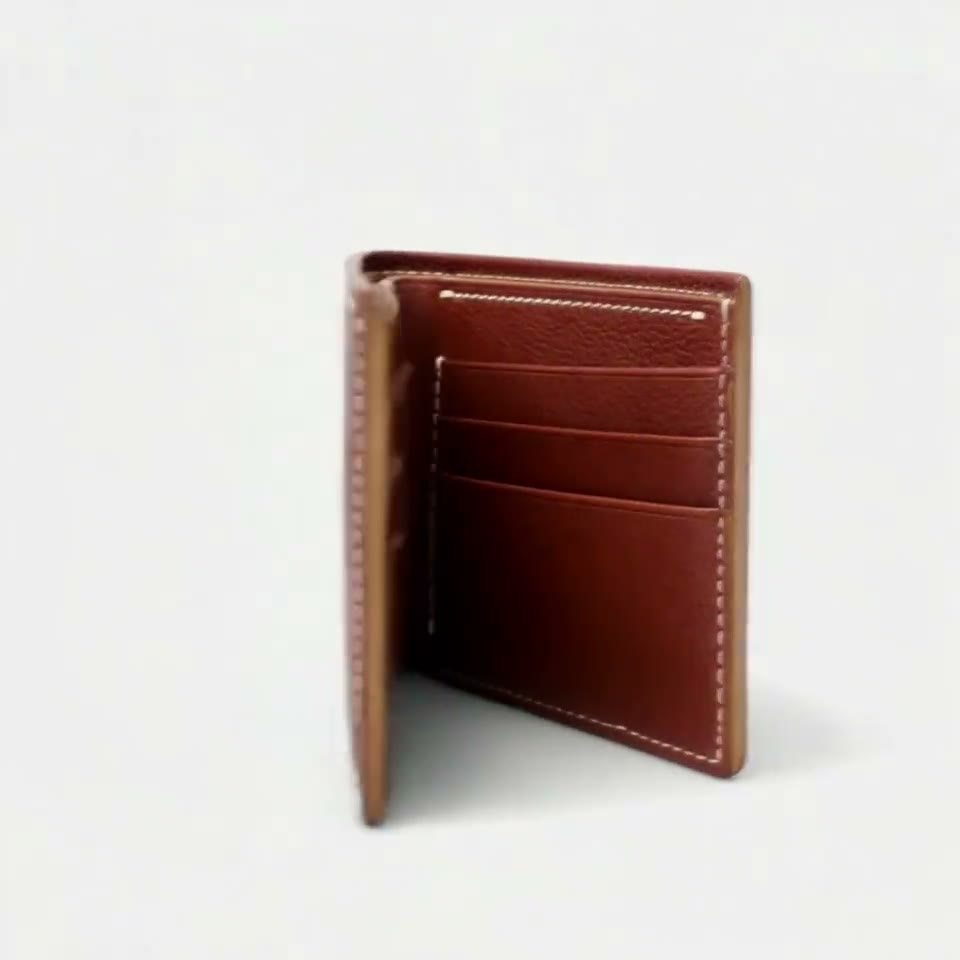
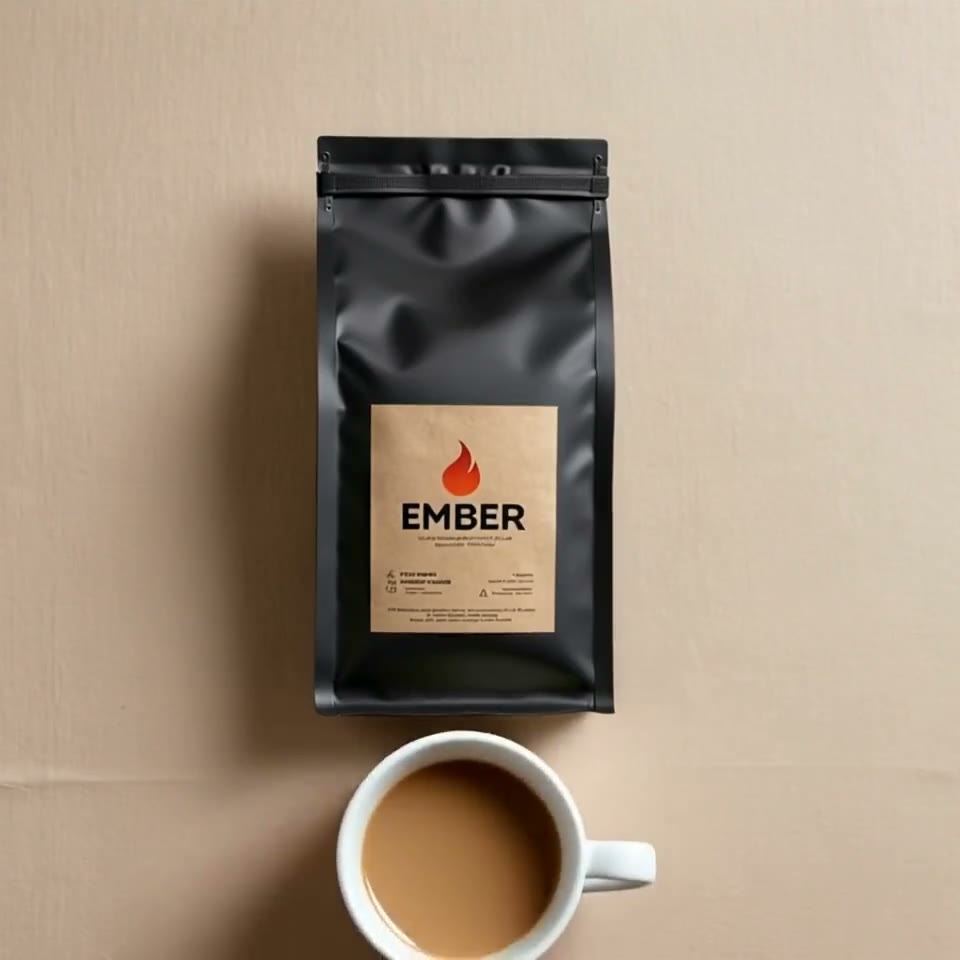
Yes, you can make TikTok Shop videos with AI from the photos you already have. Upload one to ten photos of your product, or paste your product page link, pick a vertical template such as an unboxing or a presenter holding the item, and press Generate.
Each clip comes out 9:16, can have sound, keeps the label and shape from your photos and has no watermark, so it is ready to post and link to your product.

Three steps. No prompt skills, no 20 photos.
Some tools train a face from 20 or more photos, others want long, careful prompts. RefVid needs a few photos and one line.
- 01
Upload 1–10 photos
A clear front view of the person or product. Add a side view or a close-up of the label if you have one.
- 02
Pick a template or write one line
Start from a ready-made template, or describe the scene in one sentence, such as “she pours coffee in a bright kitchen”.
- 03
Generate
The clip keeps the same face, outfit or label. Make the next scene from the same photos whenever you like.
What a TikTok Shop video has to show
- A TikTok Shop video is watched in a feed of vertical clips by people who can buy without leaving the app, so it has two jobs: stop the scroll in the first second and show exactly the item that will arrive. A hand lifting the product out of a box or holding it up to the camera does both.
- That is why the product has to come from your photos rather than from a description. A text prompt gives a plausible bottle or shoe, never yours, and a buyer who gets something else leaves a review. RefVid treats your photos as the product itself and builds every frame around them, so the label, colour and shape stay the same from the first frame to the last.
Three vertical clips for a TikTok Shop listing
Most shops start with the same three clips. Each is a template that opens the studio with its shots, length and 9:16 shape already set; you add your product and press Generate.
1. An unboxing: hands open a kraft box, lift your product out and turn the label to the camera, 10 seconds with the sound of the paper. It answers the question every TikTok Shop buyer has: what comes in the box.
2. A presenter holding it: a saved person holds your product next to their face and says one line, "Okay, I have to show you this one", then turns the label to the camera. The presenter is a second subject, so the same face can front many products and many hooks.
3. A splash or reveal: your product drops into clear water in slow motion and settles with the label to the front, 5 seconds. It works as the first clip on the product page, before the longer ones.
9:16, ready for the feed
Start from the photos on your listing
- The photos on your TikTok Shop listing or your own store are usually the best references you have: the product on a plain background, the label readable, the colours true. Upload one to ten of them, or paste the product page link from your own store and RefVid reads the photos from it.
- Leave out photos with price stickers, protective film, bundle extras or props that are not part of the product: whatever is in the references is treated as part of the item. One sharp front photo is enough to start; more angles help when the clip turns the product round.
Writing the hook for a TikTok Shop clip
- Let the photos describe the product and the prompt describe what happens: who holds it, the one thing that moves, the first words, the light and the last frame. Use the product's saved name instead of describing it again; a second description in words competes with the photos.
- The in-hand template's first shot is a good model for a hook, word for word: "Handheld selfie-style video in a bright room at home: [presenter] holds [your product] up next to the face, smiles at the phone camera and says: 'Okay, I have to show you this one.'" Change the spoken line to your own claim, keep it under ten words, and make one version per hook so you can see which one sells.
What a TikTok Shop clip costs
- Your first clip is free and needs no card. After that, a single video costs from $2.99, a one-time credit pack from $9.90 and a plan from $10 a month; credits never expire, and paid and free clips alike come without a watermark and may be used commercially.
Check the clip before it goes on TikTok Shop
- Watch each clip at full size before you post it. The label and logo must read the same as on the real item, the colours must match the photos, and the clip must not show features, sizes or accessories the product does not have; small print is the part most likely to change, so keep the takes where it holds.
- TikTok asks creators to label realistic AI-generated content, and TikTok Shop has its own rules for product videos and claims. Turn on the AI-generated content setting when you post, and check the current requirements in Seller Center before you upload, since they change.
Start from a template
Each one opens the studio with the shots, shape and length already set. Add your own product and generate.
More product videos
Product videos →

Frequently asked questions
Is there a TikTok Shop AI video generator that keeps my product the same?
Yes. RefVid builds every frame around photos of your product rather than a description, so the label, colour and shape match your photos. Upload one to ten photos, pick a vertical template and press Generate; check the label at full size before you post.
Can a TikTok Shop video have sound?
Yes: Kling 4 always makes sound, and on Kling 3.0 Omni you turn on Sound in Settings, which costs a little more per second. The free clip is silent, so add a track from TikTok's own sounds when you post.
Do I have to label a TikTok Shop video made with AI?
Yes: TikTok asks creators to label realistic AI-generated content, so turn on the AI-generated content setting when you post. RefVid puts no watermark or label in the MP4, so that setting is the label; TikTok Shop's product video rules are in Seller Center.
What shape and length should a TikTok Shop video be?
Vertical 9:16, which every template on this page uses. RefVid clips run from 3 to 30 seconds on Kling 4 and up to 15 on Kling 3.0 Omni; TikTok Shop's exact limits are in Seller Center.
Can I use the same presenter for all my products?
Yes: save the presenter once from 1 to 10 photos, then pair them with any product in the in-hand template, a 10-second vertical clip with 2 subjects. The face and the product each come from their own photos, so both stay the same in every clip.