PixVerse C1 AI Video Generator
Turn your own photos into videos in minutes · Your first video is free, no watermark

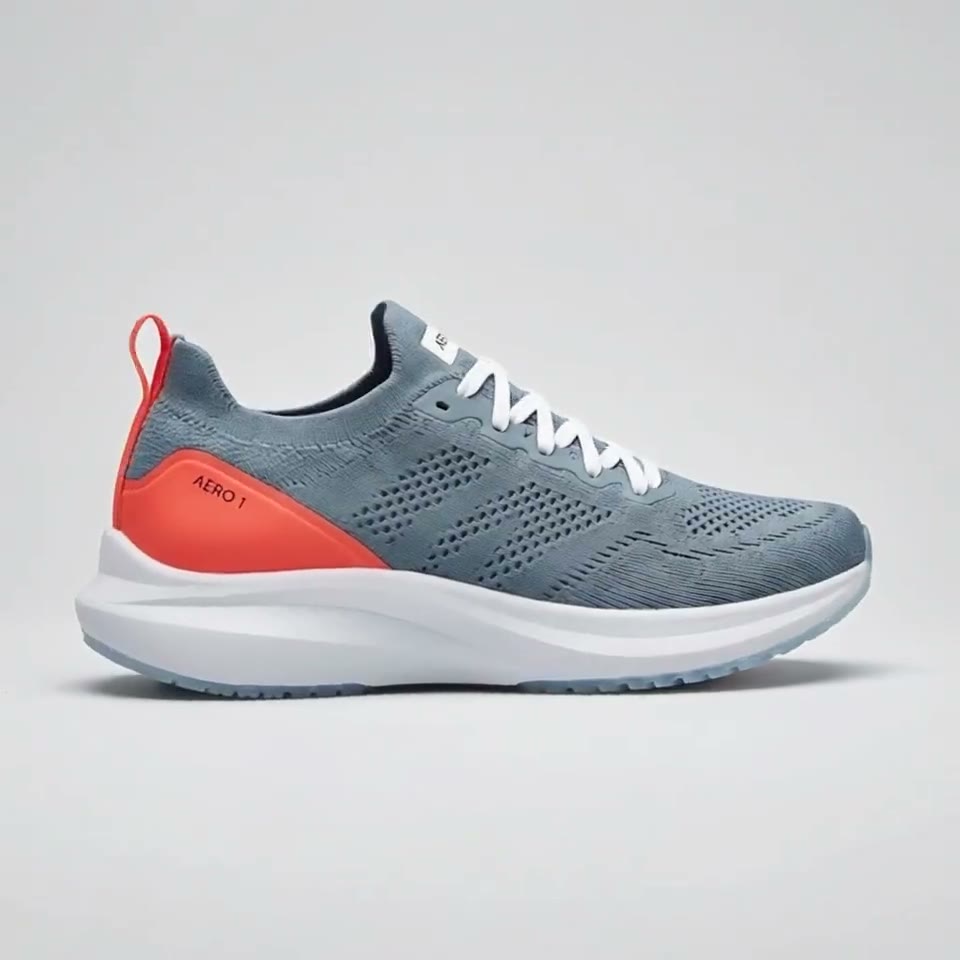
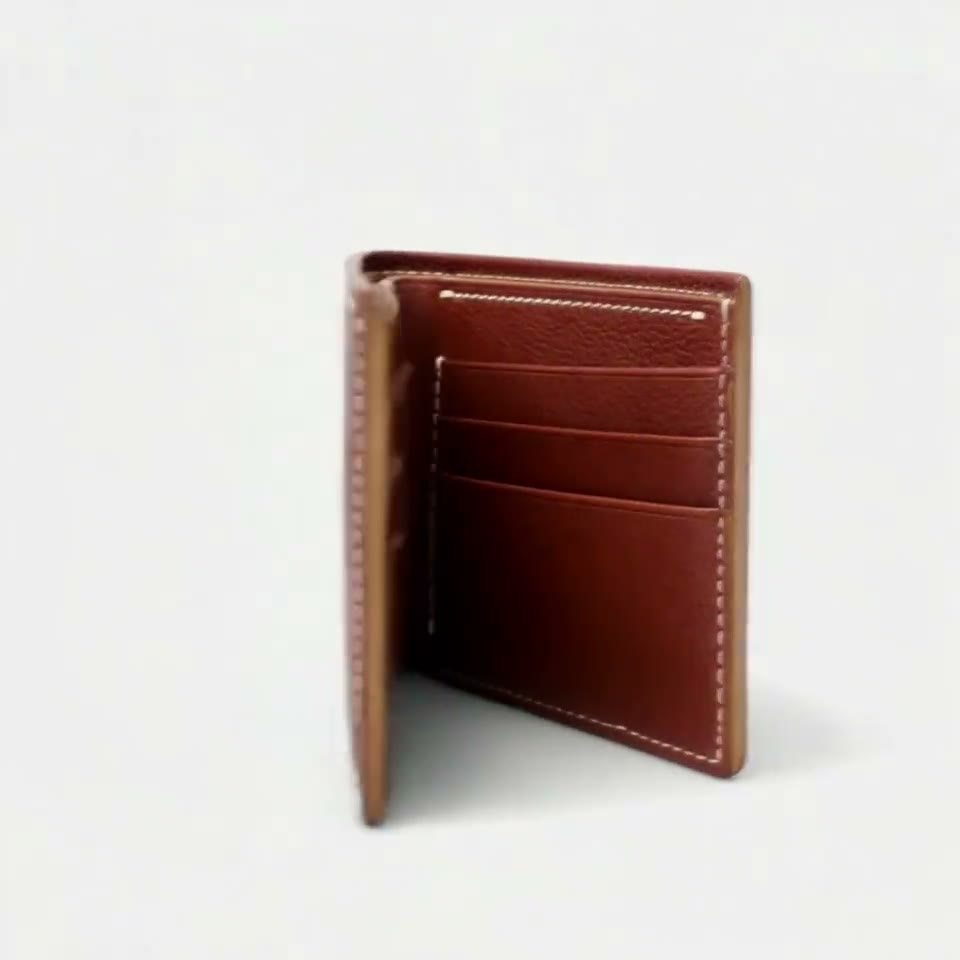


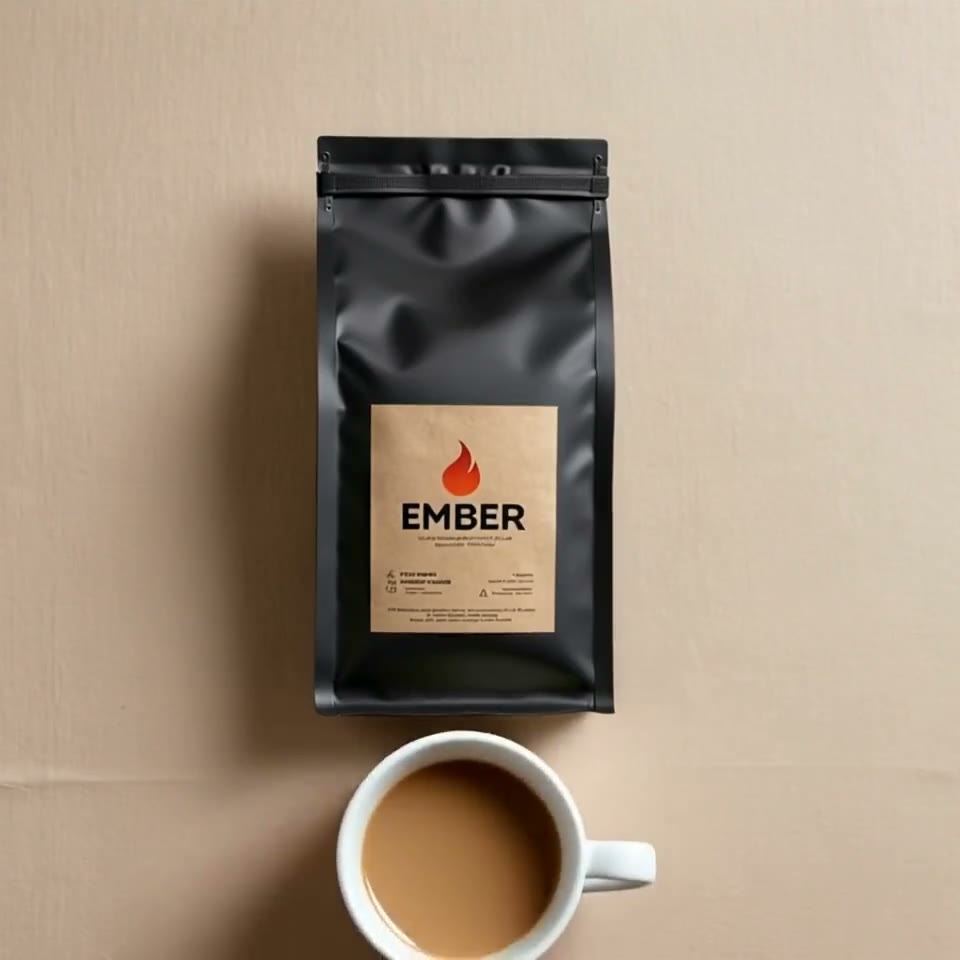
First video free, no card
PixVerse C1 is PixVerse's model for film production, introduced on April 7, 2026, with cinematic effects and storyboard-to-video. On RefVid it turns 1 to 7 photos of your product or character into a 3- to 15-second clip at 720p or 1080p, with sound on or off, or makes a clip from a prompt alone.
It has the lowest price per second on RefVid. The box above is already set to PixVerse C1, and your first clip is free.
PixVerse C1 on RefVid: specs
| Spec | PixVerse C1 on RefVid |
|---|---|
| Clip length | 3–15 seconds |
| Resolution | 720p or 1080p |
| Shapes | 16:9, 9:16, or 1:1 |
| Sound | On or off |
| Reference photos | 1–7 photos of one subject |
| Video from a prompt alone | Yes |
| End frame (a picture the clip ends on) | No |
| Photos of real-looking people | Yes |
| Longest prompt | 1,748 bytes |
| Credits per second, 720p | 19 silent, 24 with sound |
| Credits per second, 1080p | 35 silent, 44 with sound |
What PixVerse C1 is
- PixVerse C1 is a PixVerse model built for film production, with cinematic visual effects and storyboard-to-video, introduced on April 7, 2026 with its API. It makes 1 to 15 seconds at 360p to 1080p in eight shapes, takes subject and background reference images, and can start and end on frames you give it, according to PixVerse's platform docs.
- RefVid runs PixVerse C1 through fal.ai's reference-to-video endpoint, which takes up to 7 reference images and a prompt of up to 2,048 bytes. In the RefVid box you add up to 7 photos of one subject, pick 3 to 15 seconds, 16:9, 9:16 or 1:1, 720p or 1080p, and switch sound on or off.
PixVerse C1 vs V6
- C1 is not V6's successor: it came out 8 days after V6, and PixVerse lists both as current models. On fal the two reference-to-video endpoints take the same inputs. V6 adds video references and extension, which C1 lacks; C1 adds cinematic effects and storyboard input, and costs about 10% more per second.
| PixVerse V6 | PixVerse C1 | |
|---|---|---|
| Released | March 30, 2026 | April 7, 2026 |
| Made for | General video | Film production: cinematic effects, storyboard to video |
| Clip length | 1–15 seconds | 1–15 seconds |
| Resolutions | 360p, 540p, 720p, 1080p | 360p, 540p, 720p, 1080p |
| Reference images on fal | Up to 7 | Up to 7 |
| Video references and extend | Yes | No |
| PixVerse API price per second, 720p (silent / sound) | $0.040 / $0.053 | $0.044 / $0.058 |
PixVerse C1 reference to video on RefVid
- On RefVid the photos you add are saved as one subject, so each PixVerse C1 clip starts from the same product or character. With room for 7 photos, three to five angles in plain light work best: front, side and back for a product plus a close-up of the label, or front, profile and full body for a person.
- Write the scene and the effect you want, for example: "The phone floats above a dark desk, golden particles drift past, the camera circles slowly to the screen." Small printed text can blur, so keep labels large in at least one photo and ask for a close-up only when the text is big.
- PixVerse C1 clips other RefVid members have made and shared are in the community, with their settings next to each one.
Make a PixVerse C1 video in three steps
- Add 1 to 7 photos of your product or character in the box at the top of this page, or start from a template in the row above it. The box is already set to PixVerse C1, 720p and the free clip's length.
- Write what should happen in a sentence or two. Settings changes the length (3 to 15 seconds), the shape (16:9, 9:16 or 1:1), 1080p and sound.
- Press Generate. If you are not signed in, you sign in first and the clip starts right after. A clip usually takes 2 to 10 minutes, and we email you when it is ready.
What a PixVerse C1 clip costs on RefVid
- Every clip is priced in credits per second, as in the table above, and sound adds a little. The studio shows the total before anything runs. A new account's free credits cover its first clip. After that, single videos start at $2.99, one-time credit packs at $9.90 and monthly plans at $10. A failed clip refunds its credits automatically.
PixVerse C1 next to every RefVid model: measured clips, wait and cost
- These numbers are our own, not the vendor's: every clip people outside our team started on RefVid from October 27 – November 6, 2026, split by the model they picked, with how many finished and the median wait from the start of the generation to the finished clip. Next to them are each model's photo limit, clip length and what a 5-second clip costs today, so PixVerse C1 can be read against the other models in one table.
- The finished share and the wait are shown only where a model had at least 20 finished or failed clips in the period; the models added most recently have fewer so far. A failed clip costs nothing: its credits go back to the account. The table follows the newest snapshot of our usage statistics.
| Model | Clips (finished or failed) | Finished | Median wait | Photos of one subject | Clip length | Credits for a 5-second clip | Cost with the $9.90 pack |
|---|---|---|---|---|---|---|---|
| Kling 4 | 18 | Under 20 clips | Under 20 clips | 10 | 3–30 sec | 290 | $1.91 |
| Kling 3.0 Omni | 310 | 83% | 2.1 min | 10 | 3–15 sec | 155 | $1.02 |
| Seedance 2.5 | 3 | Under 20 clips | Under 20 clips | 10 | 4–30 sec | 860 | $5.68 |
| Wan 3.0 | 13 | Under 20 clips | Under 20 clips | 10 | 3–30 sec | 185 | $1.22 |
| Vidu Q4 | 21 | 71% | 4.2 min | 10 | 3–16 sec | 125 | $0.83 |
| Gemini Omni Flash | 1 | Under 20 clips | Under 20 clips | 10 | 3–10 sec | 185 | $1.22 |
| PixVerse C1 | 80 | 99% | 1.4 min | 7 | 3–15 sec | 95 | $0.63 |
| Happy Horse 1.1 | 1 | Under 20 clips | Under 20 clips | 9 | 3–15 sec | 255 | $1.68 |
| MiniMax H3 | 1 | Under 20 clips | Under 20 clips | 5 | 5–15 sec | 110 | $0.73 |
When another model fits better
- PixVerse C1 suits short, effect-heavy clips at the lowest price per second. When a label's small text must stay sharp, Kling 4 and Kling 3.0 Omni keep fine print better in our own product clips. For more than 7 photos or more than 15 seconds, pick Wan 3.0 or Kling 4. Your saved subjects work with every model.
Start from a template
Each one opens the studio with the shots, shape and length already set. Add your own product and generate.
More on AI video models
Text to video AI →

Frequently asked questions
Is PixVerse C1 free on RefVid?
Your first clip is free: a new account gets 180 credits, enough for a short silent 720p PixVerse C1 clip, with no watermark and no card. After that you pay per second in credits; the studio shows what a clip costs before it runs.
How many reference images does PixVerse C1 take?
Up to 7 on fal.ai's reference-to-video endpoint, each marked as a subject or a background; PixVerse's own API schema allows up to 10. On RefVid you add up to 7 photos of one subject.
How long can a PixVerse C1 video be?
From 1 to 15 seconds on PixVerse's API. On RefVid you pick 3 to 15 seconds in Settings, at 720p or 1080p, in 16:9, 9:16 or 1:1.
Does PixVerse C1 make sound?
Yes, as a switch: PixVerse describes native audio-visual output, and on fal sound is off by default. On RefVid you switch it on in Settings for a little more per second.
Is PixVerse C1 better than V6?
They do different jobs. PixVerse sells C1 as a film-production model with cinematic effects and storyboard input, while V6 is its general model with video references and extension, which C1 lacks. C1 costs about 10% more per second on PixVerse's API.