Wan 3.0 AI Video Generator
Turn your own photos into videos in minutes · Your first video is free, no watermark

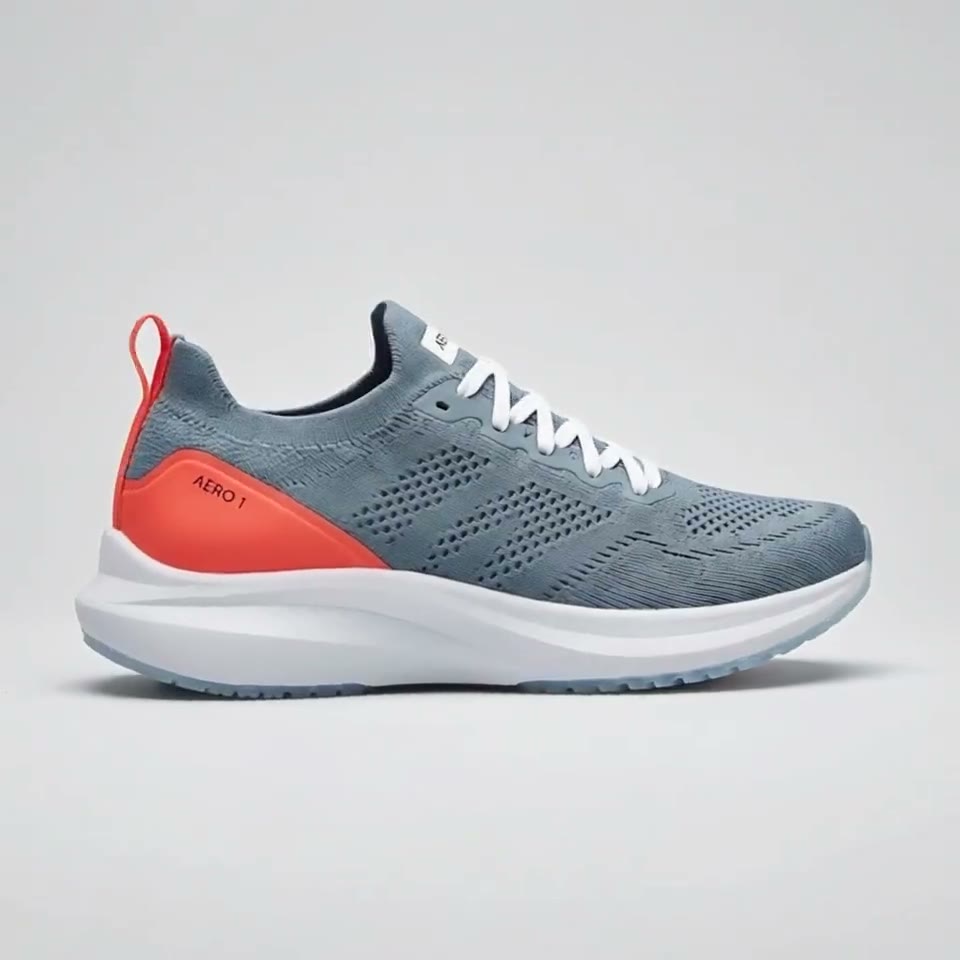
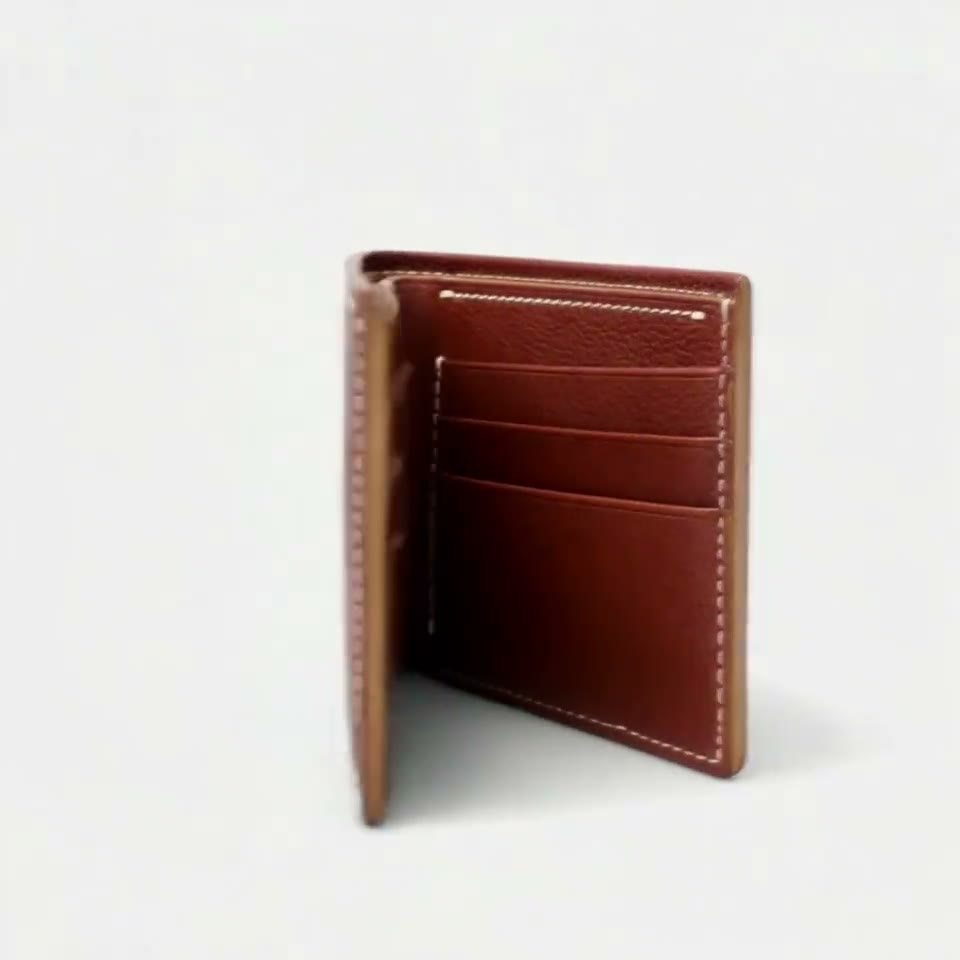


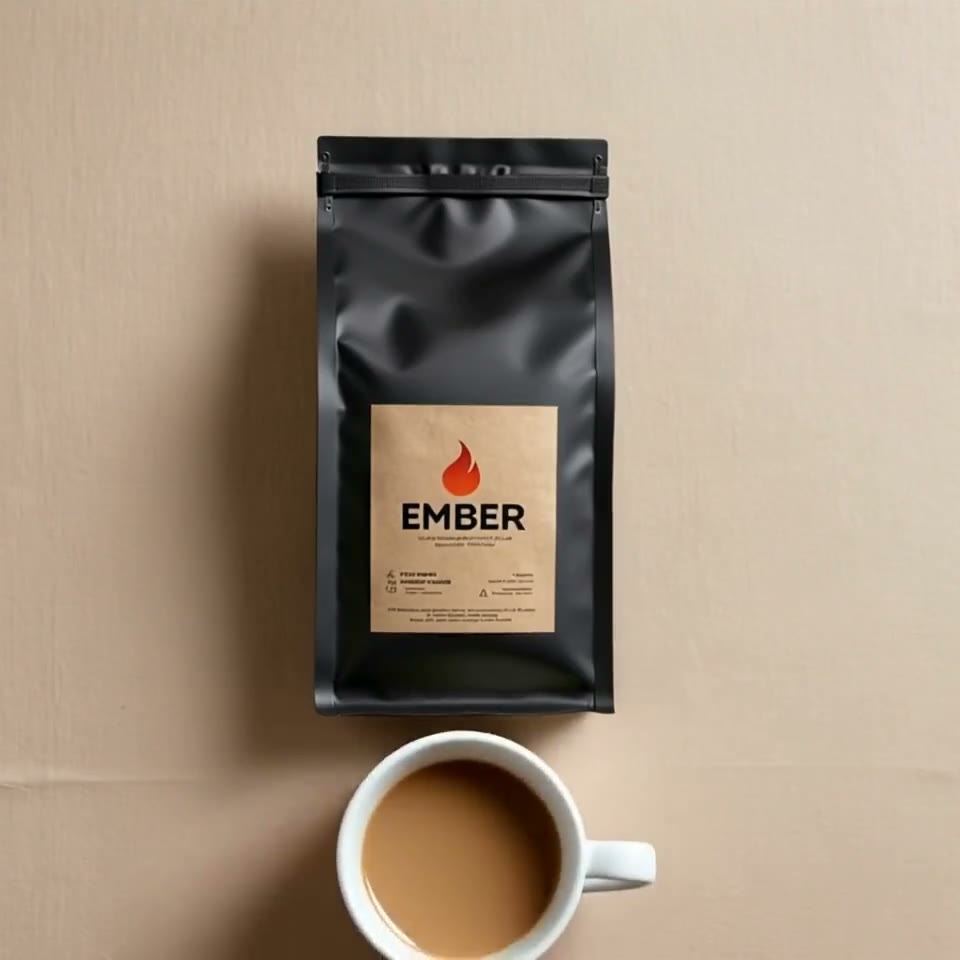
First video free, no card
Wan 3.0 is Alibaba's video model, officially launched on August 24, 2026. It makes clips of up to 30 seconds, twice Wan 2.7's 15, from text, images, video and audio references.
On RefVid it turns 1 to 10 photos of your product or character into a 3- to 30-second clip at 720p or 1080p, with sound on or off, or makes a clip from a prompt alone. The box above is already set to Wan 3.0.
Wan 3.0 on RefVid: specs
| Spec | Wan 3.0 on RefVid |
|---|---|
| Clip length | 3–30 seconds |
| Resolution | 720p or 1080p |
| Shapes | 16:9, 9:16, or 1:1 |
| Sound | On or off, same price |
| Reference photos | 1–10 photos of one subject |
| Video from a prompt alone | Yes |
| End frame (a picture the clip ends on) | No |
| Photos of real-looking people | Yes |
| Longest prompt | 19,700 characters |
| Credits per second, 720p | 37, with or without sound |
| Credits per second, 1080p | 73, with or without sound |
What Wan 3.0 is
- Wan 3.0 is the third generation of Alibaba's Wan video models. Alibaba announced a beta on August 7, 2026 and the official launch on August 24. Its API makes 2 to 30 seconds at 480p, 720p or 1080p and takes up to 10 reference images, 5 reference videos and 5 audio clips, plus a first and last frame, according to Alibaba Cloud's documentation.
- RefVid runs Wan 3.0 through fal.ai's reference-to-video endpoint. In the RefVid box you add up to 10 photos of one subject, pick a length from 3 to 30 seconds, 16:9, 9:16 or 1:1, 720p or 1080p, and switch sound on or off; sound costs nothing extra on Wan 3.0. With no photos, it makes a clip from your prompt alone.
Wan 3.0 vs 2.7: what changed
- Alibaba says Wan 3.0 roughly doubles the longest clip, from Wan 2.7's 15 seconds to 30. References grow from 5 images and videos combined, plus one reference voice, to 10 images, 5 videos and 5 audio clips, and Wan 3.0 adds a sound switch and 480p. On fal, 720p stays at $0.10 a second.
| Wan 2.7 | Wan 3.0 | |
|---|---|---|
| Released | April 7, 2026 | August 24, 2026 (beta August 7) |
| Clip length | 2–15 seconds (2–10 with a reference video) | 2–30 seconds |
| Resolutions | 720p, 1080p | 480p, 720p, 1080p |
| Shapes | 16:9, 9:16, 1:1, 4:3, 3:4 | 21:9, 16:9, 4:3, 1:1, 3:4, 9:16 or adaptive |
| References | Up to 5 images and videos combined, plus a 1–10 s reference voice | Up to 10 images, 5 videos and 5 audio clips |
| Sound | No switch published | On or off, on by default |
| Price per second on fal | $0.10 | $0.10 at 720p, $0.20 at 1080p |
Wan 3.0 reference to video: long clips, same subject
- On RefVid the photos you add are saved as one subject, so every Wan 3.0 clip starts from the same product or character. Its 30-second limit suits clips that need time: an unboxing from sealed box to product in hand, a walk through a room, a short scene with several actions in a row.
- Give it 3 to 5 photos from different angles in plain light, then write the actions in order, for example: "Hands cut the tape, lift the lid, take the headphones out and turn them toward the camera; the camera stays close and follows the hands." One action per sentence keeps a long clip in order.
Make a Wan 3.0 video in three steps
- Add 1 to 10 photos of your product or character in the box at the top of this page, or start from a template in the row above it. The box is already set to Wan 3.0 and 720p.
- Write what should happen, in order. Settings changes the length (3 to 30 seconds), the shape (16:9, 9:16 or 1:1), 1080p and sound.
- Press Generate. If you are not signed in, you sign in first and the clip starts right after. A clip usually takes 2 to 10 minutes, and we email you when it is ready.
What a Wan 3.0 clip costs on RefVid
- Every clip is priced in credits per second, as in the table above, with sound at the same price, and the studio shows the total before anything runs. New accounts get free credits for a first clip, with no watermark. After that, single videos start at $2.99, one-time credit packs at $9.90 and monthly plans at $10. A failed clip refunds its credits automatically.
Wan 3.0 next to every RefVid model: measured clips, wait and cost
- These numbers are our own, not the vendor's: every clip people outside our team started on RefVid from October 27 – November 6, 2026, split by the model they picked, with how many finished and the median wait from the start of the generation to the finished clip. Next to them are each model's photo limit, clip length and what a 5-second clip costs today, so Wan 3.0 can be read against the other models in one table.
- The finished share and the wait are shown only where a model had at least 20 finished or failed clips in the period; the models added most recently have fewer so far. A failed clip costs nothing: its credits go back to the account. The table follows the newest snapshot of our usage statistics.
| Model | Clips (finished or failed) | Finished | Median wait | Photos of one subject | Clip length | Credits for a 5-second clip | Cost with the $9.90 pack |
|---|---|---|---|---|---|---|---|
| Kling 4 | 18 | Under 20 clips | Under 20 clips | 10 | 3–30 sec | 290 | $1.91 |
| Kling 3.0 Omni | 310 | 83% | 2.1 min | 10 | 3–15 sec | 155 | $1.02 |
| Seedance 2.5 | 3 | Under 20 clips | Under 20 clips | 10 | 4–30 sec | 860 | $5.68 |
| Wan 3.0 | 13 | Under 20 clips | Under 20 clips | 10 | 3–30 sec | 185 | $1.22 |
| Vidu Q4 | 21 | 71% | 4.2 min | 10 | 3–16 sec | 125 | $0.83 |
| Gemini Omni Flash | 1 | Under 20 clips | Under 20 clips | 10 | 3–10 sec | 185 | $1.22 |
| PixVerse C1 | 80 | 99% | 1.4 min | 7 | 3–15 sec | 95 | $0.63 |
| Happy Horse 1.1 | 1 | Under 20 clips | Under 20 clips | 9 | 3–15 sec | 255 | $1.68 |
| MiniMax H3 | 1 | Under 20 clips | Under 20 clips | 5 | 5–15 sec | 110 | $0.73 |
When another model fits better
- Wan 3.0 suits long clips and clips from words alone. For short clips at a lower price per second, Vidu Q4 and PixVerse C1 cost less. Kling 4 also reaches 30 seconds and always has sound. Your saved subjects work with every model, so you can try the same photos on two of them.
Start from a template
Each one opens the studio with the shots, shape and length already set. Add your own product and generate.
More on AI video models
Text to video AI →
Frequently asked questions
Is Wan 3.0 free on RefVid?
New accounts get 180 free credits for a first clip, with no watermark and no card. A Wan 3.0 clip costs a little more per second than the free clip's model; if a clip costs more than your credits, the box says so before anything runs and offers what fits.
How much does Wan 3.0 cost?
On fal.ai, Wan 3.0 reference to video costs $0.10 a second at 720p and $0.20 at 1080p (read November 4, 2026). On RefVid a clip is priced in credits per second, with or without sound at the same price; the table above has the numbers.
How long can a Wan 3.0 video be?
Up to 30 seconds in one generation, according to Alibaba, twice Wan 2.7's 15. On RefVid you pick 3 to 30 seconds in Settings.
Can Wan 3.0 make a video from text alone?
Yes. On RefVid, Wan 3.0 makes a clip from your prompt alone when you add no photos, at the same price per second as a clip from photos.
How many reference images does Wan 3.0 take?
Up to 10, according to Alibaba Cloud's API reference, plus up to 5 reference videos and 5 audio clips. On RefVid you add up to 10 photos of one subject.