Necklace video: your pendant lifted into the light - RefVid
Turn your own photos into videos in minutes · Your first video is free, no watermark
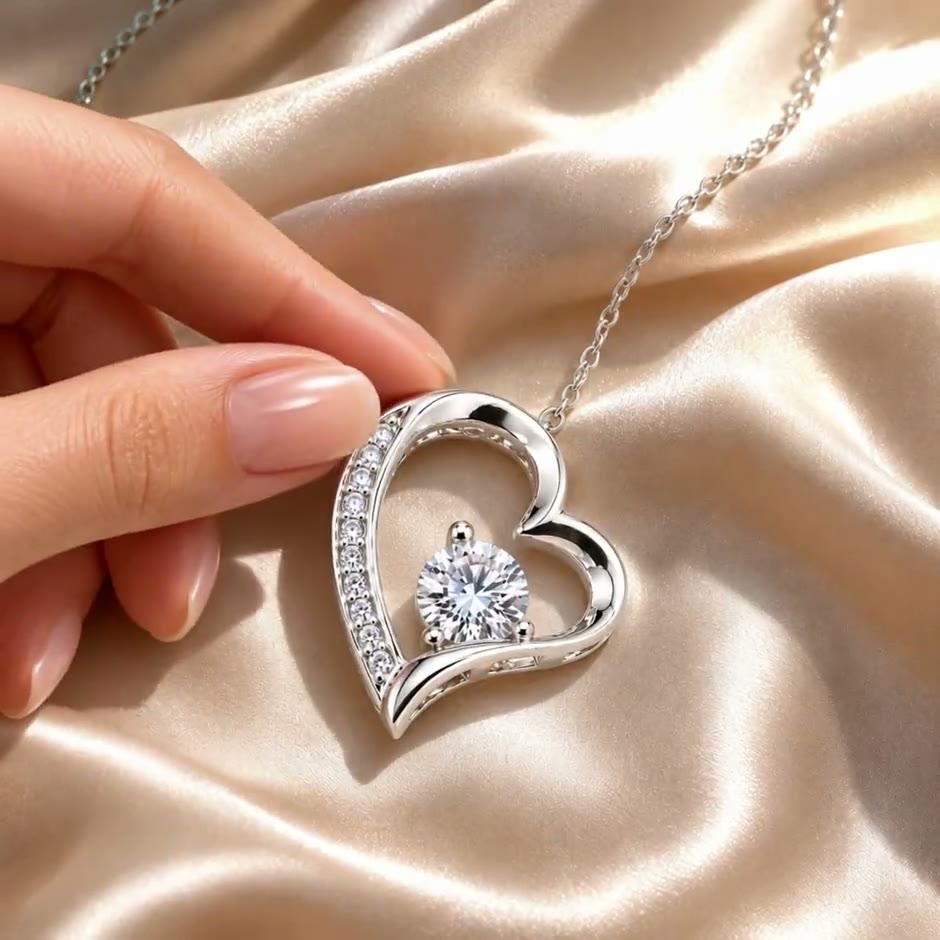
Made from these photos
First video free, no card
What you get
RefVid’s necklace lift template turns 1–10 photos of a pendant necklace into a 5-second square clip: the necklace lies on cream satin silk in afternoon window sunlight, a woman’s hand pinches the top of the pendant and lifts it slowly toward the camera, the chain trailing behind, and the pendant turns to face you as tiny glints flicker across it.
The chain, metal and stones come from your photos.
- Your real pendant from 1–10 photos
- A hand lifts it from cream silk into window sunlight
- Tiny pinpoint glints across the stones, no star flares
Your first 3-second video is free, with no card and no watermark; after that, a 5-second Necklace Lift clip on Kling 4 costs 290 credits, or $2.99 on its own, and credit packs start at $9.90 with credits that never expire.
5 s · 1:1 · with sound · Kling 4 · 1–10 photos · Video templates
More templates
Who it’s for
For jewellers and Etsy or Shopify sellers of pendants, name necklaces and birthstone pieces who want to show the moment a buyer picks the piece up, not only a flat lay; for product pages, Instagram Reels and Pinterest ads, and for gift collections before Mother’s Day and Christmas.
Photos that work best
The pendant is lifted by its top and turned to face the camera, so photograph its front straight on and close, plus the back and the bail the chain runs through; one photo of the whole necklace laid out shows the chain’s length and style.
More photo tips →The prompt
- [your necklace] lies on cream satin silk in natural afternoon sunlight from a window. One woman’s hand enters from the left, her thumb and index finger gently pinch the top of the pendant and lift it slowly off the silk toward the camera, into the brightest sunlight, the chain trailing back onto the silk; as it rises, the pendant turns front to camera and sparkles: dozens of tiny white pinpoint glints twinkle across its stones and polished edges, flickering on and off as it moves, with small flashes of rainbow fire inside the stones. No star-shaped flare, no glow; the metal stays plain and polished. Shallow depth of field, steady camera, real and natural.
Make it yours
Change the hand
Describe the hand that lifts the pendant: skin tone, nail colour, a ring or a thin bracelet, so it looks like the people who buy from you.
Change the light
Swap the afternoon window sun for warm candlelight, cool morning light or a golden-hour glow; keep the line about tiny glints so the stones still twinkle.
Try earrings or a charm
Write a drop earring or a bracelet charm in place of the pendant; the hand lifts it by the hook or the clasp in the same slow move.
More product videos
Product videos →
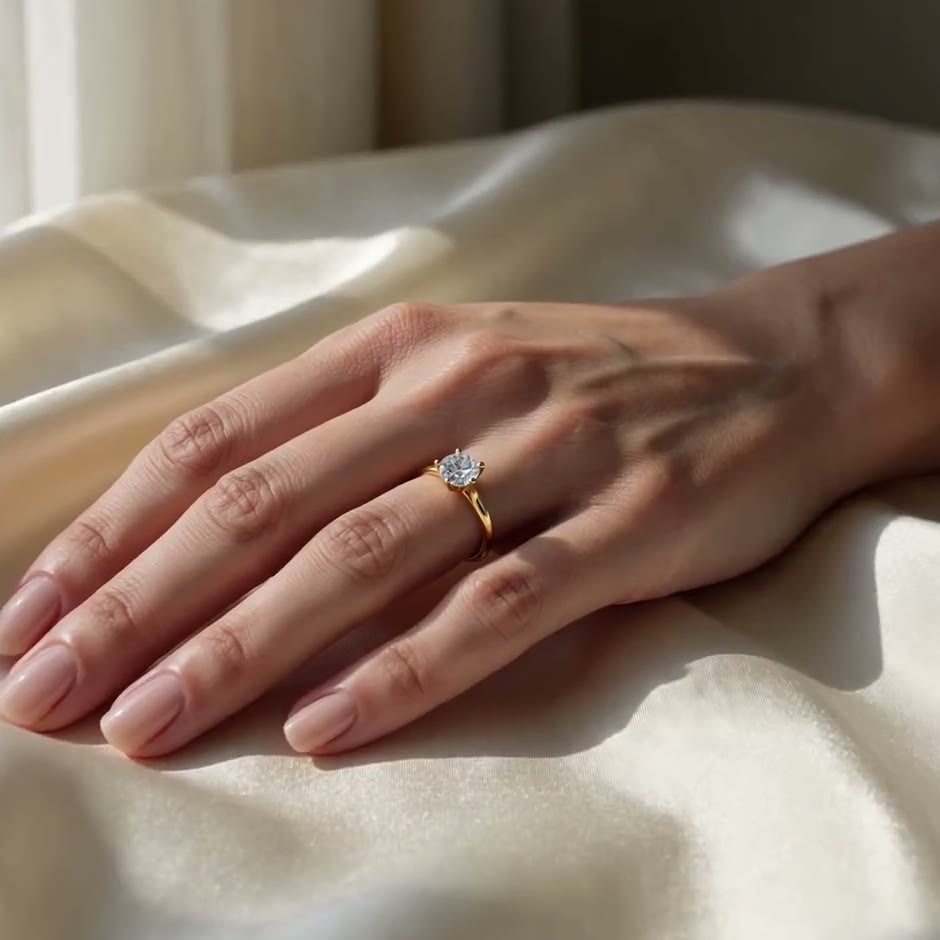
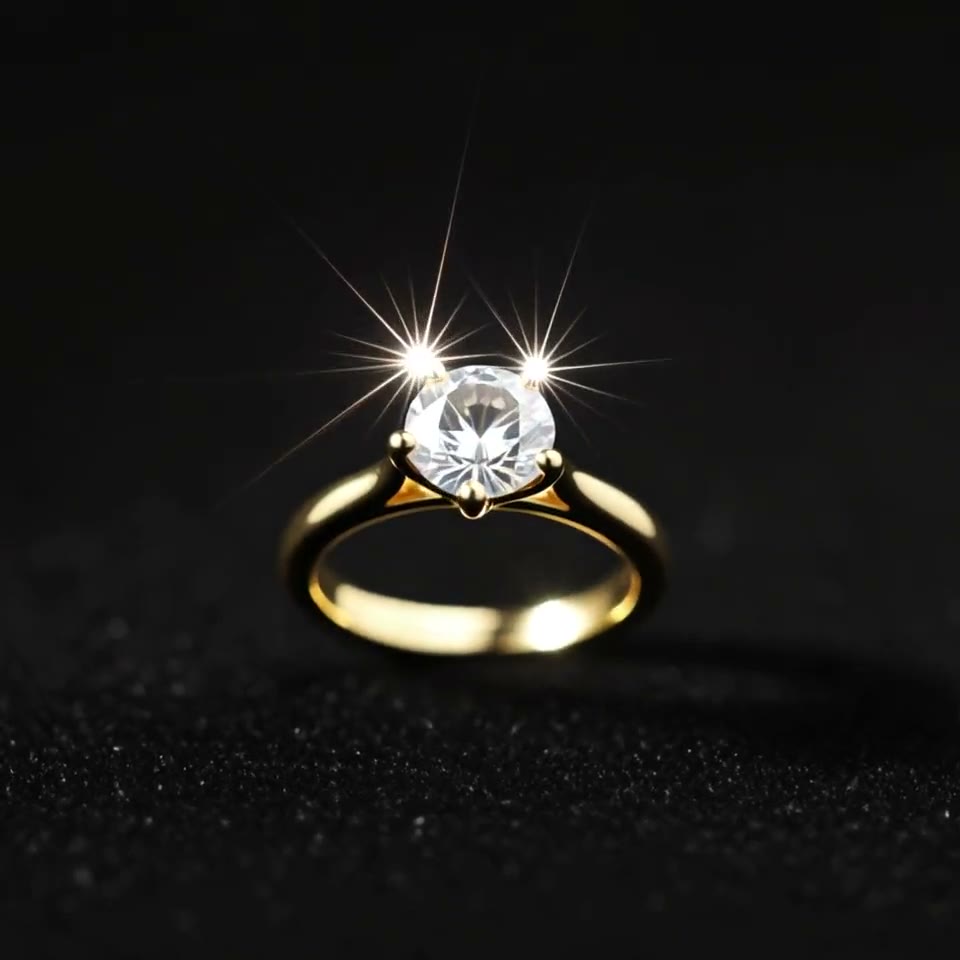
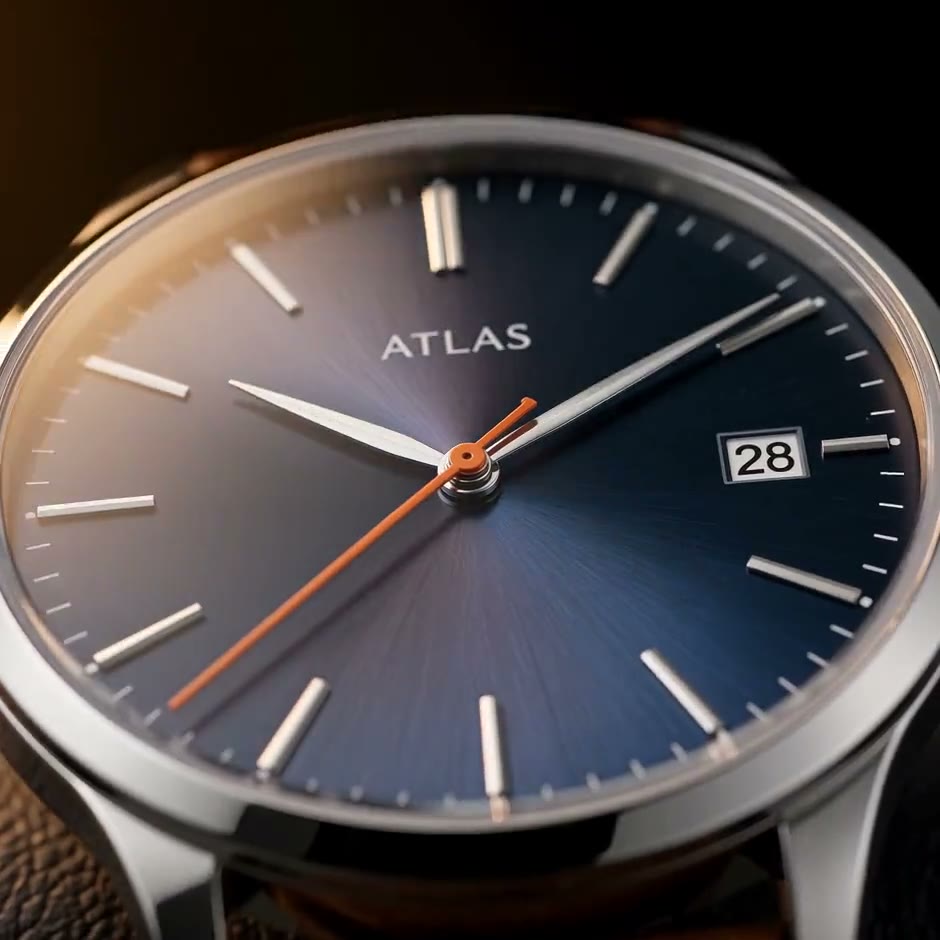
Questions
How do I make a necklace video from a photo of my pendant?
Press Use this template, sign in and add your necklace from 1–10 photos. The studio opens with the lift written: a hand pinches the pendant on cream silk and raises it into the sunlight. Change the hand or the light if you like, press Generate, and the 5-second square clip comes back with sound and without a watermark.
Can I make a pendant video without a hand model?
Yes: the hand is generated on Kling 4. You add only photos of the necklace, and RefVid keeps its chain, metal and stones.
Why does the pendant glint instead of flaring?
The shot asks for dozens of tiny pinpoint glints that flicker as the pendant moves, and for no star-shaped flare or glow. Kling 4 follows that line, so the stones look the way they do in real sunlight; keep it when you edit the shot.
Does it work for a pendant with no stones?
Yes: a plain gold or silver pendant catches small glints on its polished edges instead. Add 1–10 sharp photos so RefVid keeps its shape and any engraving.