Seedream 5.5: make the character, then the video - RefVid
Turn your own photos into videos in minutes · Your first video is free, no watermark





First video free, no card
Seedream 5.5 is ByteDance Seed's new image model, released on November 9, 2026. It makes and edits pictures, keeps the parts you did not ask to change through up to 100 rounds of edits, and can output transparent PNG layers. It does not make video.
To get a video in which a Seedream character or product stays the same, make 3 to 5 pictures of it in Seedream, save them once in RefVid as one subject, and write the scene: Kling 4.0 animates it from those pictures in every clip.
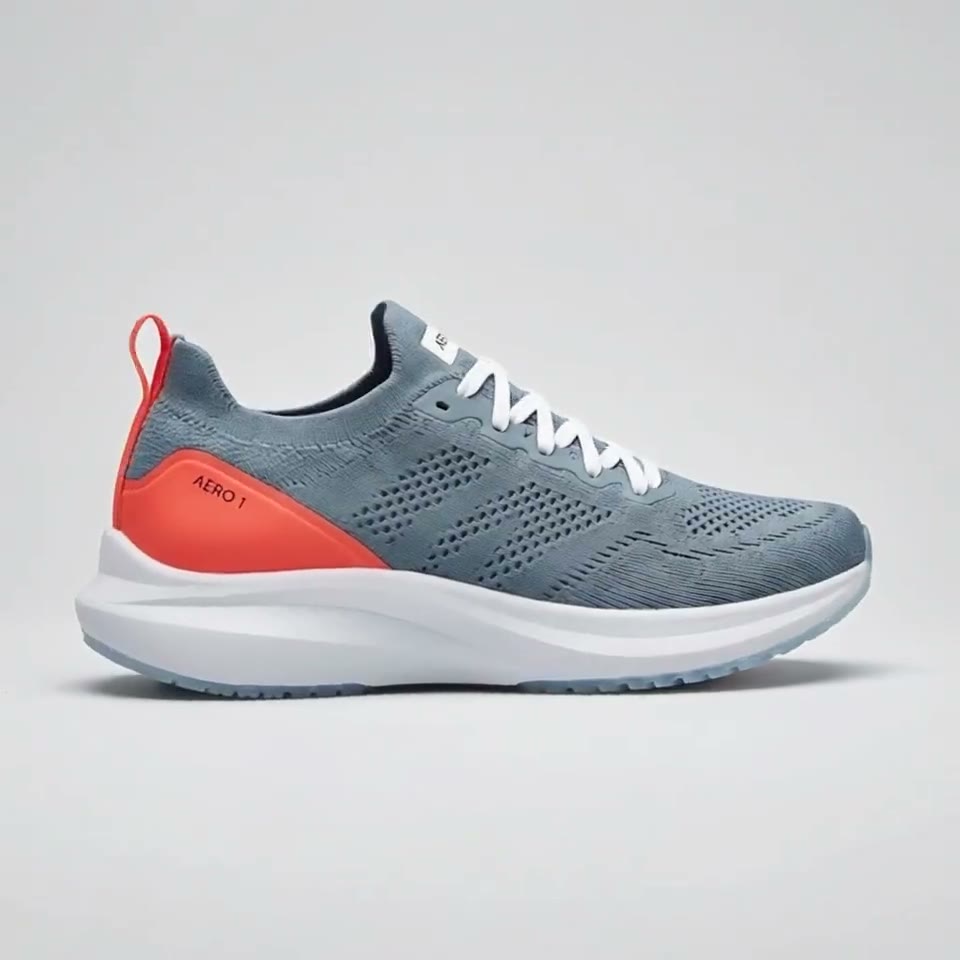
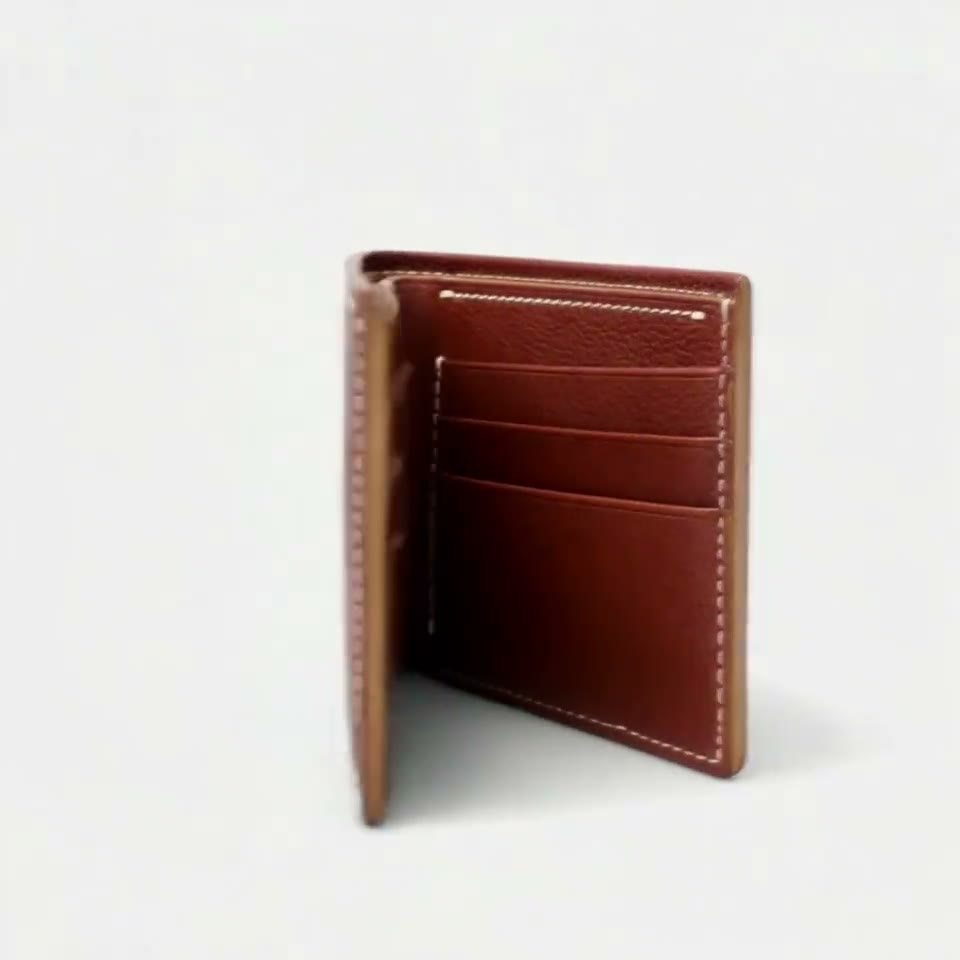
4 AI-made reference pictures


What is the new Seedream?
- Version 5.5 of Seedream is an image generation and editing model from ByteDance Seed, the team behind the Seedance video models. It turns a prompt, or a prompt plus reference images, into a picture, and edits that picture again and again. It makes no video; ByteDance's video model is Seedance 2.5.
- ByteDance lists four improvements: edits that leave untouched regions the same at the pixel level across up to 100 rounds, native transparent and semi-transparent backgrounds (RGBA), more natural light, materials and skin, and cleaner small and dense text. A Pro version of the 5.5 series is announced to follow.
Seedream 5.5 release date and where to try it
- ByteDance Seed published version 5.5 on November 9, 2026. Its model page sends you to two places to try it: Dola, ByteDance's chat app, and the BytePlus playground. As of November 11, 2026, ByteDance has not published a price on that page, and fal.ai still lists only Seedream 5.0 models (Pro, Lite and Flash), not 5.5.
- Some API resellers already list version 5.5 endpoints with their own per-image prices. We do not quote them here, because ByteDance has not published its own rate to check them against.
Seedream 5.5 vs 5.0 Pro
- ByteDance tested the new version against Seedream 5.0 Pro in six uses: e-commerce, marketing, film and TV, games, office work and fashion design. It reports better quality and usability in all six, with film-and-TV and office usability more than twice the previous version's, and a +55.62% GSB score for realism in image-to-image tasks.
- For text in images, it reports severe text errors down to 0.4% and minor ones to 1.7% in Chinese and English tests. These are ByteDance's own numbers from its launch post; we have not measured them.
| Test | Version 5.5 against 5.0 Pro, per ByteDance |
|---|---|
| Six uses (e-commerce, marketing, film and TV, games, office, fashion) | Better quality and usability in all six |
| Film-and-TV and office usability | More than twice the previous version's |
| Realism, image-to-image | +55.62% GSB score |
| Severe / minor text errors (Chinese and English) | 0.4% / 1.7% |
| Edits that keep the rest unchanged | Up to 100 rounds |
| Transparent output (RGBA) | Native |
From Seedream pictures to a consistent video
- Make the character first, then the video. Generate one picture you like in Seedream, then use its multi-round editing to get the same character from the front, at three-quarters, from the side and full length, changing only the pose. Keep the light even and the background plain; if you export a transparent PNG, place it on a plain grey or white backdrop before you upload it.
- Then add 3 to 5 of those pictures to RefVid as one subject and name it. From then on you write only the scene with that name, and every clip starts from the same pictures, so the face, outfit or label does not drift between clips.
| Step | What to do |
|---|---|
| 1. Design in Seedream | One clear picture of the character or product, on a plain background. |
| 2. Make the angles | Edit the same picture into front, three-quarter, side and full-length views; change only the pose or angle. |
| 3. Save the subject in RefVid | Add 3 to 5 of the pictures (up to 10) once and give the subject a name. |
| 4. Write the scene and generate | Where it happens, what the subject does and how the camera moves, with its name; Kling 4.0 by default, with sound. |
Which video model for a Seedream character?
- For a realistic person, use Kling 4.0, RefVid's default: up to 30 seconds at 720p or 1080p with sound, and it accepts real-looking faces. For a toy, mascot, pet or illustrated character, Seedance 2.5 also works, from the same ByteDance family as Seedream; it refuses photos of real-looking people.
- A prompt that works for a first clip: "Bobo walks across a sunny park bench, stops, waves at the camera and sits down, slow push-in, warm afternoon light." Swap Bobo for your subject's name.
What it costs
- The image model is priced by ByteDance or the app you use it in. The video part on RefVid costs credits: Kling 4.0 is 58 credits a second at 720p and 86 at 1080p, sound included. Single videos start at $2.99, credit packs at $9.90 and plans at $10 a month, and credits never expire.
- New accounts get one free 4-second Kling 3.0 Omni video, with no card to start, so you can check that your Seedream pictures hold up as references before you pay.
More on AI video models
Text to video AI →
Frequently asked questions
What is the Seedream 5.5 release date?
ByteDance Seed published it on November 9, 2026. A Pro version of the 5.5 series is announced to follow, with no date yet.
Can Seedream make videos?
No. Version 5.5 is an image model, like every Seedream. ByteDance's video model is Seedance 2.5. To animate a Seedream character, use its pictures as references in a reference-to-video model such as Kling 4.0 or Seedance 2.5.
What changed from Seedream 5.0 Pro?
Per ByteDance: edits that keep the rest of the picture unchanged across up to 100 rounds, native transparent output, more natural light and skin, cleaner small text, and better results than 5.0 Pro in all six of its test uses.
Is the new Seedream free?
ByteDance has not published a price on its page for version 5.5. You can try it in Dola and in the BytePlus playground; check their limits there.
How do I keep my Seedream character the same in a video?
Make 3 to 5 pictures of it in Seedream from different angles on a plain background, save them once in RefVid as one subject, and write each scene with its name. Every clip starts from the same pictures.