Kling 4.0 Flash: what it is, price, and how it compares - RefVid
Turn your own photos into videos in minutes · Your first video is free, no watermark






First video free, no cardGenerating confirms everyone pictured agreed. Terms
Kling 4.0 Flash is the lighter, faster model in Kling's 4.0 family. It makes 3- to 20-second clips at 720p, from text, from a first image or from reference images (Omni Reference).
Kling opened it to every user on November 4, 2026, on its website and API, with plugins for Photoshop, Premiere Pro and After Effects. Through the API it costs $0.094 a second, about 40% less than the full Kling 4.0.
RefVid does not run Flash: it runs the full Kling 4.0 with your saved characters and products, up to 30 seconds and 1080p, with sound.

What is Kling 4 Flash?
- Flash is the speed-focused version of Kling 4.0. Per Kling's 4.0 guide it does text-to-video, image-to-video and Omni Reference, makes 3 to 20 seconds per clip at 720p in 8-bit SDR, and is pitched on cost efficiency. It leaves out what the full model adds: first and last frames, up to 10 keyframes, 1080p and 4K.
- It is not a new model released in November. Kling first gave Flash to a limited group of subscribers on September 28, 2026, and on November 4 opened it to all users. The full Kling 4.0 had opened to everyone on October 15.
| Date | What happened |
|---|---|
| September 28, 2026 | Flash in early access for a limited group of subscribers (reported) |
| October 15, 2026 | The full Kling 4.0 opens to everyone in Kling's app |
| November 4, 2026 | Flash opens to all users on Kling's website and API, plus MCP, command-line tools and plugins for Photoshop, Premiere Pro and After Effects |
| By November 11, 2026 | fal.ai lists Flash text-to-video, image-to-video, reference-to-video and video editing at 720p |
Kling 4.0 Flash vs Kling 4.0
- The lighter model trades length, resolution and control for price and speed. The full Kling 4.0 makes up to 30 seconds at 720p, 1080p or 4K with stereo sound, keyframes and first and last frames; Flash stops at 20 seconds and 720p, and on fal.ai it takes no voices. For quick drafts Flash is the cheaper pick; for a finished clip in 1080p, the full model.
- Both read the same kinds of references. On fal.ai, Flash reference-to-video takes up to 10 reference images, up to 7 elements and up to 5 reference videos, plus an optional first frame, in 16:9, 9:16, 1:1, 21:9 or a shape matched to the references.
| Flash | Kling 4.0 | |
|---|---|---|
| Clip length | 3–20 s | 3–30 s |
| Resolution | 720p, 8-bit SDR | 720p, 1080p; 4K in Kling's guide |
| Text, image and Omni Reference | Yes | Yes |
| First and last frames, keyframes | First frame only | Yes, up to 10 keyframes |
| Sound | Not listed in Kling's guide; no voices on fal.ai | Stereo, with voice references |
| API price, 720p | $0.094 a second | $0.157 a second |
Is Flash free?
- Not that Kling has confirmed. Since November 4, 2026, any user can pick Flash on Kling's website, but Kling has not published how many credits a second of Flash uses or whether the free daily credits cover it. Read the credit cost in Kling's app before you generate.
- Through the API nothing is free: it is billed per second from the first clip. To test a reference video without paying, RefVid gives new accounts one free 4-second Kling 3.0 Omni video, with no card to start.
Kling 4 Flash price
- fal.ai charges $0.094 a second for Flash at 720p, the only resolution. With reference videos it drops to $0.063 a second, but it is billed on the output length plus the longer of the input and output, so at least twice the output. Kling's own developer API bills the same 720p second at 0.6 units, about $0.094 with its smallest pack.
- The full Kling 4.0 costs $0.157 a second at 720p and $0.235 at 1080p on fal.ai, so Flash is about 40% cheaper at 720p. On RefVid, the full Kling 4.0 costs 58 credits a second at 720p and 86 at 1080p, sound included; single videos start at $2.99, credit packs at $9.90 and plans at $10 a month, and credits never expire.
| Clip length | Flash, 720p | Kling 4.0, 720p | Kling 4.0, 1080p |
|---|---|---|---|
| 5 seconds | $0.47 | $0.79 | $1.18 |
| 10 seconds | $0.94 | $1.57 | $2.35 |
| 20 seconds | $1.88 | $3.14 | $4.70 |
| 30 seconds | Not possible | $4.71 | $7.05 |
Does Flash keep my own character or product?
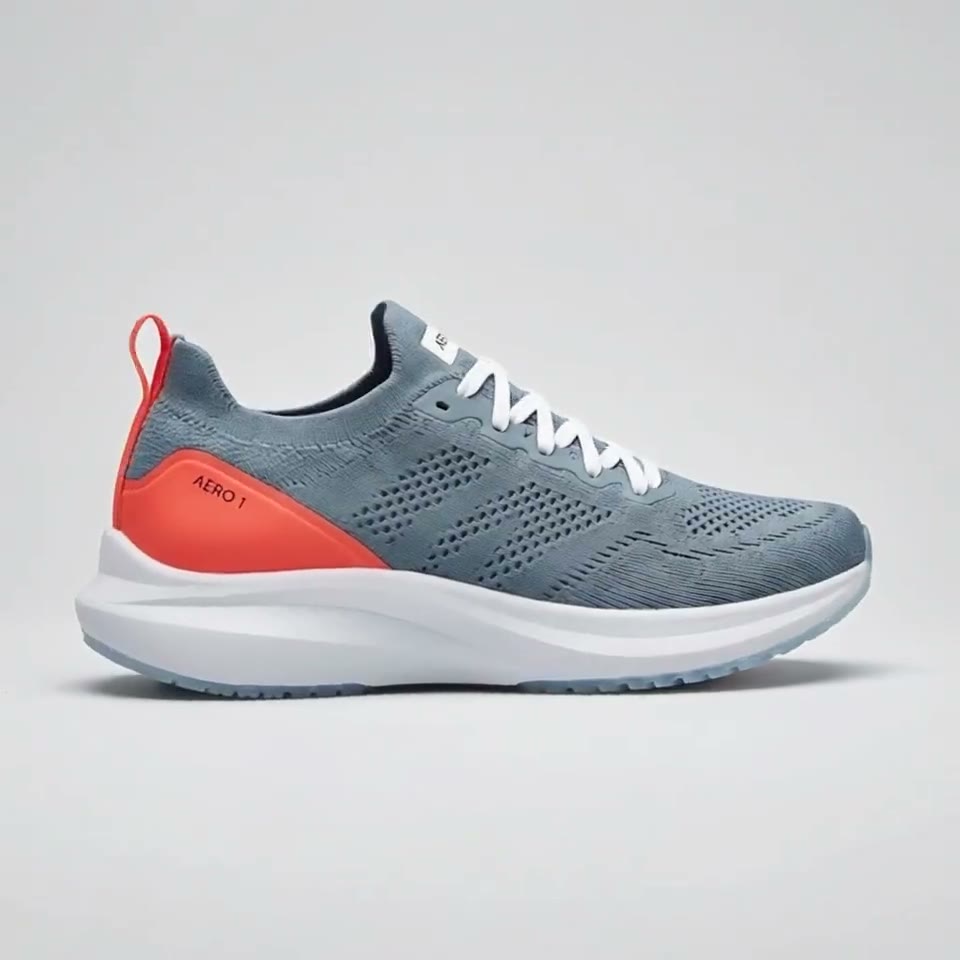
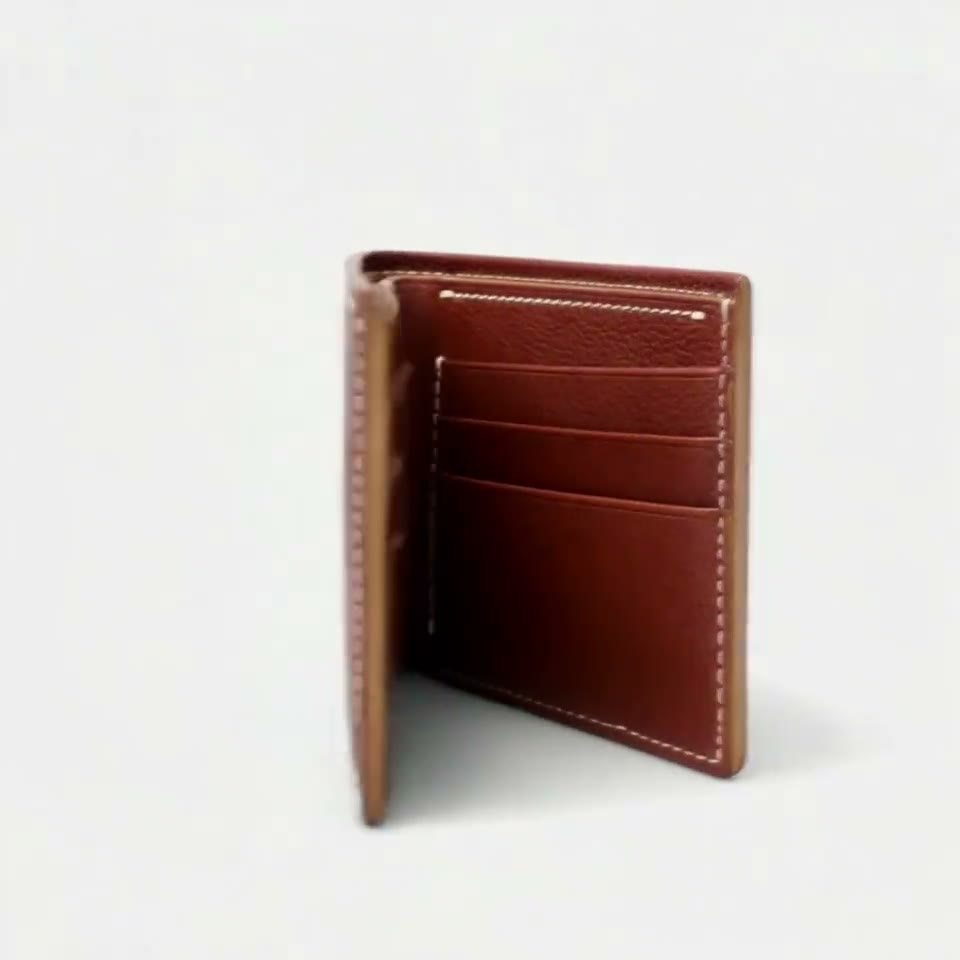
Yes, through Omni Reference. On fal.ai, each element takes one front image and 1 to 3 more angles, or a short video, and you call it in the prompt as @Element1; plain reference images go in as @Image1 to @Image10. That is how Flash keeps a face, an outfit or a label the same: from your pictures, not from the prompt alone.
What decides the result is the reference set: 3 to 5 sharp photos of the subject in even light, on a simple background, with the main angles covered. The same set works on Flash, on the full Kling 4.0 and on Kling 3.0 Omni, so you can draft on the cheaper model and finish on the bigger one.
4 reference photos


Flash on RefVid? No: the full Kling 4.0
- RefVid does not offer Flash. Its studio runs the full Kling 4.0 reference-to-video by default, so you get up to 30 seconds, 1080p and sound with the same references, plus Kling 3.0 Omni and other models as cheaper choices.
- You save a character or product once from 1 to 10 photos, then write only the scene with its name, for example: "Mia pours coffee in a bright kitchen, then turns and smiles at the camera, handheld, morning light." Every later clip starts from the same saved photos, with no new uploads.
More on AI video models
Text to video AI →


Frequently asked questions
What is Kling 4.0 Flash?
The lighter, faster model of Kling 4.0. It makes 3- to 20-second clips at 720p from text, a first image or reference images (Omni Reference), without keyframes, last frames, 1080p or 4K.
Is Kling 4.0 Flash free?
Kling has not said so. It has been open to every user on Kling's website since November 4, 2026, but Kling has not published its credit cost per second or whether free daily credits cover it. Through the API it is billed from the first second.
How much does Kling 4 Flash cost?
$0.094 a second at 720p on fal.ai, so $0.94 for a 10-second clip; with reference videos, $0.063 a second billed on at least twice the output length. Kling's own API bills 0.6 units a second, about the same. The full Kling 4.0 is $0.157 a second at 720p.
Flash or the full Kling 4.0: which should I use?
Flash for cheap, quick drafts up to 20 seconds at 720p. The full Kling 4.0 for finished clips: up to 30 seconds, 1080p, stereo sound, keyframes and first and last frames.
Does Kling flash work with reference images?
Yes. Flash has Omni Reference: on fal.ai it takes up to 10 reference images, up to 7 elements (a front image plus 1 to 3 angles each) and up to 5 reference videos, so a character or product can stay the same across clips.
Can I use Flash on RefVid?
No. RefVid runs the full Kling 4.0 with your saved characters and products, at 58 credits a second at 720p and 86 at 1080p, sound included, and new accounts get one free 4-second Kling 3.0 Omni video.