MiniMax H3 Free AI Video Generator Online - RefVid
Turn your own photos into videos in minutes · Your first video is free, no watermark

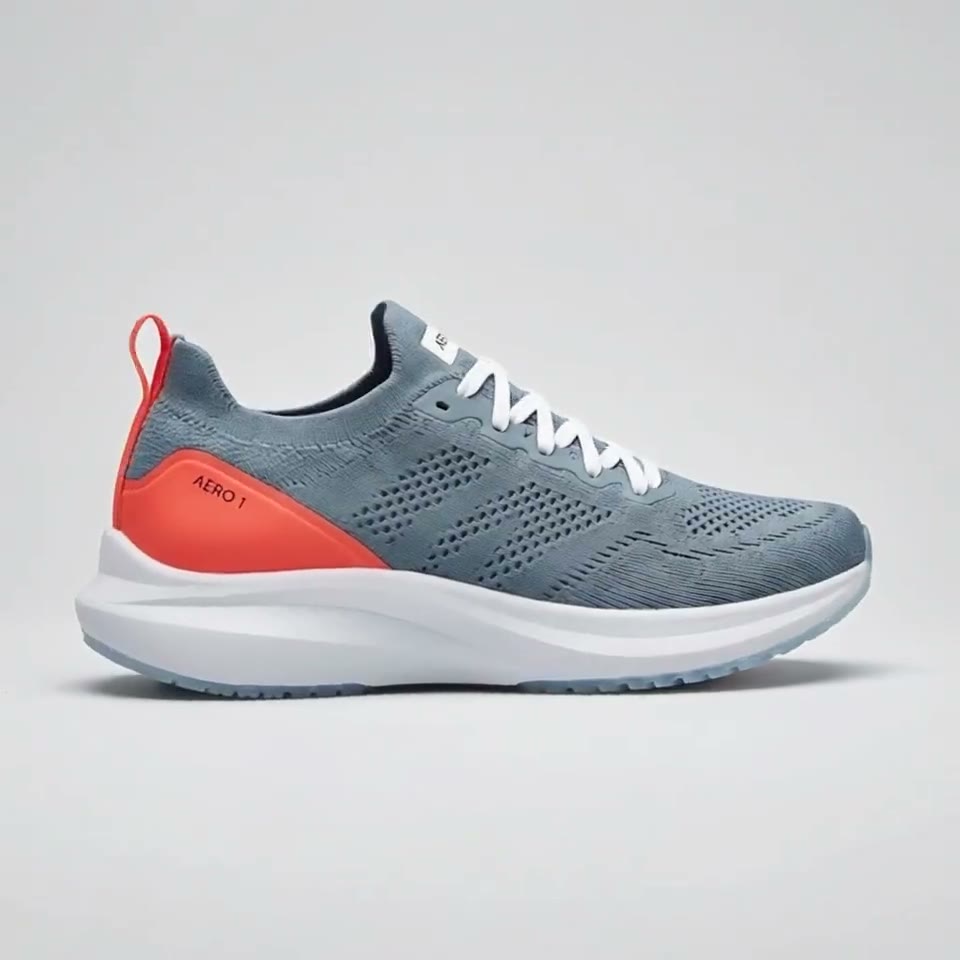
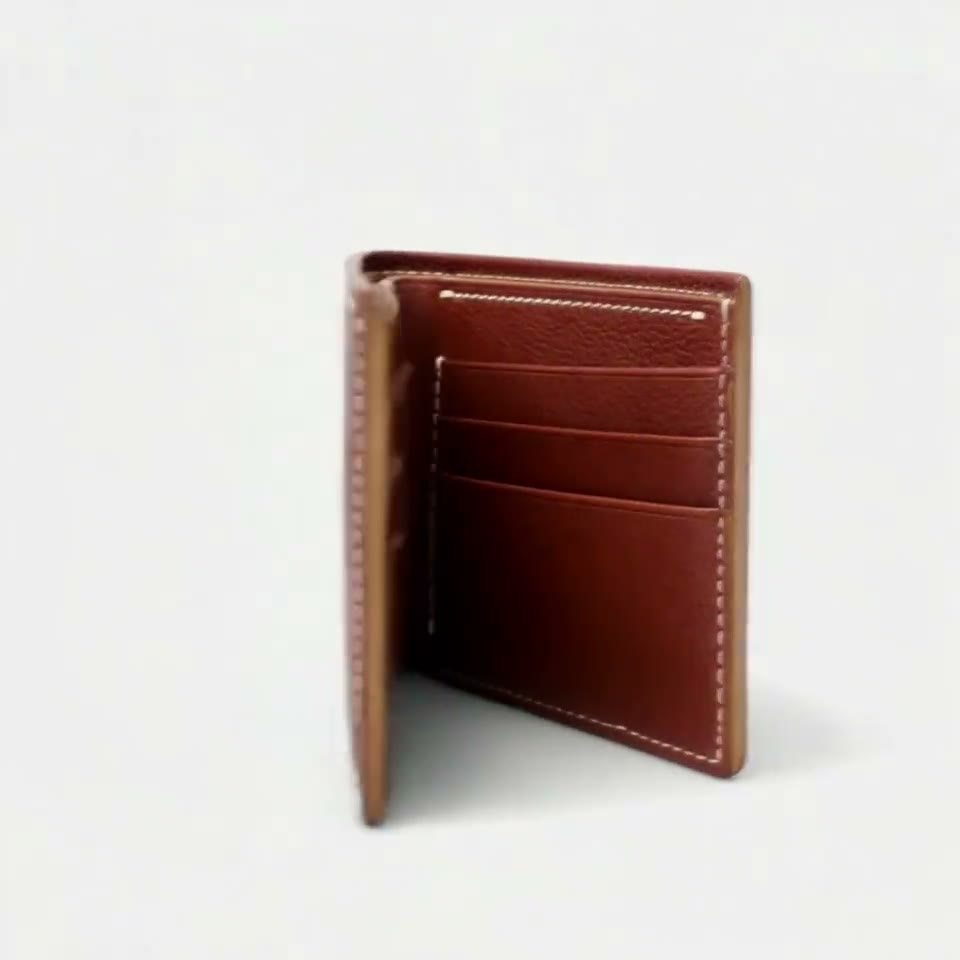


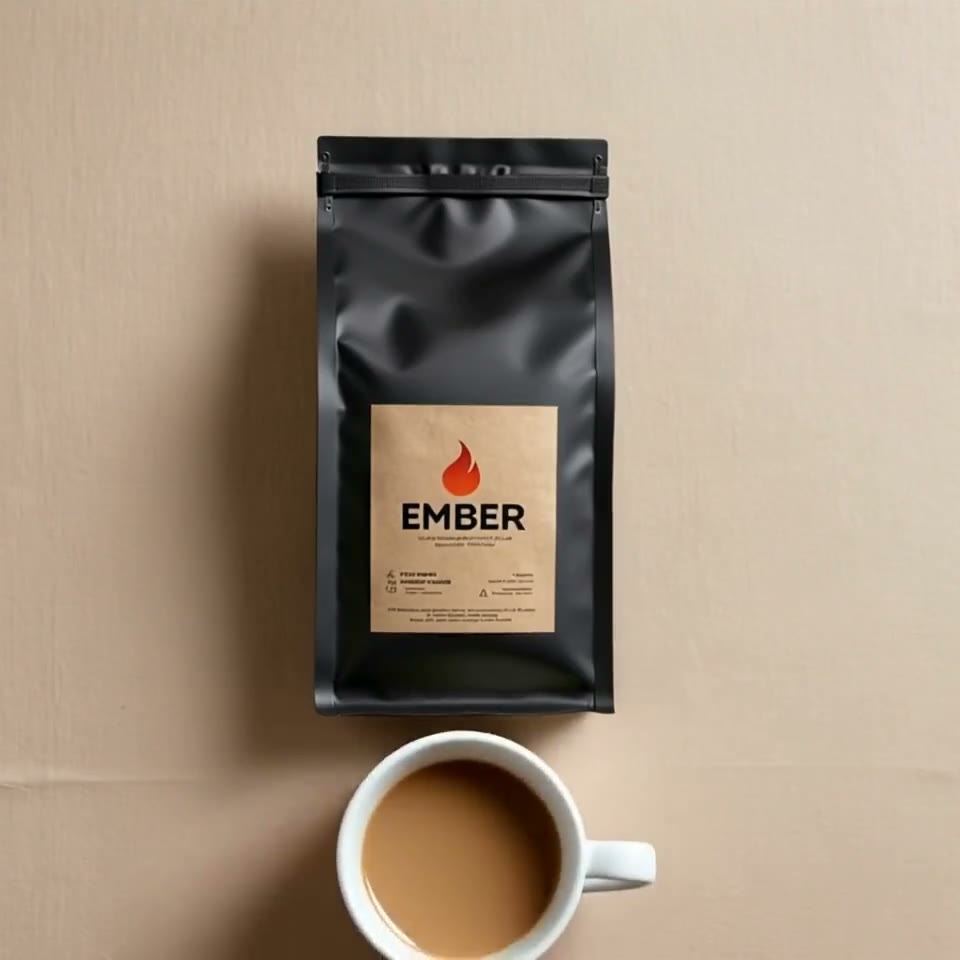
First video free, no card
MiniMax H3 free online: the box above runs MiniMax H3 in your browser, and a new account's 180 free credits cover a 5-second MiniMax H3 clip at 768p with sound, with no card and no watermark.
Add up to 5 photos of a person or product, write what happens, put any spoken line in quotes and press Generate. No GPU, no ComfyUI, no API key.
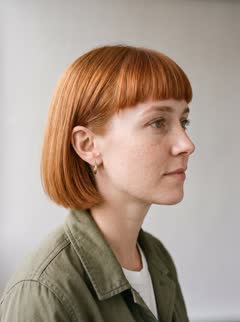
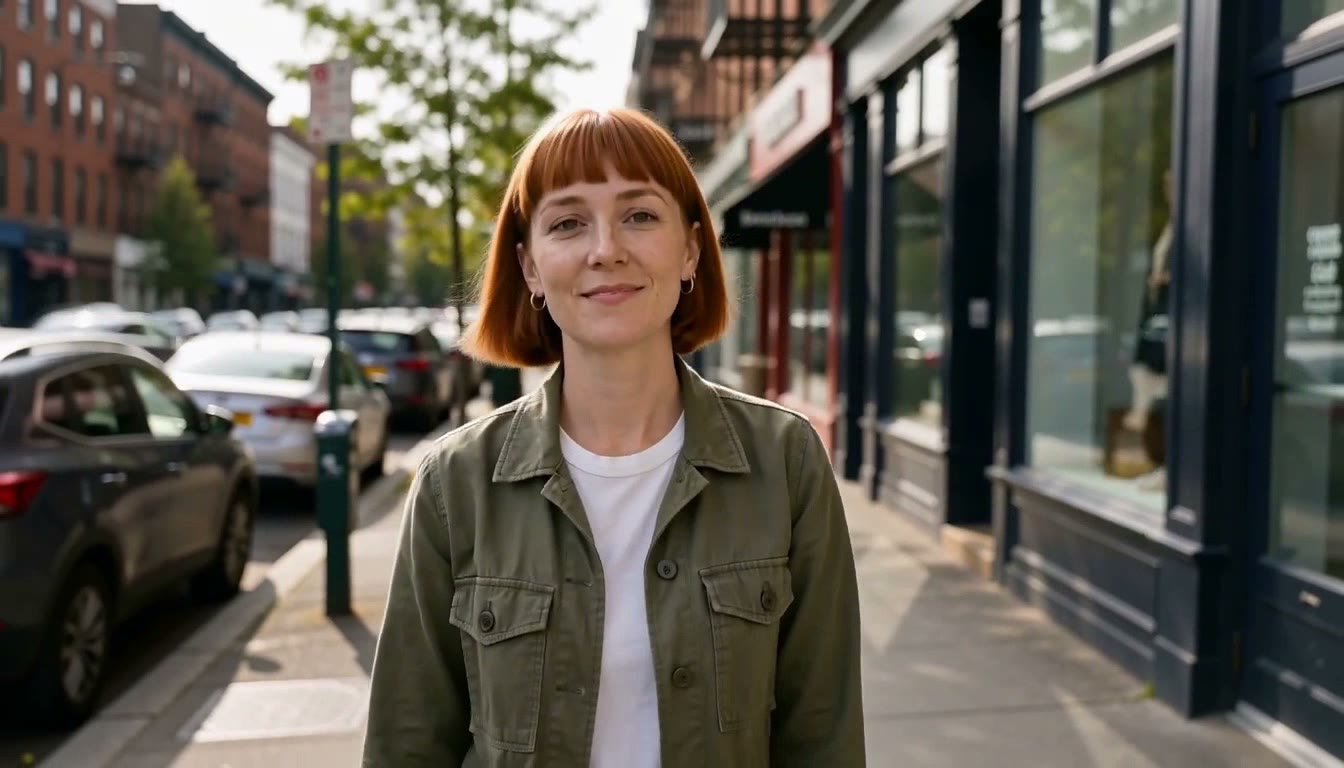
Mia: 4 photos



How to use MiniMax H3 free
- Sign in with Google or an email code; no card is asked for. The account gets 180 free credits, and a 5-second MiniMax H3 clip at 768p costs less than that, sound included, so your first H3 clip is free. In some regions new accounts get a free clip on Vidu Q2 instead.
- The studio shows what a clip costs before anything runs. A longer clip, or 2K, costs more than the free credits; the box says so and offers what fits. RefVid never adds a watermark.
Make a MiniMax H3 video online in 3 steps
- 1. Add up to 5 photos of a person or a product in the box at the top of this page. It is already set to MiniMax H3 at 768p and 5 seconds.
- 2. Write the scene in one or two sentences and put any spoken line in quotes: H3 says it, with the sound of the scene, in every clip. RefVid tells H3 the photos show one subject, so you write only the scene.
- 3. Press Generate. If you are not signed in, you sign in first and the clip starts right after. Our test clip came back in 33 seconds; a busy queue takes longer, and we email you when it is ready.
What MiniMax H3 is
- MiniMax H3 is MiniMax's newest video model and one of the models in its Hailuo AI app; some sites call it Hailuo 3. In reference mode it takes up to 9 images, 3 video clips and 3 audio clips and makes 4 to 15 seconds at 768p or 2K, always with sound, according to MiniMax's documentation.
- RefVid runs it through fal.ai and sends up to 5 photos, because fal charges for every reference image after the fifth. In Settings you pick 5 to 15 seconds, 16:9, 9:16 or 1:1, and 2K.
After the free clip
- Every clip is priced in credits per second. A single video costs from $2.99, a one-time credit pack from $9.90 and a monthly plan from $10; credits never expire, and a failed clip gives its credits back automatically.
More on AI video models
Text to video AI →
Frequently asked questions
Is MiniMax H3 free?
Your first clip is: a new account gets 180 free credits, which cover a 5-second MiniMax H3 clip at 768p with sound, with no card and no watermark. MiniMax's open weights are also free to download, but run at 768p on your own GPU under MiniMax's license.
Can I use MiniMax H3 online without a GPU?
Yes. The box at the top of this page runs MiniMax H3 on fal.ai's servers. You need a browser, not a GPU, ComfyUI or an API key.
Do I need to log in?
Yes, to save your photos and clips to you: sign in with Google or a code sent to your email. No card is asked for.
How long is a free MiniMax H3 clip?
5 seconds at 768p with sound, the shortest MiniMax H3 clip. Longer clips, up to 15 seconds, and 2K cost more than the free credits.
What does MiniMax H3 cost after the free clip?
Clips are priced in credits per second, shown before anything runs. A single video costs from $2.99, a credit pack from $9.90 and a plan from $10 a month.