How to make a necklace video with AI: the real making of a 5-second pendant clip
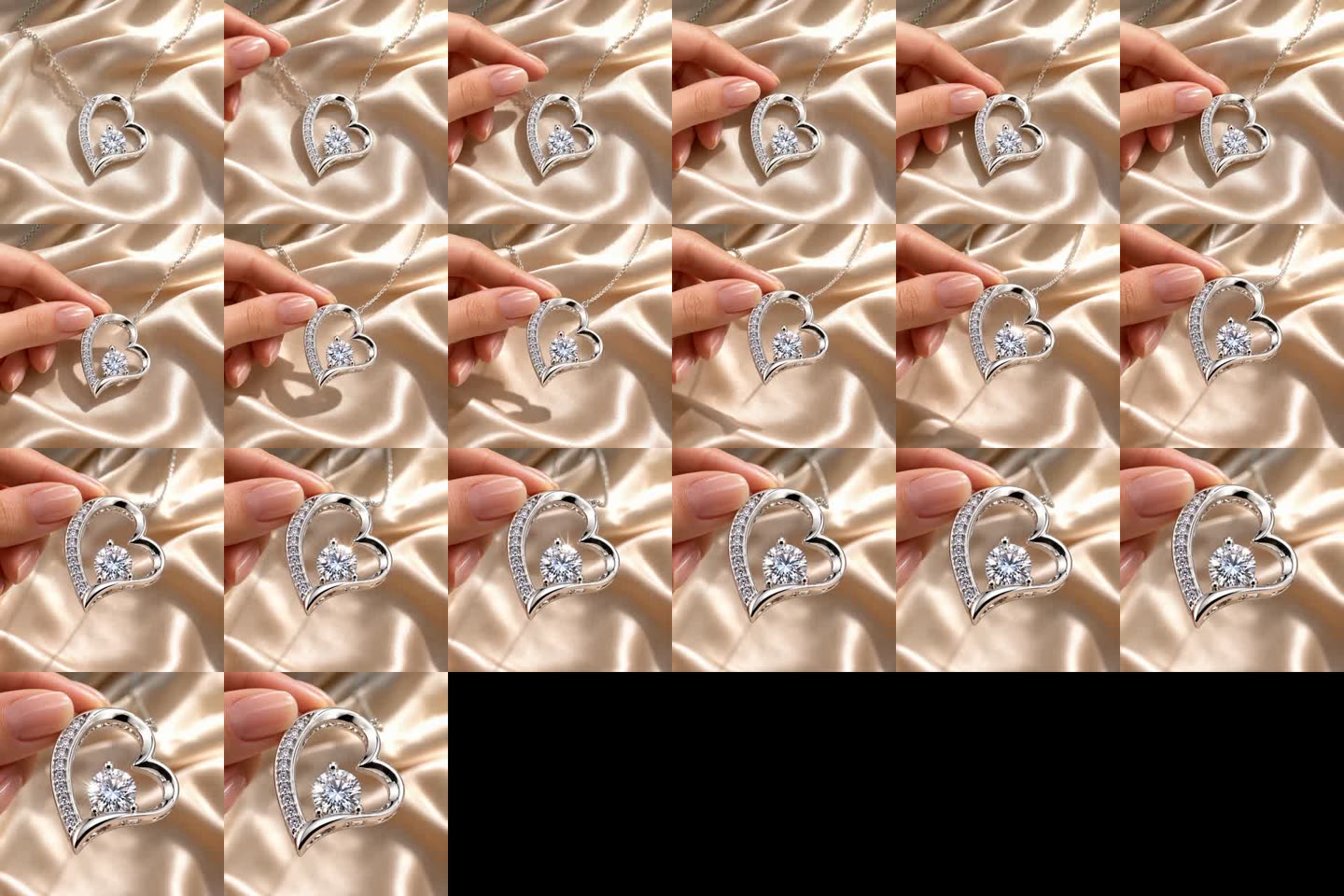
A hand lifts a heart pendant off cream satin into the afternoon sun and its stones glint, made from a shop's own product photos in two takes.
Made for A Little Meaning · The Eternal Sister Necklace

This is the making of a 5-second clip of the Eternal Sister Necklace by A Little Meaning, a UK shop of personalised jewellery gifts: a hand lifts the open heart pendant off cream satin into window sunlight, and the stones glint as it rises. It took one plan that we dropped after looking at real necklace videos, a drawn first and last frame, and two takes on Kling 4, 580 credits in all, on one afternoon. The two takes differ by half a sentence of the prompt. Below is every step in order and the picture we checked it on.
- Brand
- A Little Meaning, personalised jewellery gifts, UK
- Product
- The Eternal Sister Necklace, an open heart pendant
- Model
- Kling 4, 720p, with sound
- Clip
- 5 seconds, square 1:1
- Takes
- 2, 580 credits in all
- Product page
- The Eternal Sister Necklace
The brief: a 5-second clip of a real pendant
We offered A Little Meaning a free 5-second clip of one of their products. The owner replied with one link, the Eternal Sister Necklace, and told us that another AI video tool had given her nothing she could use.
Before drawing or generating anything we read all 14 images on the product page and wrote down what the pendant is: an open heart about 2 cm tall in white-gold-plated steel, with an asymmetric outline. The left side is a narrow band with one row of about ten small clear stones; the right side is a smooth polished ribbon that crosses it near the bottom point. One large round clear stone sits low inside the heart, held by one prong at the top and two at the bottom. The chain is a fine cable chain with a lobster clasp and an extender.
Four of those images went into the RefVid studio as one saved product: the pendant on white, the macro, the pendant between two fingertips and the clasp. Every frame and every take after that was checked against them.

Their photo: the pendant

Their photo: the macro

Their photo: real size
First plan: our jewelry-on-hand template, dropped before any take
We started from our jewelry-on-hand template: a hand on cream silk turns slowly toward the camera in warm window light. For a necklace we drew a first frame of two fingertips holding the chain, the pendant hanging front to camera, and checked it item by item against the photos: the ten stones, the prongs, the two points where the chain attaches.
The frame passed, but the shot had a problem we could not check away. No photo shows the back of the pendant, so a turn past about 45 degrees would make the model invent it. And a hand that only holds the chain still does little that the shop's photos don't already show.
So before generating anything we went to look at how good necklace videos are actually made.

The first plan's frame: never used
What real necklace videos do: we looked before we shot
- We read short necklace videos frame by frame at 4 frames a second. Sellers of message-card necklaces mostly open a gift box lit from inside onto the card; the two we studied had 18,000 and 7,500 views. That shot would put the card's dense printed verse on screen, and video models still garble small text.
- The shot we copied was a necklace ad made with an older Kling model, in which one hand picks the pendant up off satin. It shows what no flat lay can: the moment a buyer picks the piece up and the light hits it. We kept the move and changed the rest: Kling 4 instead of 1.6, natural window sun instead of a studio glow, one hand and no model.
- We also looked at what real sparkle looks like on camera. In a halo heart turned in the hand and a moissanite in the sun, the stones twinkle as many small pinpoints across every stone at once. A single big cross-shaped star is an editing filter, not what a stone does.
Drawing the first and last frames
The new shot needed two frames: the necklace lying on cream satin before the hand comes in, and the pendant lifted into the sun at the end. Both were drawn with an image model, with the shop's macro as the reference for the pendant's shape and a frame of the ad we copied as the reference for the light only.
The first attempt at the opening frame laid a bright beam of light across the satin. It looked staged, so it went. The kept frame has plain afternoon window sun, the same pendant and the chain falling naturally onto the silk.
For the last frame we tried two hands holding the chain up, then one hand pinching the top of the pendant. Two hands crowd a 2 cm pendant and hide the chain, so one hand from the left it was, as in the ad.

First frame with a light beam: rejected

Plain window sun: the first frame

Two hands: dropped

One hand: the last frame
Take 1 on Kling AI: the jewelry sparkled on the prong
Both takes ran in the RefVid studio on Kling 4: square 1:1, 720p, sound on, the four photos as the product and the two drawn frames as the first and last frame. A 5-second take costs 290 credits.
Take 1 asked for the obvious thing: as the pendant rises, "the large centre stone and the row of small stones flash with brilliant natural sparkles". Read frame by frame, the sparkle landed in the wrong place. One big cross-shaped star flared on the tip of the top prong, the metal claw that holds the stone, while the stone itself stayed flat.
Two smaller faults: the extender chain's little tag dangled into the shot from 3 to 4.7 seconds, and the last three frames jumped from the close-up back to the drawn last frame.

Take 1 at 3.5 s: a star on the prong

Take 2 at 3.5 s: light inside the stone
Take 2: how to make jewelry sparkle in videos, in half a sentence
Take 2 kept the frames, the photos and every other word of the prompt, and replaced only the sparkle half-sentence. Instead of asking for brilliant sparkles, it describes what real stones do on camera, as in the videos above, and rules out the flare by name.
The prompt, as sent:
"The Eternal Sister Necklace lies on cream satin silk in natural afternoon sunlight from a window. One woman's hand enters from the left, her thumb and index finger gently pinch the top of the heart pendant and lift it slowly off the silk toward the camera, into the brightest sunlight, the chain trailing back onto the silk; as it rises, the pendant turns front to camera and every stone sparkles: dozens of tiny white pinpoint glints twinkle across the whole row of small stones and inside the facets of the large centre stone, flickering on and off as the pendant moves, with small flashes of rainbow fire inside the stones. No star-shaped flare, no glow; the metal prongs stay plain polished silver. Shallow depth of field, steady camera, real and natural."
The result: the light sits inside the big stone with a little rainbow fire, small stars appear only at the stone's edge, and the prongs stay plain metal. The heart keeps its shape in every frame: one prong at the top and two at the bottom, a row of ten or eleven small stones. It ends on the close-up without jumping back to the drawn last frame. This is the clip the shop got.
Delivered: free to use, with no watermark
- The clip went to A Little Meaning the same afternoon, free to use on their shop, social and ads, with no watermark. We asked to show it here with a link back to their shop.
- It has its own share page on RefVid, where anyone can watch or download it.
What we learned about AI jewelry video prompts
- Look at real videos before writing the shot. Our first plan passed every check on the frame and was still the wrong shot; twenty minutes of frame-by-frame viewing gave us a move that shows the piece being picked up, which no product photo does.
- Describe the sparkle, don't ask for it. "Brilliant sparkles" got one big filter-style star, on the metal. "Dozens of tiny white pinpoint glints … inside the facets", plus "no star-shaped flare" and "the metal prongs stay plain", put the light where a stone puts it. That half-sentence was the only change between the two takes.
- Draw frames from the product's own photos and check them item by item. The pendant's asymmetric outline, the stone count and the prongs came through both takes because the drawn frames already had them right.
| Take | Sparkle words | Length, credits | Result |
|---|---|---|---|
| 1 | "flash with brilliant natural sparkles" | 5 s, 290 | Dropped: one cross-shaped star on the top prong, the extender tag in the shot, a jump in the last frames |
| 2 | "dozens of tiny white pinpoint glints … No star-shaped flare, no glow" | 5 s, 290 | Kept: light inside the stone, plain prongs, the heart's shape in every frame |
Make one of your own necklace
- The lift from take 2 is now a template. Save 1–10 photos of your pendant, with its front straight on and close, and the studio opens with the shot already written, sparkle words included. Your first 3-second video is free.
- For a ring or a bracelet worn on the hand, start from the jewelry-on-hand template instead.
Try it with your own product
The same shot is ready below: add photos of your product and press Generate. Your first video is free.
First video free, no card
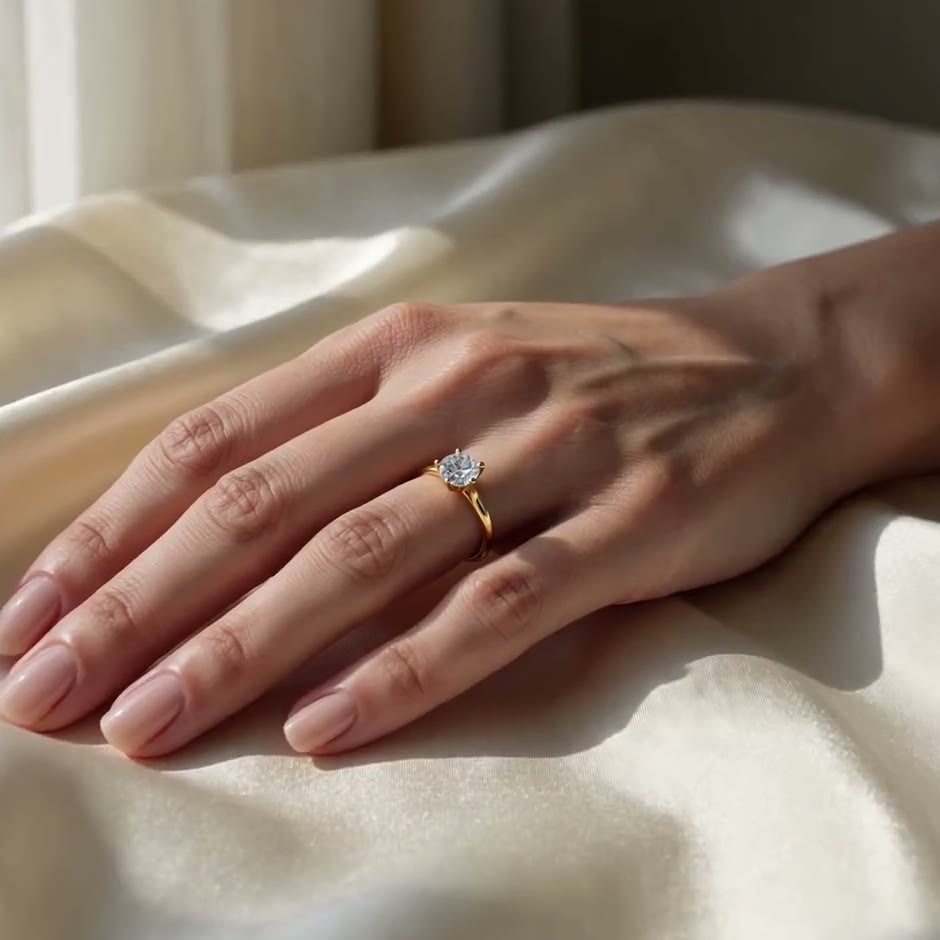
Start from a template
Each one opens the studio with the shots, shape and length already set. Add your own product and generate.
More product videos
Product videos →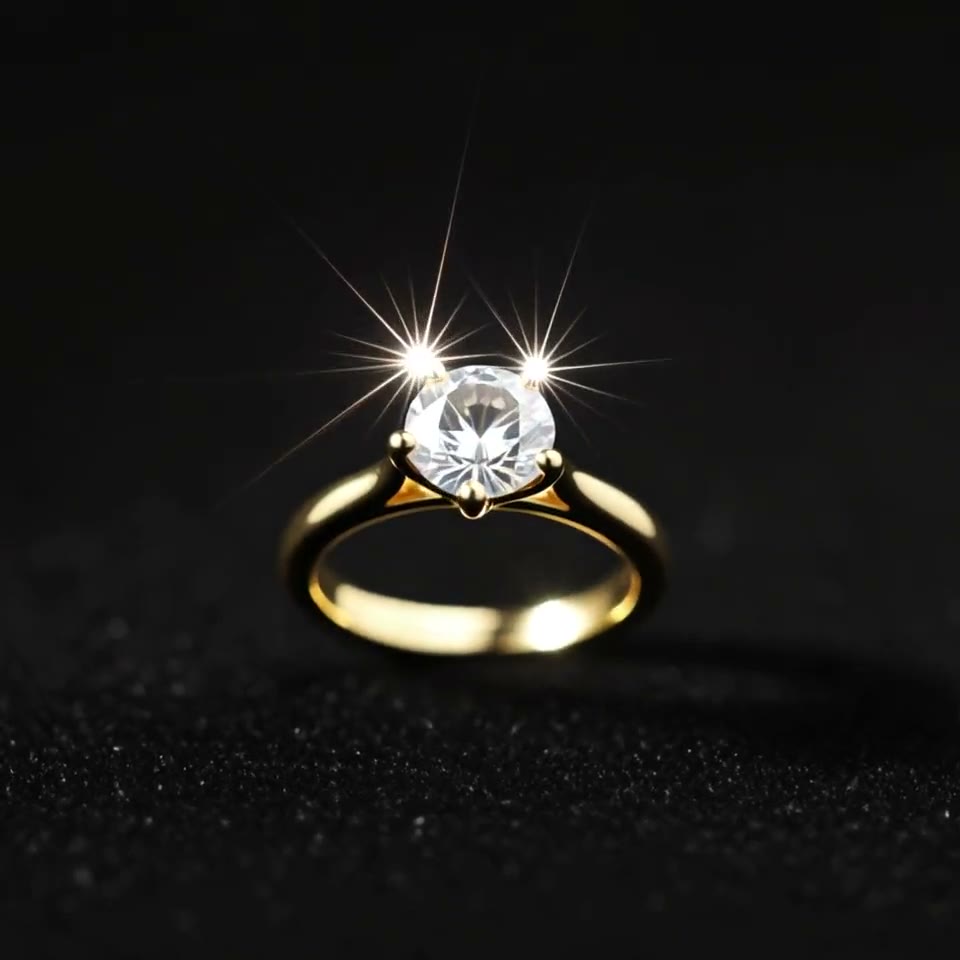
Frequently asked questions
How long did it take to make the necklace clip?
About four hours on 5 November, from 11:27 to 15:31 UTC: reading the shop's 14 images, one plan dropped after looking at real necklace videos, a drawn first and last frame, two takes of a few minutes each and a frame-by-frame check of both.
How much did the clip cost?
580 credits for two 5-second takes on Kling 4 at 720p with sound, 290 each. A single video on RefVid starts at $2.99, credit packs at $9.90 and plans at $10 a month.
How to make jewelry sparkle in videos made with AI?
Describe the sparkle the way a camera sees it: many tiny white pinpoint glints across the stones and inside the facets, flickering as the piece moves, with small flashes of rainbow fire. Then rule out what you don't want by name: no star-shaped flare, no glow, plain polished metal. Asking only for "brilliant sparkles" gave us one big star on the prong (Kling 4).
What is a good AI jewelry video prompt for a necklace?
Say where the necklace lies, where the light comes from, what the hand does and how the stones look: "lies on cream satin silk in natural afternoon sunlight from a window", "one woman's hand … pinch the top of the pendant and lift it slowly … toward the camera", then the sparkle half-sentence. The full prompt we sent is in the take 2 section above, and the template starts from it.
Can Kling AI make jewelry videos from product photos?
Yes. This clip is Kling 4 from four of the shop's own photos plus a drawn first and last frame. The pendant's outline, its row of stones and the prongs held in every frame of take 2; what needed work was the sparkle, which came from the words, not the photos.
Why use a first and last frame for a necklace video?
So the model starts and ends where you planned: the necklace lying on satin, then the pendant held close in the sun. Draw both from the product's photos and check them detail by detail. In take 1 the model jumped back to the drawn last frame at the very end; in take 2 it ended on its own close-up.