A fruit splash video around your product
RefVid’s ingredient splash template turns 1–10 photos of your product into a 5-second vertical slow-motion ad: its key ingredients, the ones its label names, burst up around it against a background in your pack’s main colour, then fall away and leave it standing clean, label to the camera. Shape, colours and label come from your photos; name your ingredients in the prompt to be exact.
5 s · 9:16 · with sound · Kling 4 · 1–10 photos
Sign in, pick or add your subject, and the studio opens with this template filled in.
300 free credits come with it.
Alden Wallet in Chèvre, already selected
What you get
- Your own pack, with the ingredients on its label flying past it
- Slow motion, flying ingredients, studio light
- No watermark
Who it’s for
For drinks, snacks, skincare and food brands whose product is made from something you can show: a soda with real citrus, a serum with botanicals, a bar with nuts and berries. Good for summer campaigns and paid social ads.
The prompt
- Slow motion: [your product] stands in the centre against a bright background in its pack’s main colour while its key ingredients, the ones its label names, burst up from below and tumble around it, droplets flying through the light, then they fall away and [your product] stands clean with the label facing the camera. Bright studio light, crisp detail.
Make it yours
Name your ingredients
Write what is really inside in place of “its key ingredients”: berries, cocoa beans, cucumber, honey or aloe leaves.
Change the colour
Write a background colour of your own instead of your pack’s, such as deep green behind lemons or soft pink behind berries, so the ingredients stand out.
Add a liquid
Write a wave of juice, milk or sparkling water rising with the fruit for a fuller, wetter splash.
Photos that work best
The background takes your pack’s main colour and the ingredients that fly up are the ones printed on it, so the key photo is the front with the ingredient names and true colours readable, not a dim or tinted shot.
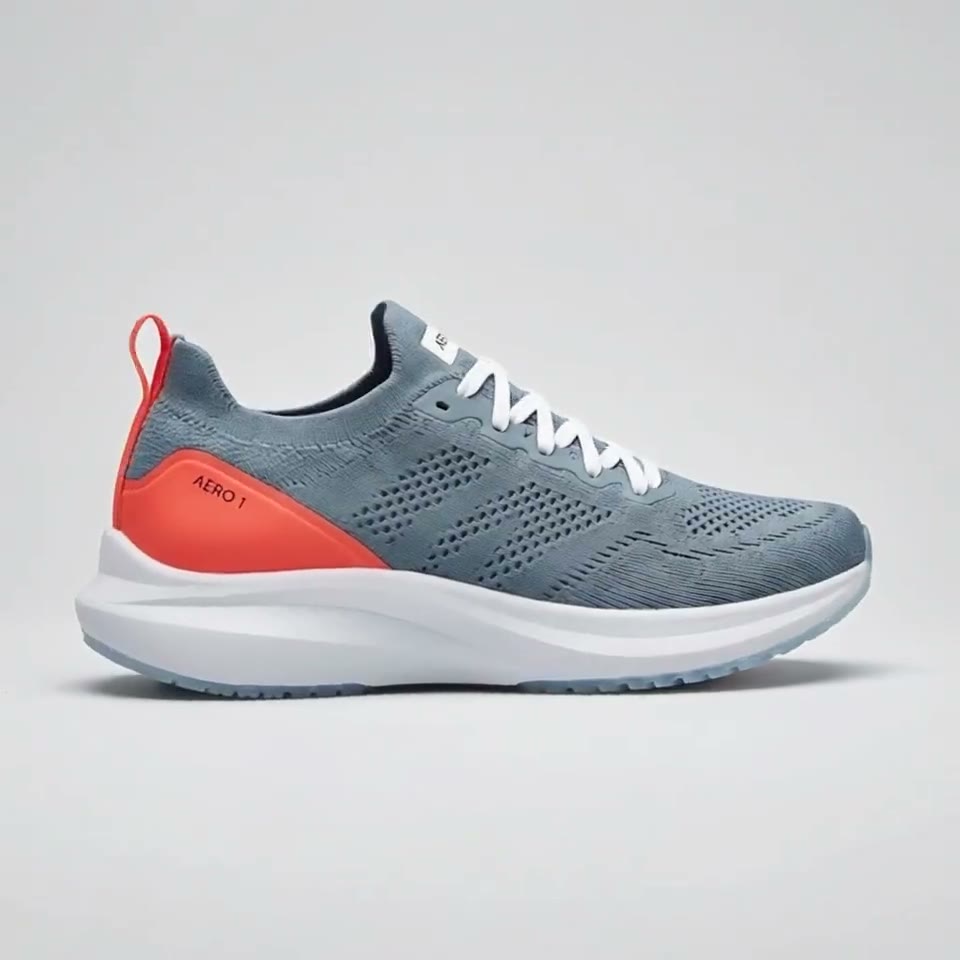
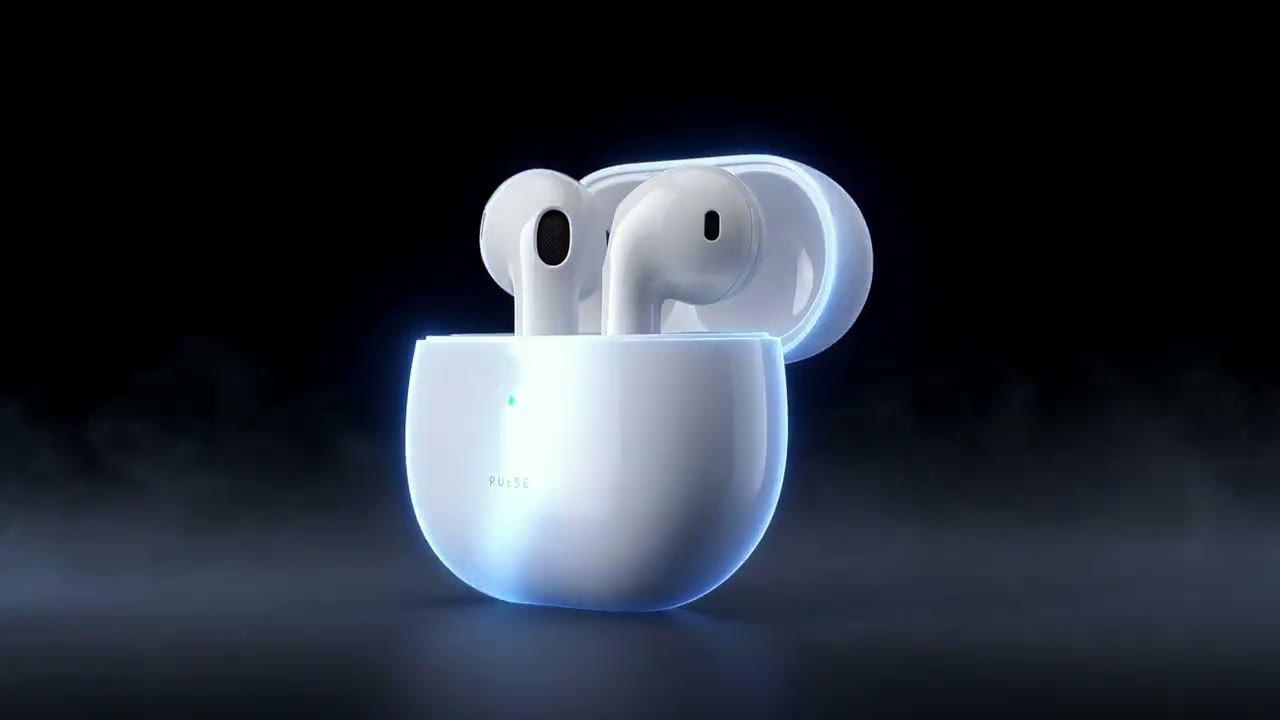
More videos for Alden Wallet in Chèvre
Alden Wallet in Chèvre is already selected in each one: open one and press “Use this template”.


Questions
- How do I make a fruit splash video from a photo of my product?
- Press Use this template, sign in and add your product from 1–10 photos. The studio opens with the ingredient splash shot written, and you can name your own ingredients before you generate. Press Generate and the 5-second vertical clip of your ingredients bursting up around the pack and falling away comes back without a watermark.
- Can I give my own drink a soda commercial look?
- Yes: the bright background, flying citrus and ice are the classic soda commercial shot, and here the can or bottle is yours, drawn from your photos with its label.
- Can I change the fruit to my own ingredients?
- Yes: the shot throws the ingredients on your label by default; to be exact, write berries, coffee beans, cocoa, cucumber or herbs in their place before you generate.
- How is this different from the water splash template?
- The water splash drops your product into a tank of water. Here the product stays still and its ingredients fly around it, which tells the viewer what is inside.
- How much does this template cost?
- Nothing to start: your invite comes with 300 free credits, no card needed, to spend on this video or any other.