Made from these photos
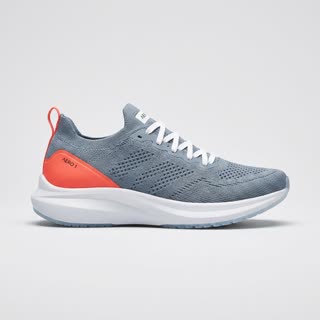
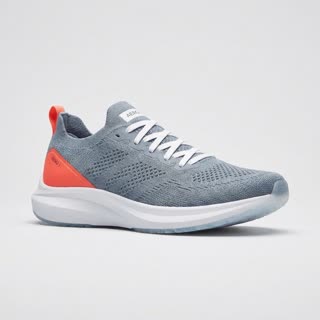
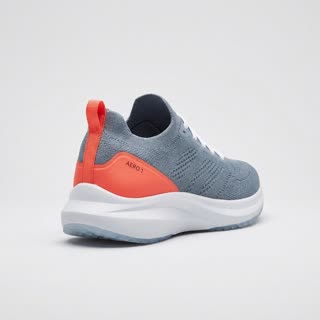
A 360° turntable video of your product
Product pages convert better when shoppers can see every side. Upload a few photos of your product from different angles and RefVid makes a slow studio turntable spin, square and clean, with your product’s shape, materials and details kept from your photos.
5 s · 1:1 · silent
Use this template
Sign in, pick or add your subject, and the studio opens with this template filled in. Your first 3-second clip is free.
What you get
- Your real product from 1–5 photos
- 1 shot, 5 seconds, square 1:1 for product pages and marketplaces
- Seamless studio background, soft even light
- No turntable, no photographer, no watermark
The prompt
What the studio fills in for you. Your subject takes the place in brackets; you can change any of it.
- [your product] on a round white turntable in a photo studio, rotating slowly through a full 360 degrees, light grey seamless background, soft even studio light, locked-off camera, sharp focus on every detail.
Questions
- Which photos make the best 360 video?
- Photos from several sides: front, side, back and a three-quarter view, on a plain background. The more sides RefVid sees, the less it has to guess on the far side of the spin. The studio can also draw missing angles from one photo.
- Can I change the background colour?
- Yes. The template opens in the studio with the prompt filled in; change "light grey seamless background" to any colour or surface before you generate.
- How much does this template cost?
- A new RefVid account’s free credits cover one 3-second clip. The full template is 5 seconds: buy it as a single video, with no plan, or use credits from a pack or plan. Current prices are on the pricing page.