You, coaching one exercise
Coaches post a tip a day, and filming each one takes the session you should be coaching. Save yourself once from a few photos and RefVid films the demo: a bright gym, a clean bodyweight squat from the side, then you looking into the camera with the one cue that matters.
5 s · 9:16 · with sound
Sign in, add your subject, and the studio opens with this template filled in. Your first 3-second clip is free: this template’s first shot.
Made from these photos
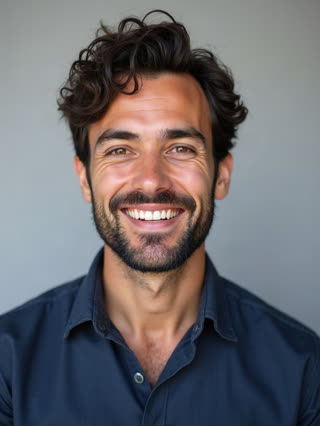
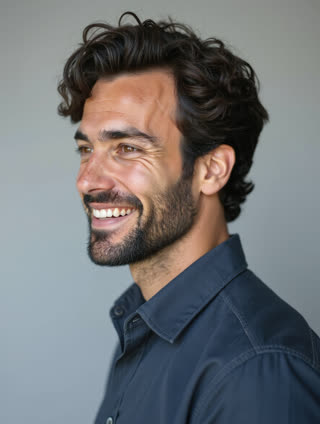
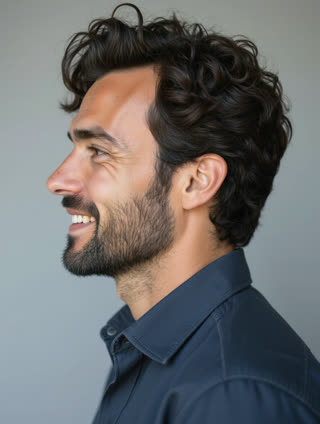
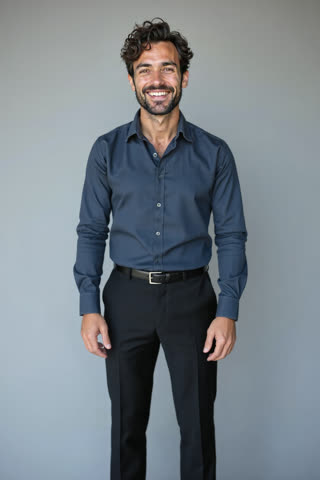
What you get
- You from 1–5 photos, the same coach every day
- 2 shots, 5 seconds, vertical 9:16
- Your spoken cue and gym sound generated with the video
- No watermark
Who it’s for
For personal trainers and online coaches posting daily tips, for gyms and studios promoting classes, and for fitness apps that need a consistent coach face across many short clips.
The prompt
What the studio fills in for you. Your subject takes the place in brackets; you can change any of it.
- Shot 1A bright modern gym with large windows: [you] in black training clothes does a slow bodyweight squat seen from the side, back straight, arms forward. Gym ambience.
- Shot 2[you] stands up, looks into the camera and says with an encouraging smile: "Push the floor away, and keep your chest up."
Make it yours
Pick the exercise
Change the squat to a push-up, a plank, a lunge or a kettlebell swing, described in plain words.
Write your cue
Replace the quoted line with your own coaching cue, one short sentence your clients always need to hear.
Change the place
Move the demo to a park at sunrise, a home living room with a mat, or a boxing gym.
Photos that work best
People: 1–5 photos with the face clearly visible and evenly lit — a straight-on portrait first, then a three-quarter angle and a profile. Skip sunglasses, heavy filters and group shots; if a photo shows more than one person, the studio can’t tell who you mean.
How it works
- Sign in and add you from 1–5 photos. Each subject is saved once, so every later template takes one tap.
- The studio opens with this template filled in: both shots, 5 seconds, 9:16. Change any word you like.
- Press Generate. The clip is ready in a few minutes, without a watermark, and the same subject is there for the next one.
Questions
- Is the movement accurate?
- It looks right for a simple, common exercise. Check the clip before posting: for technique-critical tips, film the demo for real and use RefVid for intros.
- Can I change what I say?
- Yes, the cue is in quotes in the second shot; keep it to one short sentence.
- How much does this template cost?
- A new RefVid account’s free credits cover one 3-second clip. The full template is 5 seconds with sound: buy it as a single video, with no plan, or use credits from a pack or plan. Current prices are on the pricing page.
- Is this an AI fitness video generator for whole workouts?
- It makes short coaching clips with you as the coach. For long workouts, film the full session and use these clips for daily tips and intros.
- What makes a good fitness coach video?
- One movement, one cue, filmed so the form is easy to see. This template uses a side view for the movement and a straight-to-camera cue.